The power supply standard does not replace your system’s requirements
When changing a graphics card, it is easy to reduce the decision to one question: “Is my power supply ATX 3.1?” That is useful information, but it does not by itself answer whether a particular power supply can run a particular configuration. To answer properly, separate three questions: what conditions the power supply specification describes, what connection the graphics card needs, and what requirements the card manufacturer publishes for the complete system. These questions are related, but they are not equivalent.
Intel publishes the ATX design guide for desktop power supplies and its revisions, including version 3.1. That document describes technical design characteristics and conditions for the power supply; it does not automatically certify every product that uses the label, nor does it assess a particular combination of a power supply, GPU and the rest of a PC. For that reason, treat “ATX 3.1” as a reference for finding and consulting specifications, not as a universal compatibility answer. [1]
In practice, the standard’s name helps indicate what kind of documentation to look for, but it does not replace reading the hardware specifications for the components you intend to combine. Even if two products refer to the same standard, you still need to check the connections and conditions specified for each one. Compatibility is a conclusion about the complete set of components, not a property that can be inferred solely from a standard’s name or the wattage printed on a box.
ATX 3.1, PCIe and 12V-2x6: related, but different concepts
ATX refers to the design guide for the power supply and desktop platform. PCI Express, in turn, is the expansion environment to which graphics cards and their auxiliary power interfaces belong. 12V-2x6 identifies an auxiliary power connector for PCIe cards documented in Intel’s guide. A power supply advertising ATX 3.1 and a GPU using 12V-2x6 are related facts, but they describe different components and different aspects. [2]
This distinction helps avoid confusing a power-supply design standard with the type of connection used by a card. The former does not, by itself, tell you every specific connector available on a unit; the latter identifies an interface, but does not describe all the electrical requirements of a PC. Reading a label can therefore be a useful first step, but it cannot complete the check.
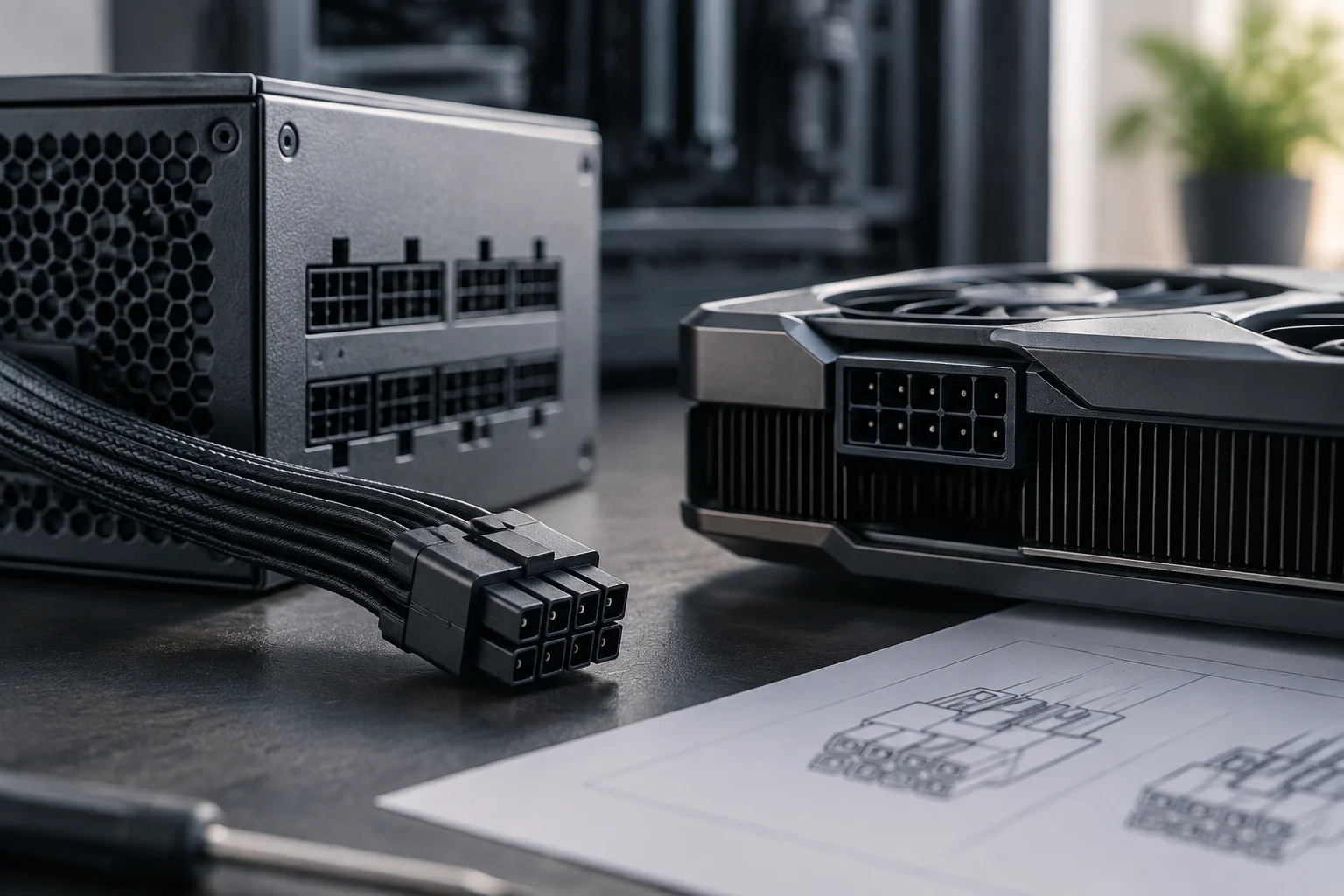
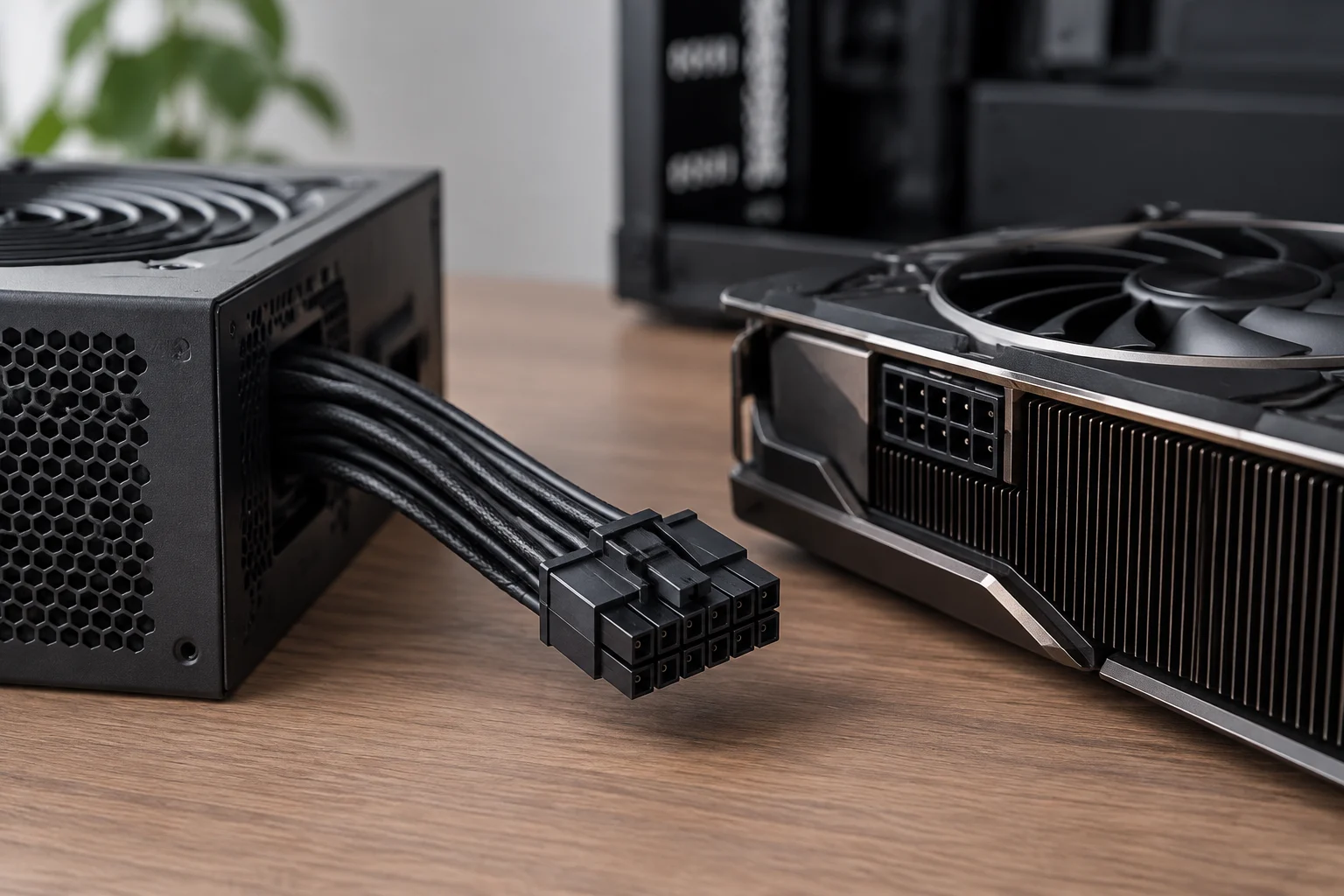
In particular, the connector does not by itself indicate the total power the PC needs, and it is not enough to confirm that the available cable is the right one for that power supply. Verify which connection the card calls for and which connections the power supply provides, including whether the documentation specifies a native cable or an adapter permitted by the GPU manufacturer. Do not assume that two cables with similar-looking connectors are interchangeable: with modular power supplies, the connection on the power-supply side can differ between models and product families. Appearance does not replace confirmation in the relevant documentation.
What to check in the official GPU and power supply specifications
The first check is the graphics card manufacturer’s recommended power supply for the system, not just the power figure attributed to the GPU. The recommendation may also take the processor and the rest of the configuration into account. Since no particular card is specified here, there is no universal figure that can be presented as suitable for every GPU. A power supply with a higher wattage rating does not, on its own, prove that it has the required connectors or meets every condition for use.
Find the recommendation in the card’s official specifications or instructions and check exactly what it refers to. A figure associated with the card is not the same as a recommendation for the power supply of the complete system. If you do not know the other components, or have not identified the GPU model, you cannot turn a general figure into a specific conclusion about that PC. This guide does not provide an alternative calculation or a universal wattage recommendation.
Check the connections, not just the wattage
Next, compare the list of required connections with the power supply’s cables. Check how many conventional PCIe connectors are needed, whether the card uses 12V-2x6, and what the power supply actually includes. Do not count connectors that are not present or assume an adapter is included with the GPU or power supply: confirm this in the specifications and manuals. The product model and revision matter; one product family can include different variants.
The check must distinguish between what the card requires and what the power supply actually offers. If the instructions mention an adapter, verify that it is the one specified for that product and that the connection arrangement matches the instructions. If the information is missing or ambiguous, do not fill in the gaps by intuition: consult the manufacturer’s documentation. This avoids assuming that a cable is available merely because a promotional image or abbreviated description appears to show one.
Identify the complete model
Power-supply manufacturer specifications show why it is useful to look up the model number and variant as well as the series name. For example, Corsair’s official page identifies an RM850e variant by its SKU. That kind of identification lets you check the documentation for the actual model instead of relying on an abbreviated name. The example does not mean that this power supply is the right choice for a particular GPU: reaching that conclusion also requires comparing the card’s requirements and those of the rest of the PC. [4]
Labels and certifications: useful, but limited in scope
A label can summarise a feature or make a product easier to identify, but it should not be interpreted as a general compatibility certificate. “ATX 3.1” refers to a design reference; “12V-2x6” identifies a type of connection; and a wattage figure expresses a power specification. None of these details, on its own, confirms that the power supply includes the cables required by a GPU or that the complete configuration meets its manufacturer’s recommendation.
The right approach is to understand what information each indication provides and what it leaves unanswered. The standard does not identify every element of a configuration by itself; the connector name does not determine the total power required; and the wattage figure does not necessarily list the cables available. Each detail can be useful within its scope, but you need to bring them together and compare them with the published conditions for the specific models.
It is also important to distinguish a marketing claim from a documented check. To support a decision, prioritise the official documentation for the exact model and avoid transferring the features of another similarly named version to the product in front of you. Retailer pages or third-party summaries can help you find a product, but the manufacturer’s specifications and manuals are better references for confirming connectors, variants and compatibility conditions. A series name can guide your search; it is not always enough to identify the exact variant you have.
The scope and limits of this guide
This guide is deliberately documentary in scope: no power supplies or graphics cards have been tested, and no power consumption has been measured. Nor does it calculate power requirements for a configuration that has not been described. This limitation does not prevent us from setting out a verification method, but it does mean that a conclusion about a particular PC must wait until its components are known and their respective specifications have been consulted.
These instructions therefore help organise a review of the available information; they do not replace a manufacturer’s recommendation or certify a hardware combination. Without the GPU model, the power supply’s model and variant, and details of the rest of the system, it is not possible to state that a particular power supply is suitable. The conclusion must remain tied to the evidence available for that configuration rather than being extrapolated from a label or example.
Checklist before reusing or buying a power supply
Before deciding, identify the complete model of both the graphics card and the power supply, including the variant. Look on the GPU’s official page for the recommendation for the system power supply, the type and number of connectors, and any instructions concerning adapters. On the power supply’s page, confirm its rated power, included cables and stated compatibility. If a detail is not listed, do not infer it from a photo, the series name or a generic label.
The practical sequence can be short: first, check the requirements; then, check the connections; lastly, validate the exact model. To do this systematically, gather the specifications for both products and compare their instructions point by point. Check that the power recommendation refers to the system, that the required connectors are available, and that the cables or adapters match the instructions applicable to the model. A positive answer on one of these points does not automatically resolve the others.
If you cannot verify a condition, pause your conclusion and contact the manufacturer. Do not force a connector or use a modular cable from another power supply without explicit confirmation of compatibility. Modularity describes how cables connect to the power supply; it does not guarantee compatibility across brands or models. In particular, do not resolve a cable question solely by whether it physically fits or looks similar: the product documentation is the reference for validating its use.
Conclusion: decide based on the specific models
In short, ATX 3.1 can indicate the generation of the design guide, while 12V-2x6 identifies an interface relevant to certain cards. Whether to reuse a power supply, however, depends on the requirements published for the GPU, the cables available and the complete configuration. These points answer different questions and should be checked separately before combining them into a conclusion.
If you are considering an upgrade, start by identifying the exact graphics card and power supply; then compare their official specifications and verify each stated connection and condition. When information is missing, ask for confirmation rather than filling the gap with an assumption. The exact model’s specification sheet, not an isolated label, is the safest starting point for a decision.