Compatibility starts with the platform, not the module
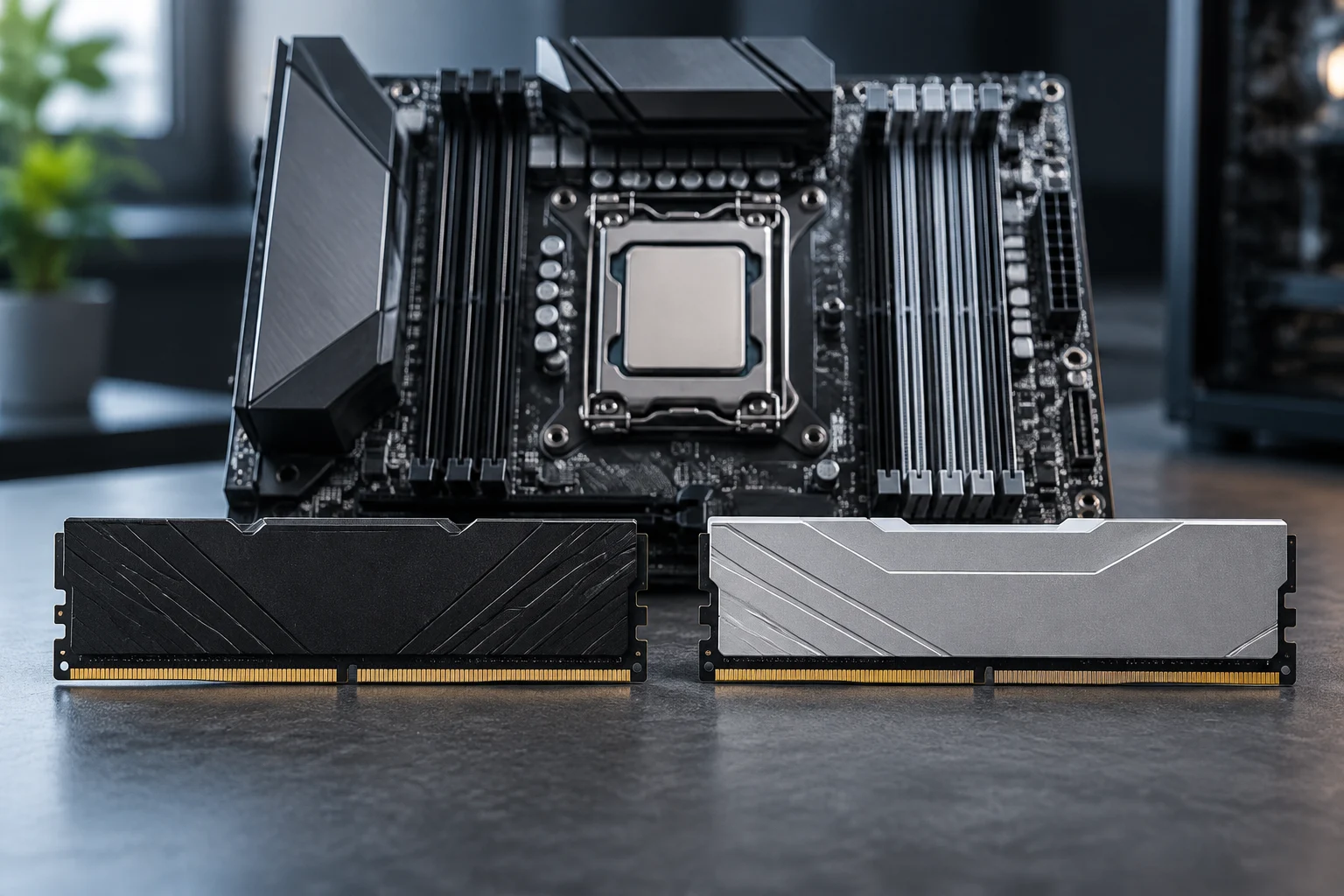
DDR4 and DDR5 are different generations of memory. For a desktop PC, the practical question is not simply which module fits inside the case, but which type of memory is supported by the specific combination of processor and motherboard. The memory controller is in the processor, while the motherboard determines the physical and electrical implementation that can be installed. You need to check both parts of the combination: a CPU that supports one generation does not automatically make every motherboard designed for that processor family compatible with it.
Intel’s specifications show why it is worth checking the model and platform instead of making assumptions based on a generation name. Documentation for 12th-generation Core processors describes the memory controller and distinguishes DDR4 and DDR5 interfaces; the 13th-generation SKU support matrix also addresses support at the processor level. The decisive reference is the specification for the exact model and the motherboard specification, not a general rule such as “this generation always uses DDR5.” Intel: memory controller and SKU matrix.
DDR4 and DDR5 modules are not interchangeable
Although both types are described as desktop DIMMs, DDR4 and DDR5 are not interchangeable. Their physical design and interface differ: a module does not become compatible just because it has the same capacity or comes from the same manufacturer. It should not be forced into a slot or purchased on the basis of their broadly similar form factor. Before paying, make sure the module is identified as the generation supported by the motherboard.
A specific example helps turn a specification sheet into a purchasing decision: ASUS lists DDR4 memory for the PRIME A520M-K. That rules out DDR5 modules for this motherboard, even if the buyer is considering a CPU change within a compatible family. At the other end of the range, ASUS specifies DDR5 for the TUF GAMING B650M-E WIFI. These models illustrate that the memory choice is built into the motherboard; they are not purchase recommendations or a performance comparison between products. PRIME A520M-K specifications and TUF GAMING B650M-E WIFI specifications.
What you can keep and what changing memory involves
If the plan is to add or replace memory without changing the motherboard, the installed motherboard has effectively already determined the generation. Switching from DDR4 to DDR5 is not a module upgrade within the same slot: it requires a motherboard designed for DDR5 and a processor compatible with that platform. Conversely, moving to a DDR4 motherboard to reuse existing modules only makes sense if the processor you intend to use also supports that configuration and the specific motherboard supports it.
When considering reuse, it helps to separate four parts: memory modules, motherboard, processor and cooling. Modules are the least flexible across generations; the motherboard determines the memory type and socket; and the CPU must match that socket and the list of processors supported by the motherboard. Cooling may be reusable, but that depends on the physical compatibility of the mounting system and other requirements of the new processor. You cannot assume a cooler will work just because the CPU brand has not changed. For a minimal upgrade, check the motherboard model and CPU compatibility list before buying memory.
On a desktop, the calculation should include the cost of every part that a change of standard brings with it. If you already have a working DDR4 setup, keeping it may reduce the immediate expense, provided that it and the rest of the system remain suitable for your intended use. If the platform you choose requires a new motherboard and memory, the cost of the decision is not the price of a DDR5 kit, but the total cost of the components needed for the PC to boot and operate within specifications. Cheaper memory does not necessarily mean a cheaper upgrade.
Comparing platforms: the full budget, not just price per gigabyte
To compare two configurations, use an equivalent basket: processor, motherboard, memory of comparable capacity and, where relevant, cooling or other parts that you genuinely need to replace. Capacity and module count also matter if the options are to meet the same need; it is not fair to compare a small kit with a higher-capacity one and attribute the entire price difference to DDR4 or DDR5. Prices vary by market, date, availability and retailer, so a useful comparison requires current offers in your region and a note of what each one includes.
A simple method is to divide spending into three parts: what you can keep at no cost, what you must buy, and what you would change for convenience. The last category might include a motherboard with more slots, extra connectivity or room for more capacity, but those are separate choices from the memory generation. With a tight budget, ask how much it costs to meet the specific need while keeping compatible parts; when building from scratch, compare two complete platforms. Avoid comparing DIMM prices alone, since that omits motherboard and processor costs when a generational change requires them.
It is also important to distinguish official compatibility from operation using memory profiles. A processor specification may state supported speeds under certain conditions, while a motherboard may advertise higher speeds through configuration profiles. That figure does not guarantee that every combination will automatically reach the advertised value: the processor, number and arrangement of modules, BIOS and exact kit all matter. Check the manufacturers’ limits and conditions before including a high speed as a guaranteed benefit in your budget.
Specifications are not the same as performance tests
DDR5 is a later generation, and its standard documents its own technical characteristics, but that does not mean that every DDR5 PC will always be faster than a DDR4 system in every task. Final performance depends on the CPU, memory configuration, application and workload. For gaming, content creation, compiling or everyday work, conclusions require comparable tests using controlled components and settings. An advertised speed figure alone does not show which option performs better under a real workload.
JEDEC documentation is useful for understanding the DDR5 specification, not for deciding how much a particular program will improve over DDR4. Similarly, an academic article on signal integrity and power analysis in DDR4/DDR5 systems deals with design and engineering; it is not an application-performance test for a PC user. Do not confuse an electrical or interface specification with a measured advantage in a task. If performance matters more than compatibility or cost, consult independent tests comparing complete platforms and check that the test conditions are relevant to your use.
This guide does not present benchmark results or prices: the sources cited here document compatibility and standards, not current comparative measurements or market quotations. That limitation matters. The sources allow us to say which generation particular models support and why a change may require additional components, but not to establish a universal performance difference or a fixed monetary saving. For an actual purchase, tests should cover the specific models, and prices should be checked on the same day in the market where you intend to buy.
Checklist before buying
Before adding memory or starting an upgrade, follow an order that reduces the risk of incompatibility. Start by identifying the full motherboard model, including its revision if the manufacturer specifies one, and look up its official specifications. Check the supported memory type, maximum capacity, number of slots, permitted combinations and any configuration requirements. Do not infer these details from the chipset, the board’s appearance or a retailer’s listing.
Next, identify the exact processor model and confirm the type of memory it supports in the manufacturer’s documentation. If you are changing the CPU, also consult the motherboard’s CPU compatibility list and check any BIOS conditions that may apply. When choosing a kit, verify the generation, capacity, number of modules and speed specifications; if the motherboard publishes a qualified memory list, use it as an additional check. A validation list does not necessarily mean that other modules will not work, but it offers a more specific reference than a marketing label.
Finally, calculate the total cost and decide what need you are addressing: adding capacity, replacing a faulty module or upgrading the platform. Write down which parts you already own and which are compatible with the plan. If there is no proven gain to justify a broad replacement, keeping a working configuration may be reasonable; if the new processor or motherboard requires a different generation, include the cost of the appropriate modules from the outset. The sensible decision is not to choose DDR4 or DDR5 in the abstract, but to choose a combination that is compatible, sufficient for the intended use and within the full budget.