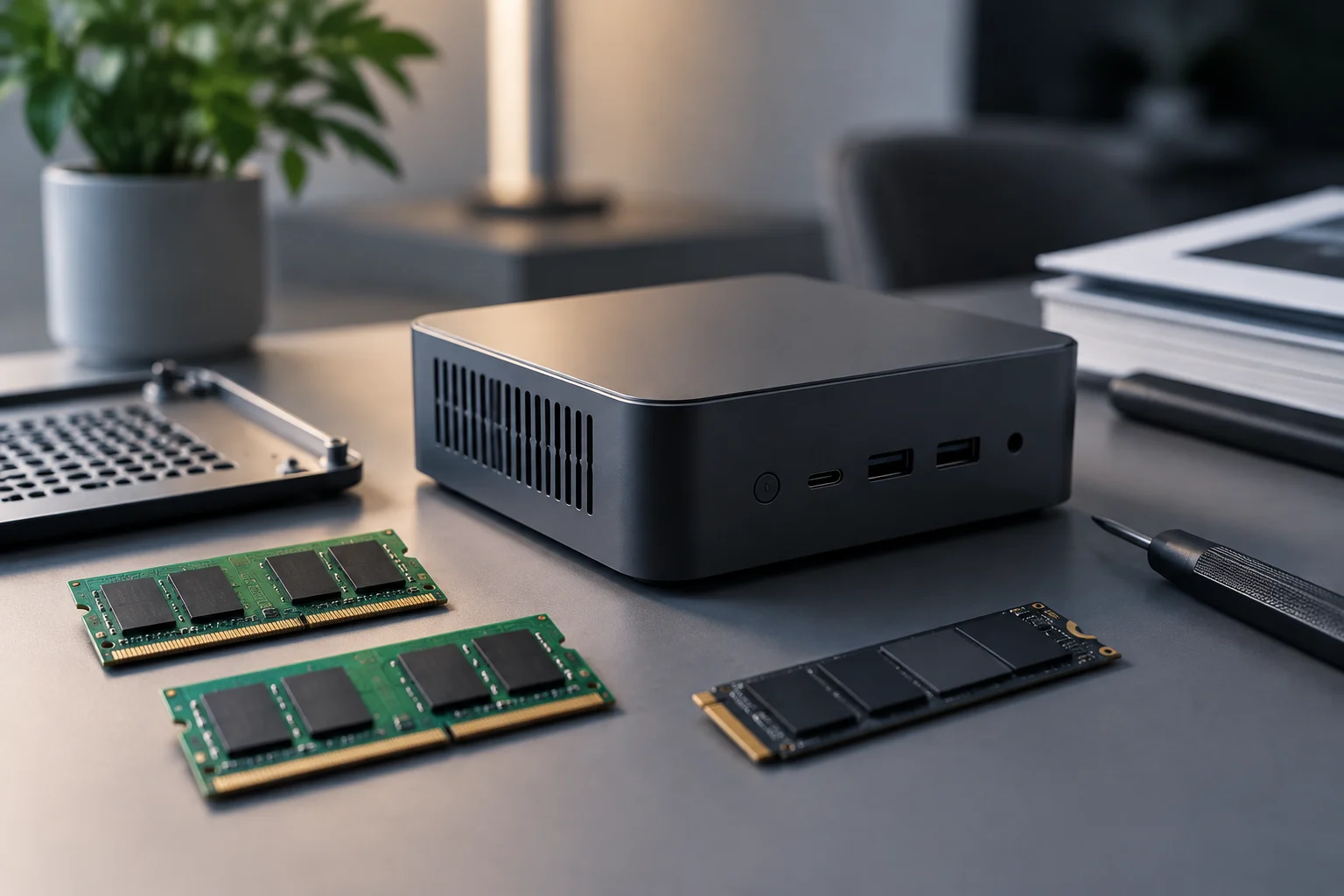
Compact size does not answer the important question
Two mini PCs with similar dimensions may be designed differently inside. That is why neither the size of the case nor a photograph of the exterior can tell you whether the RAM or storage can be replaced or upgraded. The answer depends on the design and the exact configuration: what matters is finding documentation that describes that model, rather than inferring its options from its product category.
It helps to separate three ideas that are often confused. Upgradeable means the system allows capacity to be added through an available slot; replaceable means a component can be removed and exchanged for another compatible one; and soldered means the component is attached to the board and is not presented as a conventional module that the user can replace. Even if a part can be replaced, that does not guarantee that any replacement will work, that the process will be easy, or that the manufacturer considers it a warranty-covered operation.
A listing that advertises, for example, a certain amount of memory or storage is first of all describing a configuration. It does not tell you whether that amount is the maximum, whether a slot is free, whether the component is removable, or whether several configurations share the same product name. The useful rule is simple: do not turn an advertised capacity into a promise of upgradeability. To make that decision, identify the precise product identifier and follow the documentation through to the memory and storage specifications.
Start by identifying the model and variant
Before comparing options, write down the mini PC’s full name, model number or SKU, and configuration code, if one is shown. A single product family may include different generations, processors, or factory configurations; do not assume that their memory and storage options are identical without checking. A retailer may use a shortened name, so compare it with the manufacturer’s website, the product label, or the relevant manual.
The specifications page can help you find useful terms and details: memory type, number of slots, maximum capacity, drive type, form factor, interfaces, and installed capacity. However, a retail page may list several configuration options without fully explaining how they are achieved. If a limit or slot is not mentioned, do not fill in the gap by analogy with another model or by relying on a general statement about the brand.
A two-step search
- Confirm the identity: compare the model and variant in the retailer’s listing with those on the manufacturer’s website.
- Find the technical documentation: consult the specifications, user or service manual, and, if available, the official compatibility list.
- Link every detail to its source: note which document confirms each limit or form factor and which item is only a retailer recommendation.
- Stop where the evidence stops: if the documentation does not clarify whether a component is soldered or a slot is free, mark that point as unconfirmed.
RAM: check modules, type, and limits
For RAM, look beyond the installed capacity. The documentation should clarify whether memory is supplied in modules, how many slots there are, how many are occupied, and which generation or type the system supports. You should also find the stated total limit for that configuration and, if specified, any restrictions that apply to each slot. The advertised number of gigabytes does not answer these questions on its own.
One example of why this level of precision matters is ASUS’s support information for certain mini PCs or NUC12SNK kits: it documents two DDR4 SODIMM slots, unbuffered, non-ECC modules, a stated speed of 3200 MHz, and a maximum of 64 GB. These details refer to the products identified on that page; they cannot be applied to every mini PC or even to every NUC system. The limit must remain tied to the model for which it is documented.
If the manufacturer offers a compatibility tool, use it as an additional check for the memory part numbers it recommends, not as a substitute for identifying the computer. Before buying modules, compare the memory type, physical form factor, capacity, number of modules, and supported configuration. If the listing only states “maximum memory” but does not explain whether memory is soldered, whether slots are available, or whether the figure varies by variant, the scope for upgrades has not yet been verified.
Storage: seeing the word SSD is not enough
A mention of an SSD does not fully describe the options for upgrading storage either. To assess a replacement or an additional drive, you need to identify what the computer supports: drive type, physical form factor, interface, number of connectors or slots, and maximum capacity, where published. A listing may advertise the included storage without saying whether a second position is available; those are separate questions and should be checked separately.
A service manual or maintenance guide can help identify accessible components and operations described by the manufacturer. Look for diagrams, opening instructions, connector locations, and replacement steps. If the documentation specifies a form factor or interface, do not assume that any drive with the capacity you want will fit: physical form factor, connection, and system restrictions are distinct considerations. M.2, for example, names a family of form factors; the name alone does not confirm that a particular drive is compatible with every slot.
When documentation only identifies one installed drive, do not infer that an empty slot is available. Likewise, if you cannot find information about maximum capacity, do not assume that a limit published for another configuration applies. Record what is known—such as the included drive—separately from what remains unresolved, such as the presence of a second connector or supported capacity. If future expansion is decisive to your purchase, missing confirmation is a reason to ask the manufacturer or choose a system with clearer documentation.
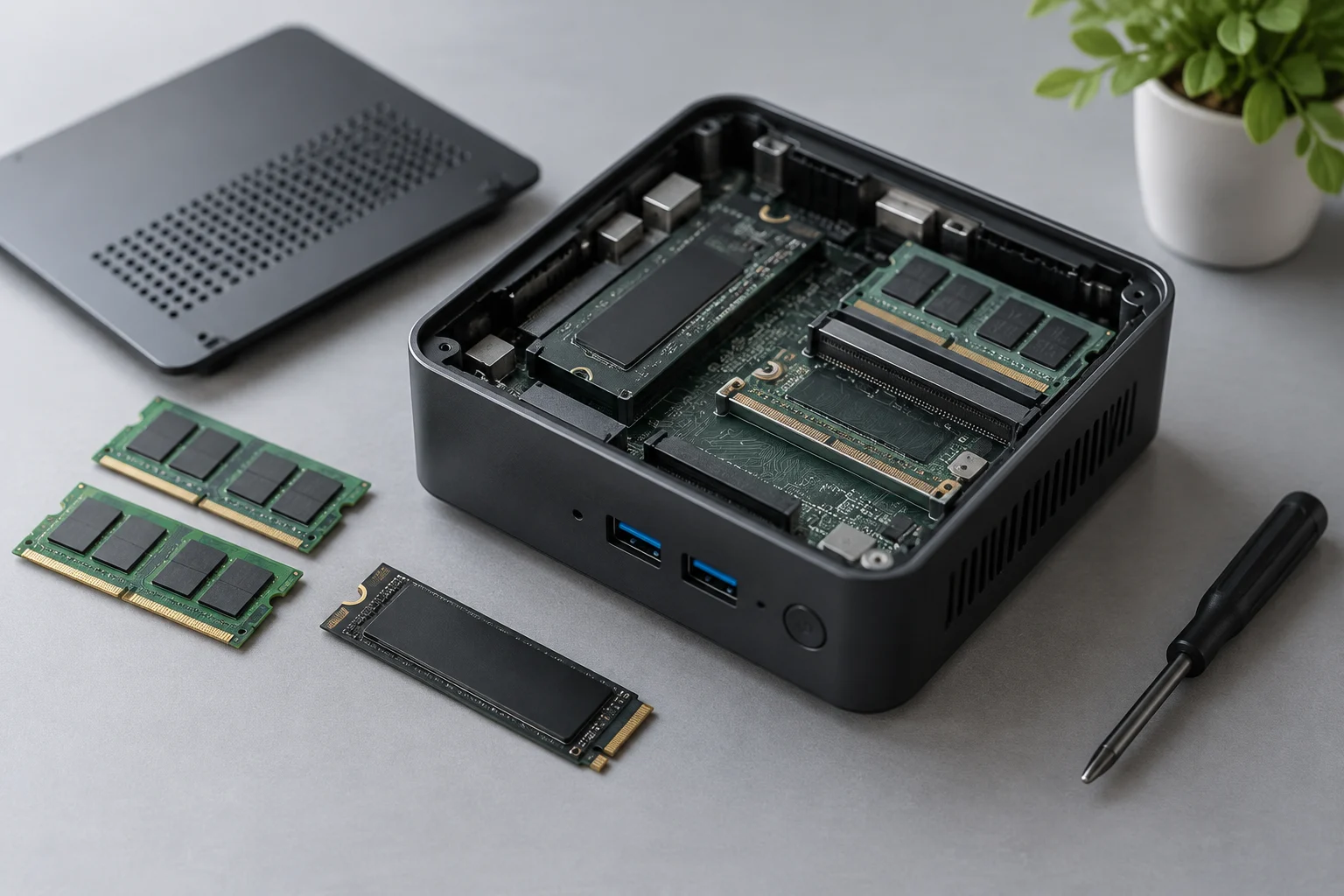
Soldered, replaceable, or upgradeable: each needs different evidence
The question “can it be upgraded?” bundles several issues together. A component may be replaceable even though there is no empty slot in which to add another; a slot may exist but already be occupied; and a maximum-capacity specification does not, by itself, prove that the user can physically access the component. Look for an explicit description in the documentation for the model, and distinguish manufacturer statements from inferences suggested by photographs or product names.
For memory, a reference to modules and slots provides concrete evidence about the documented design. For storage, look for connectors and drives identified in the manual. A service guide showing a replacement procedure provides more context than an exterior photograph, but you still need to check which variant it applies to and whether it describes a user operation or a service procedure. Do not assume that opening the computer is easy, necessary, or authorized by the manufacturer.
If the documentation does not make it clear
- Ask the manufacturer about the exact model and variant, not just the product family.
- Ask it to distinguish installed memory, replaceable modules, and free slots.
- For storage, ask about form factor, interface, number of positions, and the documented limit.
- Check which official instructions apply and whether they describe any consequences for warranty or service.
- Keep the response and the document associated with the model; a generic answer may not resolve the question.
Cross-check sources and decide based on what is confirmed
Manufacturer specifications and manuals are the starting point for learning what the manufacturer declares about its product. An independent review may provide practical context, such as showing the inside of a particular unit or describing a configuration sold at retail, but it should not automatically be generalized to every model in a family. A review may also cover a different variant from the one offered by the retailer.
When comparing sources, check the date, model, and scope. If a retail page says “up to” a certain capacity, look for an official document that specifies the configuration; if an independent article mentions a slot, check that the tested model matches yours and seek confirmation in the manual. If two documents conflict, do not choose whichever claim is more convenient: record the discrepancy and ask for clarification. This guide does not compare specific models or claim that one brand allows more upgrades than another; the available evidence does not support such a ranking.
You can reduce the decision to a short checklist: exact model identified; memory and storage described separately; formats and limits documented; adding or replacing components confirmed; and important questions answered by a source that applies to that variant. If a future RAM or storage change is essential to your intended use, do not buy on the basis of an expectation. If it is not essential, you can decide using the confirmed information, while being clear about which capacity you could not verify.