Cores and threads: two related figures, not interchangeable ones
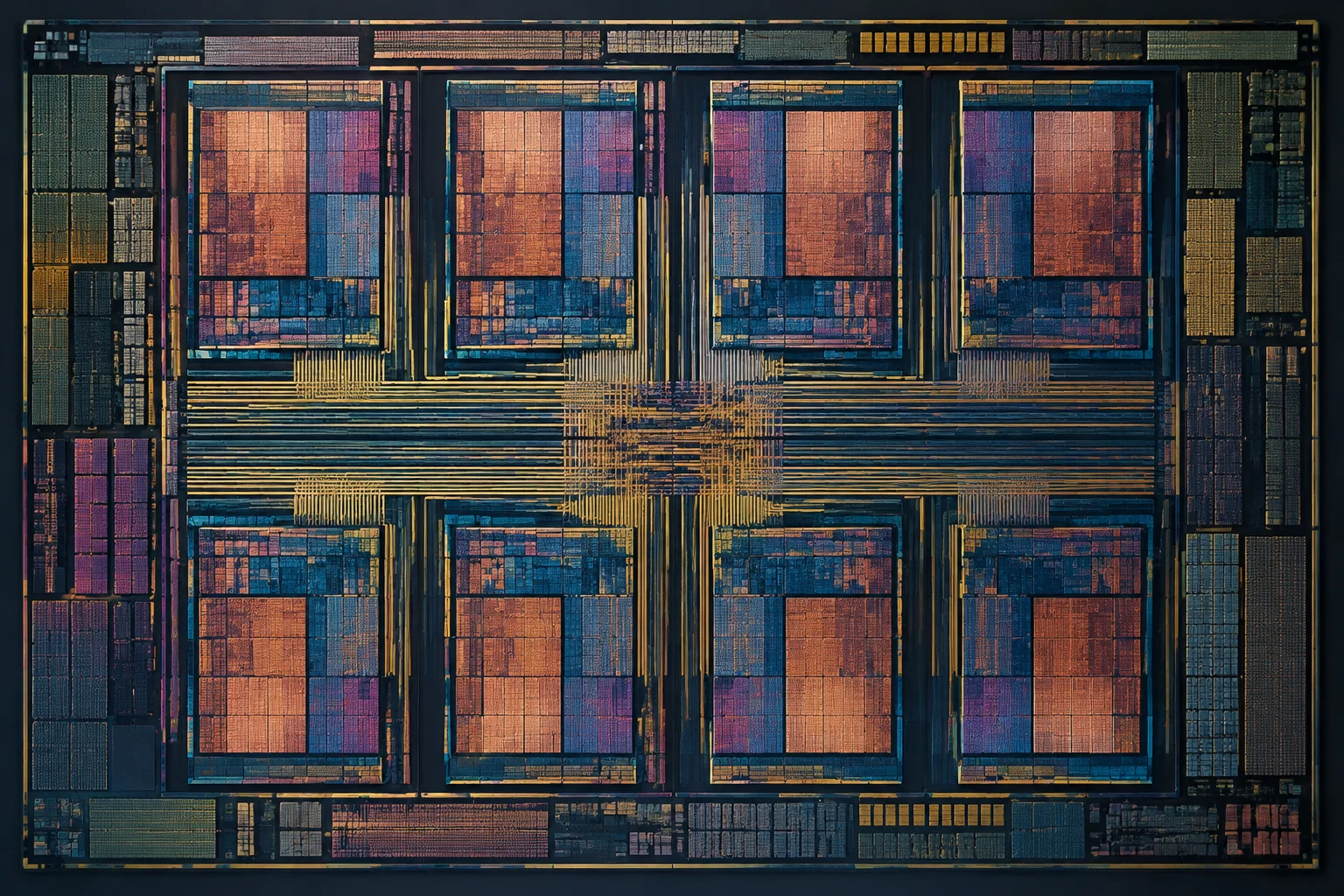
A core is a processing unit inside a chip: it executes instructions and performs work. On a specification sheet, the number of physical cores tells you how many of these units the processor contains. That is relevant for workloads that can be distributed across several units, but it does not, by itself, tell you how much work each core completes or how much the processor as a whole can do in a given amount of time. To interpret the figure, identify the exact model and consult its documentation rather than relying on a product-family name or a familiar-looking number.
The threads listed in specifications usually refer to the execution flows a processor can handle concurrently. Some CPUs let a physical core maintain the state of more than one hardware thread using a technique called simultaneous multithreading (SMT); Intel calls its implementation Hyper-Threading. That does not turn each thread into an additional physical core: threads on the same core share resources, so the effect depends on the processor and the work they perform. Not every model enables this feature, either. Intel, for example, states that its Core Ultra Series 2 processors do not include Hyper-Threading. The thread count is therefore useful configuration information, but it needs to be understood in the context of how that particular CPU is designed and what software will run on it.
What the counts can tell you
If a reliable specification lists the number of cores and threads, you can use it to describe that processor’s configuration. These figures can also help rule out a model that fails an explicit requirement for an application or workflow, provided you have confirmed that you are looking at the correct model and variant. They do not let you directly infer a performance score, nor do they guarantee that a program will make use of every available thread. A requirement expressed as a minimum thread count is a compatibility criterion, not a promise about speed.
Why more cores or threads do not settle the comparison
A higher core count can be useful when a workload divides well across multiple cores. The resulting performance also depends, however, on the cores’ design, the instructions they execute, sustained frequency, memory, and the computer’s thermal and power limits. Two processors with the same number of cores can behave differently; even two CPUs that each have more cores can change places depending on the application. A count describes one characteristic, not the outcome of a test. It does not account for how quickly the cores do their work, how long they can sustain it, or whether the software can distribute the work efficiently.
Additional threads do not amount to doubling computing capacity. SMT can help keep execution units busy when one thread is waiting for data or is not using all available resources. If two threads compete for shared resources, the gain may be small, nonexistent, or—depending on the workload and configuration—unfavourable. That is why turning “two threads per core” into “twice the performance” is inaccurate. Intel’s technical documentation presents Hyper-Threading as an execution feature and provides tuning guidance for specific workloads; it does not describe it as a universal acceleration guarantee. Actual results depend on the instructions and memory-access patterns of the software, as well as on what else is running on the system.
The type of task matters. An application that performs an operation mainly on one thread may respond more to that thread’s speed than to the total number of cores. Video exports, software builds, and some calculations can scale better across multiple cores, although the improvement depends on the program and its settings. Gaming can also be affected by the processor, graphics card, resolution, game engine, and scene. There is no ideal count for everyone: the useful question is which task you want to improve and what evidence is available for that task. A larger number is not inherently a better match if the workload cannot use it effectively or another part of the system is the limiting factor.
Reading the rest of the specification sheet in context
Start by identifying the complete CPU model rather than relying on a product family or a similar-sounding commercial name. Check the manufacturer’s official page for the model’s cores, threads, frequencies, memory support, platform, and enabled features. For processors with different types of core, look at how they are distributed: an aggregate total can conceal differences between cores and their roles. It is also worth checking whether figures are nominal maximums, what conditions apply, and whether the information refers to a desktop model or a mobile variant. Small model-name differences can correspond to meaningful differences in features or operating limits.
Specifications that help you ask the right questions
- Frequencies: Base and turbo frequencies describe different operating conditions. Do not automatically interpret a turbo figure as a sustained speed across all cores or for any duration.
- Power and cooling: Permitted power and heat-dissipation capacity can affect the frequencies maintained under load. Compare systems with reasonably comparable cooling and configured limits.
- Memory and platform: Supported memory type and speed, motherboard, and platform generation can change total cost or upgrade options. Also verify that the processor is compatible with the system you plan to use.
- Integrated graphics and specific features: If these matter for your workload, confirm that they are present on the exact model. Do not assume they exist just because another processor in the same family has them.
These specifications do not combine into a simple formula for calculating performance. Their practical value is that they help uncover incompatibilities, clarify operating conditions, and guide you towards the right tests. Windows compatibility guidance and manufacturers’ official pages can help with checks, but the specification for the exact SKU should take precedence when you need details about that SKU. A retailer’s listing may help locate a product, but if technical details conflict, check the manufacturer’s documentation before drawing a conclusion.

Use independent tests as evidence, not as a universal score
A benchmark answers a limited question: how particular systems performed with a particular workload, software version, and configuration. For a useful comparison, look for results from applications you actually use—for example, the same game at the same resolution if gaming matters, or the same type of project if you work in editing or software builds. A synthetic benchmark can help examine a general capability, but it does not replace results from the application that will determine your purchase. A test result is most informative when its workload resembles yours and its measurement is clearly explained.
SPEC’s results illustrate why the type of workload matters: the organisation publishes different suites for areas such as CPU, workstation, high-performance computing, and other scenarios. A CPU winning one test does not prove that it will win every test. Check what the benchmark measures, how its result is reported, and whether the systems were tested under comparable conditions. A result from a suite using server workloads, for example, should not automatically be treated as a prediction of gaming-PC performance. Likewise, a result from a heavily parallel task should not be used to claim an advantage in a largely single-threaded application.
Checks for a fair comparison
- Confirm that both results refer to the exact model, not just a processor family.
- Check that they use the same application and version, the same scene or task, and comparable settings.
- Review memory, cooling, power, and operating-system configuration where that information is available.
- Distinguish single-thread performance from multicore performance; do not combine them as though they measure the same thing.
- If a specific use case will decide the purchase, prioritise tests for that use and consult more than one independent source.
If tests use different systems or methods, some of the difference may come from those conditions. If there is not enough methodological information, treat a result as a clue rather than a conclusive comparison. The goal is not to find a perfect number; it is to gather evidence that reasonably resembles the intended use case. Check whether reported results are averages, completion times, frame rates, or another metric, and make sure the direction of a better result is clear before comparing them.
A practical checklist for comparing two CPUs
Before deciding, write down what you want the computer to do and which outcome matters: export times, smooth performance in a particular game, running several applications at once, or a combination. This stops a striking specification from distracting you from the actual need. Then compare exact models and verify each detail in the manufacturer’s documentation. A shop can help you find products, but it is not the best source for resolving a technical discrepancy when an official processor specification is available. Keep the full system in view as well: a CPU does not operate independently of its memory, cooling, graphics hardware, and software.
Use this order as a short guide:
- Define the applications, games, and tasks that need to run well.
- Check the exact model, cores, threads, and the features required for that use.
- Review frequency, power limits, memory, and compatibility with the motherboard, cooling, and platform.
- Find independent tests of those same tasks and compare systems tested under similar conditions.
- Consider performance alongside total cost, power use, expected system noise, and upgrade options; do not attribute those outcomes to thread count alone.
The conclusion is simple, even if the comparison needs context: cores and threads are configuration data, not a speed ranking. They provide an initial description and can help you decide which tests to consult. When choosing between processors, the most useful evidence combines official specifications for the exact model with reproducible results from workloads resembling the ones you will actually run. If that evidence does not exist for your task, acknowledge the limitation rather than turning a specification-sheet figure into a performance promise. That approach makes the decision more transparent: you can separate what the manufacturer documents, what independent tests have shown, and what remains uncertain for your particular setup.