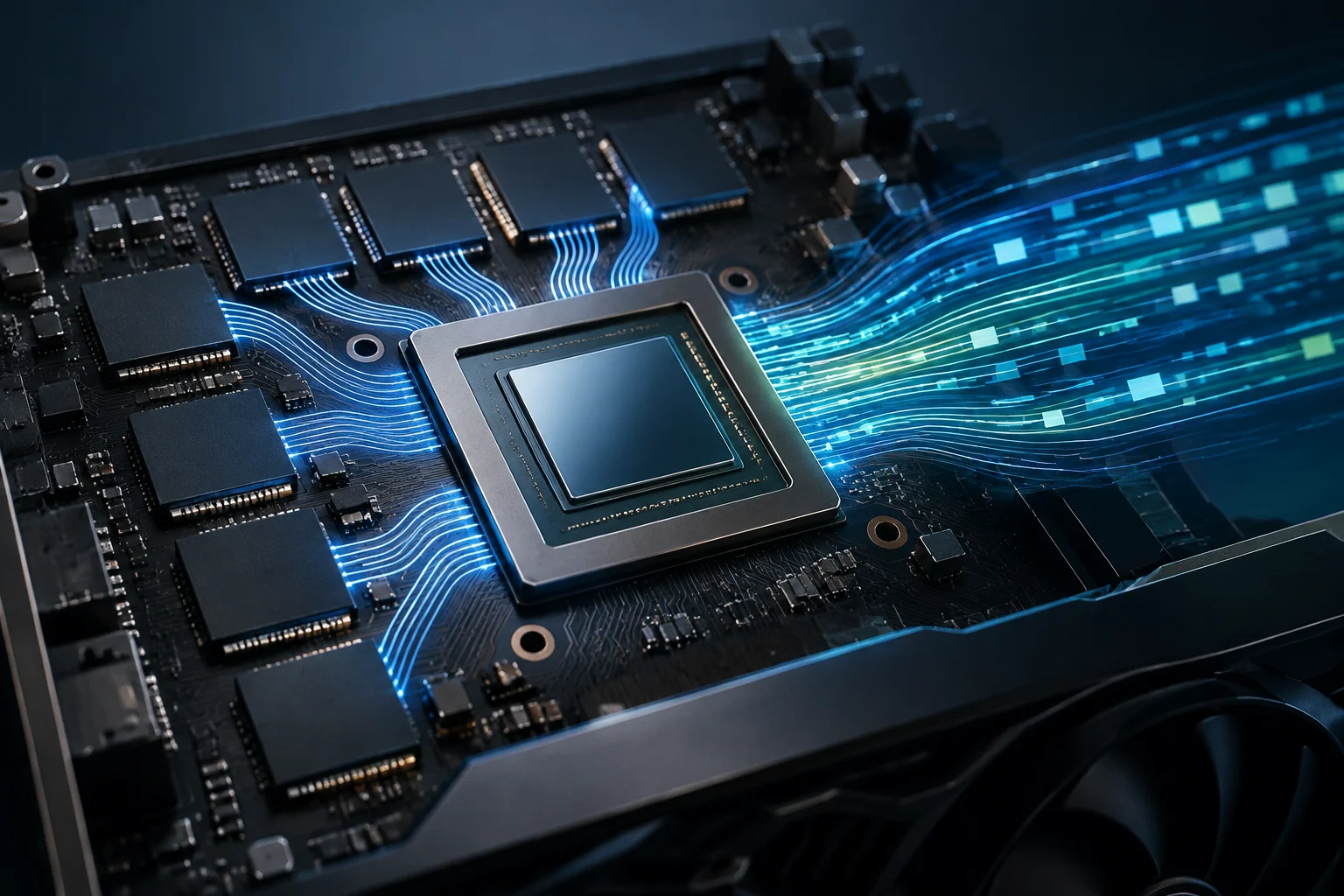
What memory figures do—and do not—tell you
When comparing graphics cards, it is easy to focus on two eye-catching figures: video memory capacity and bandwidth. Both are useful, but they do not answer the same question. Capacity indicates how much graphics memory the GPU has; bandwidth describes the rate at which data can be transferred between that memory and the graphics processor, under specified conditions. Neither figure, on its own, is a performance score or proof that a card will be faster in every game or application. Treating either number as a complete measure can obscure other important parts of the comparison, including the workload and the conditions in which it is run.
Local memory, commonly called VRAM, can hold data the GPU needs, such as graphics resources and other elements of a workload. If an application needs more memory than is available, what happens depends on the program, the system, and the way data movement is managed. A higher capacity figure can therefore matter for particular uses, but it does not guarantee a general improvement. NVIDIA discusses VRAM as one component to consider in its explanation of video memory; that manufacturer guidance is not a substitute for an independent comparison of specific products. (Source: NVIDIA, explanation of VRAM).
Capacity: how much fits, not how quickly everything runs
Capacity is normally expressed in gigabytes (GB). The practical interpretation is straightforward: it is the amount of memory space available on the card for graphics tasks. It does not describe the computing power of the cores, architectural efficiency, power consumption, or the speed at which an application runs. Those are separate dimensions, and they also affect the outcome. A capacity figure is best read as one part of a specification, rather than as a shortcut for judging the whole GPU.
Memory should not be treated as an isolated requirement, either. A game, for example, can have different memory demands depending on resolution, detail level, texture packs, and enabled options. For content creation, the workload depends on the project and software. If the intended use requires large datasets to remain in memory, capacity can be an important criterion; if it does not, having more GB does not by itself show that the GPU will finish a task sooner. The useful question is not “How many GB are better?” but “How much memory does my workload need, and what happens when that is not enough?”
A specification sheet is useful for checking the stated capacity, but it does not automatically reveal the real memory demand of every application. That demand needs to be examined through relevant tests, under conditions that matter to the user. If a review does not explain which program, scene, resolution, and settings it used, its figures may have limited value for deciding about a different workload. Keep the distinction clear: published capacity is a hardware specification, while application demand is a property of a particular task and its settings.
Bandwidth: transfers between the GPU and memory
Memory bandwidth is usually expressed in gigabytes per second (GB/s). Broadly speaking, it describes how much data can be transferred per unit of time between the memory and the GPU, according to the specified configuration. It is a characteristic of the memory subsystem, not a complete measure of computing speed. It should not be confused with capacity: a card can have more memory space without that, by itself, establishing its transfer rate.
It is also important to distinguish a theoretical specification from a performance measurement. The effective result of a task can depend on whether that task needs to move data, as well as on the architecture, workload, software, and other limits. Comparing bandwidth alone therefore cannot rank cards from different generations or reliably predict frames per second, render time, or the speed of an AI model. A specification can help describe a possible data-transfer characteristic, but the observed outcome still needs to be measured for the relevant task.
The name of a measurement tool does not remove this distinction. NVIDIA presents NVBandwidth as a tool for measuring GPU interconnect and memory performance. That description identifies its general scope, but it does not turn every number produced by a test into a universal comparison between cards: the method, configuration, and specific workload matter. (Source: NVIDIA Developer, NVBandwidth). Theoretical bandwidth and application performance are related data, not interchangeable data.
How to verify an official specification sheet
Start by finding the official page for the exact model, rather than a generic description of a product family. Manufacturers such as NVIDIA and Intel maintain product or graphics-line pages, but a family page may cover several cards, generations, or configurations. Check that the full name matches the GPU being compared and that the listing refers to a desktop, mobile, or professional card, as appropriate. The official GeForce and Intel Arc pages are useful starting points, not substitutes for identifying the specific variant.
Record capacity and bandwidth separately, together with the model, category, and unit. Do not mix GPU specifications with those of a particular add-in card if the manufacturer distinguishes between a reference design and partner versions. If a figure is not clearly shown in the available official documentation, it is better to mark it as unverified than to calculate it or copy it from a retailer page without checking its source. Preserving the unit and the exact product name also makes it easier to revisit the information and compare like with like.
A basic verification can follow these steps: 1) confirm the exact name and variant; 2) open the relevant official page; 3) record capacity and bandwidth exactly as shown, without changing units; 4) check whether the listing distinguishes a mobile, desktop, or professional product; and 5) keep the link and date consulted. The manufacturer's comparison pages can make it easier to look up models within the same family, although their figures remain manufacturer specifications, not independent results. (Source: NVIDIA, GeForce comparison).
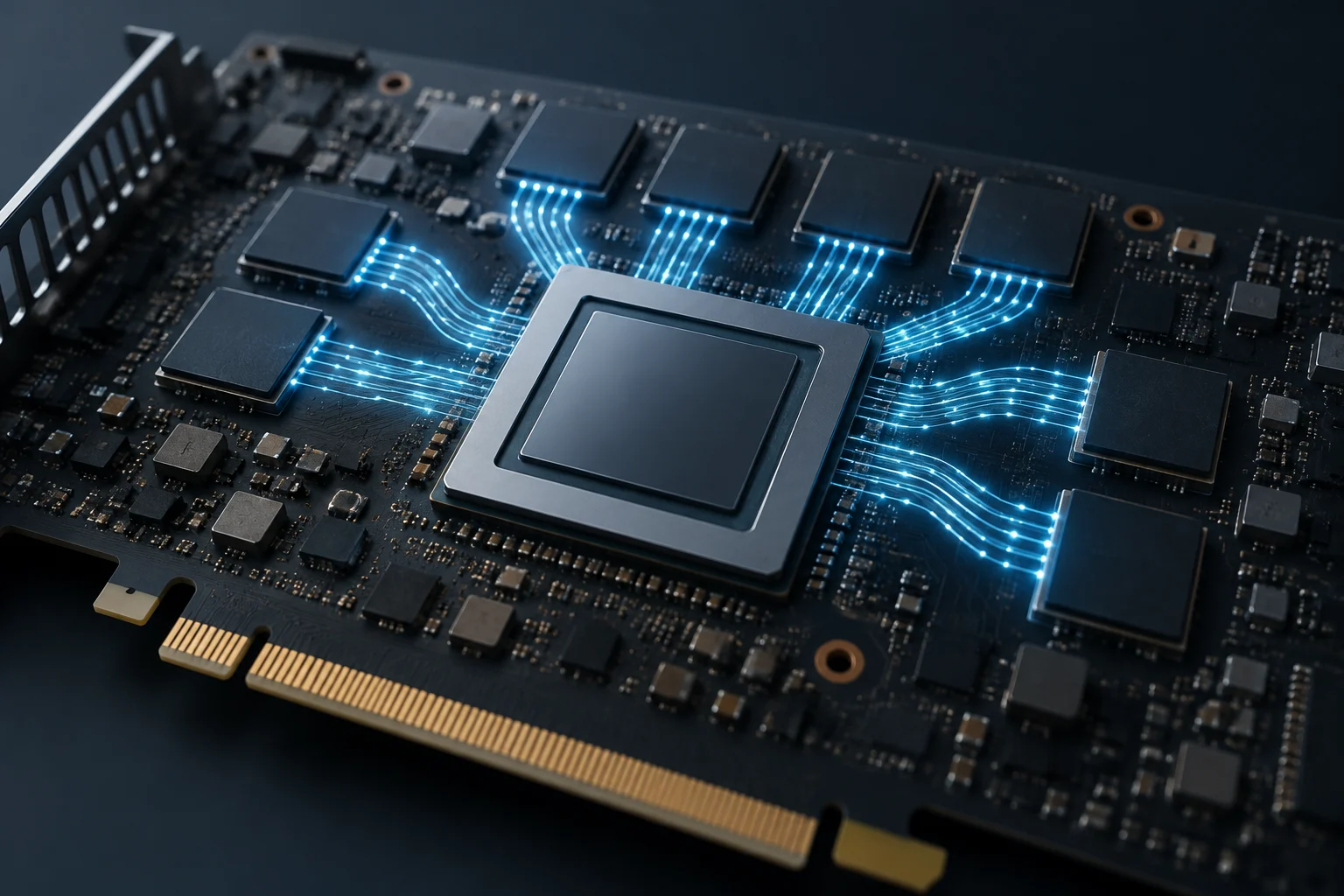
What to look for in independent tests
To find out whether a GPU suits a particular use, you need tests of that use. A useful comparison identifies the hardware tested, the program or game, the version, resolution, settings, and relevant conditions. It should also compare cards using the same procedure and explain whether the result is an average, an individual test, or another metric. Without that context, a figure can be correct for the test in which it was produced and still fail to answer a purchasing question about a different workload.
For games, separate tests run at comparable resolutions and settings, and check which metric is reported. For content creation, look for the program and operation you actually use: a test of one application does not necessarily establish performance in another. In either case, several workloads help prevent one result from being mistaken for a general rule. Do not attribute a difference to bandwidth or capacity without evidence that isolates that factor; other hardware and software changes may coincide with it.
The research supporting this guide does not provide comparable independent tests for specific models. Consequently, it gives no performance figures, ranking, or card recommendation. That absence does not invalidate the explanation of how to read specifications; it does mean the guide cannot support a conclusion about which model performs better or which one is the best purchase. A manufacturer comparison documents what the manufacturer declares, while an independent test needs to document how its results were obtained.
A checklist before you compare
Before deciding, first define the intended use: gaming at a particular resolution and detail level, editing a certain type of project, or running a specified application. Then record the official capacity and bandwidth for each exact model. Keep those figures separate and avoid combining them into a supposed single indicator; these sources provide no basis for weighting them and turning them into a score of your own. Writing down the workload first also helps ensure that the specifications and tests you consult answer the same question.
Next, check the specifications against independent reviews that include the workload you care about and use comparable procedures. Review the date and software version when available. If a test does not state its method or conditions, treat its result cautiously rather than filling gaps with an inference. Specifications help describe the hardware; a test shows how a particular configuration behaved under a particular protocol. Neither should be read as more than it establishes.
As a reading rule, use capacity to understand the available memory space, bandwidth to understand a transfer characteristic, and relevant tests to assess observed performance. None of these pieces answers every question. If comparable tests are missing, the responsible conclusion is limited: the declared specifications can be checked, but a general practical advantage cannot be asserted and a model cannot be recommended on that basis alone.