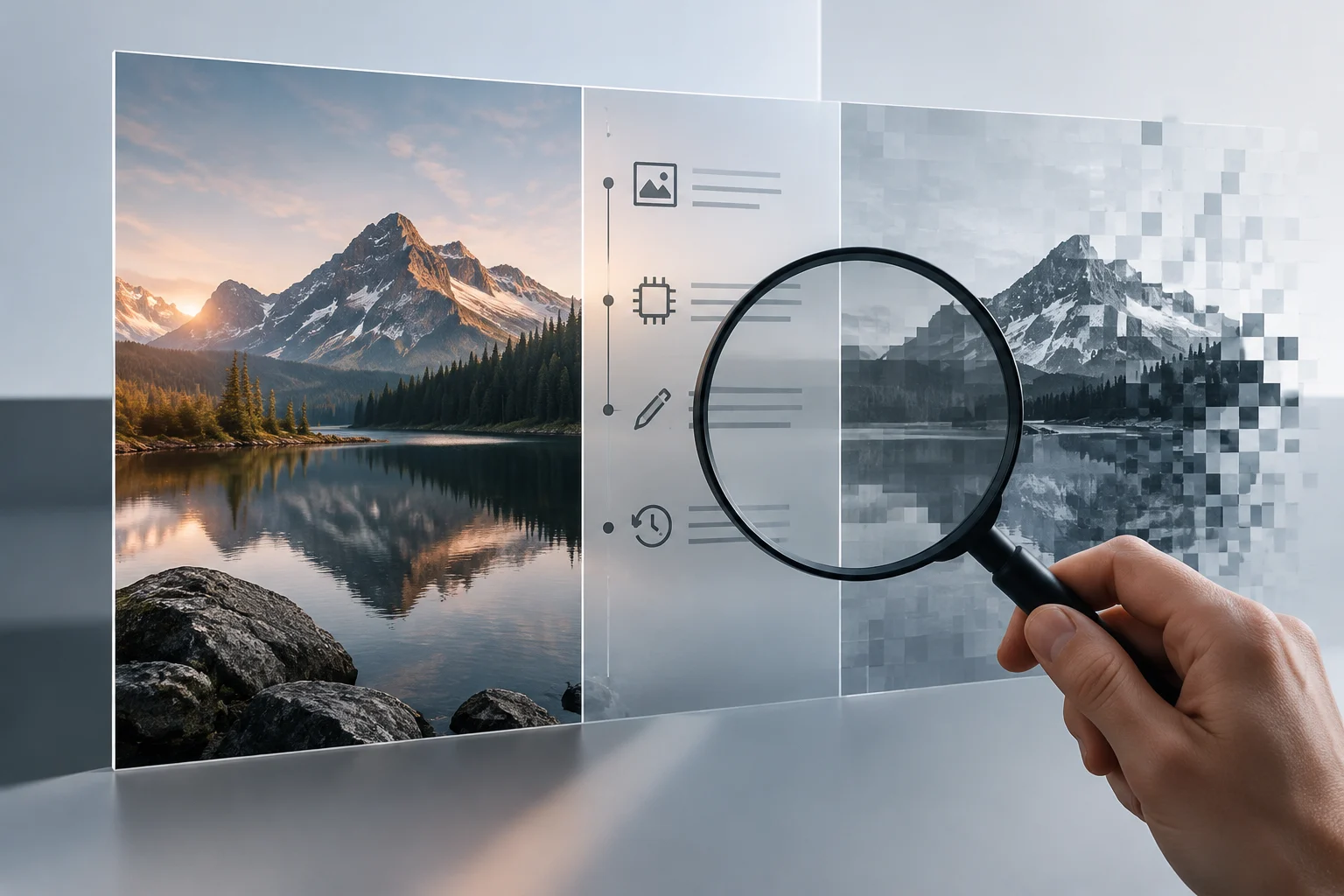
An AI label is not a verdict on an image
An image may have been created with a generator, retouched using automated tools, or modified conventionally. Those processes are not always visible to the person receiving it. Provenance labels and credentials aim to provide context: they describe information about a file’s origin and, when recorded, changes made along its path. They are not the same as a detector that tries to guess from the pixels whether an image looks synthetic.
This distinction matters because a credential answers specific questions: Is provenance information associated with the file? What does that information claim? Does its structure and link to the file validate? On its own, it does not answer, “Did what this image shows really happen?” or “Is the person who posted it legitimate?” The C2PA Explainer expressly warns that provenance cannot determine whether media represents the truth. A technical label is verifiable context, not a guarantee of factual authenticity.
An image’s record may include details about generation or editing if a tool records them. But a description of the process does not replace editorial assessment: an authentic photograph may show a scene out of context, and a generated image may illustrate an idea without claiming to document an event. Responsible interpretation separates what the file claims from what can be confirmed about the scene.
What C2PA provides and how to read its credentials
C2PA is a specification for associating provenance information with digital content. Its credentials, also called Content Credentials, can bring together claims about an asset, its provenance, and recorded actions or edits. The standard also provides mechanisms for linking claims to content and validating the integrity of that relationship. In practical terms, a compatible viewer can display available information and indicate whether the credential validates; the result depends on what was incorporated and whether the tool can read it.
It is best to read the data as a chain of claims, not as a universal “true” or “false” label. A credential can provide context about a declared operation, but it does not guarantee that every earlier stage was documented or that the person who recorded it has described their work accurately. The strength of any conclusion depends on what information it contains, who signed it, and how it relates to the file being examined. Validating a signature or a technical association is not the same as validating the full account.
The Explainer also defines the purpose: provenance can help consumers examine media and help professionals clarify edits, among other uses, but it is not intended to judge truthfulness. So, when reviewing a credential, look for concrete details—declared origin, recorded actions, and validation status—and avoid turning a generic mention of AI into a conclusion about intent, quality, or deception.
A credential’s presence does not end the investigation
A valid credential supports a limited technical claim: the information presented has passed the checks that the verifier performed for that file. It does not prove that the scene happened as described, that the context is complete, or that every transformation has been recorded. Nor does it remove the need to identify the original source. An image with a valid credential may still need to be checked against its date, location, authorship, and independent sources.
Conversely, if a verifier finds no credential, that does not prove that the image is false, AI-generated, or manipulated. The image may not have been created with provenance information; the software that produced it may not have added any; or a later copy may have lost the data. At most, the absence means that no readable credential is available in that file to that verifier. It is neither proof of fraud nor proof of authenticity.
It is also useful to distinguish provenance from automated visual analysis. A detector that assigns a probability of generation works with signals in the content and can be wrong; a credential provides claims associated with the file. These methods address different questions and have different limitations. Neither, considered alone, justifies a categorical conclusion about an image’s complete history.
What can happen when a file is copied, exported, or cleaned
Provenance data may travel inside a file or be preserved through associated mechanisms. As a result, some editing, exporting, or conversion operations can affect what information remains available. The Rusadix tool describes a method that reconstructs an image from its pixels and does not copy certain known metadata blocks into the new copy; it also warns that this does not remove possible watermarks integrated into the pixels themselves. This is a concrete example of why a copy without metadata does not tell the whole story of the original.
This does not justify concluding that every export removes a credential, or that one tool’s method is universal: the outcome depends on the format, workflow, and file. If provenance matters for verification, keep the file as received and record where it came from before opening and saving it again. If possible, compare the original with the copy and note any format or editing changes.
Privacy also deserves consideration. Metadata may contain more than AI-related information, including technical or location data. Removing metadata can reduce information associated with a file, but it can also erase context useful for verification. Before doing so, decide whether the goal is to protect personal data, preserve traceability, or both; keep a protected original copy when appropriate.
A short process for reviewing an image
Verification is stronger when technical inspection is combined with checking the context. If credentials are present, check what the record claims and whether the verifier presents it as valid; do not rely only on an icon or summarized label. If they are absent, note that absence without treating it as conclusive evidence. In either case, look for the earliest available source and compare the image with other sources.
A practical sequence for readers and creators:
- Keep the file as received and note who provided it, when, and through which channel.
- Consult a C2PA-compatible verifier and review the available details, not just whether a label is present.
- Check the place, date, authorship, and context against independent sources.
- If you edit or convert the file, keep a copy of the original and document the change.
- If there is no credential or it cannot be validated, report that limitation and do not infer from it that the image is false or true.
The conclusion should be proportionate to the evidence: “the file includes a credential declaring these actions” is more precise than “the image is authentic.” If there is not enough information, the useful response is to state what is missing and which independent checks were performed. Provenance helps reconstruct the file’s path; context helps assess what that path means.