
The EU rule and its scope
European common charging does not mean that every device must use the same charger, or that every USB‑C power supply will work in the same way. The rules set interoperability and information requirements for certain categories of radio equipment that can be recharged by cable. Laptops within the scope of the directive are among them. The practical aim is to reduce reliance on different charging connectors and make it easier for people to reuse compatible chargers. A common port is a starting point, not a universal guarantee of performance.
The requirement for laptops starts on 28 April 2026. This is a different date from the one applying to several smaller categories of portable equipment, for which the requirements began to apply on 28 December 2024. The directive lists specific categories: a product does not fall within the rules merely because it looks like a laptop; borderline cases require checking the legal category and definitions. The relevant date concerns placing equipment subject to the requirements on the market. It is not a general ban on using or selling older chargers. The rules therefore need to be understood in relation to the product covered, rather than treated as a blanket change to every device or power supply.
In broad terms, covered equipment that charges by cable must support charging through USB‑C and meet requirements related to harmonised charging. The Commission’s interpretative guidance helps explain how the rules apply, but does not replace the legal text. To establish whether a specific model is covered, the relevant references are its legal category, the date it is placed on the market and the applicable official documentation—not a marketing description such as “USB‑C compatible”.
USB‑C does not mean the same power
USB‑C describes the physical connector. It does not, by itself, determine how much power a charger supplies, which power profiles it supports, or how quickly it will charge a laptop. Effective power depends on the capabilities negotiated between the computer and the power supply, as well as the cable’s specifications. A charger with a lower output than the manufacturer recommends may charge slowly, fail to keep the battery level up during demanding work, or not be an approved combination for that model. The same plug shape, on its own, cannot settle any of these questions.
The EU directive links harmonised fast charging with USB Power Delivery in the cases covered by its requirements. USB Power Delivery, or USB PD, is a protocol that allows a power supply and a device to agree on power conditions; it should not be confused with simply having a USB‑C socket. Chargers may also have additional functions or protocols. Their presence does not guarantee that a particular laptop can use them, or that a charger will provide its advertised full output from every port or in every configuration. The capability of the particular connection is what matters, not the charger’s headline description alone.
Before reusing a charger, check the official specifications for the laptop, adapter and, where relevant, cable. Look for compatible output power, supported profiles or protocols, the power available from the port being used and the manufacturer’s recommendations. If the laptop came with an adapter, its specifications are a useful reference, but they do not prove that every alternative with the same connector offers equivalent performance. Actual compatibility depends on the particular combination. It is therefore worth checking each part against the stated requirements instead of assuming that a familiar connector makes them interchangeable.
What information buyers should be able to check
The rules also address consumer information and the option to buy certain equipment without a charger included. That option does not require manufacturers always to sell laptops without adapters, nor does it mean that every retailer must offer an identical bundle. When comparing models, the important points are whether an adapter is included and what charging conditions the manufacturer declares. The charging information or label provided under the rules is intended to help people understand what is needed to use the equipment and whether a power supply is provided. It can make comparisons more practical, but it does not remove the need to check the specifications of the chosen laptop and charger.
The Commission publishes guidance on interpreting the common-charging and information obligations. A retailer’s product page may nevertheless be incomplete or abbreviated. If it is unclear whether an adapter is included, what output it provides, or which protocol it supports, the manufacturer’s support documentation is a stronger reference than a general claim about compatibility. You cannot infer a product’s legal conformity solely from the shape of its port. Checking the information supplied for the specific model is more useful than relying on a broad description that says only that the device uses USB‑C.
A practical check can be reduced to three steps:
- Check the laptop’s product information to see whether a charger is included and what power input it supports.
- Compare the laptop’s power and charging requirements with the charger’s stated output and the cable’s capabilities.
- Consult the official specifications or support information if details are missing, or if you plan to charge the computer through a hub or dock.
These checks help distinguish a compatible connector from a suitable charging setup. They also identify which information needs to be confirmed before buying or reusing an accessory, without assuming that the same port necessarily means the same charging result.
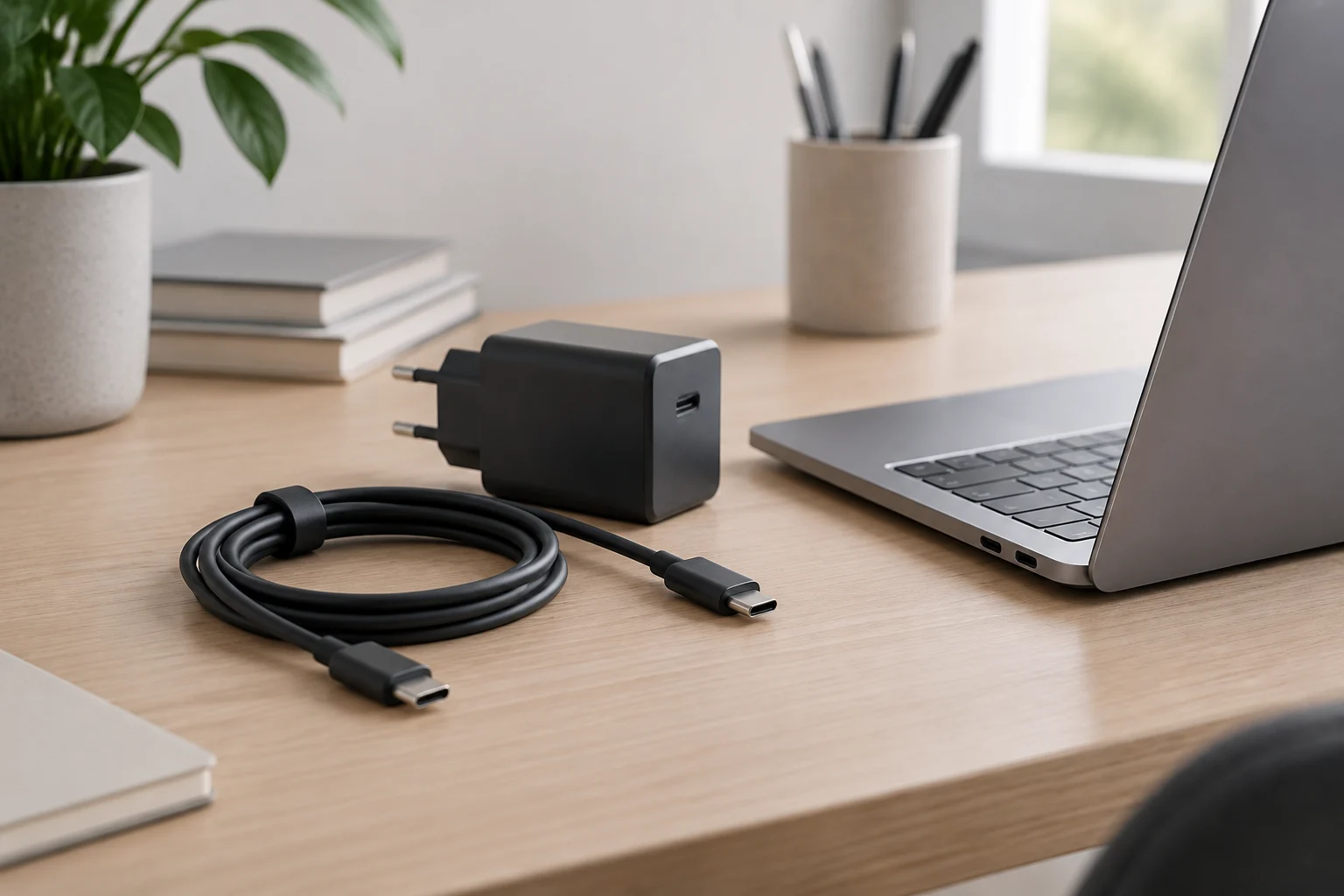
How to assess existing chargers and accessories
The rule does not automatically certify chargers, cables, docks or accessories already at home. Nor does it make every USB‑C cable suitable for every power level. With a dock or hub, the power available to the laptop may also be lower than the output of the connected power supply, because the accessory may reserve some power for its own components or other devices. The manufacturer’s documentation should explain how power is distributed and which adapter it recommends. An accessory’s connector alone does not show how much power will reach the computer in a real setup.
For a multiport charger, what matters is the output from the particular port and how much power remains available when several devices are connected. A maximum figure highlighted on the packaging is not necessarily available simultaneously from all ports. It is therefore not enough to compare only the large wattage number: read the conditions of use and the specified output combinations. For a cable, also confirm that it supports the required power and functions; do not infer that from its appearance alone. These checks apply whether the accessory is newly bought or already owned.
The rules aim to make the charging ecosystem for covered equipment more consistent, but they do not replace the specifications for each accessory. Compatibility needs to be checked case by case, especially when fast charging is needed, several devices are connected at once, or a docking station is used. If the manufacturer does not publish the necessary information, it is prudent not to treat compatibility as confirmed. The same careful check matters for a cable, a multiport adapter and a dock, since each can affect the power available to the laptop.
What changes—and what does not—for laptop buyers
For a new purchase in the EU from 28 April 2026, it is reasonable to expect laptops covered by the provision to comply with the applicable USB‑C charging requirement. This does not mean every model will include a charger, that all laptops will charge at the same speed, or that a phone adapter will be sufficient for a computer. Nor does it mean chargers or laptops bought before that date must be withdrawn or stop being used: the date is not a retroactive ban on existing accessories. The rule applies according to its scope and timing, rather than invalidating older equipment simply because it predates the change.
The rules help reduce one source of incompatibility—the charging connector—and establish related requirements for charging and the information given to buyers. Differences in power, protocol, cabling and port configuration still matter. For consumers, the most useful conclusion is straightforward: choose according to the laptop’s charging specifications, not just the USB‑C symbol. Also check whether an adapter is included and whether its output suits the intended use. Doing so avoids treating a matching connector as proof of equivalent performance or assuming that a charger intended for a smaller device will meet a laptop’s needs.
This article is limited to the EU rule and general common-charging documentation: it does not assess individual models or certify accessories. The rules establish a framework, but deciding whether a particular charger is suitable requires comparing the official specifications for the computer, charger and cable. The distinction between “the connector fits” and “the combination meets the laptop’s needs” is precisely what common charging does not eliminate. That is why checking the stated output and supported charging conditions remains useful even when both products use USB‑C.