The Google Play deadline does not mean what it might seem to
August 31, 2026 has passed: since that date, new apps and updates submitted to Google Play have had to target Android 16, API level 36, or later. The rule for existing apps is different: to remain available to new users on devices running recent Android versions, they need to target at least Android 15, API 35. So saying that all existing apps must target API 36 is an inaccurate simplification of the policy. Google says an extension can be requested, until November 1, 2026, for certain requirements. (support.google.com)
Targeting an API is a technical compatibility declaration to Android; it is not a certification that the interface has been designed well for every screen size. Play’s policy itself concerns the API level required to publish or distribute an app. Visual adaptation involves other considerations: how the app responds to available space, orientation changes and window configuration. It is worth distinguishing these issues before concluding that the Play requirement guarantees a better experience on a foldable. (support.google.com)
What Android 16 changes on a large screen
In Android 16, for apps targeting API 36, the system can stop honoring certain requests for a fixed orientation, maximum or minimum aspect ratios, and restrictions on resizing when a window has a minimum width of 600 dp or more. Multi-window mode is also allowed in that context. The documentation includes tablets, large inner foldable displays and desktop windowing; it does not describe a change that affects every screen or every way a phone can be positioned equally. (developer.android.com)
In everyday terms, an app that previously appeared confined to a tall rectangle or surrounded by bars might use more space and become available in other orientations or window sizes. That does not necessarily mean its interface has been redesigned: the system may allow more room, but the app is responsible for arranging its elements well within it. The change can therefore make an interface that does not adapt more obvious rather than fix it automatically. Google warns of potential problems, such as stretched or overlapping components, if a design was not prepared for the new dimensions. (developer.android.com)
The 600 dp threshold and the exceptions
The limit matters particularly on foldables. Android 16’s rule depends on the minimum width of the screen or window, not simply on whether a device has a hinge. Google identifies screens below 600 dp as an exception; this category includes most phones as well as the external displays of large foldables. As a result, the same app could behave differently on the outer and inner displays, depending on their dimensions and the conditions in which they are used. (developer.android.com)
The documentation also excludes games identified with the relevant category and allows users to enable an app’s default behavior in the aspect-ratio settings. In addition, with API 36, developers can declare a compatibility property to exclude a specific activity or the whole app from this behavior. This is not a way to preserve every restriction unchanged: Google clarifies that, for apps targeting API 36 or later, the property does not lock orientation or prevent rotation on large screens. The documentation says the option to opt out will be removed in API 37. (developer.android.com)
What foldable users may notice
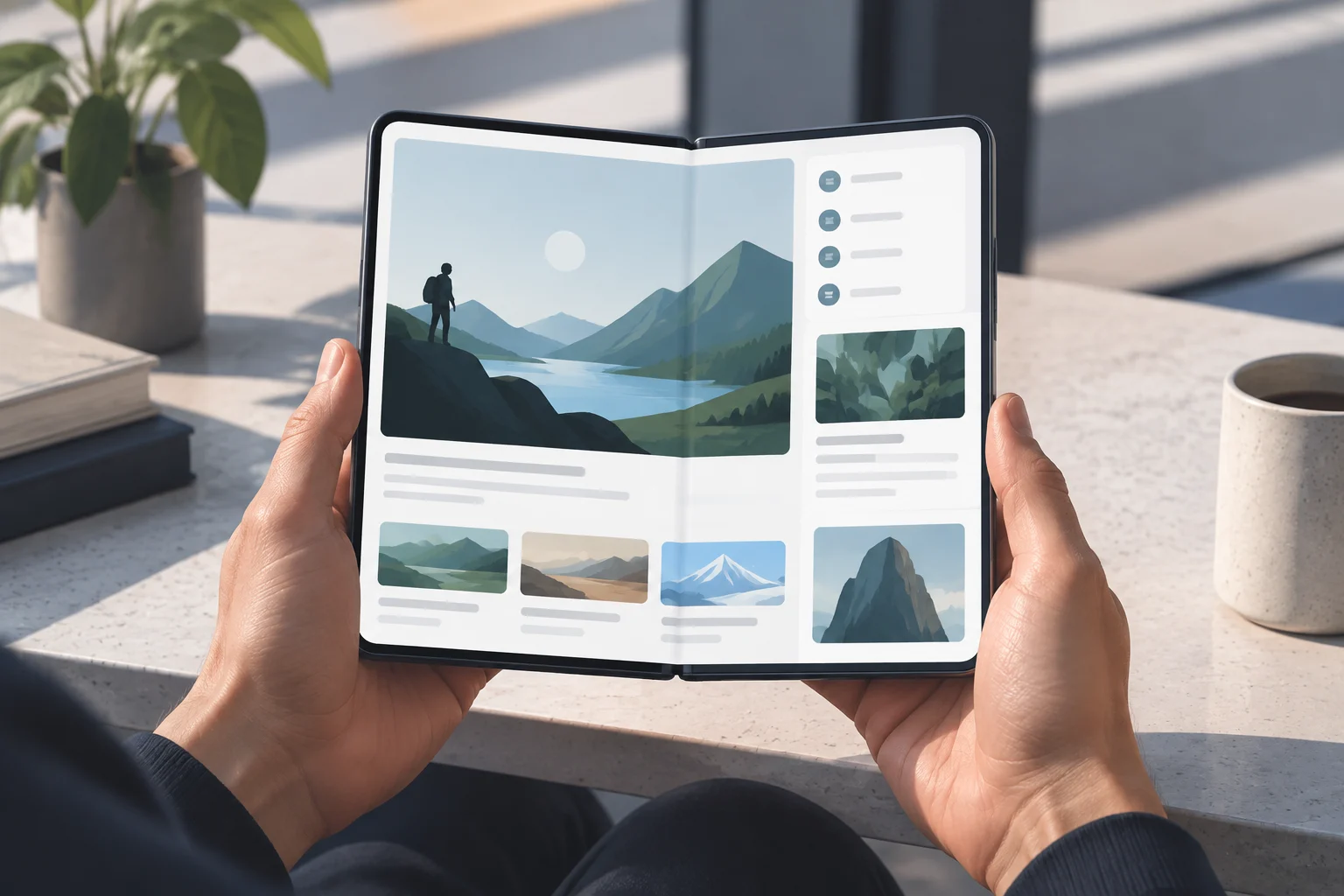
When unfolding a phone, users might find an app displayed full-screen instead of inside a narrow column, or see it adjust when they change orientation or window size. They might also be able to use it in multi-window mode if the system and app allow it in that context. These are possibilities arising from the behavior Android describes, not a promise that every app will show more content or offer new controls. The documentation cannot predict the result for a specific app without knowing how it is implemented and testing it on the device. (developer.android.com)
If a screen looks stretched, a control is out of reach, or the camera preview appears incorrectly rotated, that may indicate the interface does not respond well to that configuration. Android recommends checking that screens can scroll, limiting the width of components that would become distorted when expanded, and validating camera views in both portrait and landscape orientations. These are development recommendations, not settings users can apply to fix an app’s code themselves. (developer.android.com)
What developers should check
Adaptation means responding to the space actually available, not simply rotating a layout designed for a portrait phone. Android recommends using window size classes and responsive layouts to choose an arrangement that suits the dimensions. In a reading app, for example, a team might decide to show more content or several panels; for another interface, it may be preferable to keep a legible column with a maximum width. The goal is to avoid turning a wider window into oversized controls or a layout that is difficult to use. (developer.android.com)
App state also needs to be preserved when the configuration changes. Rotating, folding or unfolding the device, or resizing a window can cause Android to recreate an activity. The guidance recommends preserving data such as text entered in a form, so people do not lose their work or their place in the app. That is why testing a static screenshot of the inner display is not enough: it is worth working through real actions and transitions between sizes, positions and windows. (developer.android.com)
To verify a specific app, developers can test it in large-screen and foldable emulators and use the compatibility tools documented by Android. Users can update Android and the app, try both the outer and inner displays, and report specific problems to the developer, but the Play listing alone cannot tell them whether the design has adapted properly. The practical conclusion is narrower than a policy headline: API 36 lets Android enforce fewer legacy restrictions in certain large-screen contexts; the quality of the experience still depends on the implementation, the window’s effective size and any active exceptions. (developer.android.com)