Current State of Android in 2026
Android 16 launched in mid-2025 and has consolidated in 2026 as the foundation for new security protections. According to Motorola documentation, this version introduces enhancements in security and protection against evolving threats such as malware and phishing. It is important to note that Android 17 is now the latest version and is rolling out to more phones, meaning Android 16 continues to receive critical security updates.
The transition between versions is not instantaneous for all users. Manufacturers like Motorola confirm that their devices, such as the 2025 razr ultra, have been updated to Android 16 and will receive at least bimonthly security updates. This ensures that the privacy features described in this article are available to a large portion of the installed base throughout 2026.
Protections Against Spoofing and Fraud
One of the most significant announcements by Google in May 2026 is the protection against financial call spoofing. Scammers use internet-based calling systems to alter their caller ID, impersonating banks or financial institutions. This technique has caused estimated losses of $980 million annually worldwide.
To combat this, Google is working with select banks to offer verified financial calls. This feature is designed to identify and block fraudulent calls attempting to impersonate trusted entities. Unlike generic protections, this measure specifically targets social engineering fraud directed at the financial sector, a constantly growing attack vector.
Post-Quantum Cryptography in Android
In March 2026, Google detailed its implementation of post-quantum cryptography (PQC) in Android. The company has been preparing for this transition since 2016, conducting pioneering experiments and deploying capabilities in its products. The goal is to protect digital infrastructure before large-scale quantum computers can break current public-key cryptography.
However, it is crucial to understand that post-quantum security is not all or nothing. An independent analysis from July 2026 points out that "post-quantum on mobile" is not a single thing, but describes at least four distinct cryptographic layers. These include messaging apps, platform TLS, hardware security primitives, and developer APIs. No mobile platform has completed the migration across all these layers simultaneously.
Permission and Sensitive Data Management
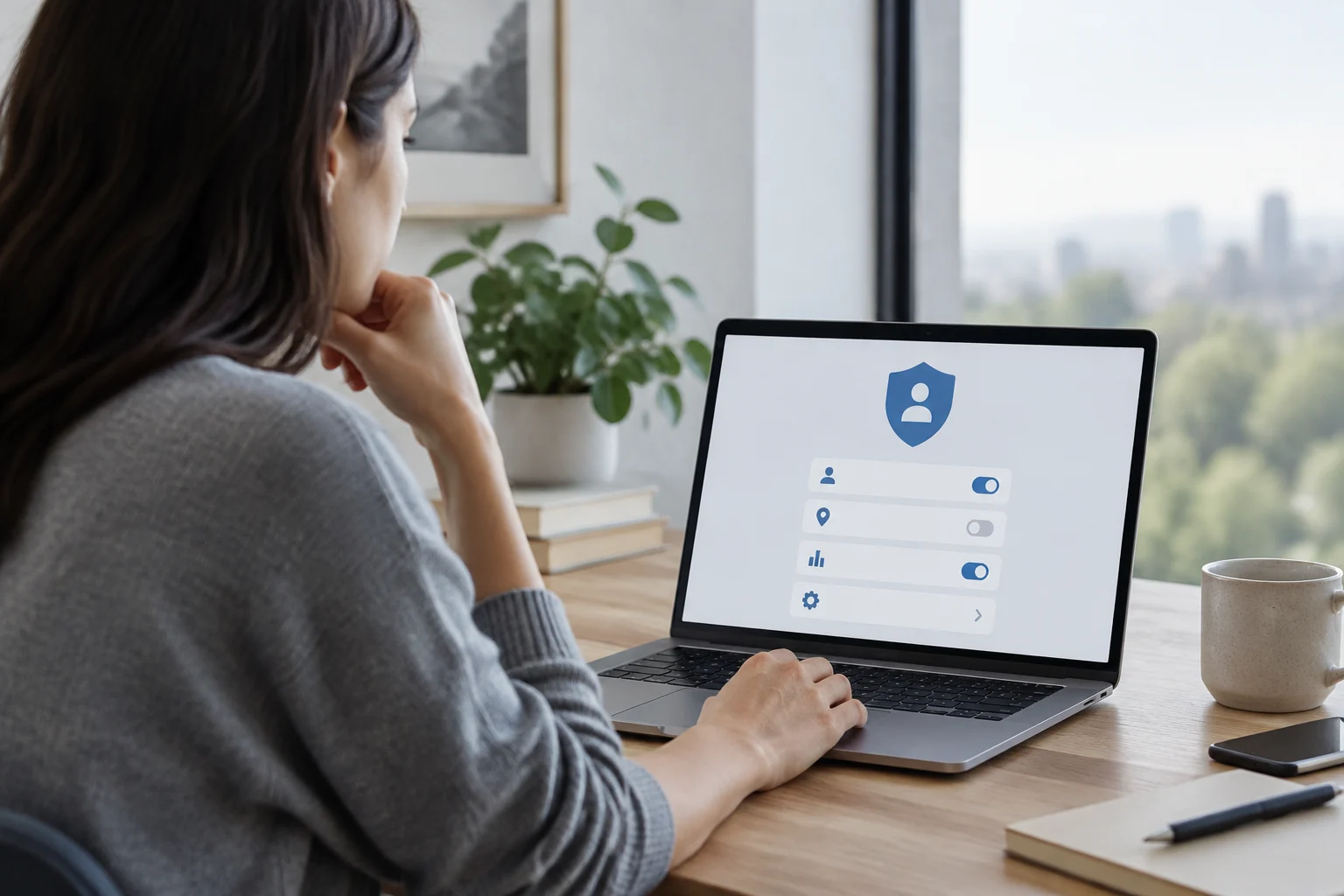
Android 16 maintains the permission and Private Space model introduced in Android 15, but with adjustments in data management. According to a privacy guide from October 2026, default settings remain reasonable but are not the only correct option. Users should be aware that Google Play services collect device diagnostics by default and ad personalization is enabled.
Additionally, most activity controls retain data indefinitely unless manually modified. The default experience varies by manufacturer; Samsung, Pixel, and other brands may add their own data collection on top of the Android base. Therefore, privacy configuration requires active review by the user to align with their specific needs.
Key Security Features
ZDNET highlights two critical features users should enable after updating to Android 16: Identity Check and Advanced Protection. Identity Check helps block access to critical security settings or saved passwords if the phone is outside a user-designated trusted location.
Advanced Protection, for its part, offers a shield against malicious apps, insecure networks, and scams. Although these features are not entirely new, Android 16 has integrated them more prominently into the user experience. Enabling these options adds an additional layer of defense that is especially useful for users handling sensitive information or traveling frequently.
Practical Verification Guide
To verify if your device has these features active, follow these steps: 1) Go to Settings > Security to check the status of Advanced Protection. 2) Check Settings > Location to configure trusted locations for Identity Check. 3) Review Settings > Privacy to manage diagnostics collection and ad personalization.
It is important to remember that exact paths and switch labels may vary by manufacturer and specific Android version. If you cannot find a feature, ensure your device is updated to the latest version of Android 16 or higher. Mobile security is a continuous process, and keeping the operating system updated is the first line of defense against known vulnerabilities.