What can be stated about the change
The draft attributes a specific requirement to Android 17 for apps targeting API 37, with a 600 dp threshold and exceptions for certain apps. However, the verified sources in this package do not support those details: the specific documentation needed to check them is not included. It would therefore be unwise to present it as confirmed that Android 17 imposes this requirement, or to state when it would take effect. The distinction between the Android version installed on a device and an app’s target API level matters, but that distinction alone is not enough to verify a specific requirement. (Google’s guide to supporting different screen sizes).
The available documentation does cover adapting apps to different screen sizes and form factors. Google provides guidance for building adaptive apps, but the research material does not confirm the specific Android 17 rule described in the draft. This article therefore keeps its practical focus—what it means for an app to work on a large screen and what someone using it should check—without treating the mentioned API level, threshold, or exceptions as established facts. (Google’s guide to adaptive apps).
It is also important to distinguish an operating-system change from an app update. General adaptation documentation does not identify which third-party apps have changed their compatibility, how they behave on each tablet model, or what specific requirements a particular Android version will apply to them. These sources therefore do not let us infer that a particular app will change when the device is updated. A system update and an app’s own development decisions are separate matters, and the evidence here does not establish a direct outcome for any individual app.
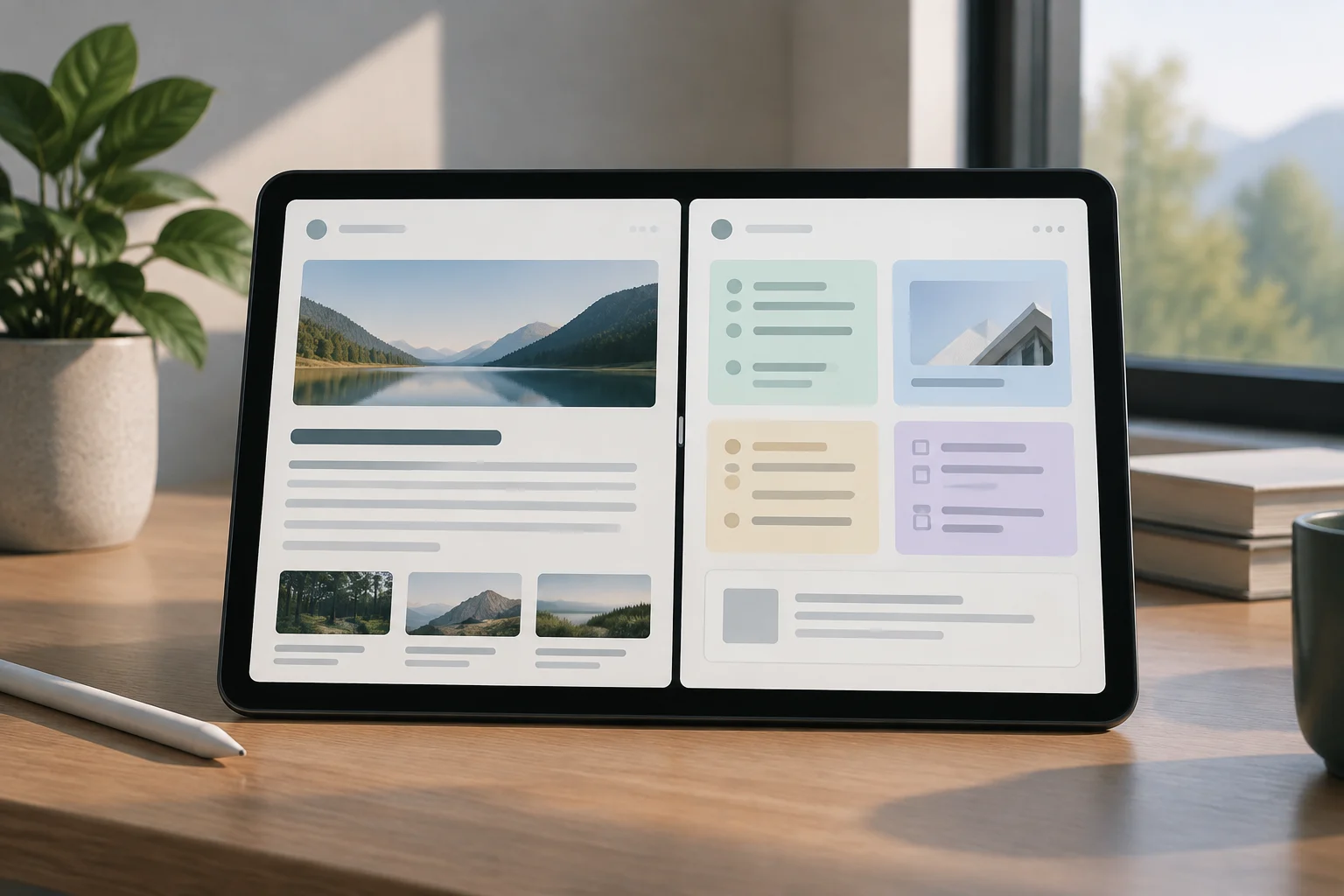
What it means for an app to adapt to a large screen
Adapting an app means taking into account that the available space can vary between devices and configurations. Google’s screen-size guide addresses support for different dimensions; its recommendations help explain why an interface should not depend on a single fixed layout. This is development guidance, not evidence that Android 17 requires every app to reorganize itself. (Guide to supporting different screen sizes).
The ability to display an app in a different amount of space does not, by itself, determine how its elements are arranged. Google’s best-practices guide offers recommendations for developing adaptive apps. Technical compatibility is not the same as a guarantee of a good user experience. An app may open and remain usable in a changed window without making the best use of that space; the result depends on the choices made in its design and implementation. (Adaptive app best practices and pitfalls).
For that reason, talking about resizable windows or using an app alongside another describes an interaction possibility, not a promise about the visual result for every app. The way controls, text, and content appear depends on the app’s design and implementation. The general documentation consulted supports the importance of considering different sizes, but it does not let us attribute a specific behavior to a particular app. A large display alone does not tell us whether the interface will rearrange well.
What tablet users might notice
When an app is designed for multiple sizes, it can arrange content in a way that suits the available space. That is the general aim of Google’s adaptive guidance, which covers how to support different screen sizes. This is not a prediction of the specific changes users will see after installing Android 17, nor a guarantee that a particular app offers a tablet-optimized version. (Google’s guide to different screen sizes).
The difference between an app opening and feeling comfortable to use deserves attention. Google publishes recommendations for building adaptive interfaces; this supports the caution against equating basic operation with a well-resolved experience. It does not, however, allow us to claim that all apps will have excessively wide columns, hard-to-reach controls, or camera problems. Those are possibilities, not verified effects for every app. The experience can vary from one application and configuration to another. (Adaptive app best-practices guide).
The potential benefit is not limited to filling more screen area. A layout designed around the available space can make reading and interaction easier, whereas enlarging an interface designed for another form factor does not guarantee that result. Development guides support the need to consider varied sizes; the actual experience still depends on each app and the specific configuration. In other words, the presence of a larger display does not establish that content will be easier to read or controls easier to use.
Adaptation does not mean certified quality
Google’s guidance for adaptive apps consists of development recommendations, not an automatic certification that every app works well on tablets. The available documentation advises developers to consider different sizes and form factors, but it does not prove that a particular app follows those recommendations or that Android guarantees a consistent experience across apps and devices. (Adaptive app best practices and pitfalls).
The draft also stated that aspect-ratio settings remain available, allowing users to choose the behavior requested by an app. That statement depends on specific configuration details that cannot be verified using the sources in the current package. It is therefore omitted rather than presented as a confirmed fact. These sources also do not establish which options would appear on each device or in each app. It would be inappropriate to turn a claim about a particular setting into a general assurance without supporting documentation.
The conclusion must be narrower than the one in the draft: Google publishes guidance for developing apps that respond to different sizes, but the verified material does not confirm the specific Android 17 requirements originally described. This package provides no basis for claiming that targeting API 37 removes a particular opt-out option, or for attributing a threshold or list of exceptions to Android 17. The limits of the evidence matter as much as the general development advice.
What to check when using an app on a tablet
If an app looks different or feels uncomfortable to use, you can check visible aspects: whether the text is clear, whether controls are accessible, and whether content appears cropped or distorted. If the device and app offer different layouts or window sizes, observing the app under those conditions can help describe the problem. These checks help document the experience; they do not establish the app’s target API level or prove that it violates an Android rule.
If there is a problem, check whether an app update is available and report it to the developer. Describe the device model, system version, app, and steps that reproduce the issue; a screenshot can help, provided it does not reveal private information. Google’s guides are intended for people developing adaptive apps, not as a diagnosis of any particular application. (Google’s guide to adaptive apps).
When reporting the behavior, specify whether it happens when changing orientation, window size, or app layout, where those options are available. This communicates what was observed without assigning the cause in advance to the operating system, device, or a particular developer decision. The prudent conclusion is that Google’s documentation promotes support for different sizes, while specific claims about Android 17 requirements need verified sources that are not present here. Keeping observations separate from explanations makes a report more useful without overstating what is known.