Three ways to play that should not be confused
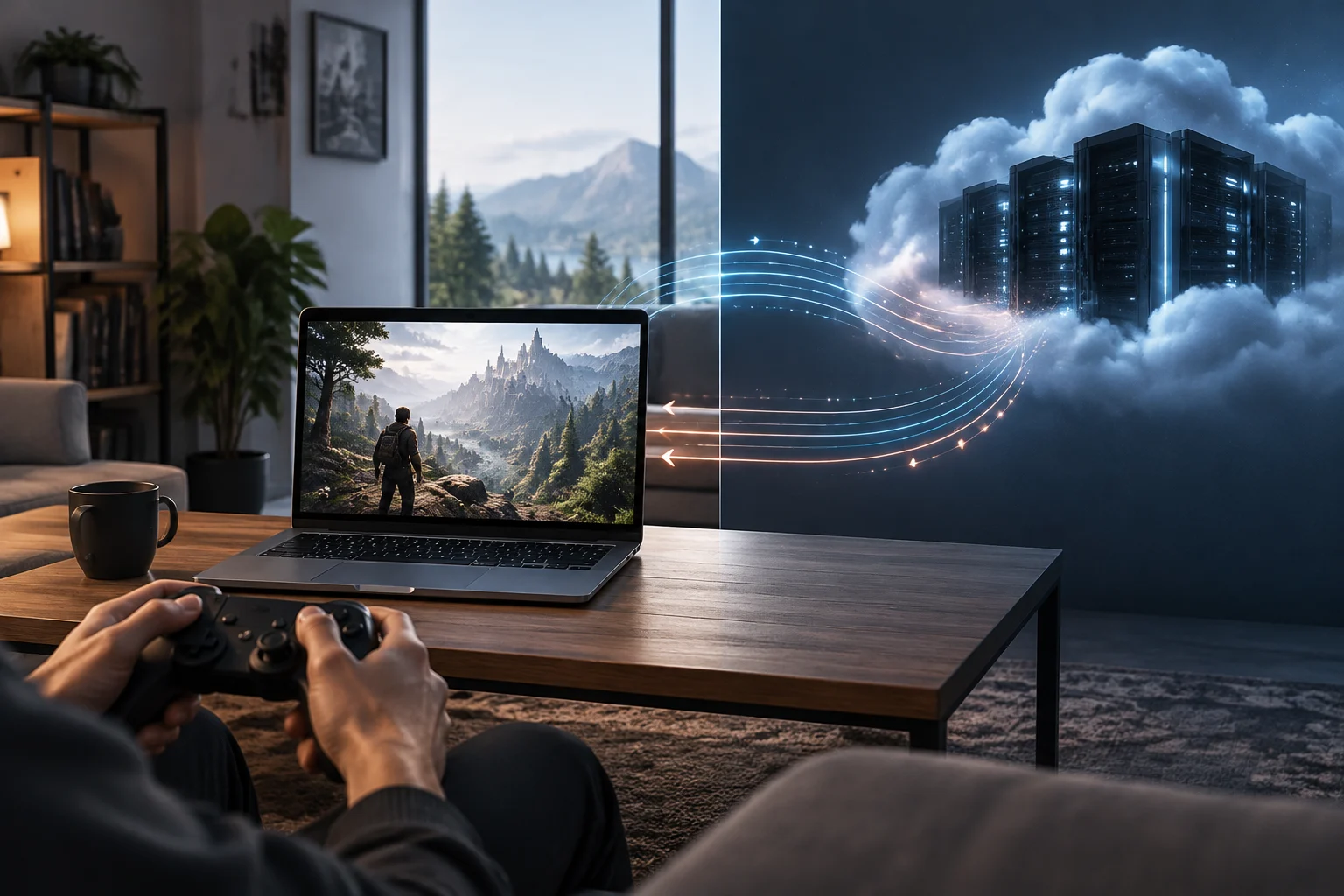
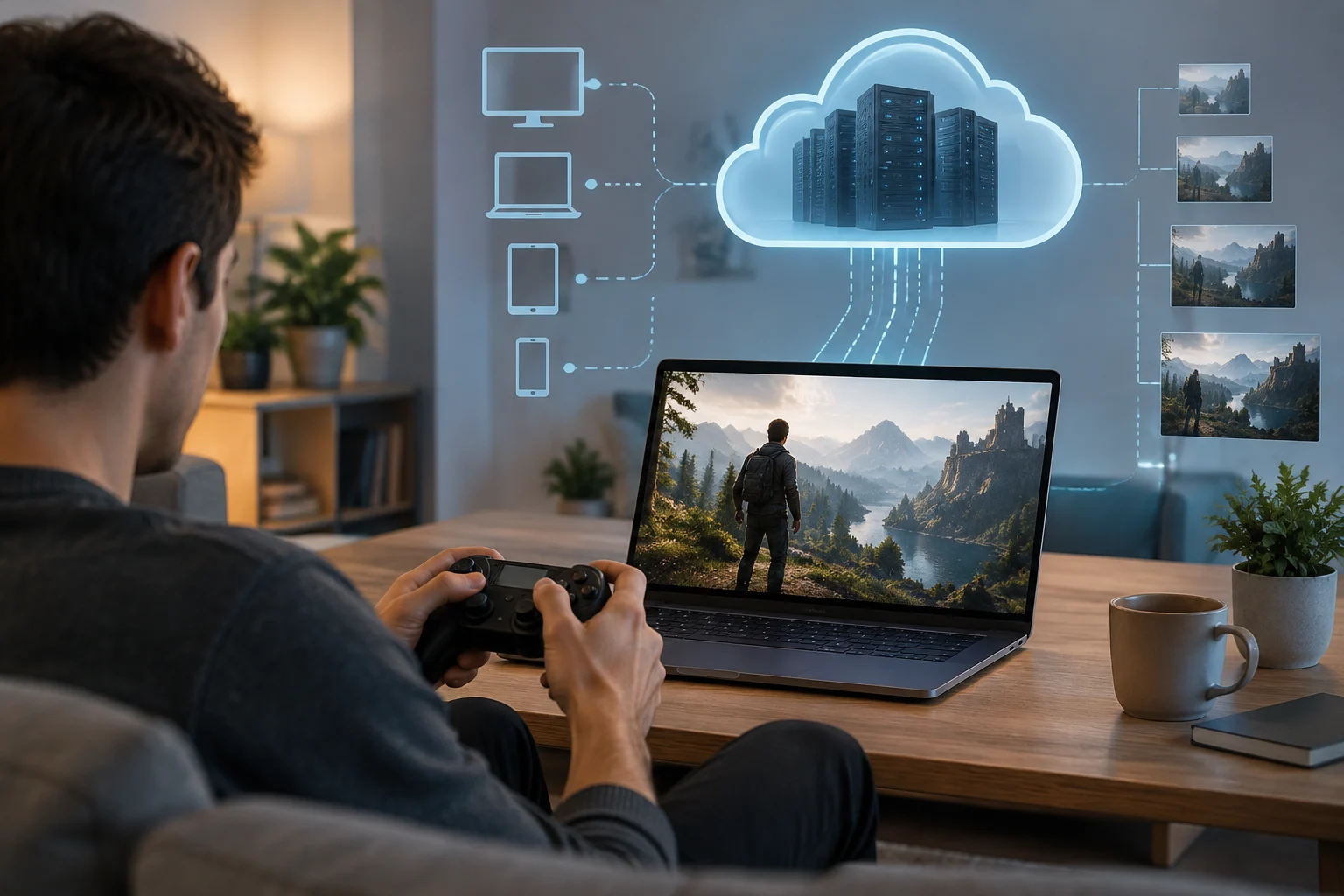
With local gaming, the console, PC or phone runs the game and generates the image. In cloud gaming, a remote computer runs the title and streams video to the player’s device, which sends control inputs back. The user interacts with the same game, but the computing work and the signal’s route are different.
Remote play from your own console, such as PS Remote Play, resembles streaming, but it is not the same as using a cloud gaming service: the game still runs on the user’s console and is transmitted to another device. PlayStation describes Remote Play as a way to control a PS5 or PS4 from a PC or Mac over a high-speed connection. So, besides the internet connection, it matters whether the host console is available and able to connect.
The practical distinction is where the equipment running the game is located and who maintains it. Locally, the user provides and manages the hardware; for remote play, the user also needs their console to be on or available; in the cloud, the provider supplies the gaming machine and its connection to a data centre. Not having to install the game locally does not mean the experience no longer depends on hardware: that hardware is simply somewhere else.
Network requirements: speed is not the same as responsiveness
Published speed figures help indicate whether a connection can carry a video stream with certain settings, but on their own they do not tell you how quickly controls will respond. For example, NVIDIA lists requirements for GeForce NOW on its Windows PC requirements page of 15 Mbps for HD up to 60 FPS, 25 Mbps for FHD at 60 FPS and 45 Mbps for 4K at 120 FPS. It also recommends Ethernet or 5 GHz Wi-Fi and specifies network latency of less than 80 ms to an NVIDIA data centre.
PlayStation publishes a different kind of figure for PS5 cloud streaming on PlayStation Portal: 5 Mbps minimum to start a session, 7 Mbps for 720p and 13 Mbps for 1080p. These are requirements for a specific service and mode, not a universal rule that proves any cloud game will work on that connection. NVIDIA’s and Sony’s figures should not be compared as though they measured exactly the same thing: they apply to different platforms, devices and usage conditions.
How to read the published figures
- Mbps measures data-transfer capacity; it does not directly indicate how long an input takes to return as a visible response.
- Latency in milliseconds describes network delay measured to a particular destination. The route and distance to the data centre can affect the result.
- Recommended conditions, such as using a cable or 5 GHz Wi-Fi, are guidance for that service; they do not guarantee a stable connection in every home.
Knowing the maximum speed advertised by your internet provider is not enough either. A one-off test may not represent stability during a session or show what happens when other devices share the connection. Check the connection where and when you play, and pay attention to the testing tools and destinations specified by each service.
Latency and variation: why some games are more affected than others
In a streamed game, an input has to travel from the controller to the remote machine; the result is then processed, turned into video and sent back to the player. This adds network steps that are not part of a game running locally in the same way. Total latency cannot be reduced to a single speed figure, and the network value reported by a service is not necessarily the full delay a player perceives between pressing a button and seeing a response.
Variation in that delay and the stability of the stream matter too. If network capacity drops intermittently, the service may adjust image quality or experience interruptions; the specific effect depends on the platform, its configuration and connection conditions. The documentation reviewed provides official requirements and recommendations, but no shared measurement that can precisely calculate responsiveness across all services in every home.
Sensitivity to delay is therefore a matter of use, not an automatic label attached to a genre. Someone may find a session in a slower-paced game acceptable but notice every delay more in an activity requiring quick reactions. However, there is no basis for assigning a universal threshold to each genre without measuring the relevant games, devices, servers and networks. The useful decision is to try the title and playing conditions that actually matter to you, rather than extrapolating from a speed figure or someone else’s experience.
Image quality, resolution and compatible devices
With cloud gaming, the image delivered to the user is a video stream. Published resolution and frame-rate figures describe streaming targets under compatible conditions; they do not guarantee that every session will always look the same. For GeForce NOW, NVIDIA links different resolution and frame-rate tiers to different speed requirements: its table ranges from HD to 5K, with values that vary by combination. The same documentation notes that some of those features require a Premium subscription and compatible hardware or an application.
The experience also depends on the receiving device, its screen and the supported application. NVIDIA’s documentation presents options for different types of equipment and operating systems, but compatibility should not be inferred just because a device has a browser or internet access. For PS Remote Play, Sony specifies system requirements for Windows and macOS and compatible controllers; for cloud streaming on Portal, it requires an active PlayStation Plus Premium subscription and availability of the service in the country or region.
Any comparison with local gaming should account for the actual setup. A console connected to a television can display an image processed locally; a phone receiving a remote stream may have a smaller screen and a wireless connection. Advertised resolution alone is not enough to judge perceived quality: stream stability, the screen and session conditions also count. Before choosing, check the exact combination of service, device, plan and streaming quality you intend to use.
Catalogue, access and reliance on the provider
Local gaming reduces reliance on connecting to a remote server to run a game, although it may still be subject to accounts, updates, licences and other game-specific requirements. With cloud gaming, as well as needing the game to be supported by the service, the user depends on the provider offering access, maintaining its infrastructure and allowing streaming in their region. An advertised library does not mean guaranteed access to every game: check the supported titles and their conditions.
GeForce NOW explains that it connects to digital PC game stores and lets users stream compatible games from their libraries. That description clarifies the model, but it does not show that every purchase from those stores can be run there: title compatibility remains a separate requirement. For PlayStation Portal, Sony ties cloud streaming to PlayStation Plus Premium and publishes a list of countries where it is available. It also warns of restrictions, for example, for accounts belonging to minors.
Access can therefore depend on several layers: rights or a subscription, the current catalogue, region, account and service operation. The cited official sources make it possible to check some of these conditions, but they do not justify promising permanent availability for every game or market. Before building a library around streaming, check the specific game, the country where you will use it and the current access terms; if losing internet or service temporarily would be a problem, consider what local options you have.
What can be concluded and what to check before deciding
Official documentation can establish technical differences and published requirements, but it cannot replace comparable independent tests or your own experience on the network you will use. The supplied sources contain no independent measurements of perceived latency, image quality or stability conducted under a common protocol for the services examined. It would therefore be inappropriate to declare an overall winner here or present a laboratory result that has not been documented.
As a practical guide, local gaming is better suited to someone who prioritises running the game on their own equipment and reducing reliance on a streaming connection. Remote play lets you take a game running on your own console to another screen, but still requires that console. Cloud gaming can avoid installing and maintaining high-performance hardware on the receiving device, in exchange for dependence on connectivity, service compatibility and availability. The choice is a trade-off between dependencies, not a simple contest between a modern option and an obsolete one.
Before subscribing or buying a device with streaming in mind, review this checklist:
- Regional availability and catalogue for the specific game, not just the platform name.
- Plan and device requirements, including the resolution and frame-rate limits for your combination.
- Connection quality where you will play: stability, latency to the service and congestion at your usual playing times.
- An alternative during an outage: whether you can play locally or access to the game depends entirely on the service.
If the answer depends on a connection you have not tested, trying the game and device you would actually use is more informative than extrapolating from maximum Mbps, a general compatibility list or someone else’s experience.