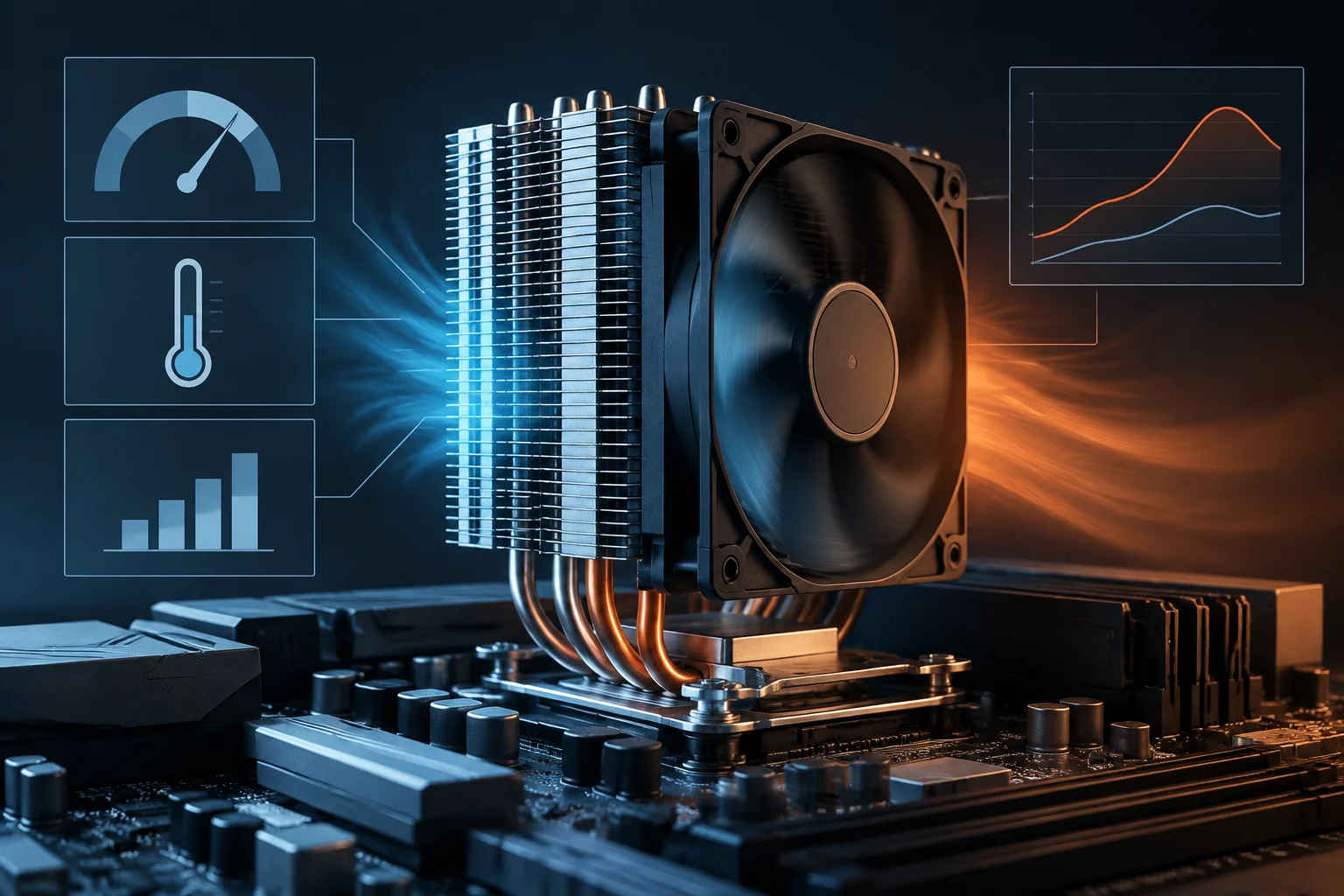
What TDP means—and what it cannot tell you
TDP—Thermal Design Power—is a specification that helps guide a system’s thermal design. It provides a starting point for thinking about the heat-dissipation capacity that should accompany a processor under operating conditions defined by the manufacturer. It is useful as an initial reference, but it is not a universal reading of electrical power consumption, nor a guarantee that the processor will always remain at that power level.
The confusion arises because TDP is expressed in watts, just like electrical power consumption. But sharing a unit does not make two quantities equivalent. TDP alone does not tell you how much power the chip will draw at any given moment, how much the entire computer will consume at the wall, or what temperature it will reach. Those answers depend, among other things, on the workload, operating limits, motherboard configuration, and cooling solution.
Intel describes TDP in its documentation as a reference associated with processor heat dissipation and specified operating conditions. The practical interpretation is limited: it helps assess thermal design, but should not be treated as maximum possible power consumption or as a prediction of sustained consumption for every program. The figure needs context: exact model, limits, and conditions of use.
Intel: base power, turbo, and operating conditions
When reading Intel specifications, distinguish the power associated with thermal design from power limits and turbo behavior. Intel Turbo Boost technology allows the processor to increase performance when system conditions permit; therefore, the reference power value does not necessarily describe what will happen during a demanding workload. Intel itself describes Turbo Boost as a performance-boosting technology whose operation depends on the platform and on whether the processor supports it.
To interpret a specific model, consult its technical specification rather than relying on a figure remembered from an earlier product family. Check how the manufacturer names base power, power limits, and turbo conditions, and make sure the applicable documentation is for a desktop or laptop CPU, as appropriate. A figure without that identification can lead to comparisons between data based on different definitions or configurations.
System configuration also matters. Power limits and sustained behavior may depend on the motherboard, BIOS, cooling, and power settings. It is therefore not justified to read a TDP value as though it set a hard ceiling. The processor specification describes documented capabilities and limits; effective power depends on the scenario and configuration.
AMD and comparing manufacturers
When comparing AMD with Intel, do not assume that a figure called TDP necessarily has the same operational meaning or the same relationship to power consumption across all products. Conventions, terminology, and relevant limits can vary by processor generation and type. A valid comparison starts by consulting each manufacturer’s official documentation for the exact model and noting which quantity is being compared—not by placing two numbers with the same unit in a table.
Framework community documentation mentions, for specific laptop configurations, sustained-power modes and a boost capability of up to 60 W, as well as cTDP in connection with Ryzen processors. This illustrates that a system’s profiles can expose different limits depending on the mode; it is not a universal AMD specification or a rule for all Ryzen processors. Do not extrapolate an example from a laptop to a desktop CPU or another generation.
When you cannot find a verifiable, comparable definition for both models, the most honest approach is to keep the figures separate and consult independent tests conducted under documented conditions. To compare efficiency, consider performance alongside power measured under a relevant workload; to plan cooling, also consider sustained limits and temperature under the configuration of interest. TDP on its own resolves neither comparison.
Processor power, system power, and heat
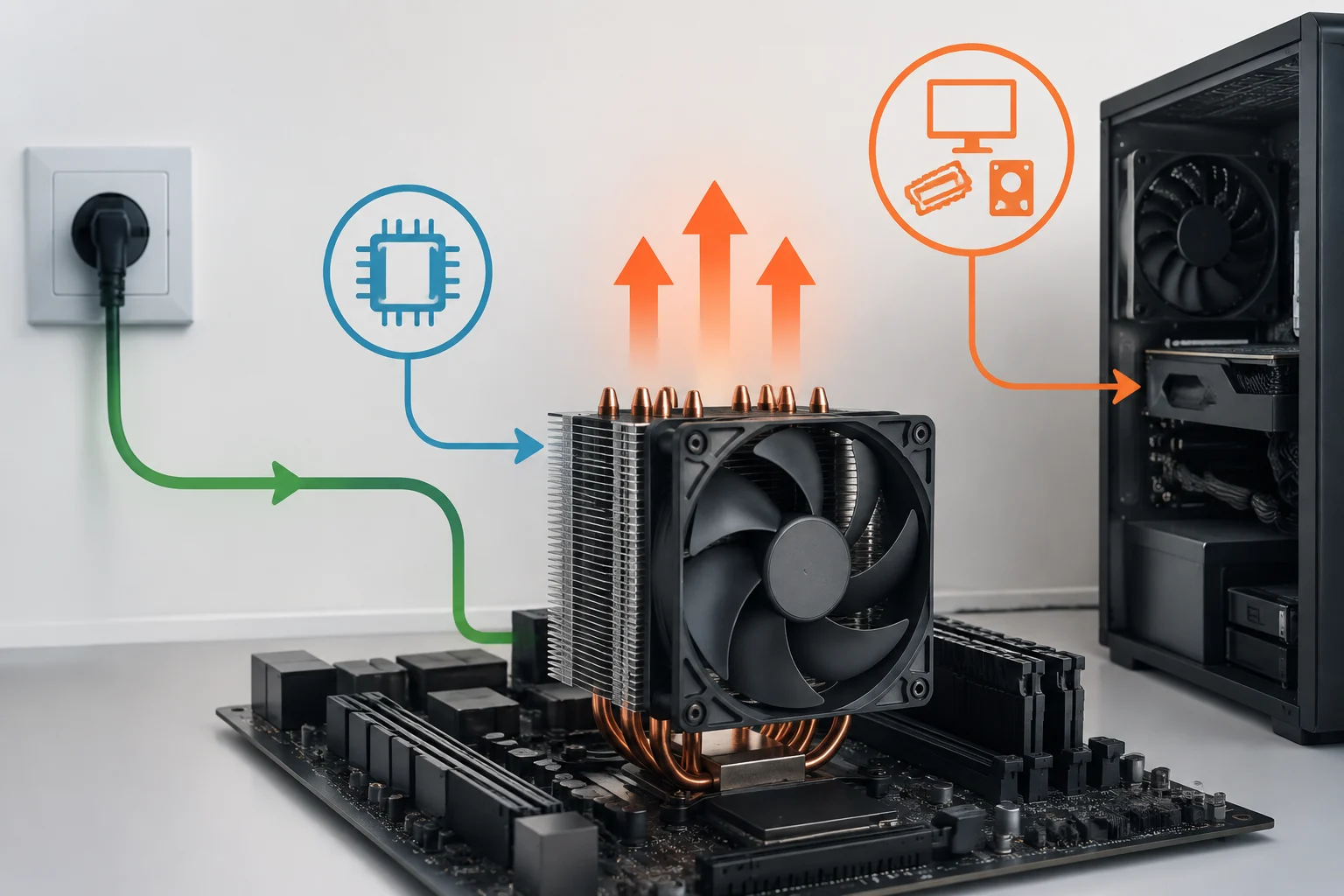
The word “power consumption” can conceal at least three different questions. One is how much power the processor uses under a particular workload; another is how much the complete computer draws, including the motherboard, memory, storage, and graphics card; a third is how much energy the system takes from the electrical grid. These measurements are not interchangeable: a wall reading includes power-supply losses and the other components, while a CPU-focused measurement attempts to isolate a narrower part of the system.
The heat that cooling must remove is related to the energy dissipated by components, but TDP alone is not enough to predict temperature. Temperature also depends on cooler capacity, thermal contact, airflow, ambient temperature, and how the system controls fans and frequencies. Consequently, it is not correct to convert TDP directly into an expected temperature or infer a single cooler size from it.
For a power supply, CPU TDP is not a recommendation for total system wattage either. Consider the entire system, especially the GPU, required headroom, and workload conditions. For cooling, by contrast, the processor specification and power limits are useful starting references. Then check independent tests of temperature, noise, and power, ideally reflecting a configuration similar to the one you plan to build.
Which figures to compare and what to look for in tests
Before buying, identify the exact model and consult its corresponding official documentation. A useful decision-making table should distinguish at least which power figure is stated, which limit or mode it refers to, and under what conditions it is sustained. If the specifications do not provide equivalent data, do not fill the gaps by assuming TDP means the same thing; note the difference and rely on independent measurements for the use case that matters to you.
In reviews, check the workload, duration, power configuration, and measurement method. A brief peak is not the same as a sustained workload; a multithreaded test does not necessarily represent everyday use; and chip power is not the same as whole-system power. A performance figure without measured power does not demonstrate efficiency, just as a wattage figure without context does not explain what performance was achieved.
For an orderly comparison, collect these details when available: exact model, documented power limits, observed power under a described workload, performance in that same test, and temperature with the specified cooler. If comparable measurements are missing, state that the conclusion is limited to the available data. Do not turn a single test into a general rule about every CPU from a manufacturer.
Choosing a processor and cooler without fixating on one number
Start with the intended use and the system in which the processor will be installed. Brief bursts and light tasks may not require the same sustained behavior as long renders or extended software builds. Check cooler compatibility with the socket and case, and review temperature and noise tests under workloads similar to yours. A cooler advertised for a particular TDP does not, by itself, guarantee a specific temperature or noise level.
When sizing the power supply, estimate consumption for the complete system, paying particular attention to components whose demand can vary most, and consult recommendations or tests for the full combination. Do not add the CPU’s TDP to the GPU’s TDP as though the result precisely described wall power: these are component references, not a complete-system measurement, and they are not necessarily calculated using the same methodology.
As a final check, ask three questions: what exactly does the published figure mean, which power limits does the manufacturer specify, and what performance and temperature are observed in a relevant test? If the answer to the first question is unclear, do not directly compare that number with another CPU’s. TDP is a useful part of a specification sheet, but a good decision requires combining it with limits, tests, and the system’s real needs.