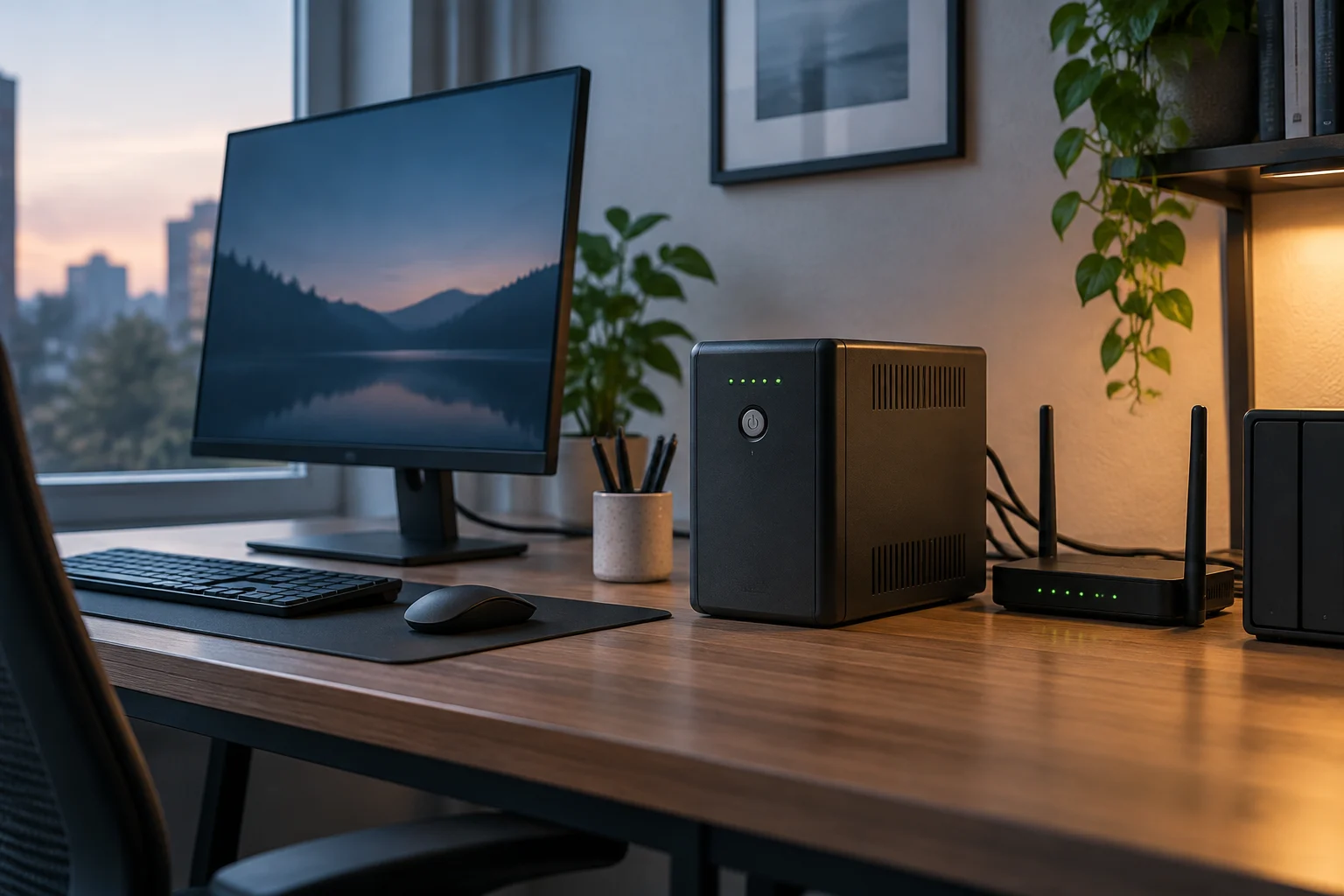
What a UPS can do and what you should protect
An uninterruptible power supply (UPS) contains a battery that supplies power when the mains fails. Depending on its design and features, it may also help manage certain supply variations. Not all UPS units provide the same protection or switch to battery power in the same way, so read the documentation for the specific model rather than assuming that any unit can solve every electrical problem. EN IEC 62040-1 covers safety requirements for UPS systems, but citing a safety standard alone does not tell you how long a particular home unit will run or how well it will protect your equipment.
First decide what you want to keep running, and for how long. For a router, it may be enough to maintain the connection through a brief outage; if your internet provider’s network remains active, this could help keep you online. With a computer, a few minutes to save files and shut down properly may matter more than working for hours. A UPS does not replace a backup, repair a fault in your electrical installation or guarantee that external services—such as a fibre connection—will remain available during a blackout. Set your goal before comparing models: brief continuity, orderly shutdown or backup power for several devices.
Calculate the load and don’t confuse VA with watts
Manufacturers usually state UPS capacity in volt-amperes (VA) and often publish a maximum power rating in watts (W) as well. These are related but not equivalent units. In AC systems, apparent power is expressed in VA and active power in W; their relationship depends on the load’s power factor. So don’t treat the VA rating as though it were the watt limit, or choose a unit simply because its VA figure looks higher than the stated consumption of your devices. Check both published limits and make sure your expected load stays within each one.
For an initial calculation, list the devices you will actually connect to battery-backed outlets and find their consumption on the label, in the manual or in the manufacturer’s specifications. If consumption is given in watts, add the expected figures. If you only have amps or volt-amperes, do not convert to watts by assuming an arbitrary power factor. A computer’s consumption can vary with its task and components, and peripherals add to the load. A PC power supply’s nominal rating is not necessarily the computer’s continuous consumption. If you cannot find comparable figures, use a suitable power meter or seek technical advice rather than making one up.
Leave headroom below the UPS limits because the load can vary and some devices draw peaks when starting. There is no universal margin that suits every model and use: follow the manufacturer’s guidance and consider what would happen if you added another device. Laser printers, for example, may have different power requirements from a router; before connecting one to battery-backed outlets, check that the UPS manufacturer permits this use. A unit with a higher VA rating is not automatically the right choice if its outlets, watt limit or runtime do not suit the equipment you want to protect.
How to read runtime figures without treating them as a promise
Runtime depends on the connected load and the condition of the battery. A runtime table is useful only if it states the power or load percentage associated with each figure. Compare the estimate at a level close to the consumption you calculated, not the best result advertised for a small load. Also check whether the manufacturer provides curves, a selection tool or technical documentation for the exact model. A runtime figure without context cannot tell you how long your setup will last.
APC documentation distinguishes models with different capacities and configurations. For example, its product pages identify Easy UPS On-Line SRV units rated at 1000 VA and 120 V and 2000 VA and 120 V. A Smart-UPS On-Line SRT3000XLI data sheet identifies a 3000 VA, 230 V unit. These details help identify what each product page describes, but they are not enough to recommend those models for a home or to work out how long a battery would power a router or PC. That comparison also requires details such as watt capacity, runtime curves and the manufacturer’s stated operating conditions.
Bear in mind that actual runtime may differ from a catalogue estimate. Battery age, storage and condition, temperature, and changes in load can all matter. If the documentation does not specify the assumptions behind its calculation, treat the figure as a reference, not a guarantee. For a router, decide whether the runtime would cover a brief outage; for a PC, set a practical shutdown goal. If you need extended continuity, check whether the UPS supports external batteries and what additional components it requires. Do not assume this feature is available just because a model has a higher capacity.
Outlets, protection and form factor: check the whole installation
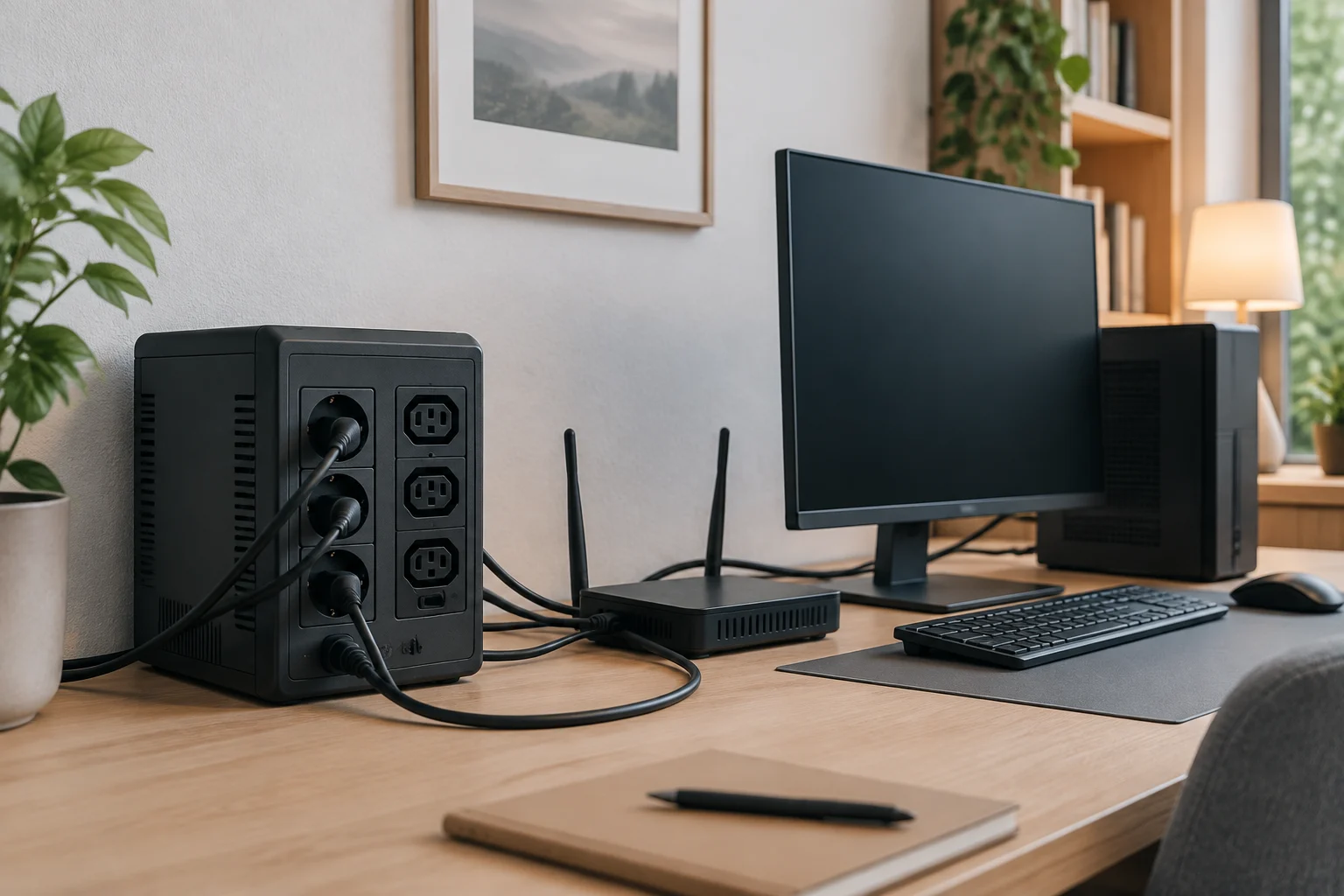
Count the outlets and distinguish those with battery backup from those that provide surge protection only, if the model separates the two groups. Check the connector type too, and make sure it matches your equipment cables. A product-family name or VA rating does not, by itself, tell you how many devices you can safely connect. Home outlets may be Schuko, IEC or another format depending on the country and model. Do not use adapters as a substitute for checking compatibility and load.
Check what each outlet protects: some units have battery-backed outlets, while others may also offer data-line protection or monitoring features. Different users need different connections. For a router and modem, two compatible outlets and sufficient runtime may matter more than having many outlets. For a computer and monitor, calculate both loads and check physical space, cabling and ventilation. If the unit has a communications port or shutdown software, verify that it works with your operating system and can be connected as the manufacturer requires.
The topology—such as line-interactive or double-conversion—can affect how the unit conditions power and what it is designed for. Do not assume one topology is essential in every home: compare the manufacturer’s specifications, supported load types, noise, power consumption and cost. A double-conversion UPS designed for demanding loads may be excessive for a router, while a sensitive installation may call for specific advice. The technical data should also clarify input and output voltage: the 120 V models cited are not automatically interchangeable with 230 V equipment.
Choose for your use: router, computer or several devices
For a router, start by confirming its voltage and consumption, the plug type, and whether you also want backup for a modem or other network equipment. Keep the connected load within the UPS limits and consult the estimated runtime for a comparable power level. A UPS will not necessarily keep your internet service running if the operator’s network or its external equipment also loses power. If your priority is covering a brief interruption, there is no need to buy capacity intended for much larger loads: compare runtime and dimensions in the range you need.
For a computer, include the monitor and any peripherals you want to keep powered during an outage. Decide whether your goal is to save your work and shut down safely or keep working longer; that difference affects the capacity and cost you need. Look for communications and automatic-shutdown features if you want the computer to close programs when the battery runs low, and confirm compatibility before buying. If your PC has a high-power supply or a demanding graphics card, do not treat the number printed on the power supply as its permanent consumption. Consult specifications or measure the actual load using suitable tools.
For several devices, make a list by outlet and separate essential equipment from items that can be left off. Do not connect everything for convenience: an unnecessary load reduces available headroom and can shorten backup time. Before completing your purchase, check: total active power, VA capacity, battery-backed outlets, compatible voltage, runtime at the expected load and battery replacement cost. If the documentation does not provide an essential figure, ask the manufacturer or retailer before relying on a generic number for the product category.
Battery, safety and responsible buying
The battery is a consumable, and its service life depends on the model and conditions of use. Check the manual to see whether users can replace it, which part number is required, how it should be recycled and what maintenance the manufacturer recommends. Do not open the unit or handle the battery unless the instructions allow it: a UPS contains electrical components, and a battery may retain energy even when the unit is unplugged. Product safety and the specified replacement procedure should take priority over an improvised repair.
EN IEC 62040-1:2019/A1:2023 concerns safety requirements for UPS systems. It is a reference showing that safety is addressed through technical requirements, but it does not replace checking the conformity of the specific product or applicable local instructions. The consulted listing comes from a standards catalogue; for regulatory or installation decisions, consult the current edition and relevant official sources. At home, position the unit according to its manual, keep ventilation openings clear and avoid damp locations or temperatures outside the stated range.
Before paying, verify the exact model, the voltage for your market, availability and warranty terms. Product families can include different units: the pages consulted describe APC products rated at 1000 VA and 120 V, 2000 VA and 120 V, 3000 VA and 230 V, and 1000 VA and 120 V with AVR. This does not prove that every configuration is sold in every country or that it suits your load. The sensible choice is not the UPS with the biggest number, but the one that meets your backup goal, supports the intended devices and provides enough documentation to estimate runtime and maintain it safely.