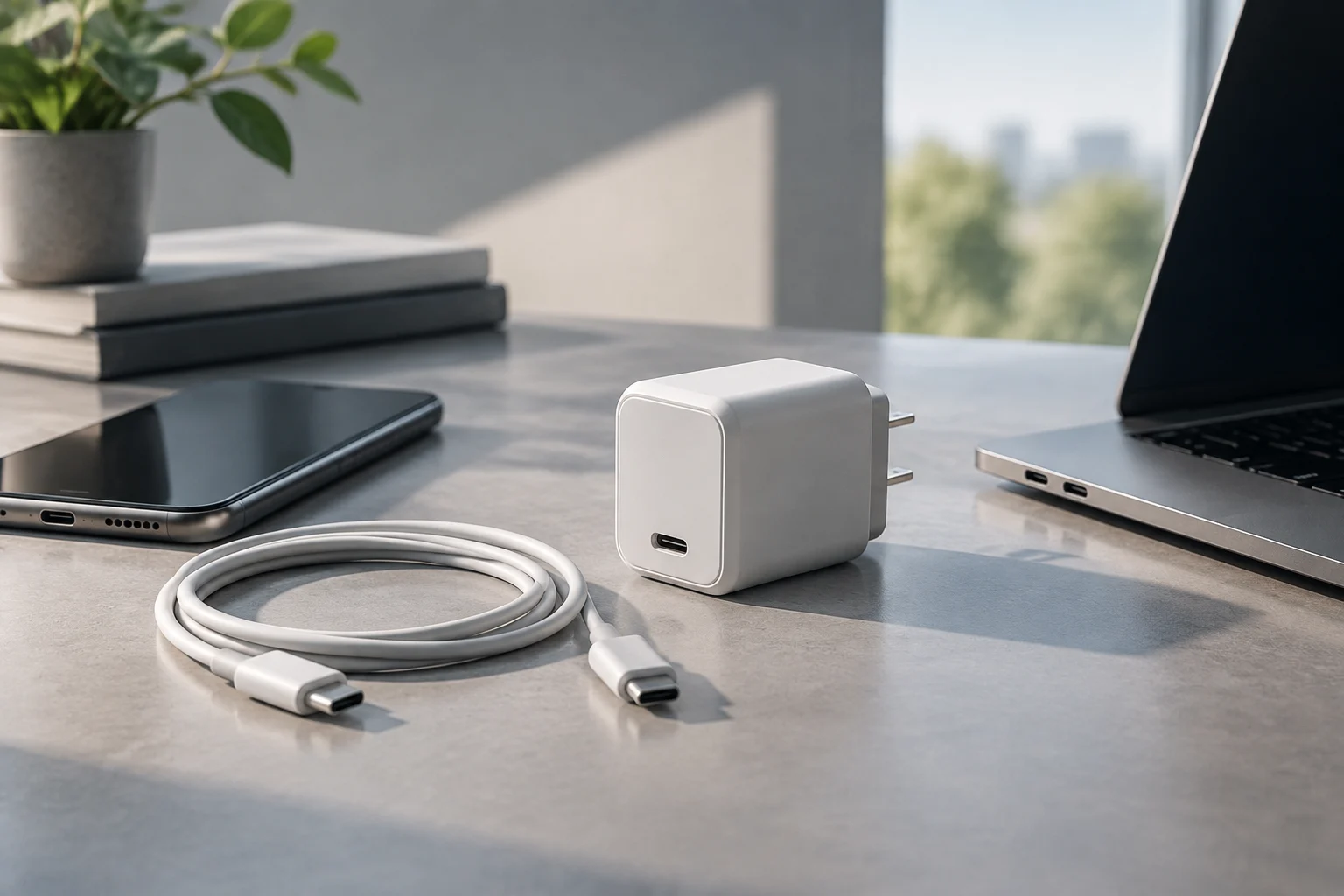
USB-C names the connector, not all its capabilities
USB-C is the common name for the reversible connector found on chargers, phones, tablets and computers. Seeing this shape on two devices tells you that they share a physical connection type, but it does not prove that they support the same charging speeds or functions. The connector, power-delivery protocol, maximum power and cable capabilities are related, but distinct, aspects. USB-IF documentation explicitly separates material about connectors and cables from material about USB Power Delivery, a distinction that is useful when interpreting product labels. (USB-IF: cables and connectors; USB-IF: USB Power Delivery).
When buying, treat “USB-C” as the starting point for checking a product, not as a performance promise. One port may charge a device but provide limited power; another may support a charging protocol and a higher power level. Data functions can also vary. The connector’s appearance alone cannot tell you whether a laptop will charge at the speed you expect, whether a phone can use its fast-charging mode, or whether a cable will work with every combination of devices. A shared connector shape is useful, but it answers only the physical-connection question. To understand charging, you need to check the specifications of the port, the device and the cable rather than relying on the outline of the plug.
This guide is limited to concepts that can be checked against manufacturer documentation, USB-IF material and information from the European Commission. It does not assign a recommended power level to an entire product category, nor does it assume that a printed figure applies to every port on a charger. What matters is the capability the manufacturer specifies for the particular port and what the device can accept. If a charger has several ports, the relevant information is the output for the port you intend to use, not merely the headline figure on the packaging. Where a specification is missing, it is better to recognise that uncertainty than to infer a capability from the connector alone.
Watts, volts and amps: read the figures in context
The watt (W) is the unit of power and is often the most prominent figure on a charger’s packaging. Electrically, power is related to voltage and current: watts equal volts multiplied by amps (W = V × A). A label may therefore list one or more output values as combinations of volts (V) and amps (A), rather than giving a single power figure. These values describe outputs available under specified conditions; they do not necessarily describe the power every device will receive at all times. Reading the figures together gives more useful information than treating the largest number as a promise of constant performance.
A charger advertised, for example, with a particular maximum power rating will not necessarily deliver that power to every connected device. The phone or computer, charger and cable must be able to agree on a compatible power mode. In addition, a multiport charger may set a power limit for each port or divide its total available power among connected devices. Compare the output of the port you will use, not just the large number on the front of the box. Check the charger’s output table and the device’s stated input requirements. If the manufacturer lists several voltage and current combinations, use the complete table to understand what that specific port offers.
It is important to distinguish the accessory’s stated maximum power from the power the device can receive. The first is a declared limit for a particular operating condition; the second also depends on the capabilities of the device and cable. In practice, a higher rated power does not force a device to draw more energy: the device uses a compatible combination. But this should not be mistaken for a guarantee that any higher-power charger is suitable. You still need to verify the protocol and charging conditions documented by the manufacturer. A label without that information does not reveal every detail of electrical behaviour, including which output modes are available to a particular device.
USB Power Delivery and fast-charging names
USB Power Delivery, abbreviated USB PD, is a power-delivery specification associated with the USB ecosystem. USB-IF documentation on USB PD is a primary source for checking the name and specification documents. The protocol name should not be confused with a particular power level: a product that mentions USB PD does not, by itself, tell you how many watts each port provides or which profiles it supports. Check those capabilities in the output table and the product’s official specifications. (USB-IF: USB Power Delivery).
Commercial names for fast charging developed by individual manufacturers also appear on the market. Do not assume that these names mean full interoperability with every USB-C charger, or that different names are equivalent. To decide, check whether the device manufacturer explicitly identifies USB PD or a proprietary protocol as supported, and review which adapter it recommends or supplies. If you want to use one charger with several devices, each device’s documented compatibility is more informative than a generic “fast charging” label. Marketing terminology can be a useful signpost, but it is not a substitute for checking the actual specifications.
A careful way to compare product specifications is to record these questions separately: Which protocol does the device support? What input power does it specify? What does the charger’s port provide? What requirements apply to the cable? You do not need to infer the answers from a single abbreviation. A matching protocol name is a useful indication, but it does not replace comparing capabilities and conditions. If a specification does not state a particular detail, treat that omission as a limit in the information available rather than filling the gap with an assumption. This approach also makes it easier to compare devices from different manufacturers without relying on brand-specific charging names.
Cables: physical connection and stated capability
A USB-C cable can have the same type of connector at both ends and still lack a capability required by a particular charger-and-device combination. The cable is part of the charging chain, so check that its specification is suitable for the power level and use you have in mind. USB-IF maintains separate documentation about cables and connectors, making it sensible to consult the cable manufacturer’s product information and look for verifiable certification or identification when one is claimed. (USB-IF: cables and connectors).
Length, cable type and the power information stated by the seller can help identify the exact product, but you should not assign capabilities based only on appearance. Nor should the presence of USB-C connectors be taken as proof that a cable supports every level of power delivery, data transmission or additional function. If you intend to power a laptop, compare the computer’s requirements with the explicit specifications for both the cable and charger. If the manufacturer provides a list of compatible accessories, use it to resolve any uncertainty. Make sure the information you consult refers to the precise cable version you are considering, since similar-looking products may have different specifications.
Before buying, note the cable’s exact product name or model number and check its features on the manufacturer’s website. Brief shop descriptions can omit distinctions between similar variants. A missing detail—for example, an unstated power specification—does not prove that the cable is incompatible, but it also does not establish that the cable has the required capability. When power capability matters, choose an explicit, verifiable specification, rather than drawing a conclusion from the connector or price. A precise model reference helps you compare the seller’s description with the manufacturer’s information and avoid confusing one version with another.
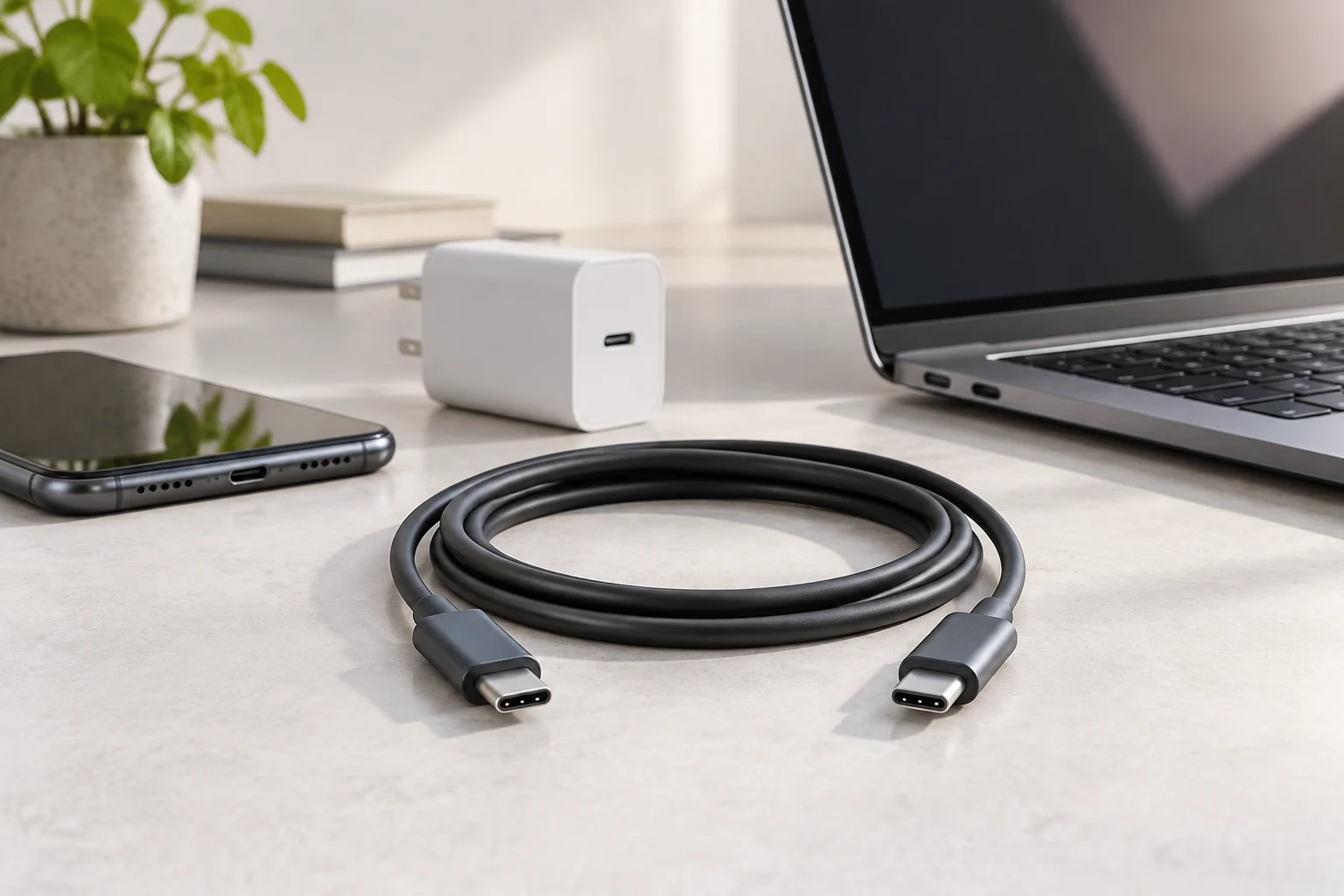
Compatibility: a three-part check
To assess a complete setup, compare the device, charger and cable. The device determines what it can accept; the charger determines what it can supply through the port being used; and the cable must be suitable for the intended connection. Practical compatibility depends on the overlap of those capabilities, not on one component advertising a high number. The European Commission explains the EU common-charger framework and links its policy to USB-C for the equipment covered, but a common connector does not make every charging function and performance level identical. (European Commission: common charging solution).
Use this checklist before paying: 1) identify the exact phone, tablet or computer model and check its power input; 2) check the output of the particular adapter port, including its published profiles or values; 3) verify which protocol the device states that it supports; 4) check the cable specification, not just the shape of its connectors; 5) if you will use two or more ports at once, find out how the manufacturer allocates power; 6) confirm that the product version and sales market match the specification you consulted. The checklist is intended to keep separate pieces of information from being mistaken for one another. A charger’s total rating, for instance, may not describe what a single port can provide when other ports are also in use.
If the manufacturer does not specify an essential detail, choose a combination it documents or contact support before buying. This is a practical verification rule, not a universal performance guarantee: different devices may manage charging differently. If you already own a charger, first identify its model and the output of each port. You do not need to replace it merely because a newer model advertises more watts, provided the existing charger meets your devices’ documented needs. Checking the exact product information can also prevent an unnecessary purchase based on a headline number that does not reflect the way you actually use your equipment.
Terms people confuse—and what a label does not tell you
USB-C is not synonymous with USB Power Delivery. The first identifies a connection format; the second is a power-delivery specification. Maximum watts does not mean constant watts for every device, and “fast charging” does not necessarily identify a shared protocol. Separating these terms helps prevent products from being compared using a single number or an unqualified marketing phrase. USB-IF’s pages about PD and connectors are separate references, while the European Commission’s information concerns the regulatory common-charger framework, not certification that all USB-C chargers have identical outputs.
A label may list voltage, current, rated power, protocol names and per-port restrictions. It does not always show how a particular combination will behave, how output is divided when several devices are connected, or whether an unidentified cable meets a specific requirement. To answer those questions, consult the specification for the precise model and, where relevant, the documentation for the phone or computer. Do not fill gaps in a product specification with what seems usual for other products from the same brand. Even related products can differ, so model-specific information is the safer basis for comparison.
As a final rule, compare like with like: port output with port input, input power with a compatible output, and the cable specification with the intended use. If product pages describe different capabilities or rely on loosely defined marketing terms, give priority to the manufacturer’s technical documentation and note what information is missing. An informed purchase does not require memorising every abbreviation. It requires recognising what each term describes, checking all three parts of the charging chain and accepting that a partial label cannot answer every question. This is a practical way to make a comparison without turning an unfamiliar label into an unsupported promise.