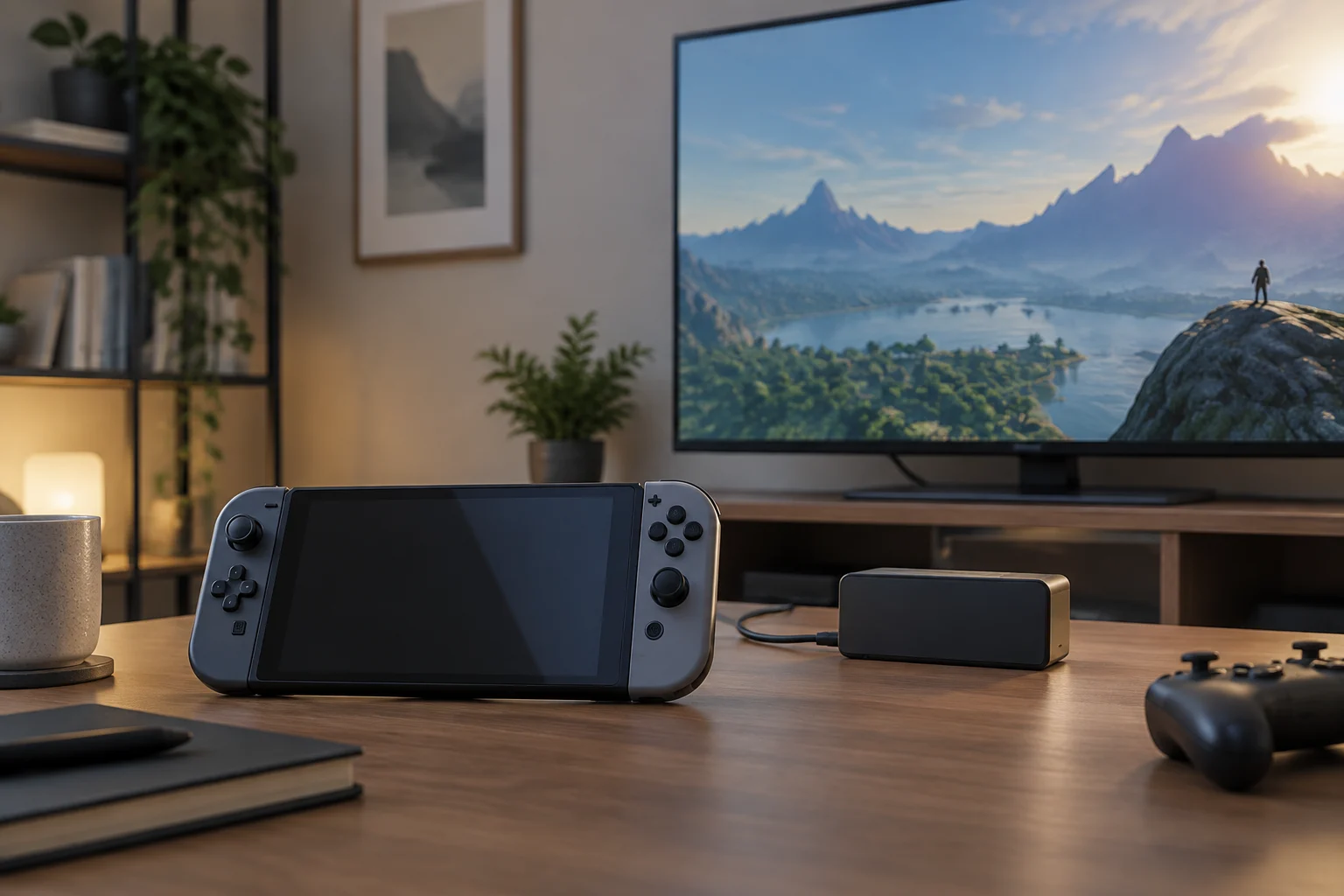
Handheld and hybrid do not mean the same thing
A handheld console is designed for playing on the device itself. A hybrid console lets you switch between that use and an external screen, usually a TV. The difference seems straightforward, but a marketing name or a photo of a console beside a dock is not enough to confirm how a particular model works.
Before comparing prices, identify the kind of use you actually want. If you mainly want to play away from home, the built-in screen, stated battery life, weight and controller comfort matter. If you also want to use a TV, add another question: does the console support video output, and what connection or accessories are needed to enable it?
TV functionality must be confirmed for the exact model; do not infer it from a large screen, a USB-C port or accessories that look like a dock. The manufacturer’s documentation is the place to start. A retailer’s description can help identify a product, but it does not always clarify compatibility, box contents or requirements.
How to check the TV connection
On the official product page, look for terms such as “TV mode”, “video output” or “connection to an external display”. Then open the manual or support section for that same model and check the procedure, required ports and any power requirements. A standalone specification does not always explain whether a particular dock or compatible adapter is needed.
It is also worth distinguishing between a device being able to transmit an image and the manufacturer documenting a complete desktop-style experience. The first fact does not guarantee that every cable, dock or display will work, or that controllers can be detached or used in the way a buyer expects. Requirements may vary by revision, region and accessory.
Nintendo maintains an official page with information about Nintendo Switch 2 features and a support section about compatibility between Nintendo Switch and Nintendo Switch 2. These are examples of why it is useful to consult manufacturer pages dedicated to each question: one describes a product’s features, while the other addresses compatibility, a separate issue. They should not be taken as proof that every previous accessory works without limitations.
Dock, cables and power: check what is in the box
A console may support a TV connection and still require components that are not included with the edition you are considering. Check the official listing for box contents and whether the dock, charger, video cable or controllers are included, optional or sold separately. Also check whether the accessory is specific to a particular model.
Do not rely on a promotional photo: it may show items sold separately. Compare the contents list with the full name of the variant and the market where it is sold. If a retailer uses a generic description, look for the model identifier, reference or product code and compare it with the official site.
A practical check before paying is to write down the items you need for the intended use:
- The exact console and variant.
- A compatible dock or adapter, if required.
- The necessary video cable and power supply.
- Additional controllers, if the game or shared use requires them.
Do not assume an accessory from an earlier generation works with the new one: consult the manufacturer’s compatibility table and any stated exceptions.
Handheld use also comes with conditions
For gaming on the go, compare the built-in screen, size and weight, stated battery life, and ability to adjust the controls. Check whether battery figures are manufacturer estimates and under what conditions they were obtained; brightness, the game and wireless connectivity can affect real-world running time. If the documentation does not explain the method, treat the figure as a guide, not a guarantee.
Also examine how the device charges and whether it can be used while connected to power. For games, check whether the title runs locally or depends on a connection to another device or service: the word “handheld” does not, by itself, explain that distinction. For multiplayer use, check which controllers are included and which are compatible.
PC-based handheld consoles may have requirements and options that differ from those of a hybrid console designed around a dock. For example, ASUS presents the ROG Xbox Ally (2025) RC73YA as a handheld console on its product page. That description helps identify the product type, but does not replace checking the specific connections and accessories required for a TV setup.
Compare listings without mixing up models
Retailers may shorten names or combine several editions, colours and capacities on one page. To avoid comparing different products, use the model number or reference where available; also check the region, seller, item condition and offer update date. A label such as “compatible” needs to specify which product and accessory were tested together.
A short checklist can help organise the purchase:
- Does the official documentation confirm TV use for this variant?
- Which dock, cables and power supply are required, and which are included?
- Do the built-in screen, controllers and battery life suit the intended handheld use?
- Does the offer correspond to the exact model and the market where it will be used?
If an answer depends only on a photo, retailer title or review without a precise model reference, leave it unresolved. An incomplete listing does not prove incompatibility; it means you need a better source before deciding.
What can be concluded and what still needs comparing
The documentation reviewed supports a general recommendation: check device features, compatibility and box contents separately. Manufacturers publish different pages to describe functions and address compatibility questions, while a product page may identify a model as handheld. That information is not enough to establish a universal ranking of consoles or claim that one option is better for every buyer.
There is also no like-for-like comparison here of prices, battery life, resolution or performance across models. A responsible comparison would require gathering equivalent official data, identifying variants and markets, and recording when each price was observed. Without that basis, it is more useful to decide according to specific needs than to present figures or a ranking that cannot be checked.
The final rule is simple: buy the functionality you can verify for the exact variant, not what a picture or marketing name seems to suggest. If TV mode is essential, confirm the connection and accessories before paying; if playing away from home is the priority, give more weight to ergonomics, the screen, power and stated battery life.