
Start your purchase with the data, not the resolution
Resolution, field of view and night vision describe what a camera can capture. They do not answer crucial privacy questions: where the video goes, how long it remains stored, and who can view it. To compare equipment sensibly, treat these issues as purchase requirements, not details to sort out after installing the app. A useful comparison begins before checkout, with information you can verify in the documentation for the exact model. A clear product description should help you understand how the device behaves rather than relying on reassuring general language.
Start by identifying which records the equipment can create: continuous video, motion-triggered clips, still images, audio and alerts. Do not assume that every function exists or that it is enabled by default; check the model’s manual. Also ask whether the camera can operate with its microphone disabled or with configurable privacy zones. These are different functions: a mute option does not, by itself, prove that no other type of information is collected. Check what each control actually changes and whether its effect is described for the model you intend to buy.
The documentation should let you trace the basic route of a recording: from the camera to a phone, memory card, recorder or remote service. If the manufacturer does not clarify that route, record it as an unknown. A lack of verifiable information is also a comparison point: it does not prove that a product is insecure, but it does limit what you can evaluate before paying. Keep the distinction clear between a feature that the manufacturer confirms and one that you merely expect to be present. That approach prevents a polished description from standing in for practical information.
Cloud or local storage: follow the video’s route
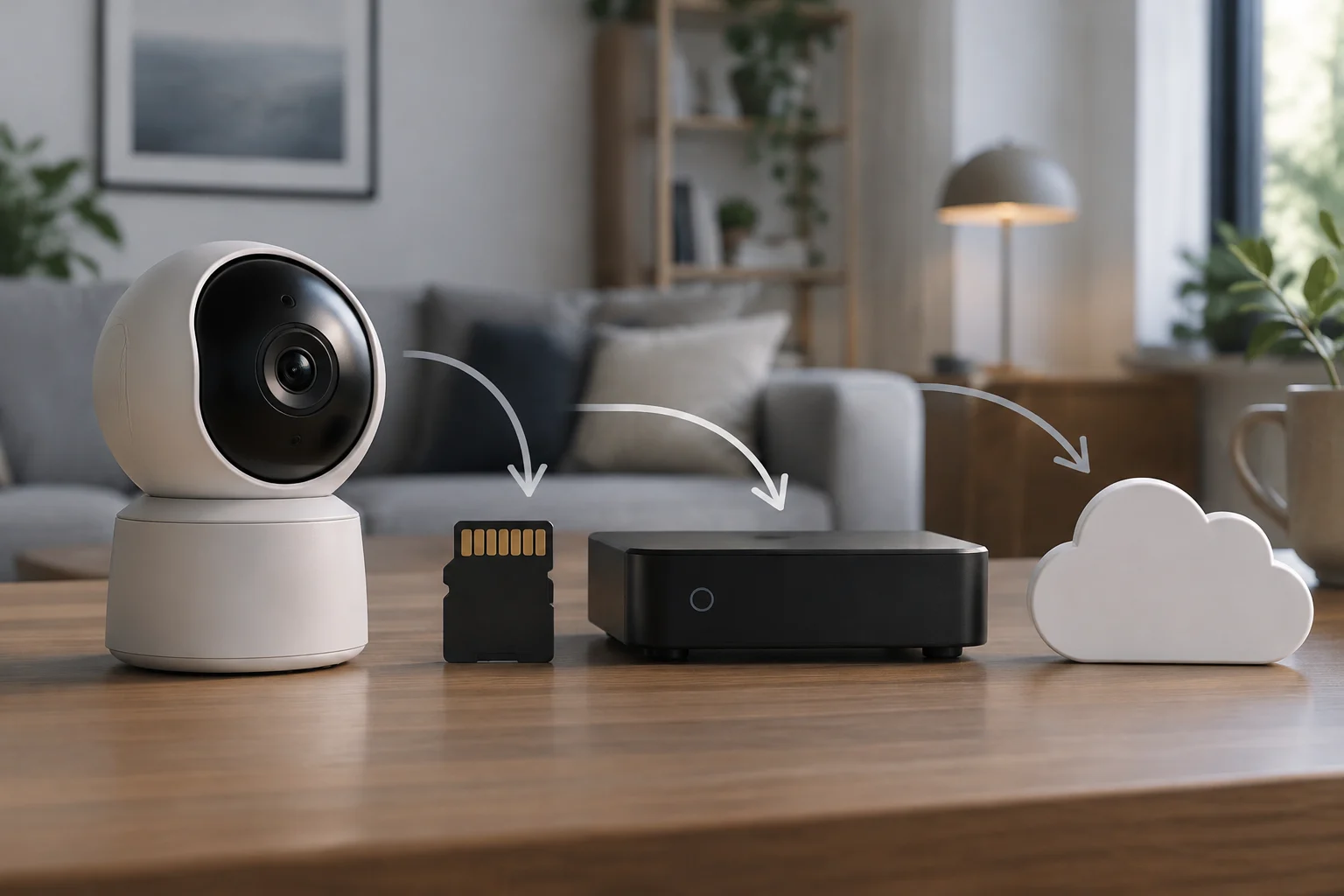
“Local” and “cloud” are not enough, on their own, to explain how a model works. A camera may save clips to a card or recorder in the home while also using a remote connection for notifications, live viewing or access from outside the home. Conversely, the fact that a manufacturer offers remote storage does not tell you which local options a particular variant includes. Look for the technical specifications and manual for the exact model, not just the general product-family page. If regional versions or service plans differ, check that the information applies to the version you can actually buy.
Check what is saved to each destination and which functions depend on an account or subscription. Ask specific questions: can you record without paying a recurring fee? What happens when you cancel? Are clips already saved retained? Does remote access disappear, or do other functions stop as well? Advertising that says “local recording” does not necessarily answer these questions. Nor does a cloud option, by itself, mean that every video is uploaded there: you need confirmation in the manufacturer’s documentation. The practical point is to understand which features continue to work under each storage and account arrangement, rather than inferring a complete setup from one label.
Questions for comparing models
- What storage methods does the model support, and what capacity or limits apply?
- Which functions require an internet connection, an account or a subscription?
- Does the app explain what content is sent outside the home and for what purpose?
- Are there differences between variants, regions or versions of the service?
If an answer appears only on a sales page, look for the manual, service terms and privacy policy. Do not turn one isolated feature into a general conclusion about privacy: keeping a file at home may reduce dependence on an outside service, but it says nothing by itself about accounts, software or access to the camera. Compare the documented behavior of the whole setup, including any remote functions, rather than treating “local” and “cloud” as mutually exclusive categories.
Access to recordings: manage accounts and users
Find out whether access is managed through an account, whether it can be shared, and what permissions invited people receive. A camera installed in a home may be viewed from several phones, so it is useful to know how to remove an old access, change the password and review authorized sessions or devices, if the manufacturer provides those controls. If the documentation does not explain this, do not assume that a particular feature exists or that the owner’s account is the only possible point of access. Check the exact model and service, since account controls may depend on the app or subscription.
Look for information about multifactor authentication, sign-in alerts and account recovery. These are distinct considerations: a strong password helps protect access, while a second factor adds another check if the service supports it. Also check whether you can create separate profiles or whether sharing access requires you to disclose the main credentials. Avoiding the reuse of one shared password makes it easier to revoke permissions without changing access for everyone. Read the instructions for recovery, too, so you know what happens if the owner loses access to the account or changes phones.
A simple review before installation
- Create a unique password for the account and enable a second factor if available.
- Share access through the official user-management feature instead of handing over the main password.
- Check how to remove someone and sign out of devices you no longer use.
- Review permissions after changing phones, selling the equipment or stopping its use.
These are general precautions, not a guarantee that a particular camera implements every control. Privacy Guides treats privacy as a matter of control and context; that perspective is useful here, but it does not replace the manufacturer’s technical documentation or allow you to attribute features it does not declare. Use the guidance as a way to frame questions, then verify the answers against the product and service information. In a comparison, note separately what the manufacturer confirms and what remains unclear.
Retention and deletion: distinguish the camera, account and service
Before buying, look for how long clips are kept and whether the user can configure that period. The answer may depend on the destination: a recording on a card, a copy on a recorder and a clip hosted by an online service are not necessarily the same file or subject to the same deletion process. Also check what happens when storage fills up, a subscription is cancelled or an account is deleted. The manual, service terms and privacy policy may each describe a different part of this process, so consult them together instead of relying on a single short product summary.
Do not confuse “delete from the app” with “remove all associated data.” Ask whether the action deletes a local copy, a remote copy or both, how long it takes, and whether a recovery period applies. If you decide to stop using the camera, check separately how to remove the device from the account, delete shared users, erase local storage and close the service. The privacy policy and account terms may contain information that does not appear on the product specification page. Where the manufacturer does not explain what a deletion command covers, treat that as an unanswered question rather than assuming the broadest interpretation.
To reduce accidental exposure, set a retention period that matches the use you actually need. Keep only what is necessary, limit access to people who need it and establish a routine for reviewing older clips. The information available here does not support one universal retention period for every use. If the camera can capture areas outside the home, the applicable obligations for that situation must also be considered alongside the technical settings; the AEPD provides specific information on video surveillance and owners’ associations. Checking the relevant guidance is different from assuming that one answer applies automatically to every domestic installation.
Updates and support: verify the model and date
A connected camera depends on software and a maintenance policy. Before buying, find the support page for the model and check how updates are distributed, where security notices are published and what the manufacturer says about the support period. If no end date is published, do not infer one from the product’s age or from the availability of a recent update. Record the missing information as a limitation when comparing products. An update being available today does not, by itself, establish how long the manufacturer will continue to maintain the camera.
INCIBE-CERT’s vulnerability notices illustrate why it is worth checking security information by product and manufacturer: the organization has published alerts concerning video-surveillance cameras from different providers. Those notices do not show that every camera from a brand, or every home device, has the same issue. Nor can they establish that a current model remains affected without checking the version, scope and corrective measures in the relevant notice. Read the alert itself and avoid extending its findings beyond the products and conditions it identifies.
What to check in support information
- That the model number and variant match the equipment you plan to buy.
- Whether there are instructions for installing updates and whether the process requires an app or account.
- Whether the manufacturer publishes security notices and how it describes fixes.
- Whether there is an explicit support policy and when the page you consulted was updated.
An accessible support page is useful, but it does not, by itself, prove the quality of future maintenance. Distinguish what is published from what you expect to happen: a specific, dated commitment can be checked; a general impression that the brand “maintains its products” offers a different level of certainty. Note the date when you checked the page so that you can revisit it if the terms, software or support information later changes.
A checklist for deciding without false equivalences
Compare two or three models using the same questions and save links to your sources. For product specifications, prioritize manuals, policies and official support pages; check legal questions with the competent authority. The AEPD publishes video-surveillance resources and guidance for situations such as cameras in owners’ associations. Those references help show that the place of installation and what the camera captures matter, but they do not automatically determine whether any particular home installation is lawful. Apply the guidance to the circumstances in question rather than treating a general resource as a decision about an individual setup.
A comparison sheet can include storage destinations; functions that require a subscription; access controls; retention and deletion options; the update policy; available documentation; and questions the manufacturer has not answered. It is better to write “not found in the documentation consulted” than to fill a box with an assumption. Also note the date you checked, because apps, service terms and support periods can change. Keep source links with the comparison so you can see whether a statement came from a manual, a policy or a sales page, and revisit the evidence if the product information changes.
The final decision is not about finding a camera that promises absolute privacy. It is about choosing one whose operation you can understand and whose controls suit your use. If an essential function—for example, deleting remote copies or removing a user—is not documented, ask the manufacturer before buying or weigh that lack of clarity against another option. A verifiable specification is worth more than a reassuring label; and no resolution, storage method or security feature, taken alone, proves that the whole system is private or secure. A consistent comparison of the complete setup is more useful than a claim based on one attractive feature.