Introduction to on-device AI
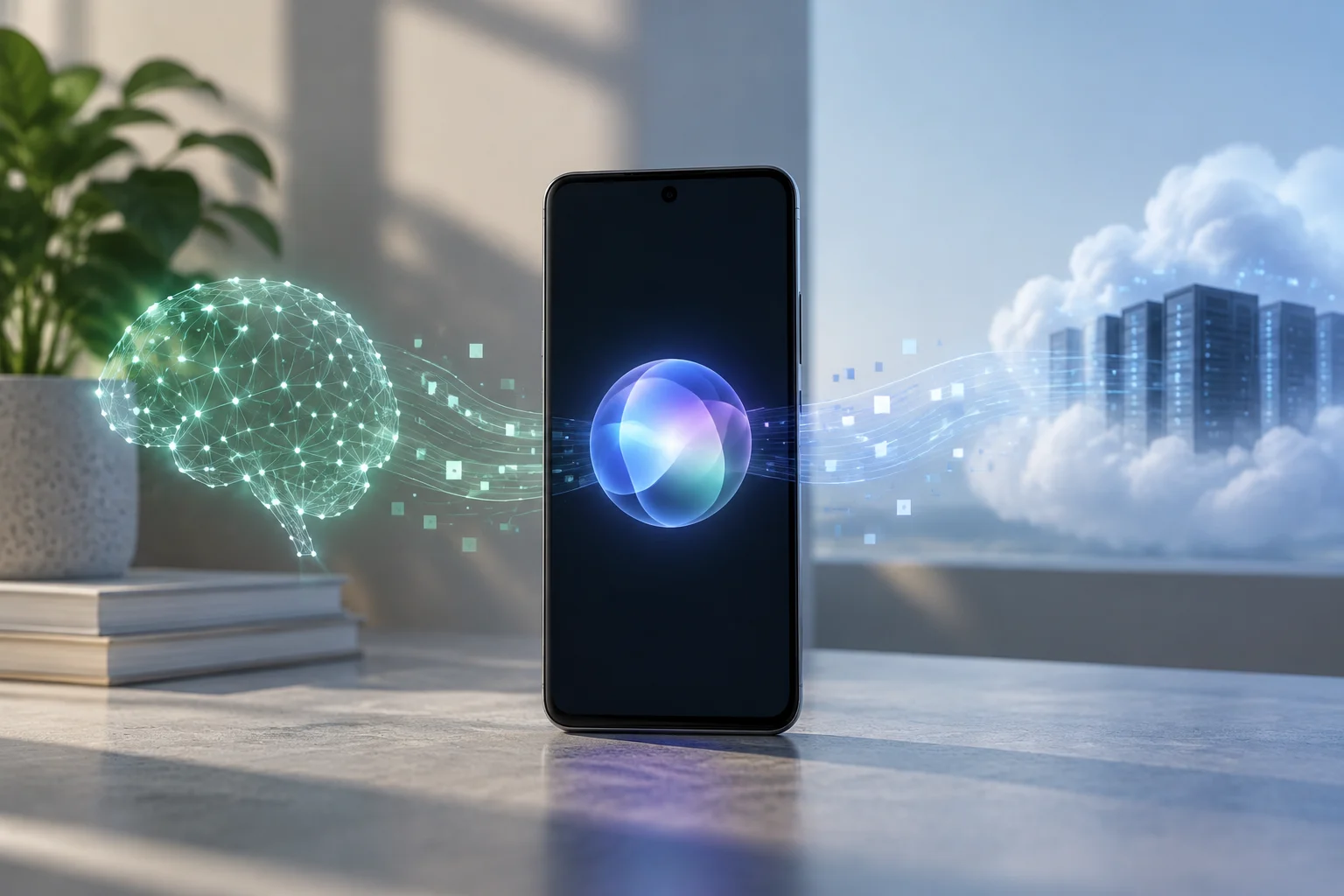
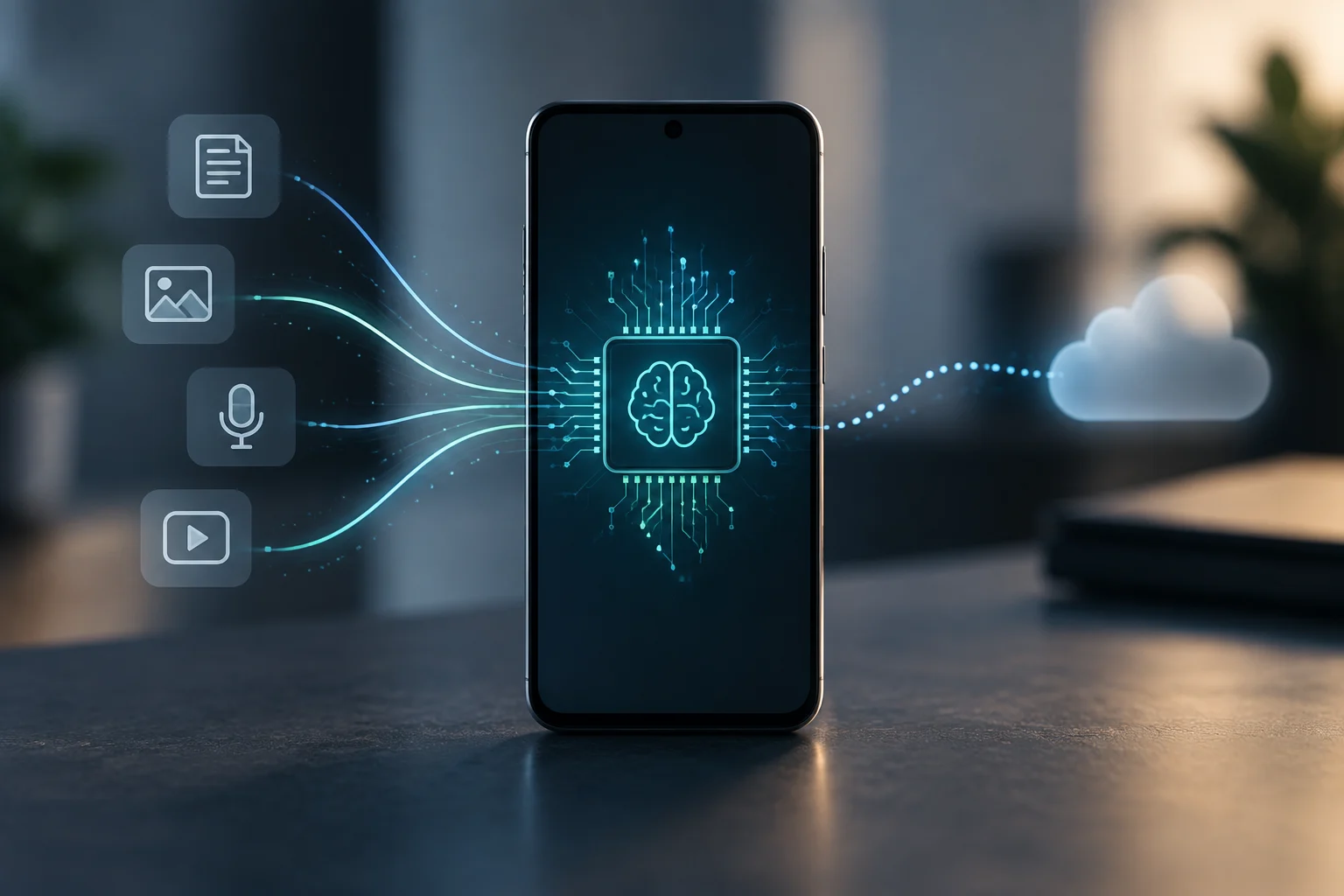
Local AI runs models directly on a phone’s processor, avoiding the need to send data elsewhere. This approach keeps sensitive information within the physical device, which is crucial for security. By contrast, cloud AI sends information to remote servers for processing, potentially introducing latency and exposing personal data to network-related risks.
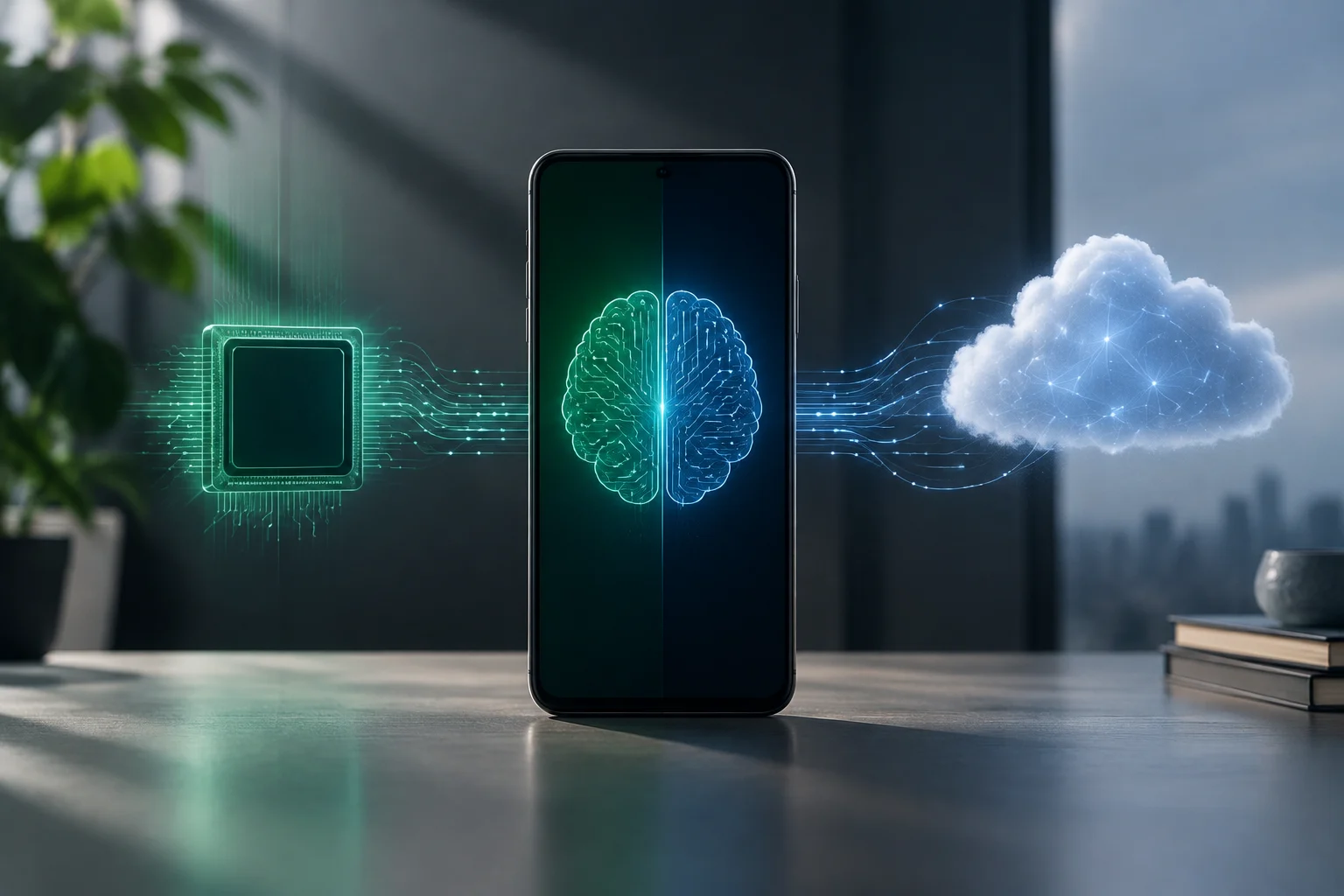
In 2026, smartphones increasingly include AI capabilities, but not all models work in the same way: some rely exclusively on the device, while others combine both approaches. Identifying which applies to your phone means checking both its hardware and its official documentation to understand how processing is carried out.
Understanding this distinction is essential for users who prioritize privacy and performance. Knowing where data is processed helps you make informed decisions about which apps to install and how to configure your device to maximize efficiency and minimize data exposure.
Identifying hardware: What is an NPU, and how can you check for one?
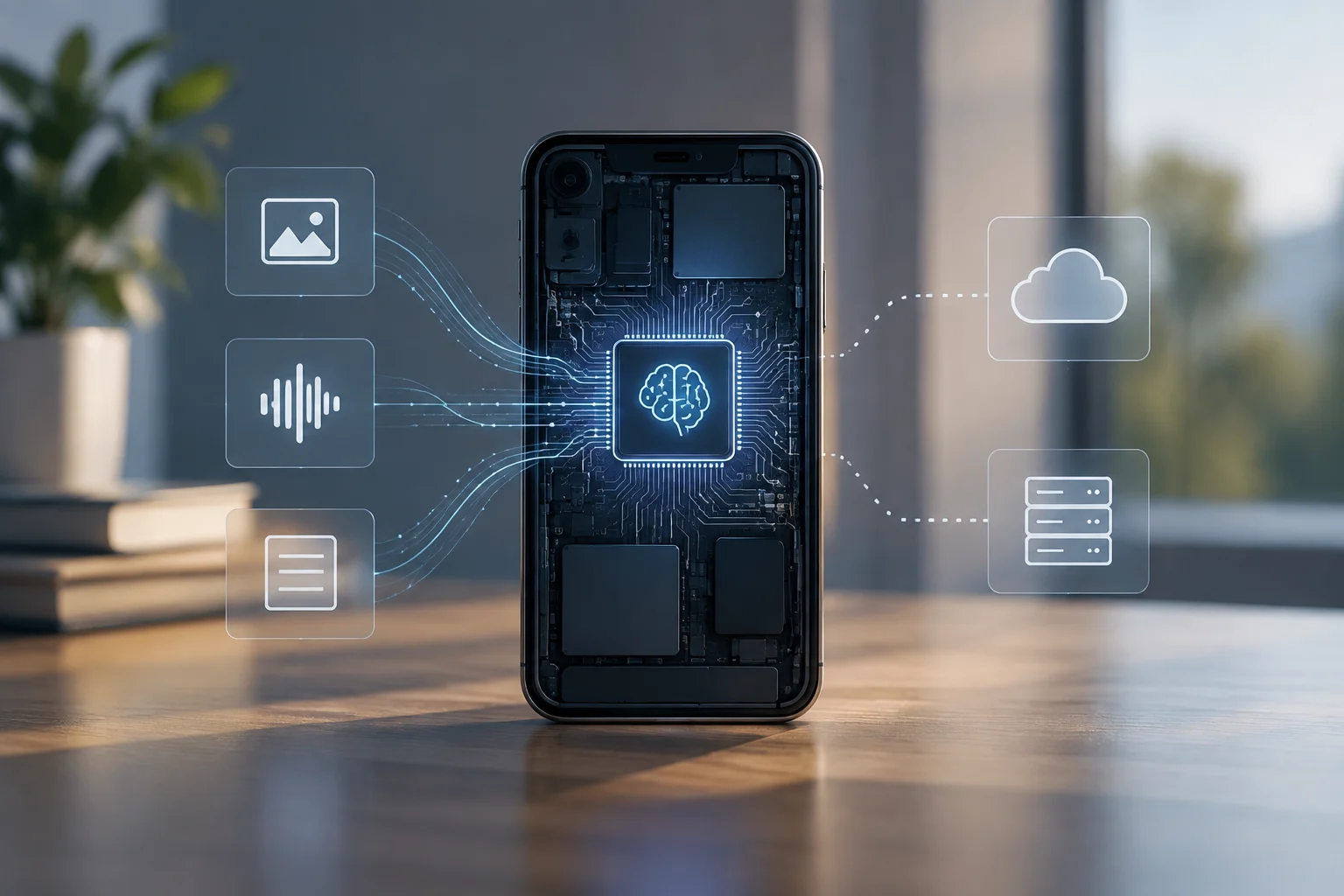
An NPU (Neural Processing Unit) is a chip specialized in neural-network inference and optimized for performance and low power consumption. Unlike a CPU or GPU, an NPU is specifically designed to handle repetitive matrix operations, making it well suited to real-time AI tasks.
Manufacturers often list it in specification sheets or in the Processor section of the manual. This processing unit lets a phone perform complex calculations without placing an excessive burden on the battery, helping the device stay cool and operational during extended periods of intensive use.
To check whether your phone has one, open the About phone menu and look for “NPU,” “Neural Engine,” or “AI accelerator.” If one of these appears, your device can run AI locally. If none is listed, it is likely to rely on the cloud for its more advanced AI features.
It is important to note that having an NPU does not guarantee that every app will use it. Some apps may ignore this hardware and turn to the CPU or the cloud because of compatibility requirements or design choices, so checking the software is just as critical as checking the hardware.
Reviewing official documentation
Android – Gemini Nano
Google states that the Gemini Nano model runs in the AICore service and requires a compatible NPU to work offline. The official documentation indicates that Pixel 8/9, Samsung S24/S25, and Xiaomi Moto Honor devices support this feature without an internet connection [ev_c1478fe8bf20c8e04358].
This implementation lets Android users carry out tasks such as rewriting text or performing semantic searches locally, without needing an internet connection. The AICore service acts as an intermediary that manages AI models, helping ensure that they run efficiently and securely on the device.
iOS – Apple Intelligence
Apple says its Neural Engine can run language and vision models locally. The Artificial Intelligence Chats app runs entirely on the device, without external servers [ev_20989456a1a7a03c5e83].
In Apple’s ecosystem, deep integration between hardware and software allows AI features to be processed natively. This means interactions with virtual assistants or photo-editing tools can take place without sending data to the cloud, preserving user privacy.
Practical test: data use and battery consumption
To distinguish between local AI and cloud AI, observe mobile data use while the app is active. If traffic stays close to zero, the AI is likely running locally; if there are constant spikes, the app is probably sending requests to a server. This direct observation is the quickest way to check how the app actually behaves.
Also monitor temperature and battery use: NPUs generate moderate heat and consume less energy than a CPU or GPU working on intensive tasks. A sustained increase in battery use may indicate cloud processing, since transmitting data and waiting for responses consume additional resources.
You can perform this test in a controlled environment, such as on an airplane or in an area without coverage, to confirm whether the feature keeps working. If the AI responds offline, processing is local. If it displays errors or freezes, it depends on the network.
Privacy implications
With local AI, data stays on the device rather than being sent to external servers, reducing the risk of a leak and improving confidentiality [ev_c2ececa34e6d21d171d3]. This is especially relevant for apps handling personal, financial, or health information, where exposure to third parties is a significant risk.
Cloud-based features, by contrast, depend on a connection and may log contextual information. If privacy is a priority, choose models that work offline or review each app’s network permissions. Transparency about data use is key to staying in control of your personal information.
Users should be aware that even local apps may collect metadata, although they do not send the main content. Reviewing privacy policies and network-access permissions is recommended for anyone who values digital security.
Current limitations
Despite recent advances, many apps still require the cloud for complex tasks such as image generation or advanced multimodal processing [ev_79233d073185a4c0fa48]. These tasks require more computing power than most current mobile NPUs can provide, making high-performance servers necessary.
Devices with older NPUs may not support the latest AI models and may therefore need to use a server. For this reason, check the manufacturer’s specific compatibility information before installing new apps. Hardware obsolescence can limit the AI features available, even when the software is compatible.
It is important to keep the operating system up to date, as updates often include optimizations for NPU use. However, software improvements cannot overcome every physical hardware limitation, so long-term planning is essential for users who rely on local AI.