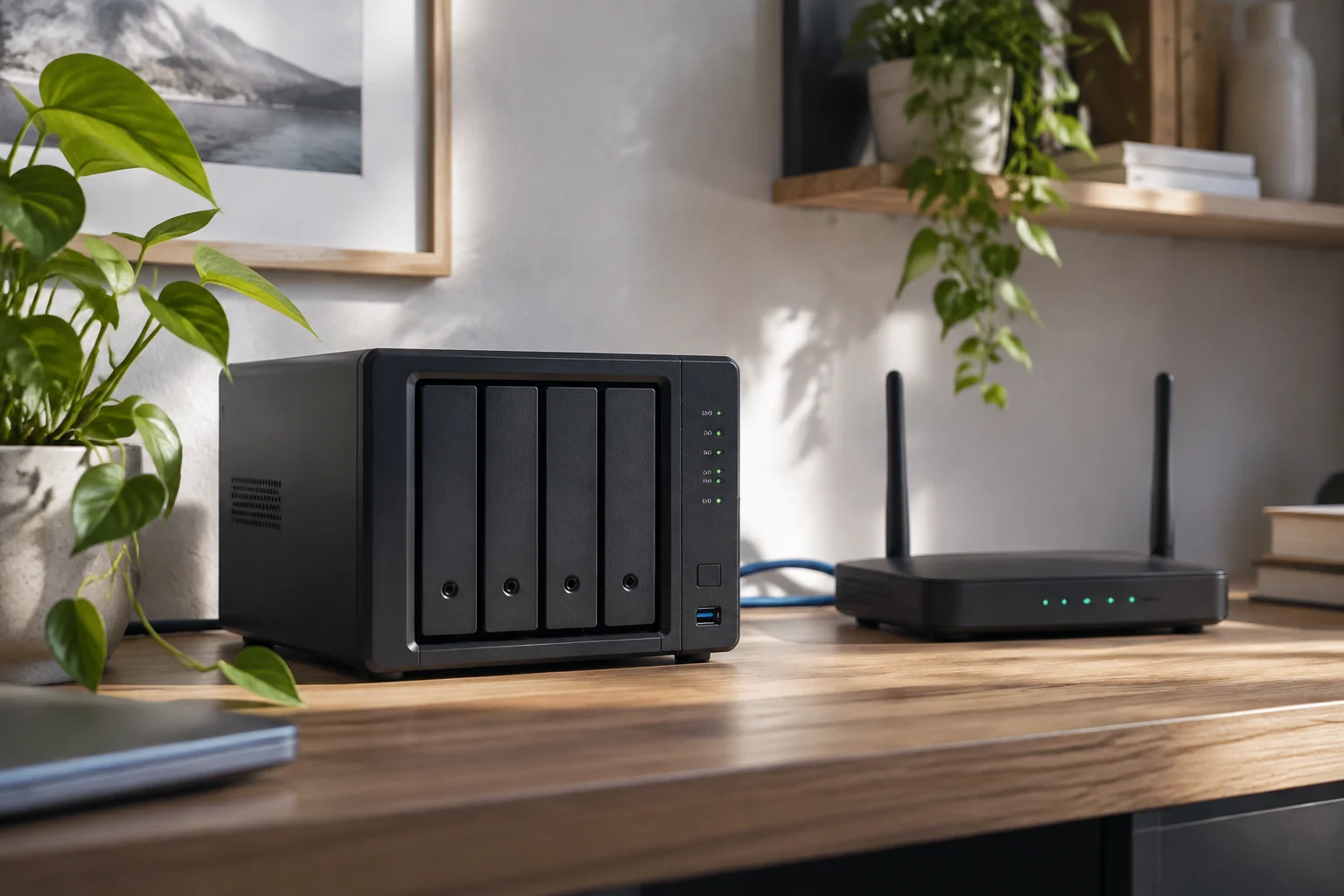
What a NAS does—and what it does not
A NAS (network-attached storage) is a device that makes files available to other equipment over a network. Its most straightforward use at home is to bring documents, photographs and other data together in one place that can be accessed from several computers, rather than relying on a drive connected to just one of them. This definition describes a general function; it does not guarantee that every device includes the same applications, compatibility or capabilities. IBM
Before comparing models, pin down the problem you want to solve. Do you want to share folders among several computers, centralise a media library, or store backups from other devices? These uses may overlap, but they are not interchangeable. A feature advertised for one task does not mean that the NAS will perform it without configuration, work with every client, or protect data by itself against every kind of failure. The most useful first step is to define which files will be shared, who will access them and from which devices.
Defining the use also helps separate essential requirements from extras. For example, if your main aim is for several computers to find the same documents, first check how folders are shared and which clients are supported. If you want to centralise files and also make backups, verify those capabilities separately: finding both in one product does not mean they work automatically or meet the same needs.
Capacity: drive bays are only the beginning
The number of drive bays helps establish how many physical drives fit in the chassis, but it does not by itself determine how much space will be available. Consult the model documentation for the supported capacity per bay, compatible drives and storage configurations. Without those details, it would not be responsible to turn the number of bays into a final capacity figure.
It is also worth distinguishing raw capacity from usable space. If you configure protection that reserves capacity to tolerate a drive failure, the available space may differ from the sum of the drives’ rated capacities. The effect depends on the configuration and the drives; it cannot be estimated accurately without knowing the model and the chosen layout. Compare the usable capacity stated for a specific configuration, not just the total printed on the drive boxes. Look in the manufacturer’s specifications for limits, compatibility and configuration warnings.
When comparing two options, note which configuration each capacity figure refers to. A capacity figure that does not state how many drives it includes or how they are arranged may not be directly comparable with another. It is also important not to confuse the maximum supported by the device with the usable space in the configuration you plan to install. The model-specific product sheet and setup instructions are the references that clarify this difference—not an estimate based only on the number of bays.
Networking: access depends on the entire connection
A NAS shares information over a network, so its interfaces matter—but reading a speed figure in the specifications is not enough. Check exactly which ports the model has, then check whether your router, cabling and client devices can use them. A faster link at one end does not make the entire connection operate at that speed.
Your intended use also affects how you assess the network. Occasional access to documents and transferring large files do not place the same demands on it. Even so, without verified specifications for both the NAS and your home network, you cannot promise a real-world speed or infer one from an interface name. Treat networking features as a compatibility checklist for the components, not as a performance prediction. If the manufacturer publishes cabling, link aggregation or configuration requirements, check whether your network can meet them.
To do that, trace the full connection: the NAS port, the network equipment it connects to, the cable and the device used to access it. A feature on one component does not confirm that the rest support it or are configured to take advantage of it. A product sheet can therefore help identify what to check, but it is not enough on its own to predict the actual experience in a particular setup.
Protocols and compatibility with your devices
Compatibility depends on the protocols offered by the server and those understood by the devices that will connect to it. In Windows environments, SMB is an important reference for file sharing; Microsoft documents SMB file sharing and its versions. That helps explain the protocol, but does not prove which options are enabled on a particular NAS: check the documentation for that model. Microsoft: SMB overview
Do not assume that every operating system or device accesses files in the same way. List the clients you actually use—computers, phones or other equipment—and compare their operating systems with the protocols published by the manufacturer. If access fails, the cause may be configuration or connectivity as well as incompatibility; Microsoft also documents issues with accessing shared folders from File Explorer. A generic claim of “cross-platform compatibility” is no substitute for checking your devices and versions. Microsoft: shared-folder access issues
Check the information for each combination that matters to you rather than assuming that a general statement covers every system. Note the protocol you need and look in the model documentation to see what is offered and which options are enabled. If you later cannot access a folder, also check the configuration and connection: an access failure alone does not prove that the protocol is incompatible. Microsoft’s documentation is useful for understanding SMB and looking up shared-folder issues, while the NAS’s own specifications must confirm its capabilities.
Backups and data protection
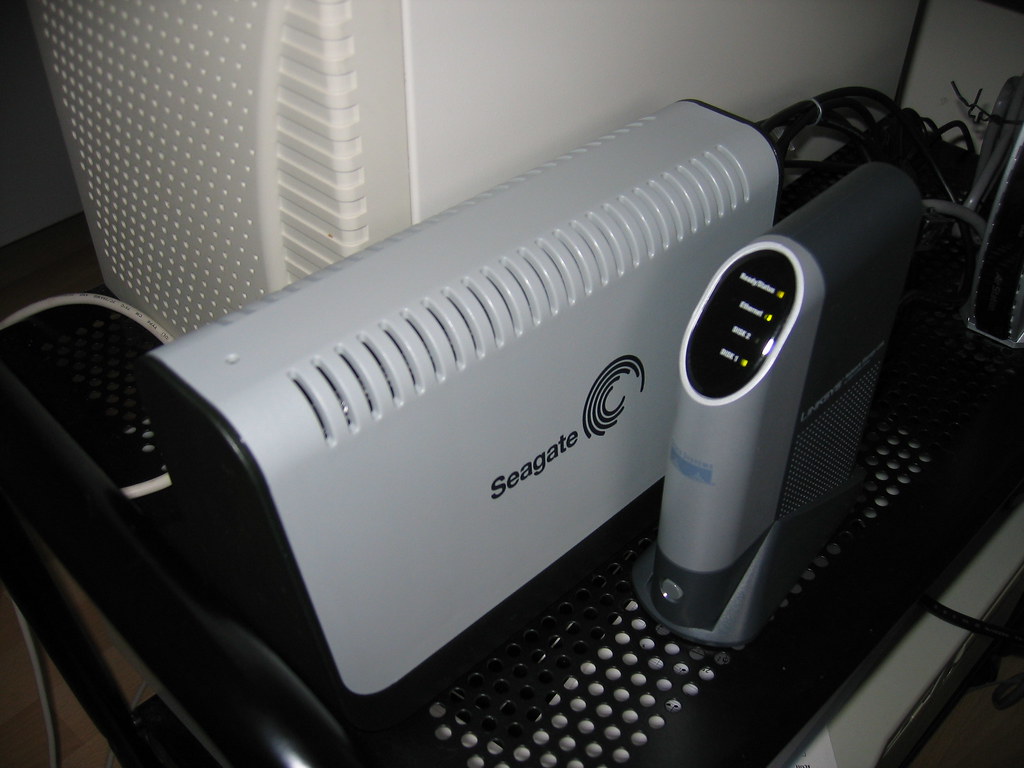
A NAS can be part of a backup strategy, but storing files centrally does not mean they are backed up. If the only copy of a photograph or document is on the NAS, the device is where that file resides; it is not necessarily an additional copy. To assess a backup feature, check which source it supports, where it stores the destination, how it is scheduled and what recovery procedure the manufacturer documents.
Likewise, do not confuse a drive’s fault tolerance with an independent backup. These are different concepts: a configuration may help maintain access in the event of certain failures, but it does not prove that a separate, recoverable copy exists. Check which risk each feature covers and which risks remain. If the documentation does not clarify its scope, do not attribute guarantees to the product; look for official recovery instructions before trusting it with important data.
Recovery deserves as much attention as making backups. A description saying that a device can copy data does not necessarily explain which devices the data comes from, where the destination is stored or how files are restored. Review those steps before deciding that a feature meets your needs. This lets you distinguish between having a shared folder, having a backup function and knowing how to recover files, without treating them as one and the same feature.
A checklist before you buy
A useful comparison is based on verifiable information and the same usage scenario. Record the exact model—not just the product family—and keep links to the specifications you consulted. Documentation for a range may group versions with different ports, compatibility or features; make sure each detail applies to the specific device you are considering.
Before making a decision, review this short checklist:
- Storage: drive bays, compatible drives, supported capacity and usable space for the planned configuration.
- Networking: the model’s exact ports and compatibility with the router, cabling and clients.
- Access: documented protocols and compatibility with the operating systems you will actually use.
- Protection: documented backup features, possible destinations and restoration steps.
- Limits: requirements, restrictions and features the manufacturer does not specify.
- Total cost: NAS, drives and any necessary accessories, compared in the same market and at the same date.
How to interpret marketing claims
The manufacturer’s documentation is the most appropriate reference for confirming what a model supports, but it is not an independent performance test and does not prove that a feature suits every home. Capacity, speed and compatibility figures need to be read in context: configuration, conditions, software and drives used. If a claim is not supported by a specification sheet or a test method that makes it understandable, treat it as awaiting confirmation.
To avoid misleading comparisons, check that the information applies to the exact model and to conditions relevant to your intended use. A description of a product family may not identify the differences between its versions; likewise, an isolated figure may not explain the storage or network configuration to which it refers. If that context is missing, record the feature as unconfirmed instead of filling in the gaps with assumptions.
The practical conclusion is simple: the best candidate is not necessarily the one with the most bays or the most striking figure, but the one that meets your defined use and has limitations you can accept. First document your requirements, compare each one with the model page and distinguish verified features from expectations. That avoids turning a broad category—home NAS—into a promise about a particular product.