Advertised wattage is a starting point, not an answer
When comparing power supplies, it is tempting to start and finish with the large figure printed on the box: 650 W, 850 W, or any other rated output. That number can help rule out options that are clearly far from what you need, but on its own it does not show that a supply is suitable for a particular configuration. It also does not tell you whether the required cables are included, how capacity is distributed across its outputs, or whether its dimensions will fit inside your case.
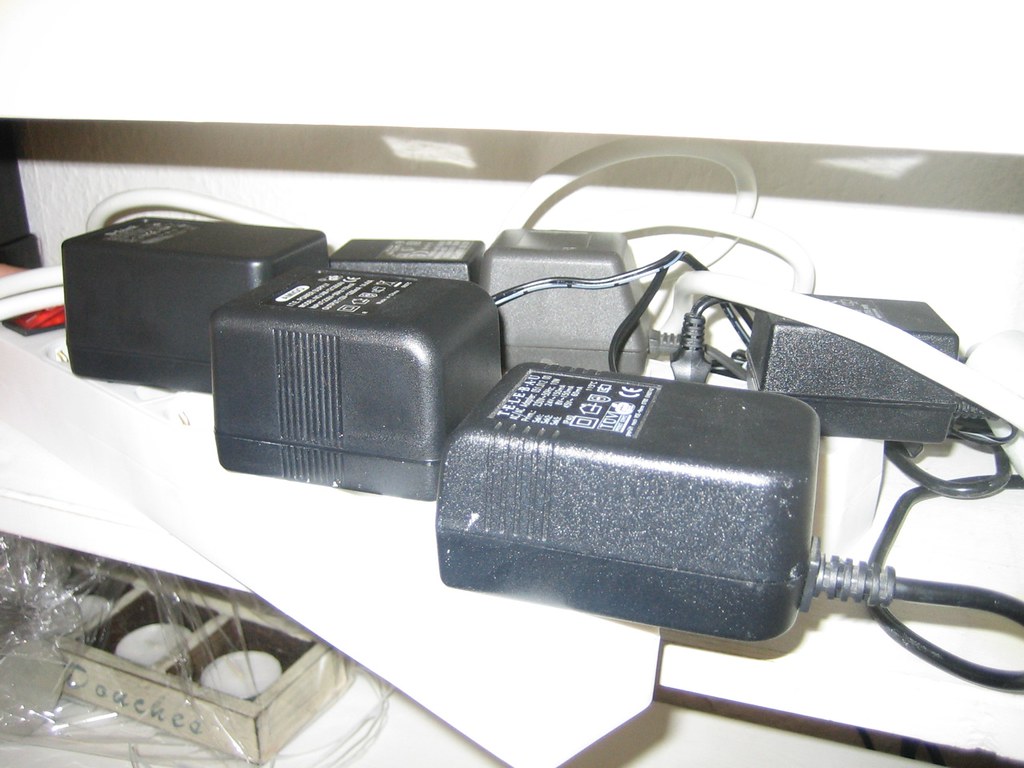
The first task is to identify the exact product and consult the technical specifications and manual for the corresponding revision. Do not assume that two supplies with almost identical names share wiring or specifications, or that a retailer’s product photo shows the version you will receive. The physical label can help identify the model and read electrical data, but it is best treated as an identification aid, not as complete proof of compatibility or performance.
Intel’s ATX documentation illustrates why the scope and version of a specification matter: its guides describe design requirements for specific platforms, not a universal guarantee covering every retail power supply that uses a particular label. The name of a standard is no substitute for consulting the documentation for the model. For comparison, record the brand, full product name, model number, and, when available, hardware revision.
Match capacity to the specific components
Power needs depend on the configuration, not on an isolated figure. Processors, graphics cards, and other components can have requirements or recommendations that vary by model. A useful assessment therefore begins with the official specifications for the components installed or planned, as well as the usage conditions stated by each manufacturer. If a graphics card recommends a minimum power-supply capacity, that recommendation is a criterion to check for that specific model, not a rule that can be applied to every graphics card.
Next, compare the expected demand with the supply’s stated capacity, paying attention to the outputs and operating conditions described in its documentation. It is unwise to add component figures mechanically and present the result as a measurement of actual power consumption: specifications may describe limits, recommendations, or different scenarios. If a component manufacturer does not publish a necessary figure, note that it is missing rather than filling the gap with an estimate presented as certain.
A repeatable comparison
For each configuration, keep a short checklist:
- Record the exact models of the CPU, GPU, motherboard, and drives that will be connected.
- Find their power requirements in official pages or manuals, including any explicit power-supply recommendation.
- Compare those requirements with the capacity and conditions declared by the power-supply manufacturer.
- If a retailer’s information conflicts with the manufacturer’s documentation, give priority to the model documentation and contact support before buying.
This process does not predict the consumption of every session or certify a power supply’s quality. It lets you check whether the documented configuration meets published requirements, a narrower and more defensible conclusion than claiming that the system will work under every load.
Check the connectors at both ends
Electrical compatibility does not guarantee that the cables will fit. Check which power connectors the motherboard requires, which ones the graphics card uses, and which cables are included with the power supply. Make the check against the exact model of each component: connector count, shape, and arrangement are specific facts, not something that can be inferred from total wattage. If the supply manual describes modular cables, also confirm which ports on the supply correspond to each cable.
Modular cables call for particular caution. A connector fitting on the power-supply side does not prove that the cable has the correct pinout for that model. Do not reuse cables from another supply simply because they are from the same brand or product family: look for a manufacturer compatibility table or use only cables confirmed for that unit. If compatibility cannot be verified, the sensible choice is not to connect the cable.
For graphics cards, also verify the connector and cabling solution required by the card and power-supply manuals. An adapter should not be treated as an automatic substitute for an appropriate connection: its compatibility, connection method, and applicable product instructions all matter. The material available for this analysis does not support recommending specific adapters or claiming that every combination is safe; check the information for the models involved.
ATX and ATX12VO: consult the relevant specification
Acronyms help place a power supply within a technical framework, but they do not replace checking the product. Intel publishes a design guide for ATX 3.0 desktop power supplies and separate documentation for ATX12VO, a 12 V power-supply design. Its pages include sections on specific guidelines, DC connectors, and standby-power requirements. These technical documents are useful for understanding what each design addresses, but they are not purchase specifications for a particular retail power supply.
In practical terms, a label such as “ATX” or “ATX12VO” is not enough to answer every installation question. Compare the declared standard with the motherboard, required connectors, case, and manufacturer instructions. For prebuilt systems or less common configurations, do not assume that the supply uses the wiring of a different platform just because its exterior shape looks similar.
PCI-SIG publishes PCI Express card and system electromechanical specifications, including CEM revisions. This documentation is relevant to understanding the physical interface of PCIe cards, but by itself it does not certify that a particular power supply has suitable capacity or connectors for a graphics card. Do not confuse PCIe interface compatibility with power compatibility. They are related checks, but they are different ones.

What a specification sheet can and cannot tell you
A specification sheet lets you compare published information: rated output, listed connectors, dimensions, operating conditions, or characteristics declared by the manufacturer. Its value depends on whether it applies to the correct model and revision. It is also worth distinguishing marketing claims from requirements that can be verified in the manual. If the page does not clarify information that affects installation, do not interpret silence as confirmation; look for another official source or ask the manufacturer for clarification.
An efficiency label, if present, should not automatically be turned into a conclusion about noise, durability, or overall quality. Establishing those attributes would require comparable tests with documented methods, conditions, and samples. This analysis includes no electrical testing or measurements of noise, temperature, or consumption; it therefore does not rank products or recommend a winning model. A document-based comparison can assess stated compatibility, but it cannot replace independent testing.
The date and market for the information also matter. A specification sheet may change, a product range may include regional variants, and a retailer may leave outdated information online. Before buying, compare the product identification on the packaging or seller’s page with the official website, and check what is included in the box. If sources do not confirm the variant, record the uncertainty: do not attribute a cable configuration or warranty to the item if it may belong to another version.
Final checklist before buying or upgrading
A sound comparison does not need a model table when consistent data is unavailable. For a specific configuration, it is more useful to complete a checklist and save the links consulted. This separates confirmed facts from assumptions and avoids recommendations based only on wattage or a generic compatibility label.
Before making a final decision, check these points in official documentation:
- Identity: full power-supply model, revision, and regional variant.
- Capacity: stated output and conditions, checked against the requirements of the exact components.
- Connectors: number and type required by the motherboard and graphics card, and cables included with the supply.
- Modular cabling: explicit confirmation that the cables are compatible with the specific unit; do not reuse cables without confirmation.
- Form factor and installation: power-supply dimensions and available case space, as well as installation instructions.
- Outstanding questions: any missing or conflicting information that could change the purchase decision.
The useful conclusion is not that a high wattage figure guarantees a good purchase, but that compatibility is verified by cross-checking models and documents, not by relying on a single specification. If there is not enough information to confirm a connector, variant, or requirement, postponing the purchase or asking the manufacturer is more responsible than assuming it will work.