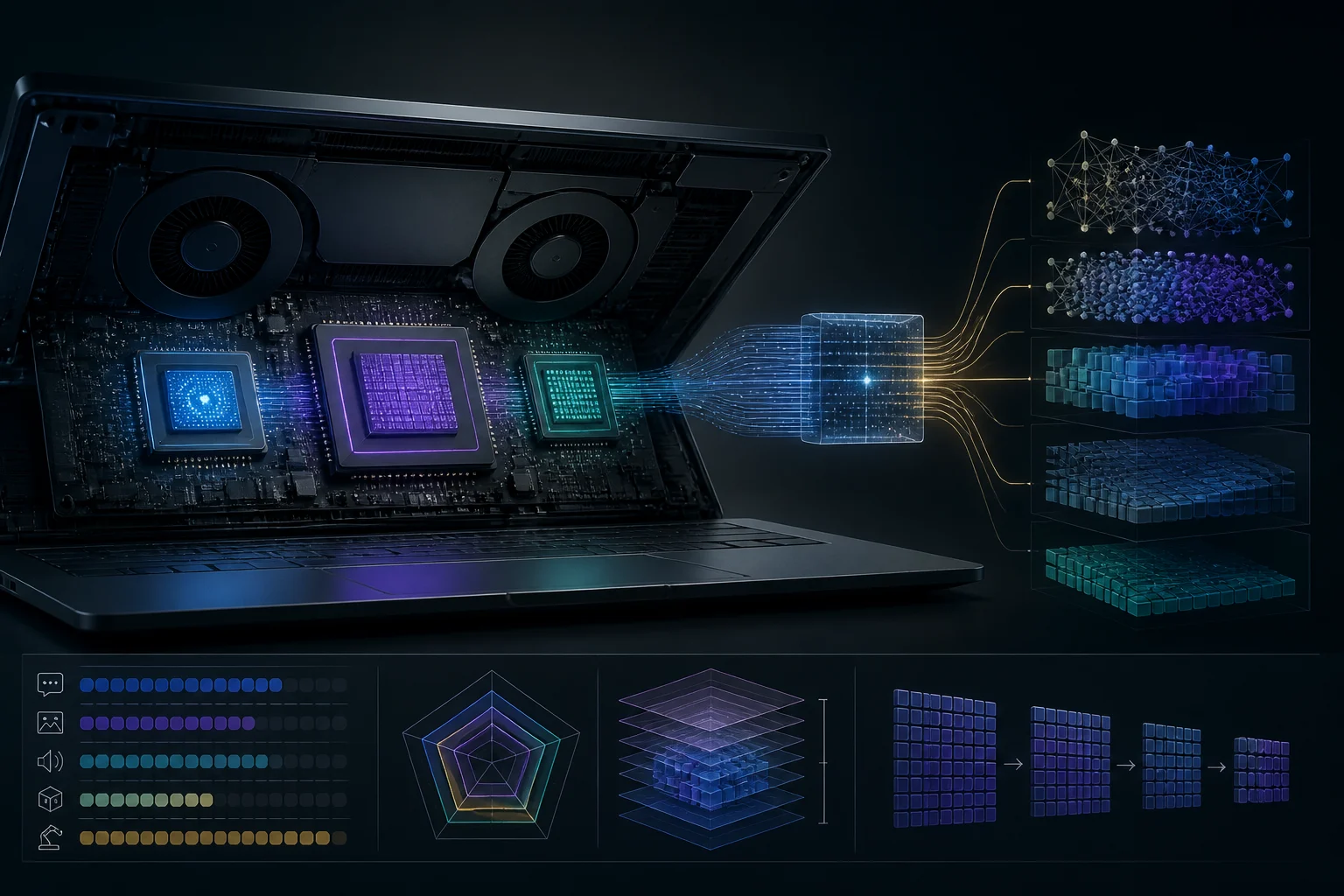
2026 is different: on‑device AI is standard, but not everything accelerates the same way
By 2026, major operating systems include on‑device AI features, and many apps rely on heterogeneous acceleration. In Windows 11, features like Recall and Windows Studio Effects lean on the NPU to offload work from the CPU and GPU, with clearly defined minimum performance thresholds. On macOS, Apple Silicon integrates CPU, GPU, a Neural Engine, and unified memory that favors mixed workloads. On Linux, the maturity of CUDA/ROCm and Vulkan paths continues to set the pace for creators and developers who want portable or vendor‑specific acceleration.
The practical takeaway: there is no single “AI spec.” A laptop that flies through video editing with real‑time camera effects may not be the best at inferring a large LLM or batch‑generating images. This guide breaks down, with verifiable criteria, what each accelerator does, how much memory a 7B/13B/70B really needs at different quantizations, and how to translate it into realistic purchases for the next 3–6 months. It also clarifies what common metrics mean (TOPS, tokens/sec, latencies) and how to relate them to your workflows without falling into unhelpful cross‑architecture comparisons.
CPU, GPU, and NPU: who does what, and which API drives it
- CPU: orchestrates, handles pre/post‑processing, and by itself can serve small models or tooling (tokenization, I/O). When a library lacks an accelerated backend, the CPU is the universal fallback. The useful metric is per‑thread floating‑point performance and the availability of vector instructions; scaling beyond 8–10 threads loses efficiency for LLMs due to memory bottlenecks. Memory access latency and sustained bandwidth also matter, because prefill and KV‑cache updates are sensitive to these paths even when part of the compute runs on an accelerator.
- GPU: dominates with large tensors and batches; it is the main route for mid‑size LLMs and image generation. On Windows, the “agnostic” path goes through Windows ML with ONNX Runtime and its execution‑provider selection policy; on NVIDIA, CUDA remains the most mature path; on AMD, ROCm enables HIP kernels. Vulkan and WebGPU push compute portability, especially in modern apps and browsers. In practice, GPUs deliver better throughput when you can group requests (batching) or when the app chains multiple tensor stages with operators well supported by the chosen backend.
- NPU: accelerates low‑latency, low‑power inference for optimized models (vision, camera effects, OS assistants, parts of compact LLMs). On Windows, certain system experiences require a ~40 TOPS NPU threshold. On macOS, the Neural Engine coexists with GPU/Metal, and conversion to Core ML determines what runs on ANE versus GPU. The key with NPUs is that the execution path must be prepared to use them; without that path, work will fall back to GPU or CPU even if the device has an NPU.
Models and memory: 7B/13B/70B in fp16, int8 and 4‑bit, and why RAM/VRAM rules
Required memory splits into two pieces: model weights and the KV cache. As a quick rule, weights occupy ~bytes_per_parameter×n_parameters: fp16/bf16 ≈ 2 B/param, int8 ≈ 1 B/param, and 4‑bit ≈ 0.5 B/param. Thus a 7B in fp16 sits around ~14 GB just for weights; the same 7B quantized to 4‑bit drops to ~3–4 GB, trading some quality. The KV cache can add several GB with long contexts or high concurrency, and it often collapses VRAM/RAM before the weights do. The KV cache grows with effective context length and model depth, so size for your typical use (for example, chained tools with extended context versus short prompts).
On desktops and laptops, a quantized 7B will fit and feel responsive with 8–16 GB available to the process; a 13B reasonably wants 16–24 GB to be comfortable; a 70B in 4‑bit already hits 40 GB in weights alone and needs systems with ample unified memory or spillover to RAM. If your GPU has limited VRAM, moving the KV cache to system RAM or splitting the model across GPU and CPU/NPU can keep the session alive but increases latency. Also factor in the loader and runtime libraries, which add a few hundred MB and can tip the balance when VRAM is tight.
NPU in 2026: how to read TOPS and when the GPU still leads
TOPS measure integer ops per second (typically int8/int4) under vendor‑specific assumptions. They are useful to filter minimum system compatibility and estimate classes of real‑time tasks (e.g., camera effects, live translation, small vision nets) but do not replace task metrics like tokens/sec or P95 latency for your target model. On Windows, system features such as Recall and the higher tier of Studio Effects trigger minimum requirements around 40 TOPS on the NPU, alongside memory and device‑security conditions. When comparing machines, treat TOPS as a capability threshold, not a linear performance ladder across brands or generations.
For mid‑size LLMs or batch diffusion, the GPU still leads in throughput and operator coverage. The NPU wins when the app is adapted (via Windows ML/ONNX Runtime with a “prefer NPU” policy or via Core ML when layers are compatible) and when efficiency matters: you often see meaningful energy savings versus GPU on continuous low‑power tasks, albeit with limits on operators and model size. In mixed scenarios, an effective strategy is letting the GPU handle heavy prefill while offloading vision or post‑processing to the NPU, keeping power in check without unduly hurting perceived latency.
Windows, macOS, and Linux: the real state of toolchains and compatibility
- Windows (ARM and x86): Windows ML provides a uniform layer on ONNX Runtime and lets you pick an execution provider (CPU, NPU, GPU via DirectML, CUDA, etc.) or let a policy choose for “maximum performance” or “maximum efficiency.” DirectML runs on any GPU compatible with DirectX 12, handy for diverse hardware and for deployments that cannot depend on a single vendor. For apps already using ONNX Runtime, adopting a policy such as MAX_EFFICIENCY or PREFER_NPU is a practical way to balance performance and battery life without rewriting operators.
- macOS (Apple Silicon): the recommended flow is converting to Core ML (with coremltools) and letting Metal/ANE execute per compatibility. Unified memory simplifies mixed loads (model on GPU, preprocessing on CPU/ANE), and the M5 generation offers configurations up to 128 GB unified with higher bandwidth, helpful for long LLM contexts and content‑creation batches. In projects mixing vision, audio, and text, this unification reduces device‑to‑device copies and can yield steadier latencies under load.
- Linux: CUDA remains the smoothest path on NVIDIA; ROCm enables recent AMD parts with a compatibility matrix you should review before buying. For portable solutions and environments without CUDA/ROCm, Vulkan offers general compute, and some runtimes experiment with SPIR‑V paths. In open‑source, projects like llama.cpp expose multiple backends (CPU/Metal/CUDA/ROCm/Vulkan) with varying maturity. Before picking a platform, validate that your chosen backend supports your model’s critical operators and that your dependencies (drivers, kernel, libraries) are on compatible versions.
Storage, I/O, and ports: why 1–2 TB NVMe isn’t a luxury
Model files take real space even when quantized: a 7B is roughly 3–4 GB; a 13B, ~7–8 GB; a 70B, ~35–40 GB in 4‑bit. If you plan to switch among families (Llama, Mistral, embeddings, TTS, VAD) and keep multiple quantizations/versions, 1–2 TB NVMe spares you constant cleanup. Large sequential reads help session startup and resume, and free headroom benefits paging and framework caches. Keeping a single fast NVMe volume simplifies checkpoint management and reduces the temptation to park models on slower media that later hurts time‑to‑first‑token.
For connectivity, Thunderbolt 5 and USB4 v2.0 raise bandwidth ceilings for external SSDs or eGPUs (where supported), and for 8K/high‑rate displays. For AI workloads, the practical upside is fast external storage while sharing the bus without starving the internal GPU. If you use external chassis or docks, confirm certification and version to avoid bottlenecks. And if your workflow moves models between machines, consider an external NVMe SSD in a TB5/USB4 v2.0 enclosure: copy and load times improve markedly over legacy USB when projects span many gigabytes.
How to measure useful performance and map it to buying profiles
Metrics that matter: 1) tokens/sec on your target model and quantization with a typical context; 2) latency of first token (prefill) and decode; 3) throughput per batch for image/audio generation. Avoid raw TOPS or theoretical FLOPS without relation to your pipeline (tokenizer, KV cache, streaming). When possible, use reproducible, open benchmarks from the exact runtime you plan to use. Complement with power tests when battery life is a priority: the gap between NPU and GPU on sustained low‑power workloads can be decisive even if total time is similar.
Indicative minimum profiles if buying in 2026 Q4–2027 Q1: 1) Local chat 7B (4‑bit), light multitasking: a modern 8‑core CPU, integrated GPU or modest dGPU, 16 GB RAM, and an NPU if you depend on OS features; 2) Accelerated code assistant and transcription: dGPU with ≥8–12 GB VRAM or Apple Silicon with ≥24–32 GB unified; 3) Comfortable 13B LLM and batch image generation: dGPU ≥16 GB VRAM or ≥48–64 GB unified memory; 4) Local lab with 70B 4‑bit: systems with ≥64–96 GB effective (unified or RAM with spillover), accepting latency trade‑offs. As an operating rule, prioritize enough memory over small TOPS/FLOPS gaps, and verify that the APIs you plan to use (Windows ML/DirectML, Core ML, CUDA/ROCm, Vulkan/WebGPU) work with your software stack.