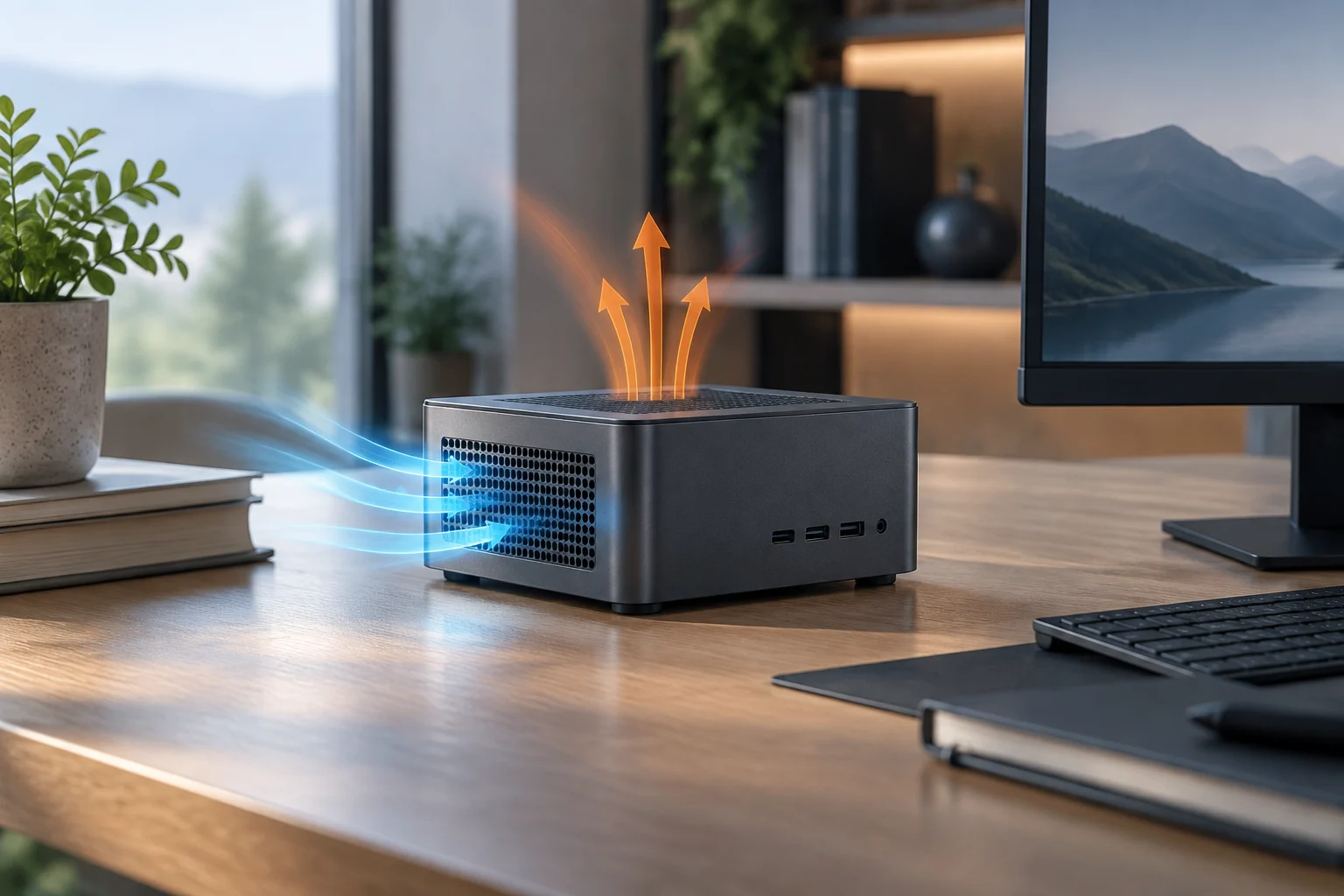
No single figure describes power consumption
If a mini PC is going to stay on for many hours, compare more than its processor or the power figure in a sales listing. A number on its own does not tell you how much energy the computer will use over a real working day, or how it will behave when a task continues for a long time. To assess that kind of use, you need measurements tied to specific operating states and recorded under conditions that can be compared.
Start by defining what you will use the computer for and how much time it will spend in each state. An office machine switching between documents, video calls, and idle periods has a different usage profile from one running an intensive task for hours. A maximum figure therefore cannot replace an idle or light-load measurement; nor does a brief load test necessarily describe sustained operation. A useful comparison starts with the usage pattern, not the processor’s power label.
Think of the working day as a sequence of periods rather than imagining that the computer is always at full load or always idle. Adding up those periods gives a better way to interpret total energy use. If a source reports several operating states, note how much time it assigns to each and whether that distribution resembles your own. If it does not provide that detail, its figures may still be useful as reference points, but they are not enough to predict the consumption of your particular routine.
Ask for measurements that allow a fair comparison
At a minimum, look for separate figures for idle, light use, and sustained load. Check whether measurements were taken at the wall outlet or describe only the processor’s consumption: these are not interchangeable quantities. Also note the test duration, workload, connected peripherals, and system state. Without that context, even two results reported in watts may not be comparable.
To estimate electricity use, convert average power into energy using the operating hours: kilowatts multiplied by hours give kilowatt-hours. The calculation is representative only if the power figure corresponds to a pattern similar to the one you expect. For a computer that spends much of the day idle, projecting the peak load would overstate consumption; if it remains busy, using only the idle figure would understate it. An estimate is a planning tool, not a promise about your bill: the latter also depends on the tariff, time of use, and actual usage.
When comparing tests, keep track of what was connected to the computer and what task was running. A result measured with different peripherals or a different workload may describe another scenario, even if both are presented as system power consumption. There is no need to automatically dismiss a test with incomplete information: simply identify what cannot be compared and avoid treating it as a direct comparison. That way, differences between figures are not attributed to the mini PC without first knowing whether the test conditions were equivalent.
Assess sustained load, not just the peak
A short test can show how the computer responds at the start of a task, but not necessarily what performance it maintains after it warms up. For prolonged work, look for results that state the duration and explain whether clock speed or performance settles, as well as temperatures and ambient conditions where available. If a review reports only a maximum result, treat it as a partial observation, not a guarantee of continued performance.
It is also important to distinguish processor limits or settings from the power consumption of the complete computer. These figures have different scopes, so a processor figure should not be presented as though it described power measured at the wall. Cooling, configuration, and system limits can affect the result; check, therefore, that any figure attributed to the computer refers to that model and an identifiable test.
Test duration matters because a measurement taken at the beginning and one taken after a prolonged period do not answer exactly the same question. The first helps explain the initial response; the second provides context about what happens when the task continues. For a purchase intended for many hours of use, it is reasonable to give more weight to results that explain the observed interval and not to present an isolated peak as though it represented the whole session. If the source does not say when the figure was recorded, keep that limitation in view.
Temperature and noise: look for context and method
To assess cooling, do not rely on an isolated temperature. Ask which component was measured, under what workload, for how long, and at what ambient temperature. A figure without these conditions offers little basis for comparison. Likewise, a review reporting a performance drop under prolonged load should explain how it detected that drop; if it does not, treat the conclusion cautiously, even if the published temperatures look precise.
Noise also requires explicit conditions: microphone distance, background noise, the type and duration of the workload and, if possible, operation at idle. Do not confuse a product being advertised as quiet with an independent acoustic measurement. The sources assembled for this guide do not provide a consistent set of independent tests that would establish which mini PC uses the least power, is quietest, runs coolest, or performs best over time. That is why there is no model ranking here. The absence of comparable data does not prove that a computer performs poorly; it does limit what can be concluded about its behaviour.
Read temperature and noise figures alongside the scenario that produced them. A figure recorded during a brief workload does not necessarily describe the same situation as one obtained after a long test; similarly, an acoustic measurement with no stated distance or background-noise level does not allow two results to be compared confidently. These conditions are not minor details: they determine what the figure means and how far it can be applied to everyday use. If the method is not described, consider the data indicative, not conclusive.
Verify upgrade options in the documentation for the exact model
Do not infer whether memory or storage can be upgraded from the chassis size, processor family, or a photo of the inside of a similar model. Look up the specifications for the exact computer and check how many slots it has, which form factors it supports, and the maximum capacity documented. For storage, distinguish between an available slot and one that is already occupied, and between physical compatibility and any limits stated by the manufacturer.
Also check whether the manual describes access to components and whether the configuration you plan to buy includes replaceable memory or drives. A family-level specification does not necessarily describe every retail variant. Mini PC catalogue pages can help you find product families and models, but they do not replace the manual or, by themselves, confirm the upgrade options for a particular variant. The unit of comparison must be the exact model and variant, not an entire category.
To check this, first identify the full name of the variant you intend to buy and compare it with the corresponding manual or specification. Then separate what is confirmed—for example, a stated form factor or number of slots—from what is not mentioned. An image can help identify components, but it cannot replace compatibility information or, on its own, confirm documented limits. If the retail configuration changes, verify it again rather than assuming that the specification for another variant also applies to that unit.
A short checklist before deciding
Start by defining your typical workload and hours of use; then compare idle, light-use, and sustained-load power figures under stated conditions. For each review, note whether the measurement covers the complete system or only the processor. For thermal and acoustic tests, require the workload, duration, and method; if those details are missing, preserve the uncertainty rather than replacing it with an assumption.
Finally, check upgrades against the official documentation for the exact model and distinguish what the manufacturer says from what an independent source has observed. If an important feature—for example, an additional slot—is not documented, ask the seller or manufacturer before relying on it. The available evidence does not make it possible to identify a winning mini PC for efficiency, temperature, or noise. It is possible to avoid misleading comparisons: require equivalent conditions, verify the specific configuration, and recognise the limits of each source.
You can turn these steps into a simple record for every candidate: intended usage pattern, available measurements by operating state, the scope of each figure, conditions for thermal and acoustic tests, and confirmed upgrades. Recording missing information as well helps prevent an eye-catching specification from pushing important questions aside. The record does not need to produce a single score; its purpose is to show which comparisons are supported and which depend on information that is still missing. This keeps the choice aligned with what is known, without presenting as certain what the sources do not allow you to conclude.