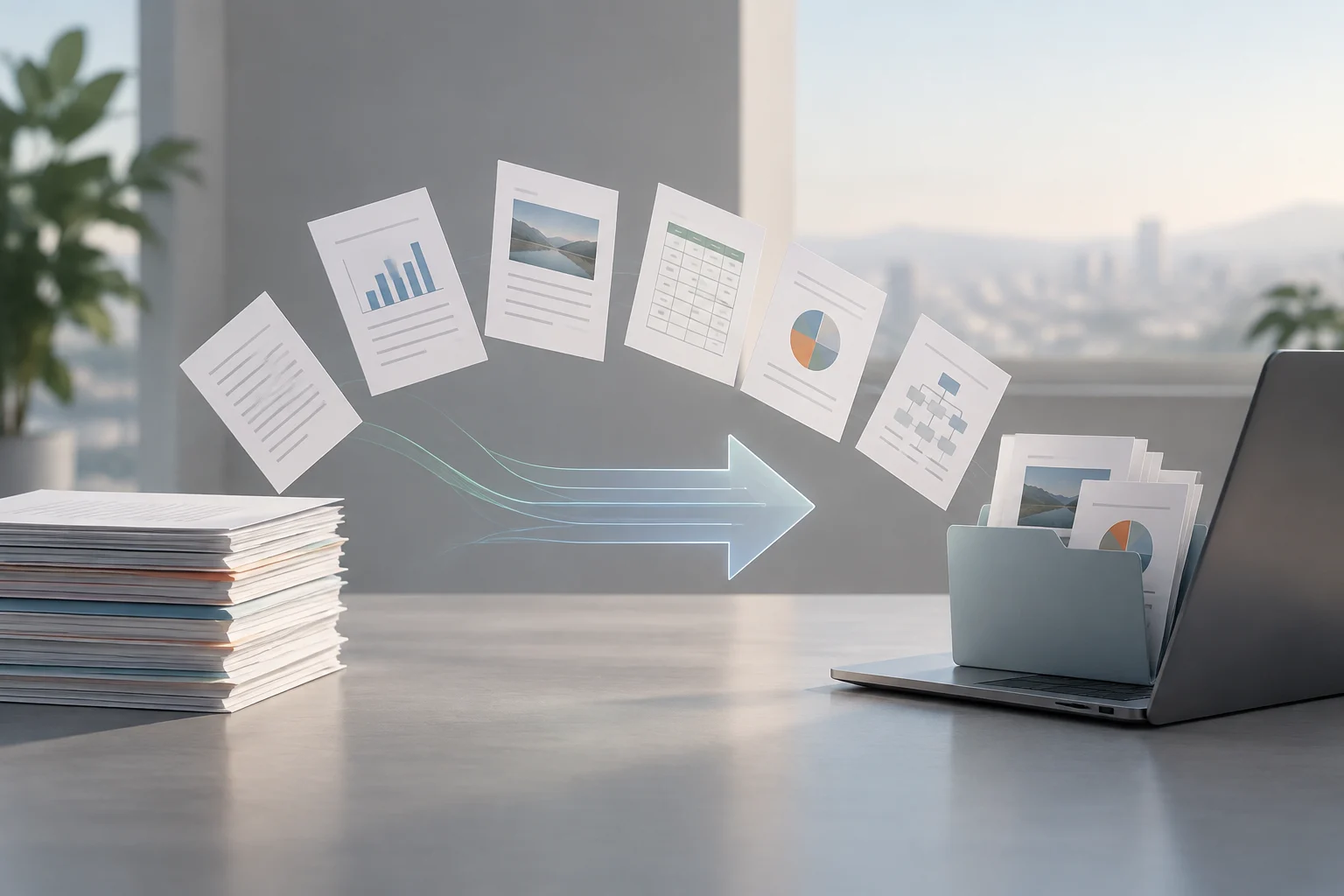
What to compare before choosing a suite
When choosing an office suite for a team or organisation, the question “Does it support this format?” is a starting point, not a conclusion. It is useful to distinguish at least three capabilities: opening files, saving them again in a format, and exporting them to an output intended for distribution or archiving, such as PDF. The documentation reviewed shows that providers describe these operations in different ways. A useful comparison should therefore record which action is documented, for which application and within what scope.
It also matters what counts as success. For a simple document, opening the file and keeping its text legible may be enough. A presentation with animations, macros, specific fonts, links or embedded objects may have different requirements: those features and their appearance may need to be preserved. A supported extension alone does not establish that content will look or behave the same after being opened or saved in another application. Any assessment should make that distinction explicit.
To make the review reproducible, record beside each statement the product or module it concerns, the format and the operation described. Also note the date you consulted the source: help pages and policies can change. A documentary matrix helps organise the evidence, but it does not replace testing the organisation’s actual documents. If no such test has taken place, say so clearly.
Formats: distinguish opening, saving and exporting
The PowerPoint support page lists presentation formats and explains that “Save As” can be used to save a presentation in the types shown. These include PPTX, PPTM, PDF and XPS. This is a specific statement about PowerPoint and presentations. It should not automatically be extended to Word, Excel, other applications, or every version and platform, even where the page itself identifies the editions to which it applies. The proper unit of comparison is the combination of application, version, platform, format and operation, not just the name of a suite.
LibreOffice help documents a different route: it lets users select a file type in “Save As” and says that a default format can be set. A separate page describes options for exporting to PDF, including settings relating to page range, images, forms, links, security and digital signatures. These references support the statement that the documentation describes those options. They do not prove that every option is available in the same way in every module, operating system or version.
| Documentary evidence | What it lets you record | What it does not prove on its own |
|---|---|---|
| PowerPoint: format list | File types the page associates with saving presentations | That a particular presentation will remain faithful when opened in another suite |
| LibreOffice: “Save As” | Format selection and a default-format option | That every format preserves all features of the original |
| LibreOffice: PDF export | Export options described in the help | That the output meets specific archiving or accessibility requirements |
The table summarises documentation; it is not a comparative score. The available sources cover different operations and applications, so they do not support the conclusion that one suite is more compatible overall than another. A fair comparison would require equivalent documentation for the same file type, platform and version.
Declared compatibility is not the same as fidelity
A list of formats tells you what the provider documents, but it does not necessarily reveal every detail of the implementation. Behaviour can depend on elements in the document, such as fonts, layout, formulas, objects, macros, transitions, comments or linked content. The cautious interpretation is therefore limited: “the page says the application supports or can save this file type”, not “every file will retain exactly the same appearance and behaviour”.
This difference is particularly important when exchanging files between applications. PowerPoint documentation explicitly distinguishes presentation formats, templates, PDF and other types. LibreOffice help explains how to save in another format and configure PDF output. As described in the pages consulted, neither set of instructions provides a general guarantee of lossless conversion between suites. Interoperability should be assessed using the documents and workflows actually in use, not inferred simply because an extension appears in a list.
Without a comparative test, it is still possible to conduct a rigorous documentary assessment, but its scope is narrower. You can identify named formats, documented options and information gaps; you cannot assign fidelity percentages or declare a suite the winner. This methodological limit does not invalidate the comparison. It helps ensure that recommendations do not go beyond the evidence.
Exporting to share or preserve
Exporting is not quite the same as saving a working document in another format. LibreOffice help presents PDF export as an operation with its own settings, including options for links and security. The documentation also covers saving a file in a selected format. Anyone distributing documents should check which route produces the delivery format and whether the required options are available in the particular application.
PowerPoint includes PDF among the types its documentation associates with saving a presentation. That reference is useful for identifying an output supported by the tool, but it does not tell us what every presentation will look like: the cited page does not test a sample file here or certify that every effect is retained. When selecting a delivery format, the team should check the result in a viewer and against recipients’ requirements, rather than assuming that the word “PDF” resolves every question of presentation or preservation.
In practice, a short checklist can reduce surprises before adopting a workflow:
- Confirm whether the task is to open, edit, save a copy or export a final version.
- Check that the documentation matches the module, operating system and edition in use.
- Review essential elements—such as macros, links or layout—in a copy of a representative document.
- Keep the original and compare the exported result before distributing or archiving it.
These checks are a recommended method, not a claim that tests were performed for this analysis.

Support must be compared by version and policy
Format compatibility also changes over time. Microsoft publishes specific notices about image features: its EPS page reports that EPS support in Office has been disabled, while its PICT page describes differences between Windows, Mac and other platforms. These are examples of why a general format list is not enough. You need to identify the content type, application and affected environment.
When assessing suite support, distinguish support for the product from support for a format or feature within that product. Microsoft’s Modern Lifecycle page describes a lifecycle policy; the EPS and PICT notices, by contrast, concern changes to image compatibility. These are different documents and should not be combined as if they offered the same guarantee. In a comparison, record which policy applies, to which product, and what conditions or exceptions the source specifies.
The date of consultation is also part of the evidence. An updated page may describe help for a later version than the one installed by an organisation. If the source does not clearly specify the applicable edition, version or operating system, record that limitation instead of extrapolating. A verifiable support history is more useful than a generic claim of long-term compatibility.
A documentary matrix and its limits
The review can be concluded with a compact matrix for each application. For every row, record the format, whether the documentation refers to opening, saving or exporting, the applicable platform and version, the official link and the date consulted. Add an observations column for claims the source does not resolve, such as macro preservation or visual fidelity. This lets decision-makers distinguish documented facts from unanswered questions.
The sources available here make it possible to document LibreOffice save and export options, a list of PowerPoint formats, and some Microsoft notices and policies. There is no equivalent evidence for every application, platform and version of both suites, nor an independent test of exchanged documents. This comparison therefore cannot establish an overall ranking or calculate the total cost of switching tools. Those conclusions would require further information about licences, training, internal workflows and results with representative files.
For people and teams who share documents, a sound decision starts by identifying the formats already in circulation and the features that must not be lost. Next, check what each provider states, consult the relevant support policy and test file exchange in the intended environment. Documentation helps define risks and questions; validation with your own files helps decide whether a particular workflow works.