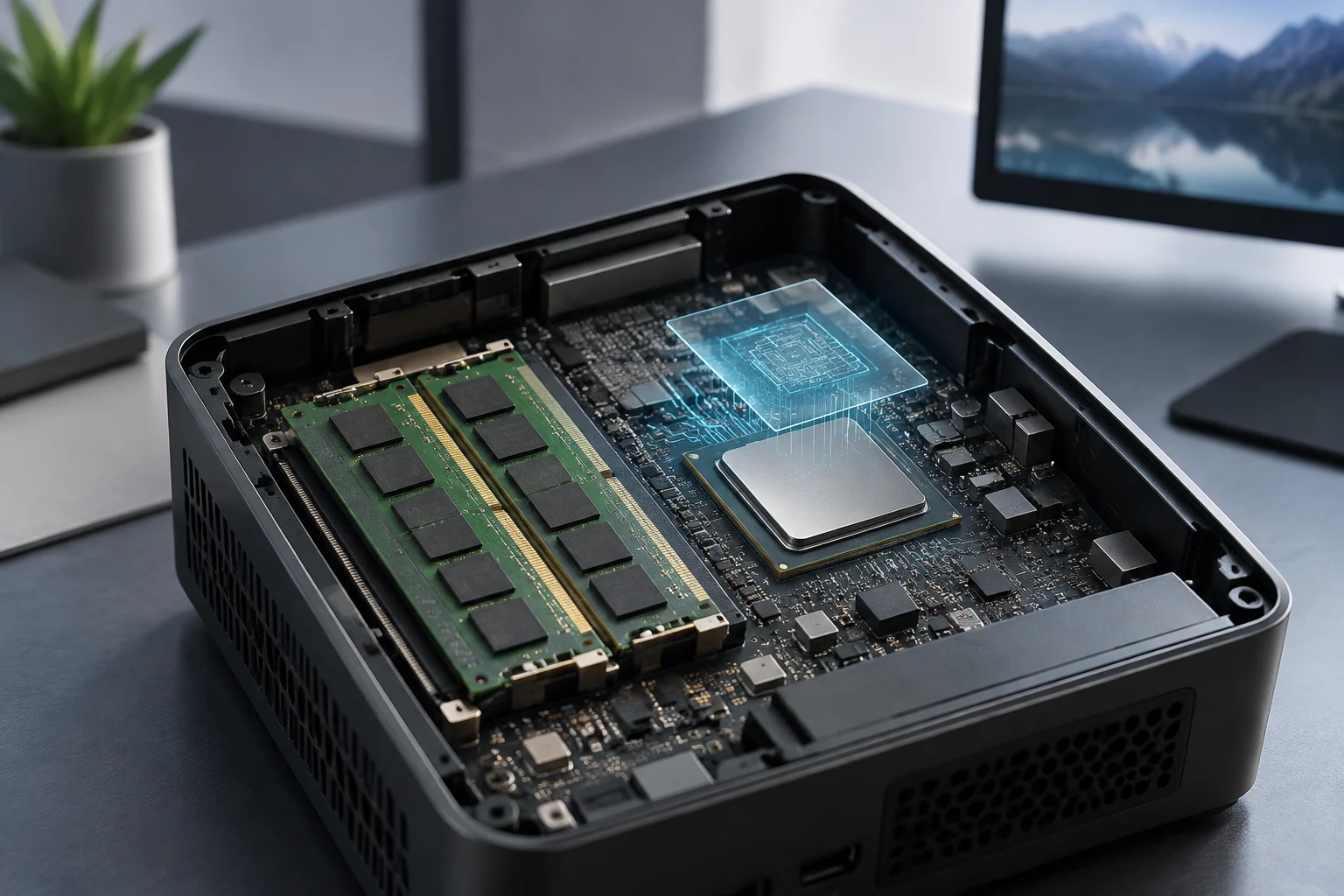
RAM matters, but it does not predict graphical performance on its own
In a mini PC with integrated graphics, the graphical function is built into the processor platform, rather than necessarily relying on a dedicated graphics card. To understand what a device offers, it is useful to separate three questions: what graphics solution the manufacturer declares, what memory the processor supports, and how the memory is configured in the specific mini PC. These are related data points, but they are not interchangeable: a processor datasheet describes the component's capabilities, while the computer's datasheet must specify the configuration of that commercial variant.
The amount of RAM informs about the advertised memory capacity, but it does not constitute a graphical score or guarantee a result in games or applications. It also does not reveal on its own how many modules are installed. Do not infer a specific graphical improvement from a gigabyte figure: to assert it, relevant tests and sufficiently documented conditions are required.
This guide serves to interpret specifications, not to recommend a universal amount of memory or estimate frame rates. The available source package does not include sufficient official mini PC documentation or comparable independent tests with different RAM configurations. Therefore, we avoid attributing characteristics or results to specific models. The separation between data and inference is especially important when comparing devices with similar names or sizes.
Start with the exact processor name
Look for the complete processor model, not just general expressions like 'integrated graphics' or 'mini PC for gaming'. An official datasheet can indicate what graphics the processor integrates and what features the manufacturer declares. For example, Intel identifies the graphics of the Celeron N4020 as Intel UHD Graphics 600. This data corresponds to that processor; it does not confirm what memory a mini PC incorporating it has installed, nor the performance of a specific configuration.
The commercial name of a family is also not enough to complete an incomplete datasheet. Features can vary between different processors, even if their names are similar. Check the exact reference in the manufacturer's documentation and avoid transferring data from another component by analogy. The available source on the N4020 illustrates the identification of the graphics section, but does not allow generalizing to other processors or devices.
Then, cross-reference the processor data with the computer documentation. The mini PC datasheet is what must clarify what commercial configuration is offered and, when documented, what memory it supports and how it is installed. A store or manufacturer category page does not replace a technical datasheet of a specific model: if the variant is not identified, its characteristics remain unconfirmed.
Channels, slots, and modules are different data points
The number of channels supported by a processor and the number of modules installed in a computer are different data points. Similarly, knowing how many slots a device has does not prove that all are occupied. If the seller only indicates a total memory capacity, the module arrangement may not be published. Note this absence as an unknown, rather than deducing it from the capacity or a product image.
To check if the memory is replaceable or soldered, how many slots there are, and what upgrades the device accepts, the documentation for the exact model is needed. Do not infer these characteristics from the case size or what another product from the same brand offers. Also avoid combining specifications from different variants or different markets: a datasheet only supports what it declares for the configuration it refers to.
Commercial guides can orient on what questions to ask, but they do not replace manufacturer confirmation or a controlled test. If a page does not identify the model, installed memory, and relevant variant, do not use it as proof that that specific configuration has certain characteristics. Mark confirmed and missing items separately: this avoids turning an assumption into a specification.
Why more memory does not automatically mean more graphics
A RAM figure does not summarize all factors that can influence graphical behavior. Processor documentation can identify its graphics solution; mini PC documentation can describe a memory configuration. Neither of these datasheets, on its own, equals a controlled comparison between two configurations of the same computer. Without adequate tests, it is not possible to calculate how much a result would change by expanding memory or altering the module arrangement.
To assert that one configuration performs better than another, a test must identify the compared devices, the installed memory, and the test conditions. If the processor, power limits, cooling, or other elements also change, attributing the result to RAM would be an inference not justified by the observed difference. A table with two different results is not enough to isolate a cause.
The commercial guides included in the package do not provide comparable independent tests of specific mini PCs with different memory configurations. Therefore, this piece does not offer performance figures or declare a winner. The lack of comparable tests limits conclusions on performance, but it does not prevent explaining what information should be verified before buying.
How to value an independent test
A comparison is more informative when it identifies the device and configuration evaluated. Check if it publishes the processor model, graphics solution, memory capacity and arrangement, resolution, and settings used. If these details are missing, the result may describe the tested unit, but it does not necessarily allow attributing a difference to RAM or transferring it to another commercial variant.
Distinguish between a processor test and a complete computer test. A processor comparison does not automatically describe how two mini PCs are configured. A complete system test, however, should identify the units and conditions used. If a review does not detail the installed memory, do not assume it matches the configuration advertised by the seller.
When conditions are incomplete, you can limit what the test allows concluding instead of treating it as a general rule. To attribute a difference to memory capacity or arrangement, one would need to know what other variables changed. A result is more useful accompanied by its method: review what was compared and under what conditions before applying it to your purchase.
Checklist before buying
Note the full name of the mini PC and the exact processor variant. Consult the official processor datasheet to confirm the graphics model declared by the manufacturer and, if indicated, its memory specifications. Then look for the specific computer datasheet to check installed memory, slots, module format, and upgrade possibilities. Ensure that the pages describe the same variant and the market in which you will buy.
Verify if the module arrangement is documented. Do not deduce how many there are from the total capacity or the number of slots. If the manufacturer confirms the memory amount but does not explain how it is distributed, note that this data is missing. Apply the same caution to the possibility of replacing or expanding memory: do not take it for granted if the documentation does not confirm it.
Finally, review the tests you use to decide: look for device identification, processor, graphics, installed memory, and test settings. If a relevant data point is missing, delimit what conclusion cannot be drawn and, if it affects your decision, consult the seller or look for a more complete test. Do not fill gaps with assumptions: distinguishing confirmed from unknown offers a stronger basis for comparison than turning a RAM figure into a performance promise.