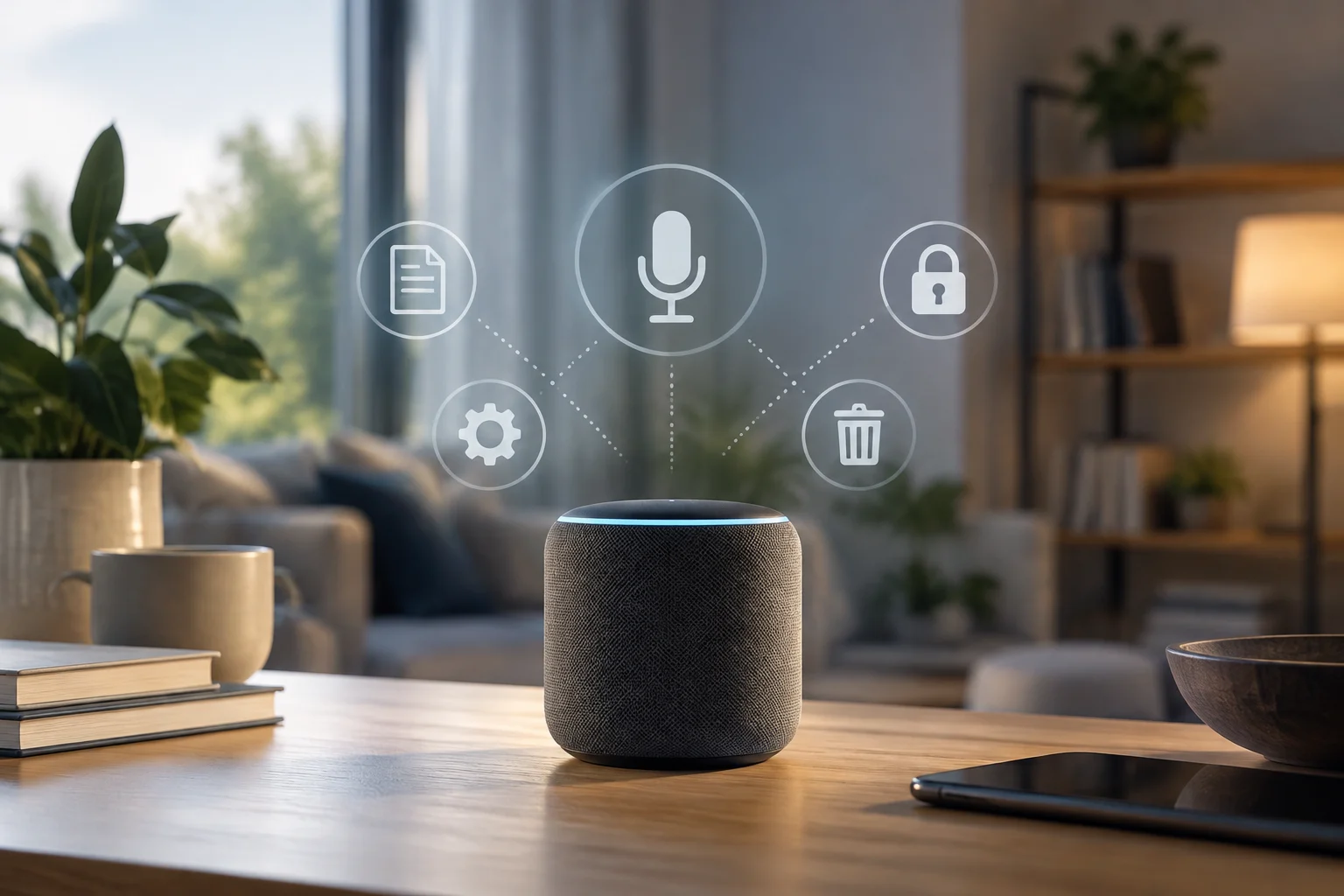
One Category, Multiple Policies
A smart speaker combines microphones, software, and a connected assistant. The term covers different devices and services: therefore, an explanation valid for Google Nest should not be automatically transferred to Alexa or other assistants. This guide is limited to pointing out which controls and explanations appear in the available documentation from Google and Amazon; it does not compare models or evaluate their technical security.
The distinction matters because the device, the account, and the cloud service may intervene at different stages. Google's documentation on devices compatible with Assistant and Amazon's FAQs on Alexa are first-party sources: they describe the practices and tools that their own companies attribute to their services, not an independent audit of how they work in each situation. (Google Nest; Amazon Alexa).
What Can Happen When You Speak to the Device
It is advisable to separate the listening necessary to detect an activation phrase from the subsequent management of a request. Google's public documentation explains privacy and data treatment in devices that work with Assistant; Amazon's page addresses common questions about Alexa. Consulting them helps find official explanations, but the excerpts available for this review are not enough to fully establish how much audio is retained, for how long, or which options apply to each configuration and market.
Therefore, it is not rigorous to summarize the functioning of all speakers as 'they record everything' nor to affirm the opposite without specifying the product, the setting, and the policy version. Activation detection, processing of a request, and retention of a recording are distinct issues. If a source does not detail one of them, that absence must remain as a limit of the consulted information, not be filled with an assumption.
History and Deletion: Check the Scope
Google publishes a specific page on activity controls linked with Google Nest. Its existence allows orienting the user toward account activity management, but it does not prove by itself that all data associated with the device is deleted when deleting an item from the history. Before changing settings, it is advisable to read what activity each control covers and whether the documentation distinguishes between audio, transcriptions, interactions, or usage data. (Google Nest Help).
Amazon also has a FAQ page on Alexa, although the material retrieved here does not confirm with sufficient detail the exact deletion options or their effects. The practical rule is to check it in the official documentation corresponding to the account and country, and to distinguish between deleting a visible entry and requesting the deletion of other related data. A specific menu path should not be presented as universal: it can change depending on the service, the application, and the region.
The Physical Microphone and Account Settings Are Not the Same
A button or switch to mute the microphone, when the model includes it, addresses audio capture on the device; activity controls manage information linked to the account. They are different layers, and one does not demonstrate what happens to previously saved data. The documentation offered for this review does not identify specific models or allow confirming the behavior of a switch across the entire category.
It is also necessary to avoid extrapolating computer guides to speakers. The provided Apple pages deal with privacy permissions or voice recognition on the Mac; they do not document the functioning of a smart speaker. Similarly, general policies from Microsoft or Spotify do not certify how a third-party device processes audio. The appropriate source must correspond to the manufacturer, the assistant, and the product actually being used. (Apple: Mac privacy and security; Apple: Voice recognition).
How to Read a Policy Without Confusing It with an Audit
A policy explains what a company declares about data collection, use, or management; it is not, by itself, an external verification that each technical practice is applied in all cases. Articles from Kaspersky, Secure&IT, and AyudaLeyProteccionDatos offer secondary context and general recommendations, but they do not replace primary documentation for identifying specific controls of an account or model. (Kaspersky; Secure&IT).
Furthermore, the available sources do not provide an independent and current comparison of brands, laboratory tests, or a legal review by jurisdiction. Help pages can be updated, and a policy can vary depending on the country or service. These limits do not prevent recommending practical checks, but they do prevent concluding which manufacturer better protects privacy or asserting that a specific function operates the same everywhere.
Checklist Before Using It
Before enabling an assistant, identify the manufacturer and model, consult the privacy policy applicable to your region, and look for the official guide of the device. Check what options there are to review and delete activity, what scope each option declares, and how it is indicated that the microphone is muted. If several people share the home, agree on who administers the account and who can consult or modify its history.
As a brief guideline, review these points in the documentation of the specific product:
- Activation: what the manufacturer explains about the activation phrase and the treatment of requests.
- History: what activity can be consulted and what deletion steps are documented.
- Local controls: if the model has a physical microphone control and what the manual indicates about its effect.
- Account and region: what policy and options correspond to the country and configured service.
The useful conclusion is not that all speakers listen or store in the same way. It is that privacy decisions require checking the device, the assistant, and the account separately: if the manufacturer does not document the scope of a control, it is not advisable to assume that it resolves all forms of data treatment.