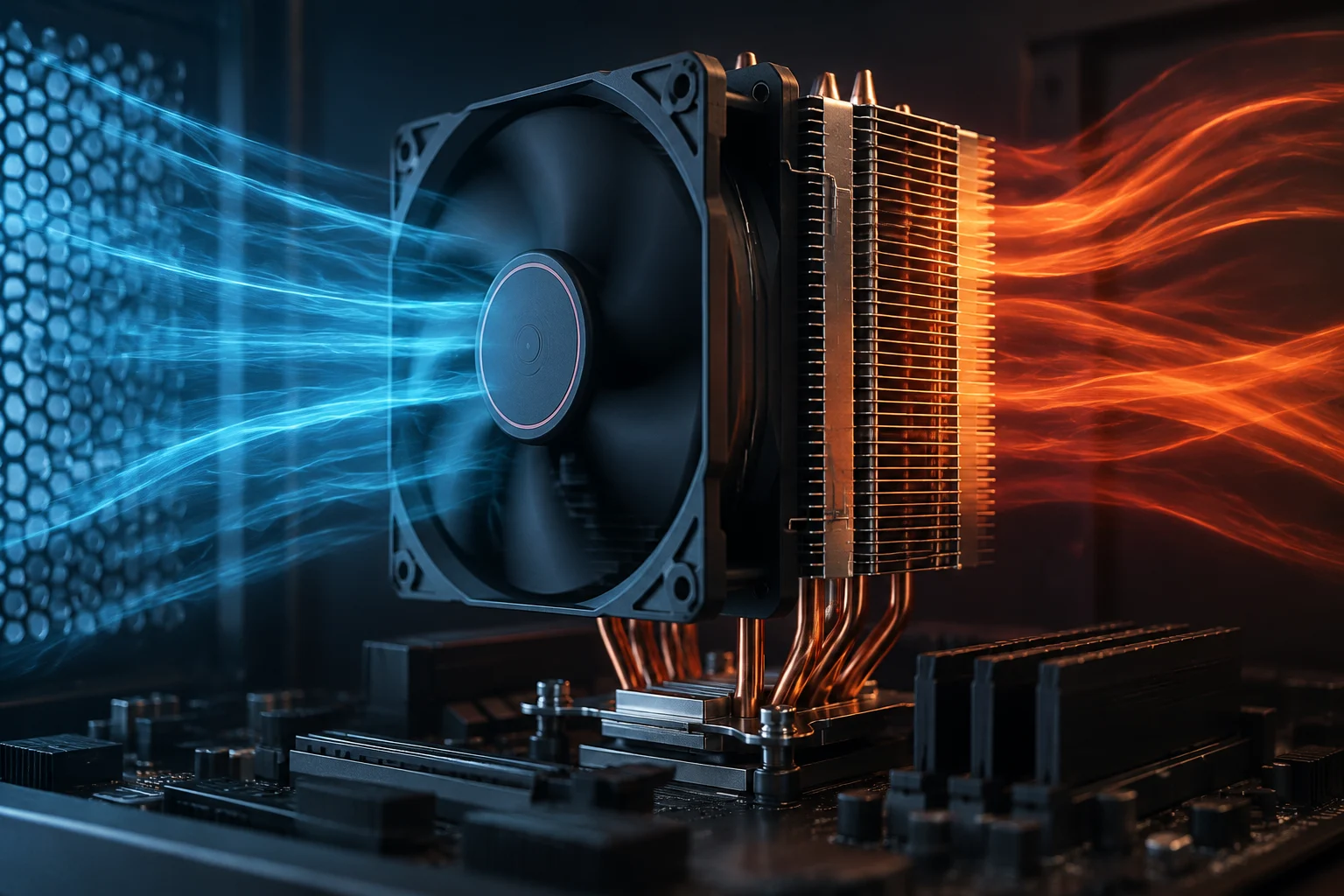
TDP is a reference, not a power-consumption meter
TDP—short for thermal design power—often appears beside a processor’s name and seems to offer a simple answer to an important question: how much heat will the chip produce? However, it should not be read as a universal figure for maximum electrical power consumption, or as a direct prediction of the temperature the computer will reach. It is a specification that must be interpreted according to the definition and context used by each manufacturer. The label can be useful as an initial point of reference, but its meaning depends on the specific product documentation and should not be assumed to be identical across product families or generations.
This distinction matters when choosing a cooler or comparing two CPUs. A processor’s electrical power consumption can change with workload, frequency, voltage, task duration, and the power rules in effect. The heat reaching the cooling system depends in turn on that behavior and on how effectively the system removes it. For this reason, one TDP figure does not describe every usage scenario and cannot by itself calculate the temperature seen during a gaming or rendering session. A specification and a measurement taken during a particular workload answer different questions, even when both are expressed in terms related to power or heat. Intel product pages also list different fields for describing processors; they are references for checking specifications for each model, not measurements of the power consumption of a particular computer. For example, the official Core i5-12400F page provides specifications for that model, while the Core i7-3770 page provides a separate set of product details. This model-by-model organization is a useful reminder: check the exact chip and do not turn an isolated term into a rule that applies to every generation.
Power, temperature, and frequency answer different questions
To understand CPU behavior, it helps to separate three concepts. Power limits constrain the energy a processor can consume under particular rules and conditions; the specified maximum temperature defines a thermal threshold for the component according to the manufacturer’s documentation; and frequency indicates operating speed, which can vary with workload, available power, and thermal conditions. These variables are related, but they are not equivalent. A product specification can list them side by side without implying that one can be substituted for another, or that any one of them alone predicts the processor’s behavior in a real system.
The maximum frequency advertised on a specification page does not mean that all cores will maintain it continuously. It may describe a turbo frequency attainable under particular conditions, not a frequency guaranteed during every sustained workload. Likewise, seeing a temperature below the maximum does not prove that the processor is operating at its highest performance: electrical, thermal, firmware, or workload limits may apply. The maximum temperature is not a target temperature that the chip must reach to be considered operational. It is a limit whose relevance must be interpreted for the relevant model and circumstances, not an instruction to run the processor near that value.
Intel has a dedicated support guide about temperature information for its processors. When applying these concepts to a purchase, consult documentation for the specific model rather than carrying over a limit read for another product. The naming convention alone is also not enough to infer that two chips from different families or periods use identical limits. The Core i7-8550U specifications page, for example, concerns a model different from the ones mentioned above; it should not be used as a substitute for the specification page of a CPU being evaluated. Keeping each specification attached to its exact product avoids confusing a reference for one processor with evidence about another.
Cooling and the motherboard change sustained behavior
The cooler, its installation, and airflow affect how quickly the system removes heat from the processor. A cooler capable of handling a sustained load can maintain different conditions from a more limited solution, provided it is compatible and installed correctly. Case ventilation matters too: hot air that is not removed effectively can raise the internal temperature and affect not only the CPU but the rest of the components. These elements shape the system’s thermal behavior; they do not change what a specification means, but they can influence what a measurement shows in a particular computer.
The motherboard and its firmware add another part of the context. Depending on the model and configuration, different power limits and automatic strategies may apply. Some options allow operating parameters to be changed; others favor predefined profiles. As a result, two computers with the same processor may not behave alike under a prolonged workload. The processor’s label alone does not identify the system’s power profile or cooling setup. A model name cannot tell you which firmware settings are active, how the cooler is mounted, or how effectively the case moves air.
This variability does not justify attributing every difference to the motherboard or cooler without checking. Results can also change with ambient temperature, task type, test duration, firmware version, or background processes. When a comparison says that a processor “consumes” or “heats up” by a certain amount, it is important to know how the figure was obtained and what was measured: the chip, the complete system, or a software-estimated reading. The result belongs to the conditions of the test; it should not automatically be treated as a prediction for a different configuration.
How to read an official specification without comparing incompatible figures
Start by confirming the model’s full name, including its final letter or suffix. Then open its official product page and review the fields as the manufacturer defines them. A comparison tool can help display specifications side by side, but it does not remove the need to understand what each field represents, nor does it guarantee that two similarly named values describe exactly the same conditions. Intel provides a product comparison page for its own models; use it as a starting point and verify the individual product page if a figure affects your decision. Check that the comparison concerns the exact processors you are considering rather than relying on a partial name or a value copied from another model.
A practical check is to note separately the manufacturer’s thermal or power specification, the applicable power limits, the documented maximum temperature, and the base or turbo frequencies. Do not fill a missing data point with a figure from another model. Nor should you assume that values from different manufacturers—or different generations—are calculated using identical assumptions. The research material available here contains no official AMD documentation with which to verify its definitions; therefore, it would not be appropriate to present a detailed equivalence between Intel and AMD terminology. This limitation is important: a careful comparison should distinguish what the available documentation supports from what it does not establish.
Before comparing processors, make these checks:
- Exact model: name, suffix, and generation, without confusing variants.
- Manufacturer’s definition: what each power or temperature field represents.
- Operating conditions: configurable limits and motherboard policy.
- Thermal setup: cooler, installation, ventilation, and ambient temperature.
- Type of data: official specification, sensor reading, or measurement of the complete system.
This list does not turn different specifications into a single score. Its purpose is to prevent an apparently straightforward comparison from mixing incompatible units, definitions, or conditions. Keep the source and context for every figure, especially when a comparison combines product documentation with results from tests performed on particular systems. That makes it easier to see what can be compared directly and what needs to remain a separate piece of information.
What an independent measurement shows—and what it leaves out
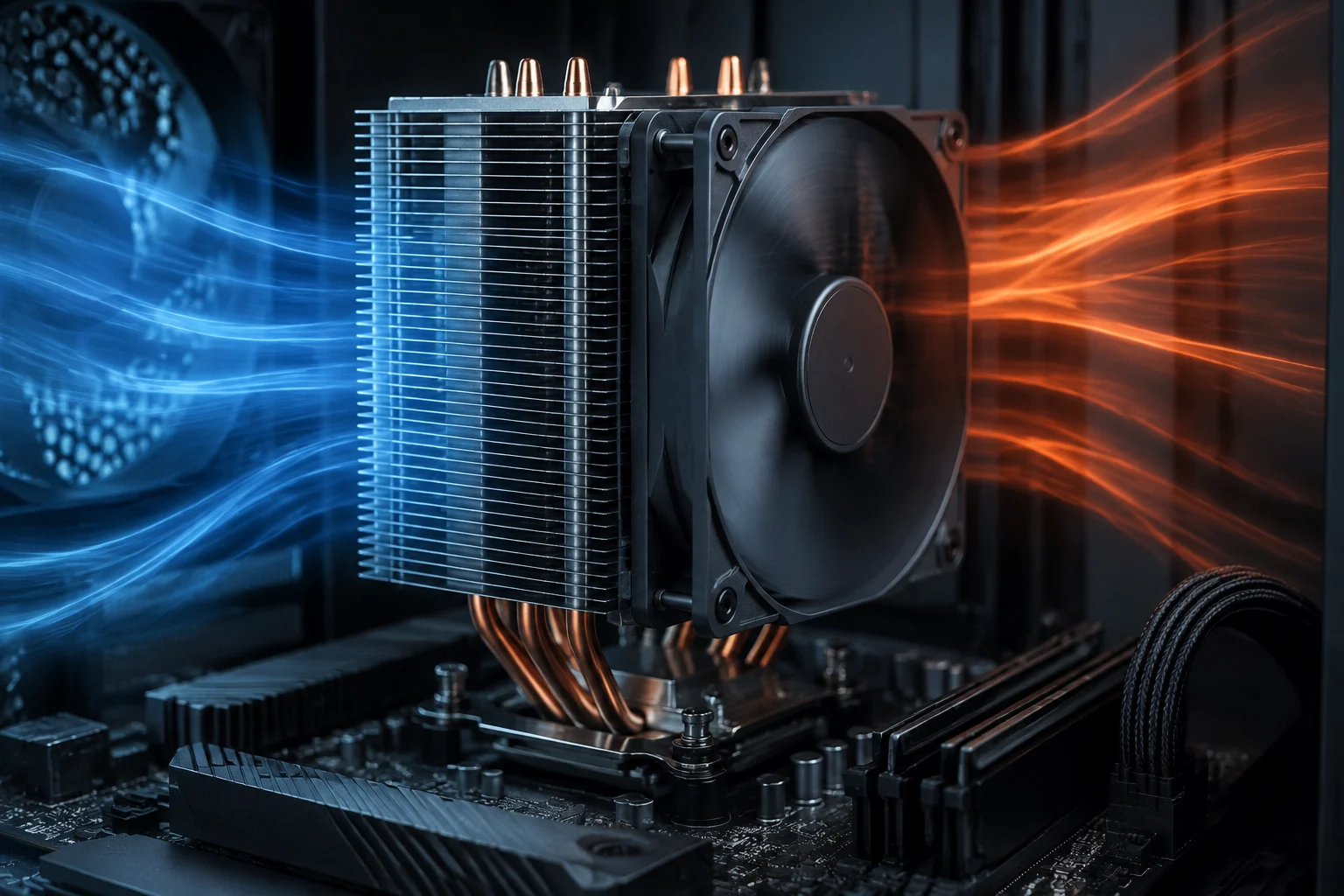
An independent test can describe a processor’s behavior under a particular configuration. For the result to be interpretable, it should explain the exact model, motherboard, firmware, cooler, case, applied workload, test duration, ambient temperature, and measurement method. Without that context, an isolated temperature or power figure says little about what will happen in another computer. A test report is most useful when it makes clear both the setup and the limits of what its observations can establish, rather than presenting a number without the circumstances that produced it.
It is also necessary to distinguish package-power readings from energy consumed at the wall outlet. The first concerns a particular part of the system and may depend on sensors or estimation methods; the second includes the other components and power-supply losses. They are not interchangeable measurements. Similarly, recording a brief peak does not necessarily describe a sustained workload, and an average can conceal important changes during a test. When reading results, consider what was measured, how long the measurement lasted, and whether the report describes a peak, an average, or another value.
An independent measurement can help compare configurations if the method is kept consistent, but it does not change the official specification or prove that every computer will produce the same result. It should be read as evidence from that test, not as a guarantee for every case, motherboard, or cooler. For a purchase, it is more useful to combine the official specification for the model with transparent tests of workloads similar to those you expect to run, considering sustained performance, noise, and temperature together. The value of a test lies in the conditions it documents and the comparison it supports—not in treating its result as a universal property of the processor.
A practical decision: look for context before relying on one number
When building or upgrading a PC, TDP can serve as an initial reference, but it should not be the only criterion for choosing cooling or estimating electrical power consumption. Check the manufacturer’s instructions for the specific processor, verify the conditions applied by the motherboard, and choose a compatible thermal solution for the intended use. A brief office workload and a prolonged intensive task do not place the same demands on sustained behavior. The specification helps frame the question; the whole configuration and the expected workload determine what information is relevant to the decision.
If a computer reaches temperatures that seem high, first identify which sensor is being observed and which limit applies to the model. Then consider the workload, duration, ventilation, cooler installation, and firmware configuration. A number alone does not diagnose a problem; interpretation depends on the model and scenario. Intel’s official temperature guide can orient people with an Intel processor, but it does not replace the manufacturer’s documentation for other brands. Avoid concluding that a system is faulty, or that it is operating normally, from a single temperature without knowing its context.
The most useful conclusion is simple: TDP, power limits, frequency, and temperature are distinct parts of the same explanation, not synonyms. For a rigorous comparison, retain the exact model, the official definition, and the measurement conditions. This will not eliminate every difference between computers, but it does prevent a specification-sheet figure from becoming a promise about power consumption, temperature, or performance that the source never makes. Treat specifications as defined references, measurements as evidence from stated conditions, and comparisons as meaningful only when their terms and setups are clear.