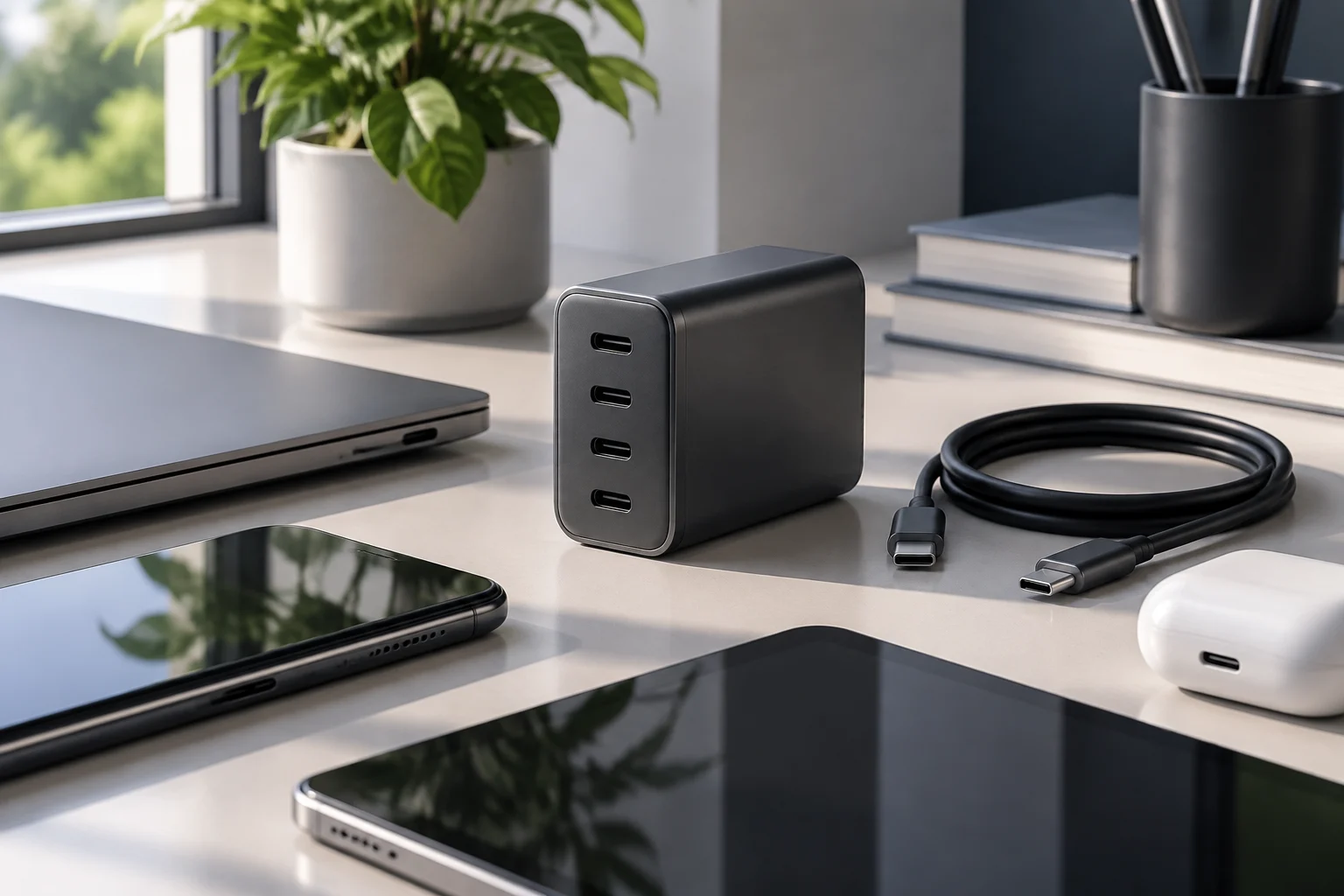
Wattage is useful, but it does not describe charging on its own
Power, expressed in watts (W), is useful for comparing the maximum advertised capacity of chargers, but it is not enough to predict how a particular device will charge. The result depends on the combination of power adapter, connected equipment, port in use and cable. A charger with a high wattage rating therefore does not guarantee that a phone or computer will receive that power throughout charging—or that it can use that much power at all. The figure on the box is a possible ceiling, not a promise of constant charging power for every device.
To put a charger’s power in context, consult the specifications for the device itself: its supported input power, recommended adapters and, where the manufacturer specifies them, cable requirements. Apple, for example, publishes guidance on using adapters with its Mac computers as well as product specifications. This information is more relevant to a particular model’s compatibility than a general rule based only on battery size or whether a device is described as a “phone” or “laptop”.
Power is only one part of the charging experience. It cannot, by itself, tell you how long a full charge will take: the battery level, temperature, device use while charging and the device’s internal power management may all have an effect. Treat any time estimate as context-dependent unless the manufacturer provides a measurement under defined conditions. No laboratory tests or charger speed comparisons were carried out for this guide; its purpose is to explain what to check in product specifications and manuals before you buy.
USB Power Delivery: check that the charger and device share a compatible option
USB-C describes a family of reversible connectors and cables; the connector’s appearance does not, by itself, reveal its power capacity or every feature it supports. USB Power Delivery (USB PD) is a power-delivery protocol documented by USB-IF. Rather than assume that every USB-C device behaves the same way, check whether the charger and device state that they support USB PD, and review the specific capabilities published by each manufacturer. USB-IF’s official documentation includes materials on USB Power Delivery and on cables and connectors.
When shopping, the question is not just “Does it have USB-C?” but “What does this port offer, and what does my device accept?” Look for the adapter’s output list, which may give combinations of voltage and current, and compare it with the device documentation. Power is calculated by multiplying voltage by current, but a calculated figure does not prove that the device and charger will negotiate that combination. Power negotiation depends on the compatible capabilities declared by both and on operating conditions.
Do not assume that a generic reference to “fast charging” identifies a particular standard, version or profile. If a phone needs a proprietary mode to reach its advertised maximum, the manufacturer’s product information should clarify whether it works with a standard USB PD charger and what limitations may apply. Where the available documentation does not specify the profile, it is safer to choose an adapter explicitly described as compatible with that model’s recommendations than to infer compatibility from the connector or a wattage figure.
The cable sets limits too: check its capacity, not just its shape
A USB-C cable can fit physically and still be unsuitable for a particular power level or function. Check what the cable manufacturer states about charging and data transfer; do not mistake a marketing phrase such as “fast charging” for a complete specification. USB-IF maintains information about cables and connectors that can help identify the relevant technical framework, while the product listing for the specific cable should state its declared capabilities.
When combining components, compare three sets of specifications: those for the device, the adapter and the cable. The complete setup is a reasonable choice only if every link supports the intended use. An adapter capable of delivering high power does not remove a limit stated for the cable, and a cable advertised for a particular capacity does not make a lower-power charger more capable. Effective capacity depends on the whole combination and its compatibility, not on whichever component has the most impressive number.
If the charger is sold without a cable, include the cost and specification of a cable in your comparison. If one is included, check that the listing identifies it and states its capacity instead of assuming that any bundled cable suits every use. Also distinguish charging from data transfer: a cable that works for charging is not necessarily capable of a particular data rate. Information should be supported by the manufacturer’s documentation or applicable labelling, not inferred from the cable’s appearance.
Multiple ports: check how power is shared when you connect more than one device
On a charger with several ports, the advertised total power is not necessarily available from every output at the same time. The manufacturer may assign different capacities to each port or change the allocation when two devices are connected. Check the output table for individual ports and, especially, the combinations supported when ports are used simultaneously. A specification that says only “65 W” without explaining how power is shared leaves an important question unanswered for anyone hoping to charge a laptop and a phone at once.
Apple’s documentation for its two-port USB-C power adapter, for example, describes using its outputs together. It is a useful reminder that allocation may depend on how many devices are connected and which port is used. Do not generalize that allocation to other chargers: every model may manage power differently. To assess a specific purchase, find the manual or official product page for the exact model and confirm what power remains available in the situation you intend to use.
A practical comparison should include at least the number of ports, the maximum total power, the capacity of each port individually and the specified combinations for simultaneous use. If the manufacturer does not publish the allocation, note that as an information gap; do not assume that the total is divided equally or that a port retains its maximum when others are occupied. For a desk with several devices, the power-allocation table may be more useful than the total wattage highlighted on the front.
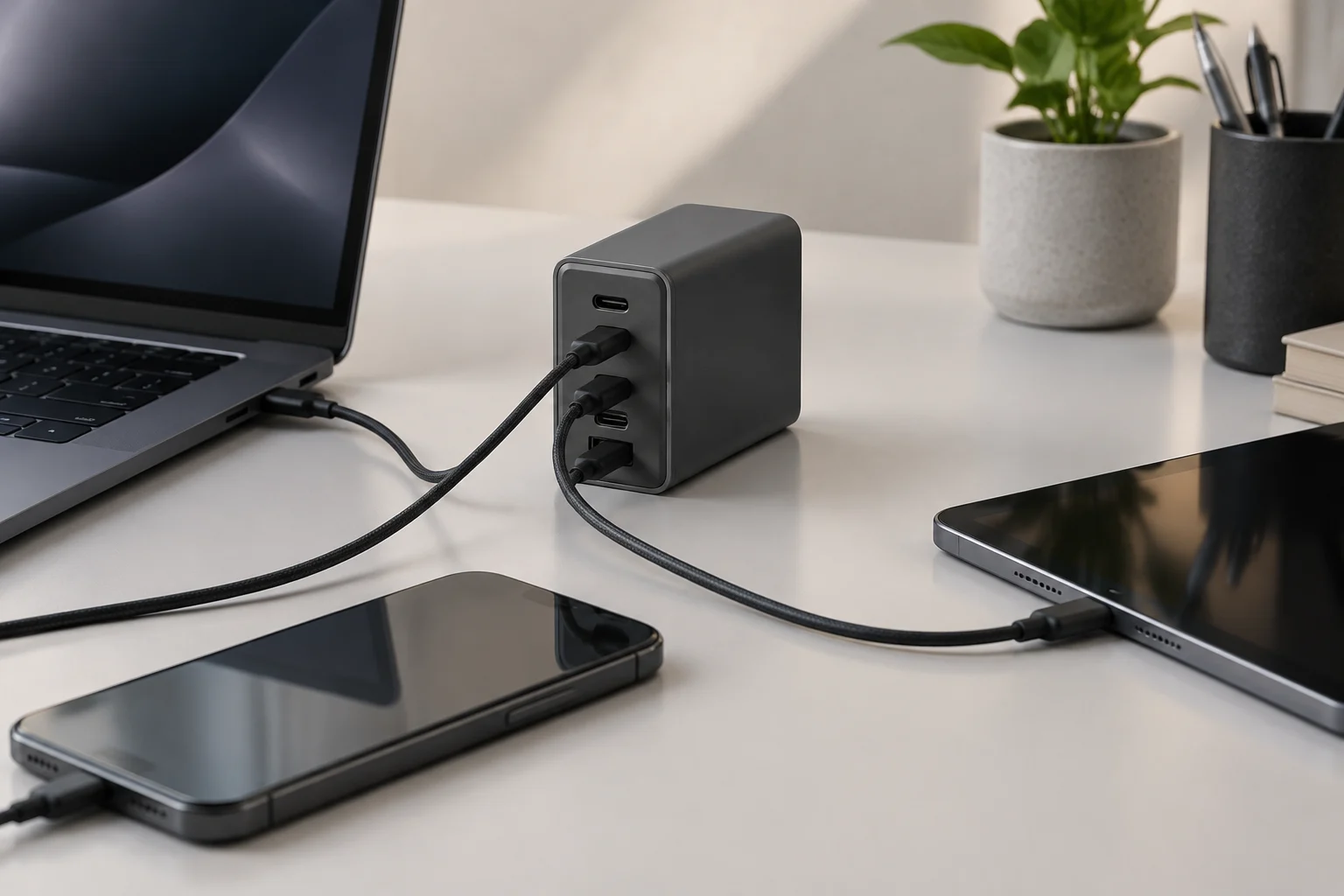
A straightforward pre-purchase check
Before paying, gather the documentation for the device and charger, and confirm which cable you will use. You do not need to interpret every detail of the protocol to carry out this check: the aim is to rule out obvious incompatibilities and avoid paying for capacity that your intended use cannot take advantage of. A short sequence can help you compare models without letting a single number dominate the decision:
- Device: identify the exact model and check its recommended or supported charging power in the manual or on the official product page.
- Charger: verify its stated compatibility, each port’s output and the power combinations available when several devices are connected.
- Cable: check the stated charging capacity and, if you also need data, the relevant data-transfer specification.
- Intended use: decide whether you will charge one device or several at once, then choose a port allocation that suits that situation.
- Product information and safety: confirm who makes the product, find its documentation and check that its labelling and conditions of use are clear.
This list separates verifiable features from marketing impressions. “Small”, “universal” and “fast” do not replace protocol compatibility, declared outputs or information about shared power. If a listing omits an important figure, do not fill it in by analogy with another model from the same brand: look for the exact manual or ask the seller. Identifying the precise model matters because two chargers that look alike may have different ports and capacities.
What technical specifications can—and cannot—confirm
Manufacturer product pages and USB-IF documents are primary sources for what a company declares about its product or what the organization publishes about its standards. They can be used to check specifications, stated compatibility and output configurations. On their own, however, they are not an independent comparison of how every charger performs under identical conditions. The research available for this guide contains no independent test reports that would allow models to be ranked or performance differences quantified.
If charging speed, temperature or behaviour with multiple ports is important, look for independent reviews that describe the measuring equipment, cable used, applied load, ambient temperature and method. Check that the test covers the exact same model, rather than a similarly named product. A measured figure without context can be as difficult to interpret as an advertising claim. Without a comparable test protocol, do not turn isolated observations into a general claim about a brand or category.
The practical conclusion is simple: first identify the device and its charging requirement; then check the adapter’s standard and outputs; finally confirm the cable capacity and the port allocation you need. Higher power may be useful for certain devices or to supply several at once, but it is not automatically an improvement for every buyer. Choosing well means matching verifiable information to your real use and recognizing what the product specification does not make clear.