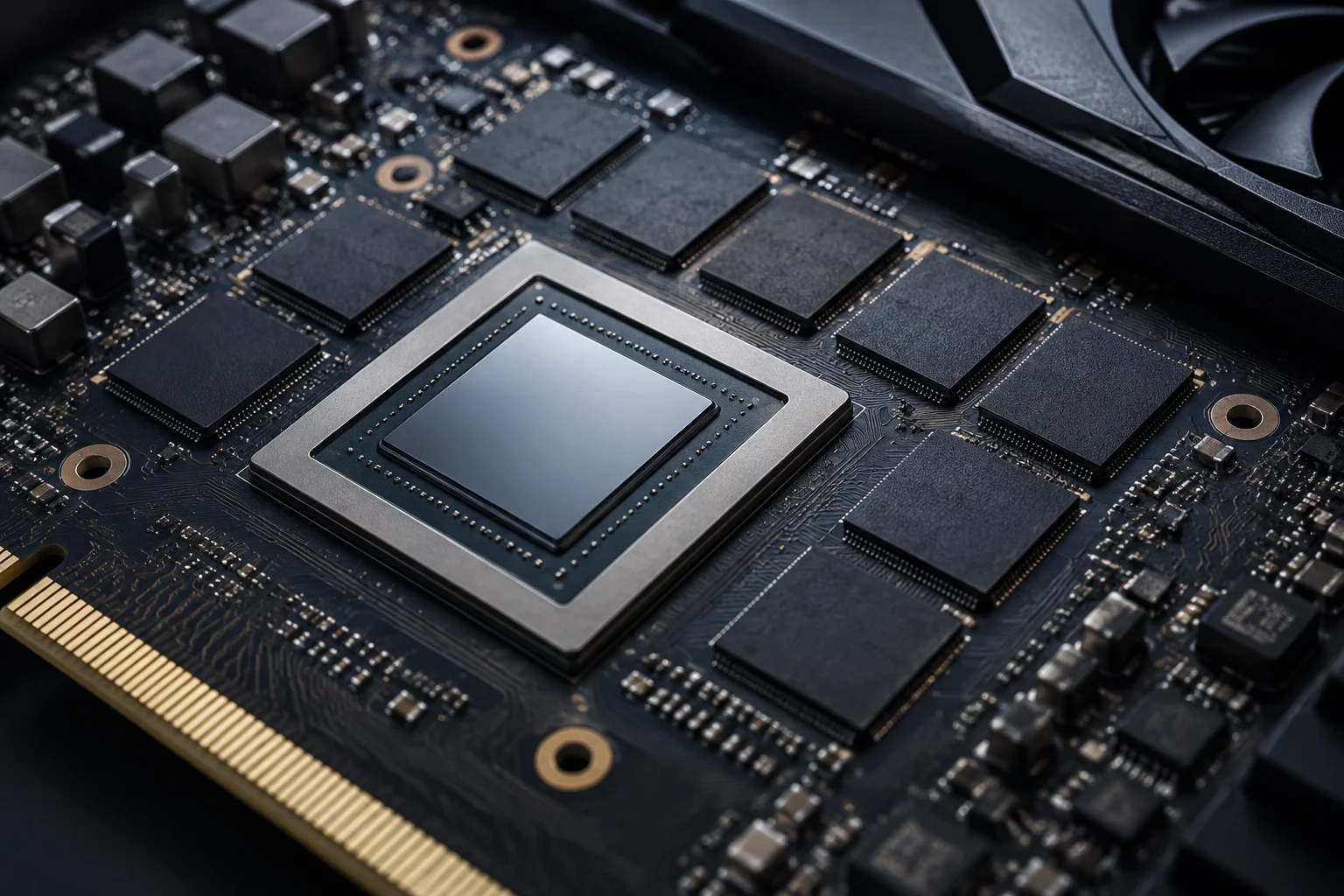
Gigabytes describe capacity, not performance
Video memory—VRAM, short for video random-access memory—is a resource the GPU uses to keep data needed for graphics tasks, such as image assets. The figure in a specification sheet answers a specific question: how much graphics memory the product has. It describes the space available to store that data, but it does not, on its own, tell you how quickly the GPU processes it or how many frames it will deliver in a game.
It helps to separate two questions that are often mixed together: how much memory a card has, and what performance it achieves in a task. The advertised capacity answers the first. The second requires looking at how that particular model behaves in a specific application and under specific conditions. Capacity can be relevant when assessing a product, but it does not replace test results or describe every component involved in producing them.
That is why two cards with the same capacity can perform differently, and a card with more VRAM is not automatically faster than one with less. Comparing performance requires information about the specific models and the conditions under which they were measured. Treating capacity as a single indicator confuses one memory characteristic with the result produced by the complete system. A comparison needs to distinguish an isolated specification from a measurement of what happens when a particular workload runs.
What the figure does not tell you
The GB figure does not, by itself, identify the memory generation or type, bandwidth, GPU computing power, power consumption, or how a program will behave. Nor does it tell you how much memory an application will use: that demand depends on the content, settings, and software. Capacity is a relevant specification, but it is not a general quality score.
Consequently, reading “more GB” as “faster” assumes a relationship that the figure does not establish. To assess what a card offers, you need to consider information about the model and check whether tests exist for the use you care about. If capacity is all you know, you know one product detail—not the result it will achieve in every task.
Capacity answers a limited question
The specification sheet tells you how much graphics memory the product lists. It does not directly say whether an application will use that amount or what result the GPU will produce. Different cards can have the same capacity, and performance cannot be inferred by comparing that field alone. It is therefore best to treat the GB figure as part of the description, not as a conclusion about the model’s speed or general suitability.
Memory is managed as part of a system
Graphics memory does not work like an isolated reserve where its mere availability guarantees greater speed. The operating system and driver take part in managing it and scheduling GPU work. Microsoft’s documentation on video-memory management and GPU scheduling describes this part of the system; it helps explain why a capacity figure does not tell the whole story of real-world use.
This perspective matters because a number printed on a specification sheet cannot, by itself, explain how memory will behave while a program is running. Management takes place within an environment made up of the operating system, driver, and workload. Technical documentation can help explain the role of that environment, but it does not turn available capacity into a direct measure of a particular card’s performance.
This is also a reason to be cautious when interpreting usage indicators. If an application does not occupy all available memory, that alone does not show that the card is underused or that it lacks capacity. Likewise, high reported use does not automatically prove that the GPU needs more VRAM: to understand it, you have to relate it to the program, workload, and observed result. That inference requires context; it cannot be drawn from the GB figure on a specification sheet. A single indicator describes one aspect of use at that moment. Without additional information, it cannot explain why that usage occurs or what effect it has on the result.
Technical documentation has a specific scope
WDDM documentation—the Windows Display Driver Model—explains features of the model and the Windows environment. It is useful for understanding management concepts, but it does not replace a card’s specifications and is not a comparative performance test. It is important to distinguish what a platform documents from what a measurement demonstrates for a particular GPU, application, and configuration.
Microsoft’s documentation on video-memory management and GPU scheduling helps place memory management within the system. Information about WDDM features, in turn, covers the Windows Display Driver Model. These are relevant technical references for understanding that area, but they do not have the same scope as a graphics-card review: on their own, they do not compare models in games or applications.
This distinction helps prevent attributing a conclusion to a source that does not make it. A technical page may describe how a platform feature is organised; a product listing may state a product’s specifications; a test may report an observed result under defined conditions. These are different kinds of information, each answering different questions. When judging performance, a description of the system or product should not be mistaken for a comparative measurement.
How to read a performance test
An independent test can provide evidence about performance, but only for the combination that was actually evaluated. Before applying a result to a purchase, check the exact GPU model, application or game, version, resolution, graphics settings, and, when published, the test system’s configuration. If two reviews do not use comparable conditions, their results do not necessarily provide a direct comparison.
Each of those details helps establish the scope of the result. The exact model identifies the card that was measured; the application and its version define the workload; and resolution and settings describe part of the test configuration. If a detail is missing, there is less context for judging how far the conclusion can be applied to another situation. There is no need to assume a test applies to every GPU or configuration: its evidence relates to what was actually evaluated.
To relate VRAM to performance, look for tests that report both the model’s capacity and the results obtained, along with the configuration. An association seen in one case does not establish a universal rule: there may be many differences between the cards. The useful question is not “How many GB is better?” but “What do relevant tests show for my workload and configuration?” Capacity can appear in the comparison, but it should not be separated from the rest of the published information about how the result was obtained.
Which specifications to check besides capacity
The manufacturer’s specification sheet lets you confirm what the product claims, but it does not turn every field into a measurement that can be compared across brands. First identify the exact model and avoid mixing desktop and laptop variants, or versions with similar names. Then examine the specifications relevant to your case and compare them with tests run under sufficiently similar conditions.
The product name alone may not be enough to identify exactly which item is being compared. It is worth checking the specific variant and the system form factor before interpreting a specification or applying a test result. A comparison between models is useful only when you can identify which product corresponds to each figure and what conditions accompanied the cited tests.
As a practical check, review these points before comparing two GPUs:
- Model and variant: full name, card manufacturer, and system form factor.
- Memory: stated capacity and type; do not treat GB as a synonym for speed.
- Tests: application, resolution, settings, and system configuration, if documented.
- Intended use: a game, editing, or another specific application; the importance of each resource depends on the task.
- Source limitations: date, software version, and whether the result comes from a measurement or a product listing.
This list does not establish a universal ranking of specifications. It helps identify when a comparison lacks context and prevents a striking figure from standing in for missing information. It also suggests concrete questions to ask when reviewing a specification sheet: is the complete product identified? Does the source report a test, or only a stated feature? Does the measured workload resemble the intended use? If the information does not answer these questions, the conclusion should remain limited.
A cautious rule for buying
If your main use is a particular game or application, look for tests of that workload and check that they cover the GPU you are considering. If you cannot find comparable tests, you can use capacity as descriptive information, but not as proof of superior performance. And if a product listing or store gives only a VRAM figure without further technical information, there is not enough basis to infer how the product will perform.
Caution matters especially when moving from a product description to a recommendation. A capacity figure can help identify one characteristic, but on its own it does not prove that a model will produce a better result for someone’s particular use. Without a relevant test, the comparison retains an unknown; an assumption based only on GB cannot replace it.
The evidence available for this article can explain the role of documentation on Windows graphics management, but it does not include independent game or application tests comparing specific models. Therefore, this article does not attribute performance advantages to any card or recommend universal minimum capacities. The useful conclusion is narrower: VRAM matters as a feature, but an informed decision requires the exact model, intended use, and tests with visible conditions. In other words, use capacity to describe memory and tests to assess performance, without presenting one as a substitute for the other.