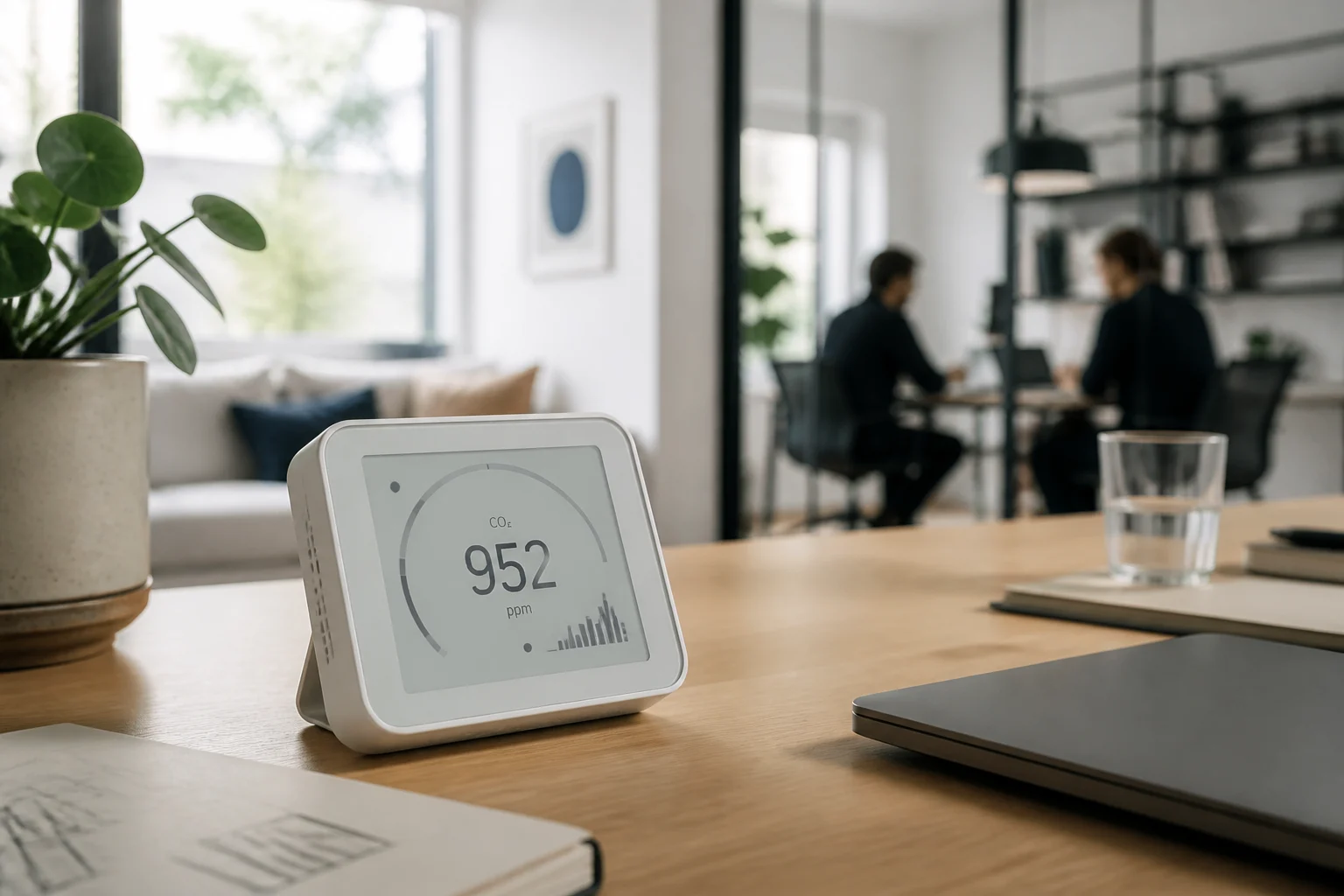
Executive summary: what to measure and why
Carbon dioxide (CO₂) can serve as an indirect indicator of ventilation, but it does not, on its own, measure every aspect of air quality. When choosing a monitor, first check that the manufacturer documents the measurement method and publishes the measurement conditions and accuracy figures. An NDIR module is a relevant option when you want to measure CO₂ directly; good specifications for a module do not guarantee that every finished product containing it will perform just as well. The distinction matters because a component specification describes that component, while the completed monitor also depends on how it is built and used. Read the product documentation rather than treating a sensor name as a performance guarantee.
It is useful to distinguish the sensor reading from the interpretation we give it. A monitor can help you observe how CO₂ changes as occupancy or ventilation changes, but it cannot identify the cause of a reading by itself or describe every pollutant present. For comparisons to be useful, you need to know how the device measures and the conditions under which its figures are stated. CO₂ does not measure pathogens, and a single reading does not prove that a space is safe or unsafe. The familiar 1,000 ppm level should not be presented as a universal health limit. The sources assembled here also do not support treating a particular accuracy value, T90 ≤ 60 s, calibration functions, or local data export as universal requirements. Compare these as product features, not as guarantees of reliability or privacy.
Which figures to check before you pay
Check whether the datasheet specifies NDIR measurement and distinguishes it from an estimated CO₂-equivalent reading. Do not assume that a reading labelled “CO₂” comes from a direct measurement: look for a description of the method. Sensirion’s SCD30 documentation states an accuracy of ±(30 ppm + 3% of the measured value) over a range of 400–10,000 ppm. That figure is a reference for that module, not a promise about every monitor that incorporates it. When reviewing product claims, make sure the stated range and accuracy belong to the measurement you care about, rather than inferring them from a label or a sensor name.
The SCD30 specifies a typical response time of τ63% = 20 s. This parameter is not the same as T90 and does not show that a complete monitor responds just as quickly. Therefore, compare the sensor’s stated figure with the response declared for the finished device, if the manufacturer publishes one. A component’s response specification and a monitor’s response are not interchangeable, and missing information should remain missing rather than being filled in with a generic number.
Senseair publishes an accuracy of ±30 ppm ±3% of the measured value for Sunrise. When comparing products, check the range, conditions, and exact parameter stated; do not replace absent information with a generic figure. Also confirm whether a datasheet refers to the component or the finished monitor: those are not interchangeable claims. This approach makes it possible to compare what manufacturers actually document without implying that one specification establishes the performance of every product in which a sensor may be used.
Thresholds: ventilation guidance and occupational limits
The UK Health and Safety Executive (HSE) guide associates approximately 1,000 ppm with a ventilation rate of around 10 L/s per person and advises taking action when readings remain above 1,500 ppm. These are practical references for managing ventilation in the context described by the guide, not universal medical limits. They do not turn a particular reading into an automatic boundary between a safe and an unsafe space. Treat them as guidance for interpreting ventilation, not as a standalone health judgement or a guarantee about conditions in a particular room.
The reading depends on occupancy and the space itself. It is therefore more useful to observe trends and sustained changes than to turn a brief peak into a diagnosis. If the value rises when more people are in a room, that observation may help guide a ventilation decision, but it does not by itself explain all the factors involved. Nor does it replace a technical assessment when there is a safety concern. A monitor supplies an indicator to consider alongside the circumstances; it cannot provide every part of an assessment simply by displaying a number.
Occupational exposure limits are a different kind of reference and should not be used as household targets. The NIOSH/CDC page gives a REL of 5,000 ppm as a time-weighted average (TWA) and a STEL of 30,000 ppm; it also lists OSHA’s current PEL as 5,000 ppm TWA. These figures describe occupational criteria, not recommended levels for a home. Keeping that distinction clear prevents workplace exposure references from being misread as appropriate everyday goals for residential spaces.
The sensor: NDIR and reading technical datasheets
NDIR technology is based on infrared absorption and is used to measure gases. To assess a product, check what quantity it measures, its range, and the conditions associated with its accuracy. A general description of a measurement technique does not, by itself, let you infer the accuracy of any commercially available device. The useful question is what the specific product documentation says about the measurement and the conditions under which its stated performance applies.
Look for whether the accuracy figure applies across the entire advertised range and whether it is expressed as a fixed tolerance, a percentage, or a combination of both. A well-described specification makes it easier to compare datasheets thoughtfully; a figure without a range or conditions offers less information for judging whether the product suits your intended use. Read the units and the stated limits as part of the specification, rather than comparing bare numbers that may describe different things.
Sensirion’s official page documents the SCD30 figures; Senseair’s page publishes those for Sunrise. Do not extrapolate a component’s specifications to the complete device, and do not confuse declared accuracy with verified calibration of each individual unit. The sources assembled here do not document the characteristics of the eCO₂ sensors mentioned, so no specific claims about how they work are retained. The same caution applies throughout: use the information that is actually documented, and do not fill gaps by assuming that products share properties.
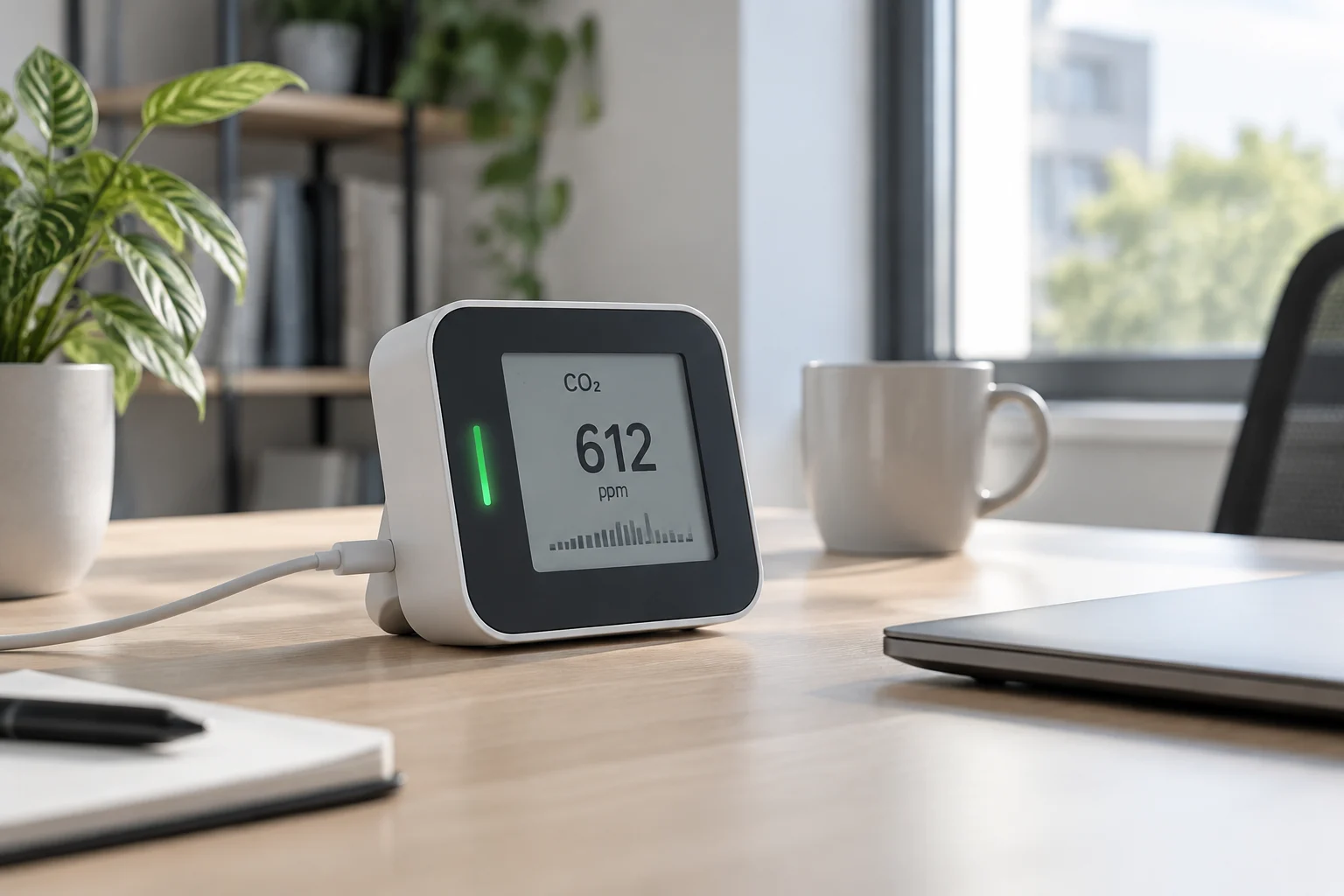
Display, connectivity, and privacy
A readable display, history, and data export can be useful, but the available sources do not establish that these are common features of monitors or that USB-C, e-ink, a replaceable battery, or CSV is available on any particular model. Before buying, verify each feature in the product’s official documentation and determine whether the device needs an account or an internet connection for the tasks you care about. A feature that would be helpful in principle should not be assumed to exist on a product without confirmation.
History can make it easier to observe trends, while export can help you review data outside the manufacturer’s app. Their usefulness, however, depends on how each product implements those functions. Confirm whether readings can be viewed locally, whether an account is required, and what options are available for retrieving data. These are separate questions: a product may offer one function without offering the others, so review the documentation for the exact model rather than relying on a general description of the category.
MQTT is a lightweight publish/subscribe messaging protocol for IoT and is described as an OASIS standard. That does not mean that a particular CO₂ monitor supports it, or that using it locally guarantees privacy. If connectivity matters to your decision, confirm what data leave the device and where they are stored. Local-first is a possible purchasing criterion, not a property that can be assumed without documentation. Local access, data handling, and connectivity should be checked for the specific product rather than inferred from a protocol name.
Calibration, drift, and placement
The verified sources available here do not document how automatic baseline calibration (ABC) works or establish a common procedure that applies to every model. Follow the manufacturer’s instructions for the specific device and avoid changing its calibration using generic guidance. These sources also do not support setting a universal calibration interval or an annual drift figure. If those details matter, look for documentation from the maker of the model you are considering instead of treating an undocumented assumption as a specification.
When reviewing this feature, distinguish between a product offering a calibration option and there being enough documentation to understand how that option operates. The presence of an adjustment does not, by itself, demonstrate that its procedure is suitable for every space. If the manufacturer explains the conditions, steps, and limitations, use that guidance for the particular model. Do not assume that the name of a calibration feature tells you everything about the conditions in which it should be used.
Section 1625 of the California Code establishes requirements for CO₂ monitors in classrooms, including installation on a wall between three and six feet above the floor and at least five feet from operable doors and windows. This is a legal requirement for the context it regulates, not a general placement rule for every home and office. For other spaces, consult local regulations and the manufacturer’s guidance. The classroom requirement should not be transferred to a different setting without checking whether it applies there.
Budget, buying, and mistakes to avoid
The suggested price bands—under $100, $100–$200, and over $200—are not supported by observed prices in the verified sources, so they are not a reliable comparison of today’s market. Compare the price of the exact product in your country with its documented features, running costs, and connection requirements. The SCD30 and Sunrise modules are commercial components, not complete home monitors; their datasheets are not enough to recommend a finished device. A component’s published specifications can inform a sensor comparison, but they do not establish the price or capabilities of the product built around it.
Before deciding, compare products in the same class and check what the price includes: the complete monitor, logging functions, and the conditions required to access its data. Component documentation can help you understand some sensor specifications, but it cannot be used to infer the price or features of a finished unit. Confirm the precise product and its documented functions, rather than relying on broad assumptions about what a monitor in a given price category includes.
Checklist: look for the measurement method; read the range and accuracy together with their conditions; distinguish the sensor response time from that of the complete product; confirm calibration, logging, and export functions in writing; and check connectivity requirements before buying. A ventilation indicator helps you observe trends and make proportionate decisions. It does not replace a technical assessment when there is a safety concern. Use the specifications as evidence about what the product states, while keeping the limits of those specifications in view.