The end of support now has an effective date
Microsoft set October 14, 2025 as the end-of-support date for Windows 10. This is not an announcement that the operating system will stop starting up: it marks the end of the product support lifecycle documented by the company. Microsoft’s transition guide uses the same date and presents moving to Windows 11 as one way to prepare for the period that follows.
For people still using Windows 10, the distinction matters. A computer continuing to work does not prove that it is still receiving the same updates or maintaining the protection associated with a currently supported system. Nor does the date, by itself, establish that every edition and enterprise scenario has identical terms. Microsoft publishes lifecycle information by product and edition, so it is worth first identifying which version is installed.
The practical advice is to avoid decisions based on broad messages such as “Windows 10 no longer works” or “the PC is protected.” End of support is a change in maintenance status, not an automatic failure. The useful question from this point on is what specific coverage the device has, and which alternative fits its hardware, usage and the policies of its organization.
What it means for updates and security
Microsoft’s lifecycle documentation records the end of support for Windows 10 and includes a specific notice about the transition. Users should treat the date as an important planning boundary, not as a guarantee that any update available afterward is part of the operating system’s standard maintenance. Coverage may depend on the edition and on whether the device is enrolled in a different program.
Microsoft also provides information about Extended Security Updates, known as ESU. The existence of such a program does not mean that every PC can automatically join it, nor can its terms be inferred solely from a question in a forum. The sources consulted here do not provide enough detail about current enrollment steps, applicable prices or eligibility for each edition or region. Those points should be checked in Microsoft’s current documentation and in the account or device-management system.
Do not confuse continued use with continued support. If the PC remains connected and is used for email, banking, work or browsing, the decision to keep it requires assessing exposure and available safeguards. This article cannot determine the risk for a particular device: that depends on its configuration, applications, usage habits and additional controls. An extended security update, if available and activated correctly, should not be presented as a permanent substitute for moving to a supported platform.
Check whether the PC can be upgraded to Windows 11
The official Windows 11 specifications page lists minimum hardware requirements. Items that often need explicit checking include a compatible processor, TPM 2.0 and Secure Boot capability through UEFI. Requirements are also specified for memory, storage, graphics and display. Meeting one figure in isolation—for example, having enough RAM—does not prove that the device meets the complete set of requirements.
Compatibility should not be decided solely by the computer’s age or the processor’s marketing name. The supported processor list and the specific firmware configuration can affect the result. On some computers, a feature such as TPM may be available but disabled; on others, the CPU model may not be on the supported list even though the remaining components appear sufficient. Microsoft’s documentation and a check of the specific model are the definitive references.
Before starting an upgrade, a sensible order is to make a backup, confirm the installed Windows edition and version, check compatibility using available official tools, and verify that there is enough space and that suitable drivers are available. If the computer is managed by a business or educational institution, the user should contact IT before changing the operating system. A forced installation that bypasses requirements should not be confused with an officially supported upgrade or a promise of future support.
Choose a path without assuming unconfirmed terms
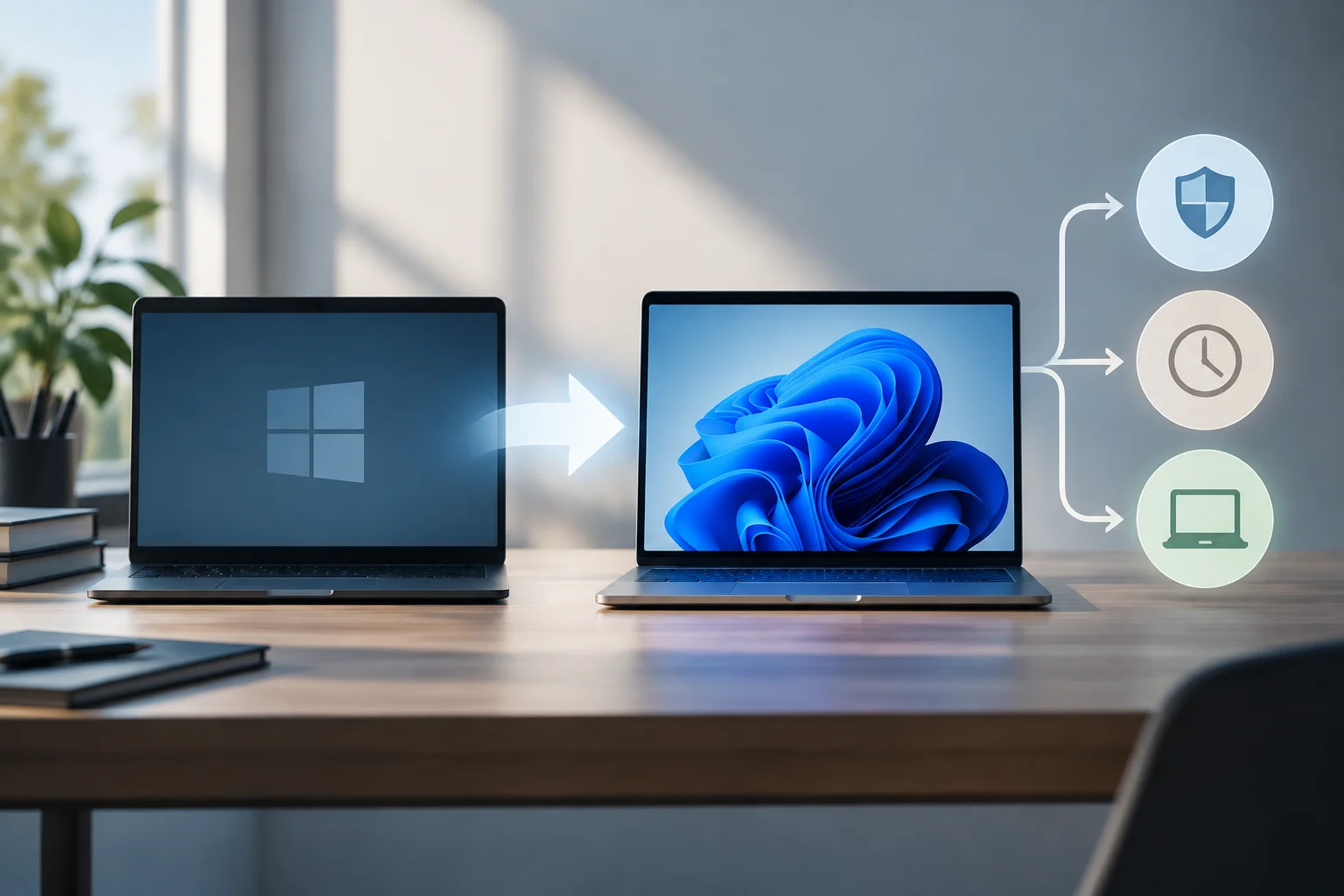
In practical terms, there are three general paths: upgrade to Windows 11 if the device is compatible; check whether it can use ESU if more time is needed; or plan to replace it or change platforms if no suitable route is available. The documentation reviewed confirms the end-of-support date and the existence of official information about the transition, but it is not enough to establish all ESU terms for consumers in every market. For that reason, do not publish a supposed universal requirement, price or enrollment deadline without a current source to support it.
Cost is not the only factor when choosing among the options. The amount of support time needed, the importance of the data, application and peripheral compatibility, and whether the device is used for sensitive tasks also matter. In an organization, the decision may depend on licensing, centralized management and internal policies. At home, it may be enough to check upgrade eligibility and plan a backup; if the PC is incompatible, the alternative should be assessed before an urgent situation forces a rushed decision.
A secondary report published in 2025 described recommendations for recycling or trading in incompatible computers. That kind of coverage may provide context, but it does not replace official instructions or prove that a trade-in program is available in every country. Availability, trade-in value and commercial terms vary; without a verifiable local official offer, a specific discount should not be treated as part of the plan.
A user checklist
The transition can be handled with a brief but orderly review. First, find out the exact Windows 10 edition and whether the PC is personal or managed by an organization. Then consult the relevant lifecycle: it is not prudent to transfer the terms for Windows 10 Home and Pro automatically to other editions.
Next, check Windows 11 compatibility and go directly to the current ESU page if you need to keep using Windows 10 for an additional period. Confirm the terms before paying, enrolling or changing settings: the material available in this research does not confirm the fees, final dates or complete procedure that applies to every user. Keep any enrollment confirmation and verify that the relevant updates reach the device.
Finally, protect your files before migrating and check that essential applications work on the system you choose. If you cannot upgrade today, set a date and a follow-up plan rather than leaving the decision open indefinitely. This does not make the PC compatible or extend support by itself; it is a management measure to reduce the chance that the transition happens without a backup or at the last minute.
What is confirmed and what still needs checking
The conclusion supported by Microsoft is specific: Windows 10 reached end of support on October 14, 2025, and Microsoft maintains documentation for moving to Windows 11 and for that system’s requirements. Official information also exists about the end of support and Extended Security Updates. These facts can guide a decision, but they do not authorize the claim that every PC is entitled to ESU or that all users receive exactly the same terms.
The edition covered, enrollment process, any cost, duration of coverage and regional availability remain matters to confirm using current pages and for each individual case. These distinctions are important, but they do not change the central fact that general Windows 10 support has ended. The safest way to decide is to check the lifecycle for the installed edition, review device compatibility and obtain ESU terms directly from Microsoft before acting.
In short, a computer does not have to be replaced solely because Windows 10 reached that date, but an informed decision about support and security is advisable. If the PC meets the requirements, Windows 11 is a route documented by Microsoft; if it does not, ESU is an option only when eligibility and applicable terms have been confirmed. Uncertainty about these details should be stated clearly, not filled in with general promises.