The connection describes the link, not the whole experience
When comparing mice, it is tempting to start with a label: wired, wireless with a receiver, or Bluetooth. That is a useful way to organise the options, but it is not a performance measurement. It describes how the device communicates with the computer; on its own, it does not tell you how long a click takes to register, how the sensor behaves during movement, or whether the connection will be stable in a particular user’s surroundings. Making a decision means separating the type of link from the performance of the mouse as a whole.
With a wired mouse, the link relies on a physical connection between the device and the computer. This arrangement avoids having to charge a battery to use it and can be convenient if the mouse stays at a fixed workstation. It does not, however, prove that the model has lower latency than every wireless option. You need to know which mouse is involved, how it is configured, how it was measured, and what it is being compared with. The cable also brings a practical consideration: its length, flexibility, and route may matter more than a theoretical difference that has not been measured.
Wireless models may communicate through a dedicated receiver or Bluetooth. Check which options the exact model supports, and whether they are alternative modes or can be used simultaneously. A product description that says “wireless” does not clarify whether a receiver is required, whether the device can pair directly with the computer, or whether it offers both modes. The product documentation should specify this; it is unwise to infer it from the mouse’s appearance or the presence of a battery.
What USB, HID, and Bluetooth can tell you
USB and Bluetooth documentation helps explain the terminology and functions of those technologies; it does not certify the performance of a particular mouse. USB maintains a page of class codes and another devoted to specifications and tools for Human Interface Devices, known as HID. These references help identify the context of input devices and the relevant specifications, but they do not publish a comparative latency test for every product. A reference to USB or HID is no substitute for model-specific data or an independent measurement.
For Bluetooth, the advertised version can help identify the specification the manufacturer is referring to, but it is not automatically a promise of faster response or longer battery life. The mouse’s implementation, the profiles and features it uses, the host device, and the configuration all affect the outcome. Moreover, an improvement described in a revision of the standard does not prove that every product advertising Bluetooth implements it, or that it can take advantage of it with every computer.
When reading a specification sheet, it is therefore better to turn labels into questions that can be checked. Does it connect through Bluetooth, a USB receiver, or both? Which operating systems are supported? Is the receiver included? Can the mouse work while charging? Does the stated battery life correspond to a defined use pattern and a particular configuration? If the documentation does not answer these questions, the missing information should not be turned into a favourable or unfavourable assumption. A specification sheet can help establish what we know, not fill in what it leaves out.
Latency: distinguish the figure from the method
Latency covers the intervals between an action and its registration or response, but there is no single figure that captures every aspect of a mouse. One test may measure click latency; another may measure the sensor’s response to movement. These should not be treated as interchangeable results. Nor is it enough for two pages to show values in milliseconds: first, you need to find out which event was measured, using what procedure, in which connection mode, and under what conditions.
RTINGS publishes a description of its mouse click-latency tests, while LTT Labs explains a methodology that includes latency and sensor tests, among other aspects. These sources illustrate why it matters to identify the procedure instead of treating a marketing specification as a substitute. A laboratory result can guide a comparison if products have been tested on a comparable basis; it does not let you assign the same figure to another mouse, another connection, or another environment.
Checklist for a useful test
- What is measured: a click, sensor movement, or another defined interval.
- In which mode: wired, wireless receiver, or Bluetooth, with the mode identified.
- Using what method: equipment, configuration, and protocol described clearly enough.
- How the comparison is made: equivalent conditions across models, with metrics kept separate.
A figure without these details may be genuine and still be of limited use when making a decision. If a test measures only clicks, it does not show how the sensor responds. If it compares different modes or uses incompatible procedures, the observed difference should not be presented as a general ranking of wired versus wireless mice.
Battery life and compatibility also need context
For a mouse with a battery, battery life may have a greater effect on everyday use than a connection difference that is hard to notice. But the advertised figure depends on how it was obtained and what counts as normal use. Lighting, polling rate, active time, connection mode, and charging habits can all change power consumption. If the manufacturer does not describe the conditions behind its estimate, read the figure as manufacturer guidance, not as a duration guaranteed for everyone.
Compatibility is not simply a matter of whether the computer has Bluetooth or an available USB port. Check the supported operating system, the requirements for using extra features, whether software is needed, and what type of receiver is included. In managed environments, such as a work computer, it may also matter whether users are allowed to install applications or pair accessories. A technically possible connection does not guarantee that every mouse feature will be available on that computer.
For a careful comparison, record separately what is declared and what is measured. The official product page can confirm the connection modes, power arrangements, and compatibility the manufacturer says it supports. An independent review may provide battery-life or response tests, provided it explains its conditions. If no test is available for the exact model, results from another product by the same brand or from a similar product family cannot validly be transferred: components, firmware, and configuration may differ.
Choose for your workstation, not by a label
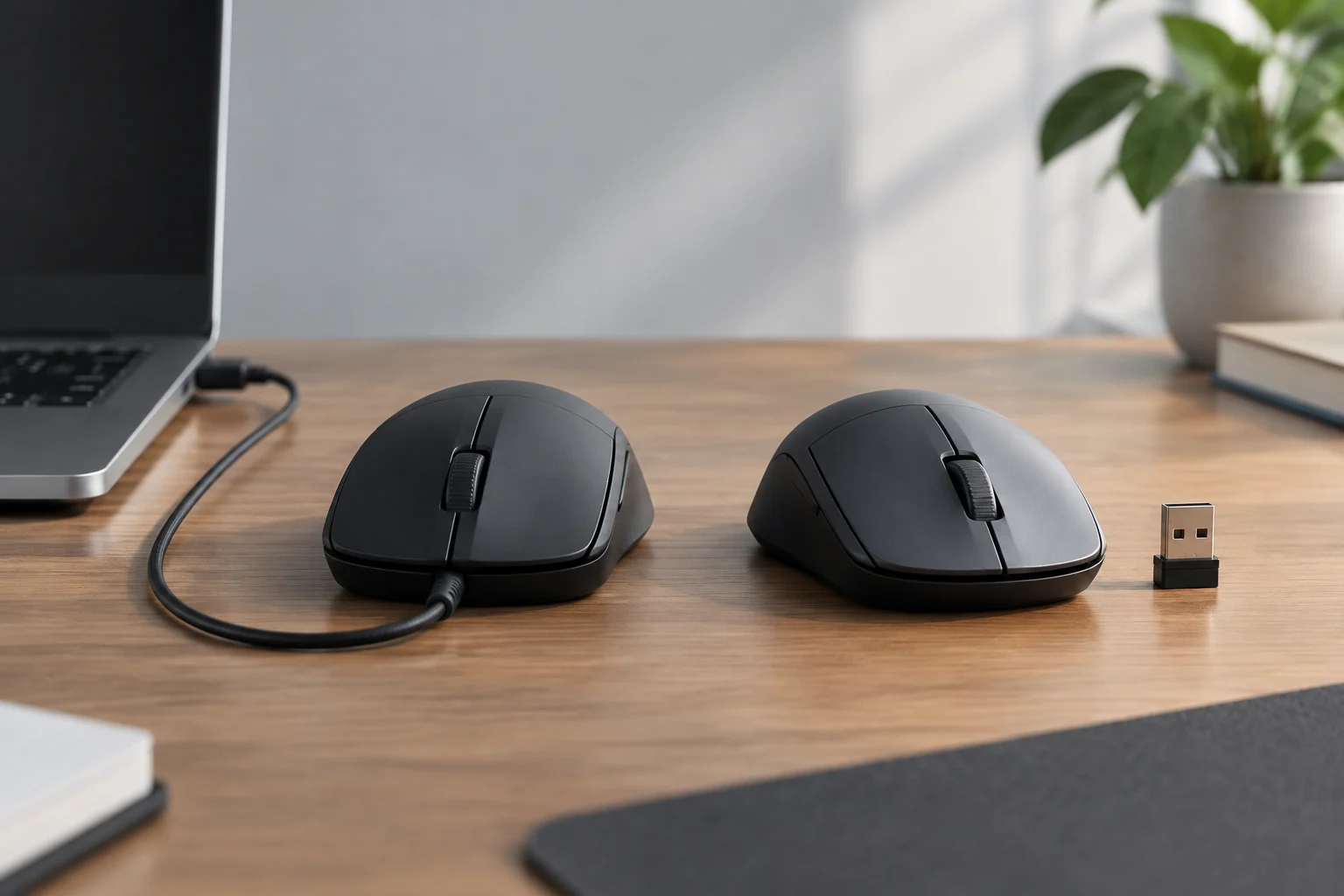
For a fixed desk, a wired mouse may be a sensible choice if avoiding recharging is a priority and the cable does not get in the way. A wireless model may be more convenient if you want a clear desk, need to switch computers, or work away from a port. Bluetooth may be of interest when the computer supports pairing and you want to avoid using a port for a receiver; a dedicated receiver may be the available option with other models. These are considerations about setup and compatibility, not guarantees of technical superiority.
For gaming, or tasks where pointer response is especially important, the decision should be based on measurements of the specific mouse in the mode you intend to use. Finding a well-documented latency test is more useful than assuming that “wired” always means faster. For office work, browsing, or travel, comfort, the number of compatible devices, ease of connection, and battery management may matter more. In either case, shape and weight also affect comfort, but they need to be assessed in light of each person’s hand and use.
Practical checks before buying
- Identify the exact model and confirm its connection modes in the official documentation.
- Check what is in the box: cable, receiver, and, where applicable, battery or charging system.
- Review compatibility with your devices and any software limitations.
- If latency is a priority, look for a test of the exact model and mode, with the method explained.
- If battery life is a priority, check the conditions behind the figure and look for comparable independent measurements.
The most honest conclusion may be that the available evidence does not establish a universal winner. The connection helps anticipate charging, port, and mobility needs; real performance needs to be established by testing the exact product.
What can be stated, and what remains unproven
Standards documentation provides terminology and descriptions of general functions. Manufacturer documentation confirms what the manufacturer claims about a model. Independent tests can provide observations of its behaviour, provided they explain their methods. These are different levels of evidence: a technical definition should not be turned into a performance conclusion, nor should a figure from one test become a promise for every computer and use case.
The evidence gathered for this guide does not include a set of comparable latency or battery-life results for a selection of specific mice, or an official specification sheet for a featured model. For that reason, it gives no performance figures, winner lists, or product recommendations. This limitation does not prevent us from explaining how to read a comparison, but it does prevent us from claiming that one class of connection is always faster, more reliable, or longer-lasting than another.
When assessing an external recommendation, check whether it identifies the model, the tested mode, and the procedure; whether the conditions are comparable; and whether click latency is distinguished from sensor latency. If any of these elements is missing, the result may still be useful as a guide, but its scope is narrower. The final choice should be based on the needs of the workstation and the evidence available for the exact product, not on an inference from a label.