The category is a guide; the model makes the difference
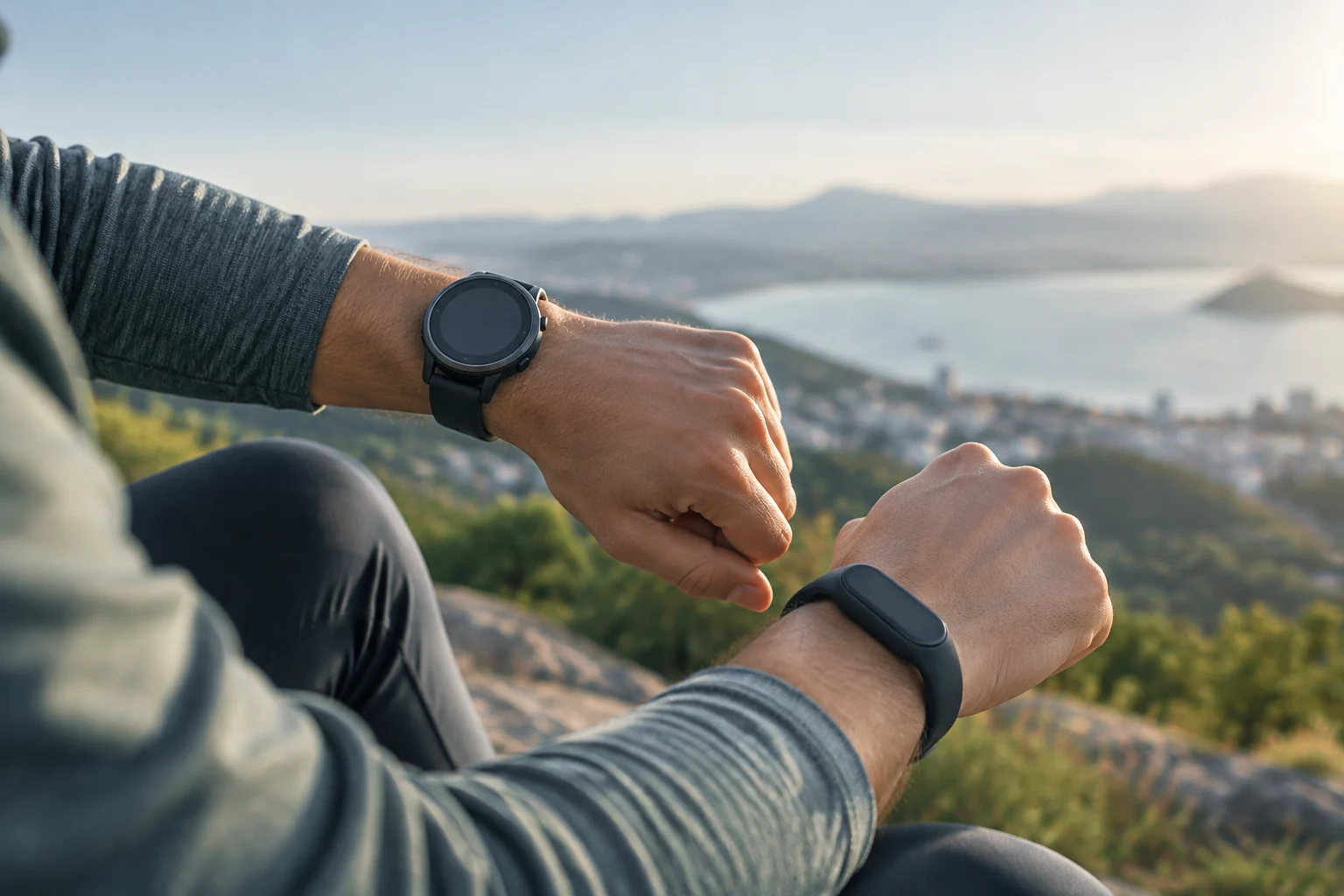
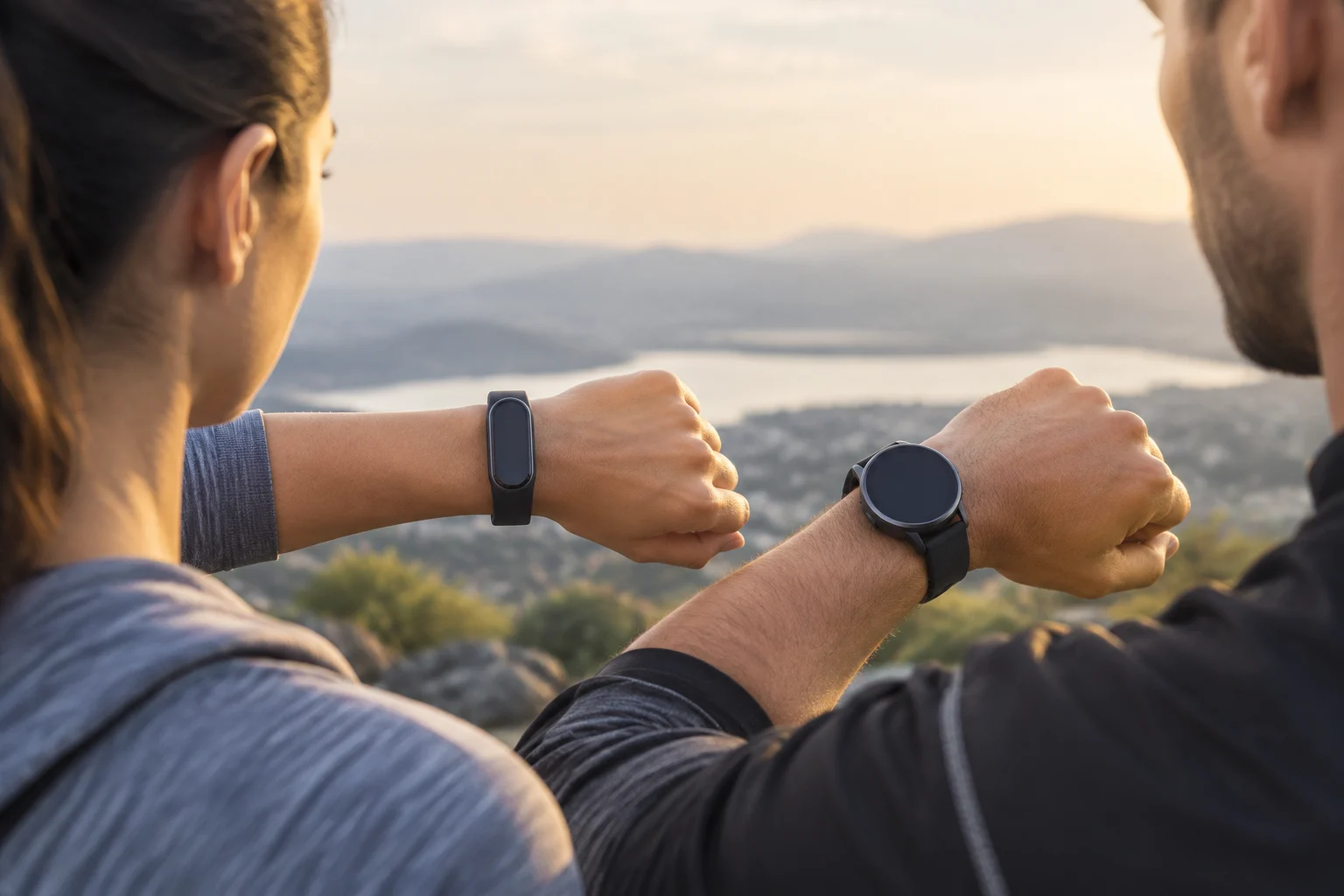
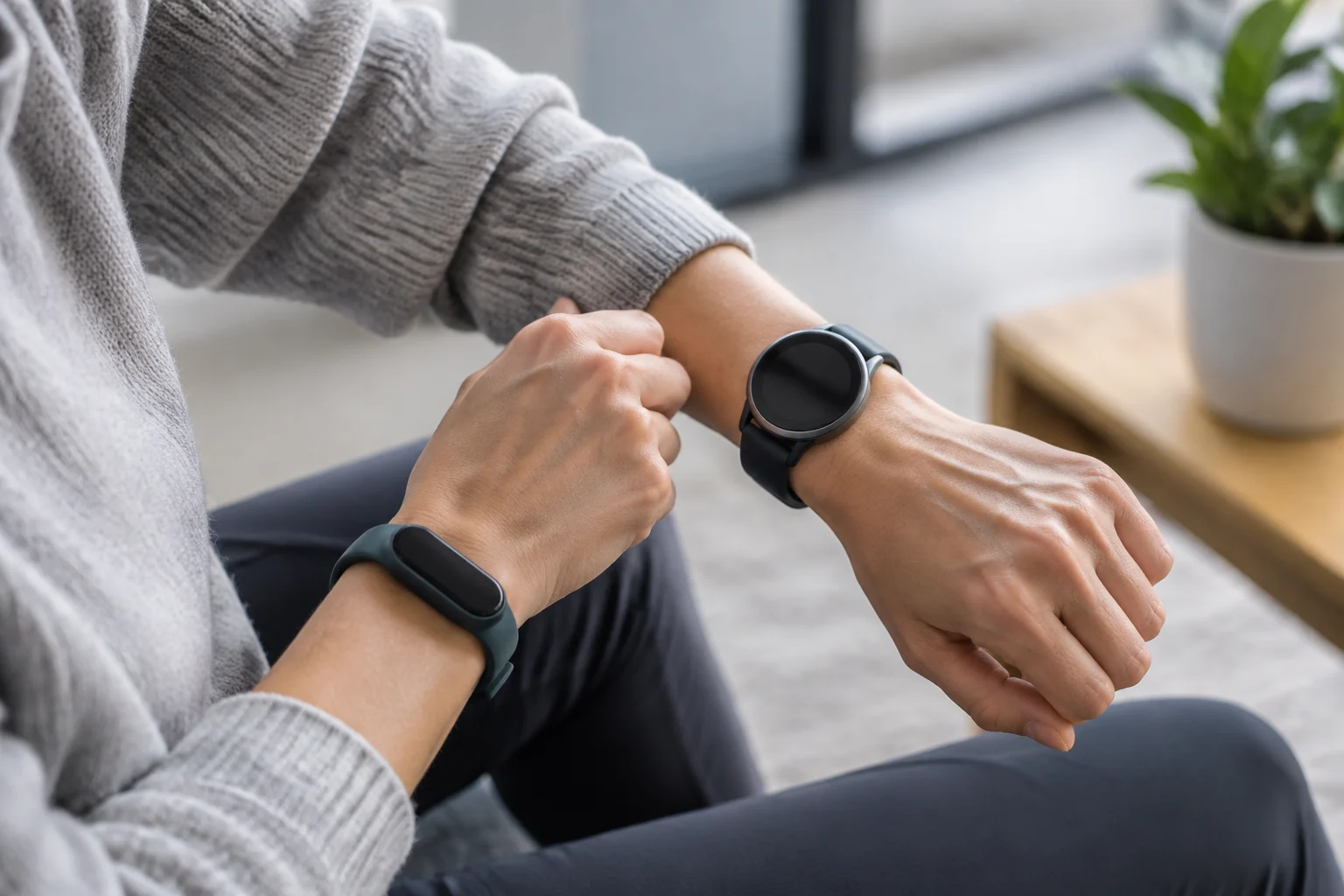
An activity tracker usually prioritises everyday monitoring—for example, movement, exercise or sleep—in a compact form. A smartwatch usually adds a larger screen and more ways to interact, such as notifications and apps. These are design tendencies, not a universal technical boundary: some trackers have advanced features, and some watches rely on a phone for many tasks. The term wearable covers devices worn on the body; by itself, it does not tell you what a particular product measures or does. VIU
That is why comparing only “tracker versus watch” can lead to the wrong choice. Two products in the same category may differ in sensors, compatible apps, independent connectivity and syncing policies. Apple’s official documentation, for example, publishes specifications by model and generation for its watches. That structure is a useful reminder to check the exact device’s specifications rather than generalise across an entire category. Apple: Apple Watch Series 11; Apple: Apple Watch SE (2nd generation)
The decision can start with a simple question: Do you want to glance at information, or use the device as an extension of your phone? If your main goal is to record activity and review trends in an app, a tracker may be enough. If you want more interaction on your wrist, a watch may suit you better, provided its specific features and compatibility match your phone. These are guidelines, not guarantees about every model.
Turn the category into criteria
Rather than starting with an abstract list of features, think about when you would wear the device and what information would be useful at those times. This helps separate essential functions from those that merely look attractive on a product page. Then check whether each candidate meets those needs and what conditions it requires to do so. This comparison method avoids assuming capabilities that may depend on a variant, an app or the phone.
Features with and without your phone
The word “connected” does not necessarily mean that a device can operate independently. Some features may require the phone to be nearby and connected; others depend on a cellular version, an app, an account or an external service. Even a notification shown on your wrist may simply be an alert received from your phone, not an ability to reply or complete the task on the wearable. Check each action separately in the specifications and the manufacturer’s help pages.
Before buying, write down what you expect to do when your phone is not nearby: record a workout, get a location, receive calls, play audio or view previously synced data. Then look up the exact requirement for each feature: built-in GPS or phone-assisted GPS, whether cellular connectivity is available, whether an app must be active, and any account or network requirements. Do not assume that a feature is present on every variant: one product family may include models with different connectivity.
Apple’s specifications pages for different Apple Watch models show why it is more reliable to look up the individual model than to infer capabilities from the phrase “smartwatch”. They are not a comparison of every brand and do not prove that every feature works in every country; availability may depend on the variant, carrier and service. Apple Watch Ultra 4; Apple Watch Ultra 2
Check the task, not just the connection
For every intended use, follow the whole process: what the device captures or receives, what role the phone plays, and where the action is completed. For example, a feature appearing in an app does not mean it can be used without a phone; likewise, a device displaying an alert does not guarantee that it can answer it. If the specifications describe connectivity in general terms, consult the manufacturer’s help pages to learn which requirements apply to that specific task.
It is also useful to distinguish between features available while connected and data that has already been synced. Viewing saved information may not require the same things as getting a location or receiving a call at that moment. Separating these cases makes the comparison more practical: it helps you decide what must genuinely work when your phone is not nearby and what can wait until the next sync.
Sensors and metrics: what they tell you—and what they do not
A specification sheet may list sensors and metrics, but the presence of a sensor alone does not prove that a measurement is accurate or useful for every person. Distinguish between capturing a signal, turning it into an estimate through software, and providing guidance or an alert. Product documentation is the reference for what the manufacturer claims; it is not an independent clinical assessment or a comparative accuracy test.
When reviewing heart rate, sleep, blood oxygen, stress, activity or workout detection, check which function is listed for that model and what conditions or warnings the manufacturer documents. There may be limits related to wrist fit, movement, settings or regional availability. If a reading might influence a medical decision, do not assume that a wearable replaces professional assessment: consult the device’s applicable warnings and the intended use described by its manufacturer.
A sensible comparison is not about counting the largest number of metrics; it is about assessing whether the ones that matter are available and how they are presented. Ask whether you need occasional readings, a trend history or alerts; whether the data appears on the device itself or on your phone; and whether the app explains what a reading means. More indicators do not automatically mean more reliable information. Apple’s specification pages show that capabilities are described by model, but should not be treated as independent evidence of clinical performance. Apple Watch Series 11; Apple Watch SE (2nd generation)
Separate the measurement from its interpretation
A metric may appear as a single reading, a trend over time or an alert. These are not identical ways of reporting: each can help you check different things, and none should be confused with a medical conclusion. When comparing products, notice what the device displays and how the app puts the data into context, rather than treating every figure on a specification sheet as equivalent.
If you are interested in a particular feature, also check that it is included in the model and available in the region where you will use it. Usage conditions and warnings are part of the information needed to interpret what the device offers. The number of sensors or indicators alone does not answer these questions or establish which product is more suitable for an individual.
Battery life, charging and durability: read the useful fine print
Advertised battery life is a conditional specification, not a promise that everyone will get the same duration. GPS, the screen, mobile connectivity, notifications and continuous monitoring can affect power use. To compare devices, find out which scenario the manufacturer used to state battery life and whether it separates low-power modes or features that change the result. If the page does not provide comparable conditions, do not turn two figures into a conclusive ranking.
Charging routine matters too. A long stated battery life may matter less to someone who remembers to charge a device every day than easy charging; conversely, for overnight monitoring, having to take it off often may interrupt tracking. Check the charger type, the stated charging time and whether the usage mode you care about reduces battery life. Avoid comparing figures obtained under different conditions as if they came from the same test.
For water resistance, check the rating and its limits in the official specifications for the model. “Water-resistant” does not mean waterproof in every circumstance: depth, duration, temperature, pressure and activity type may all matter, as may maintenance and wear. Do not infer that a device is suitable for swimming or diving from a broad marketing label. Product-specific documentation should clarify permitted uses and exclusions; if it does not provide enough detail, treat the available information as insufficient to resolve the question.
Compare conditions of use
A battery-life figure is useful only if you know the scenario it refers to. Note the features you would use regularly and compare them with the conditions published by the manufacturer. If two specification sheets describe different modes or scenarios, preserve that difference in your comparison: the figures cannot validly be presented as if they came from the same test. When in doubt, actual battery life cannot be deduced from a single number.
Apply the same care to water-related terms. Read the rating together with the activities and limits the documentation assigns to the model. Do not extend the stated use to other situations on your own or interpret resistance as absolute. The official specifications help identify what is claimed; if they leave an activity you care about unclear, take that lack of information into account when deciding.
Compatibility, privacy and control of your data
Compatibility starts with the phone, but does not end with the operating system. Check the minimum version required, whether certain features require a phone from the same brand, which app must be installed, and whether there are restrictions on syncing or exporting data. A list of features without their requirements can give an incomplete impression: an option may exist on the device yet be unavailable with your phone, region or account.
Before pairing it, review what information is collected, where it is stored, how long it is kept, and how it can be deleted or exported. It is also worth checking which permissions the app requests—for example, location or notification access—and whether you can turn off features without losing the ones you want. Privacy depends on the whole system of device, app, account and services, not just the tracker or watch. Do not assume that two products handle data in the same way.
If you share metrics with another app or a professional, first confirm which data can be transferred and what controls apply. Options may vary with software, country or service provider. A good practice is to read the applicable policy and the model’s support page before buying, rather than assuming that a brand offers a particular privacy feature simply because it sells a wearable.
Check the journey your data takes
In addition to initial permissions, think about what happens after the device collects information. Check which data is synced, which account it is associated with and what options you have to manage it. If you want to keep a history or move information to another service, verify that export or sharing is available for your particular combination of device, app and phone.
You do not need to enable every feature on offer. If an option requests permissions you do not need, find out whether you can disable it while keeping the functions you do want. The decision depends on the controls the product actually provides and the applicable terms, not on a general assumption about the brand or category.
A practical comparison based on your needs
The following table is a priority-based decision guide, not a claim that every product in each category has the same features. For the model you are considering, compare each point with its official documentation and note any requirement that affects your situation.
| Priority | What to check in the specifications | When a tracker may be enough | When a watch may be of interest |
|---|---|---|---|
| Everyday activity | Available metrics and required app | If you want tracking and basic viewing | If you also want more interaction on your wrist |
| Use without a phone | GPS, calls, connectivity and requirements | If you will carry your phone and the specifications meet your needs | If you need independent features and the specific model offers them |
| Health and sleep | Sensors, warnings and presentation of data | If the available metrics fit your goal | If you value viewing more information on the device |
| Charging and water | Battery life under stated conditions and resistance limits | If the form factor and charging routine suit you | If it offers the durability and battery life you need, according to its documentation |
| Ecosystem and data | Compatibility, permissions, syncing and export | If the app and phone support the features you want | If you need additional services or controls compatible with your phone |
To choose, prioritise two or three real needs and turn them into specific checks. For example, “I want to record routes without carrying my phone” means confirming standalone GPS; “I want to sleep with the device” means considering comfort, overnight tracking and charging routine; “I want to receive calls” means checking connectivity and requirements, not just whether notifications are available. Buy the verifiable feature you need, not the category that sounds most complete. If the documentation does not clarify an important requirement, do not assume it is met: ask the manufacturer or choose an alternative whose specifications do explain it.
Use the table as a checklist
When reviewing a candidate, you can note beside each priority whether the feature is confirmed, depends on another requirement or is not clarified by the documentation. This distinction avoids treating a possible capability as a guaranteed one. It also makes it easier to compare products in different categories without assuming that one is automatically more complete than the other.
Give more weight to criteria that would change your routine. If you do not need calls, for example, their availability need not outweigh comfort or charging. If you do need a feature without a phone, however, its connectivity requirements must be confirmed before you decide. The table does not replace the specifications: it helps turn them into an orderly check tied to your own use.
Final decision
A tracker may be sufficient when everyday monitoring and viewing information in an app cover what you want. A watch may appeal if you want more interaction on your wrist, but the category does not guarantee that a particular feature is included or works with your phone. In either case, the specific model, its requirements and its limits are what allow you to complete the comparison.
Before buying, return to your priorities and confirm each one in the official documentation. If an important answer is still ambiguous, do not turn it into a promise: ask the manufacturer or consider another option with clearer information. That way, your choice is based on verifiable features, not on the category name or the number of advertised capabilities.