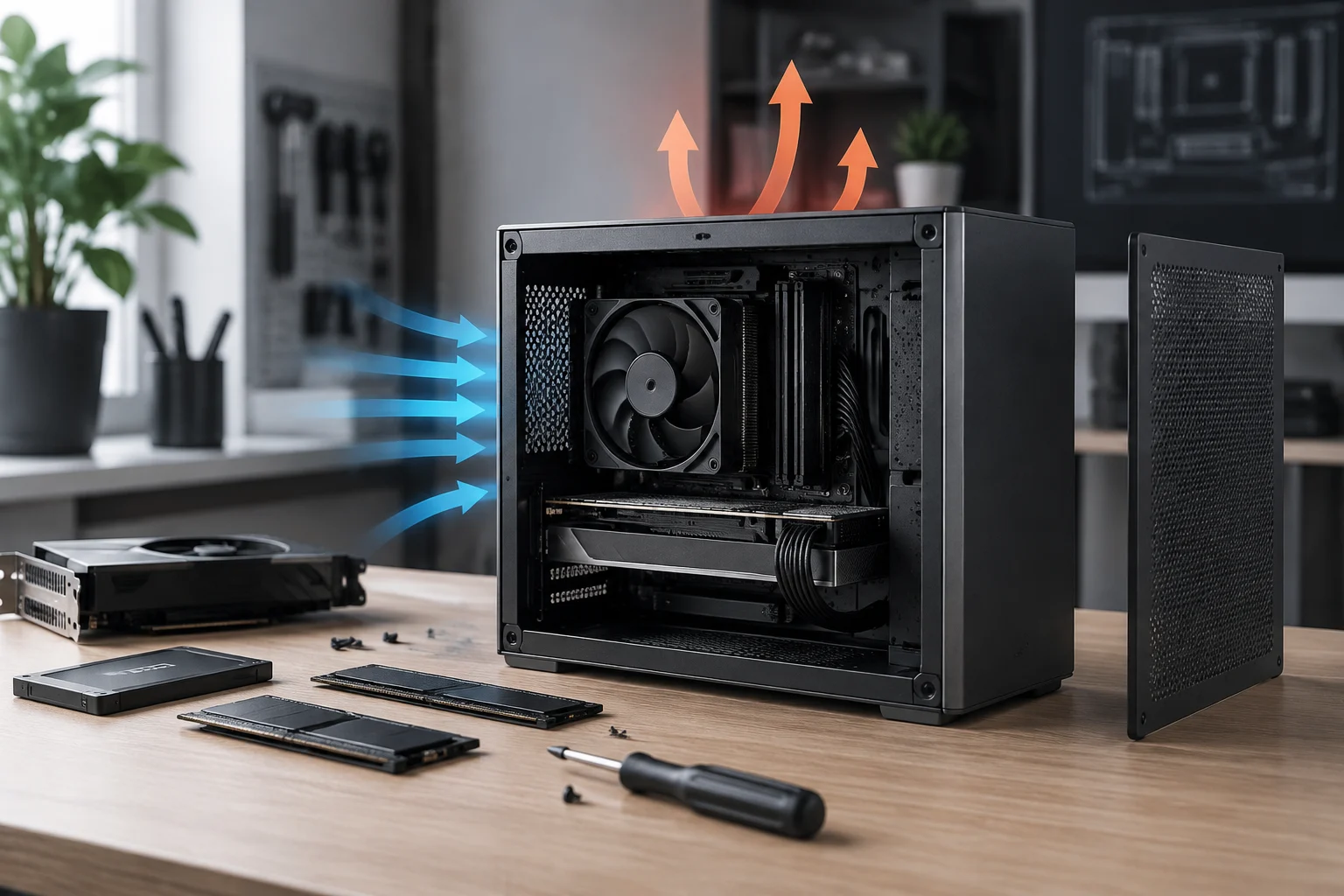
Size alone does not define a compact PC
“Compact” describes a broad family of systems, not a universal measurement or a guarantee of performance. To choose wisely, start with the space available and the components the system needs to accommodate. A case’s volume helps compare its physical footprint, but by itself it does not show how many cards, drives, or cooling solutions will fit, nor what temperatures the system will reach.
The fundamental distinction is between stated compatibility and real-world behavior. A specification sheet may say a chassis supports a motherboard or a graphics card of a certain length; that does not prove every combination of components will work well under load. Cooling, noise, and sustained performance depend on the complete system, its assembly, and its operating conditions. The aim of a documentation-based review is therefore to rule out known incompatibilities, not predict thermal results.
Start with your use case and constraints
Before comparing models, note which components are essential—for example, a dedicated GPU, additional storage, or a particular cooler—and how much room you have for the system. Then check every limit in the manufacturer’s documentation. Intel’s guidance on small form factor systems also frames component selection as a matter of planning around components and constraints, not simply comparing sizes.
Physical compatibility: case, motherboard, graphics card, and power supply
Read case specifications as a set of limits that must all be met at the same time. Check the supported motherboard form factor, maximum GPU length and thickness, maximum cooler height, and space allocated for the power supply. Also check whether installing a radiator, fans, or a vertically mounted card changes the space available for other parts. A single maximum dimension does not guarantee that all the parts will coexist in a particular configuration.
The MasterBox NR200P illustrates why specification sheets need to be read precisely: Cooler Master presents it as a Mini-ITX case and documents support for triple-slot GPUs, as well as an included riser cable for vertical mounting. These features describe this model, not all compact systems, and they do not prove that every triple-slot GPU will fit alongside every cooler or power supply. The exact combination and intended assembly still matter.
Check dimensions before buying
- Find the maximum dimensions and supported form factors on the case’s product page and in its manual.
- Check the physical dimensions of each component in its official specifications, not just its product name or chipset.
- Verify that the motherboard manual lists its slots, connectors, and power requirements.
- If the configuration includes a radiator, vertical GPU, or stiff cables, confirm there is room for all of them and access to their connectors.
The ROG Strix Z890-I Gaming WiFi is a specific Mini-ITX motherboard whose official product page describes support for DDR5 and PCIe 5.0. These details help identify part of its platform, but they do not replace checking dimensions, slot layout, and connectors in the relevant manual. The product page and manual are complementary sources: a short specification summary may omit details needed to assemble or upgrade the system.
Cooling: what specifications tell you—and what they cannot prove
A case may advertise ventilation options or cooling potential, but that marketing description is not a measurement. To assess the design on paper, identify the supported fan positions and sizes, radiator options, and any installation restrictions. Then check whether the selected cooler fits and whether the components leave room for airflow. Documentation helps clarify the physical options; by itself, it does not confirm that a configuration will maintain particular temperatures or noise levels.
It is also important to distinguish a processor’s thermal limit from the temperature it will reach inside a specific system. Intel’s documentation on processor temperatures explains concepts related to the thermal operation of its CPUs, but it does not let you infer the behavior of a particular case, motherboard, or cooler. Without tests of the complete configuration, it is not rigorous to promise temperatures, quiet operation, or sustained performance.
Information that requires testing
Comparing thermal and acoustic performance requires tests using the same hardware, conditions, and workload, with a clearly described methodology. A useful test should identify, among other factors, the components, fan orientation, applied workload, and environment. If those details are unavailable, conclusions should be limited to documented compatibility. This article does not take measurements or attribute results to the cited models; it uses their specifications as examples of what can be verified before buying.
Upgrades and maintenance in a confined space
Limited interior space can restrict how many components can be added and how easy they are to remove. So check how many slots and connectors the motherboard provides, which storage drives it supports, where they are located, and whether installing them could interfere with other parts. With a compact motherboard, account for the actual design of the model rather than inferring expansion capacity from the chipset or the Mini-ITX label alone.
For maintenance, the documentation should explain how to access filters, panels, fans, and components that may need cleaning or replacement. A case may advertise tool-free access, as Cooler Master does for the NR200P; that is a stated design feature, not an independent assessment of convenience in every configuration. The position of the GPU, cables, and installed components can affect practical access.
Think about future replacements
Make a list of parts you might want to replace: storage, memory, fans, GPU, or power supply. Check which slots and connectors will remain available after the initial build and which physical limits might prevent a later replacement. If the documentation does not specify an important dimension or installation condition, do not assume it: look for the manual or ask the manufacturer for confirmation before committing to the purchase.
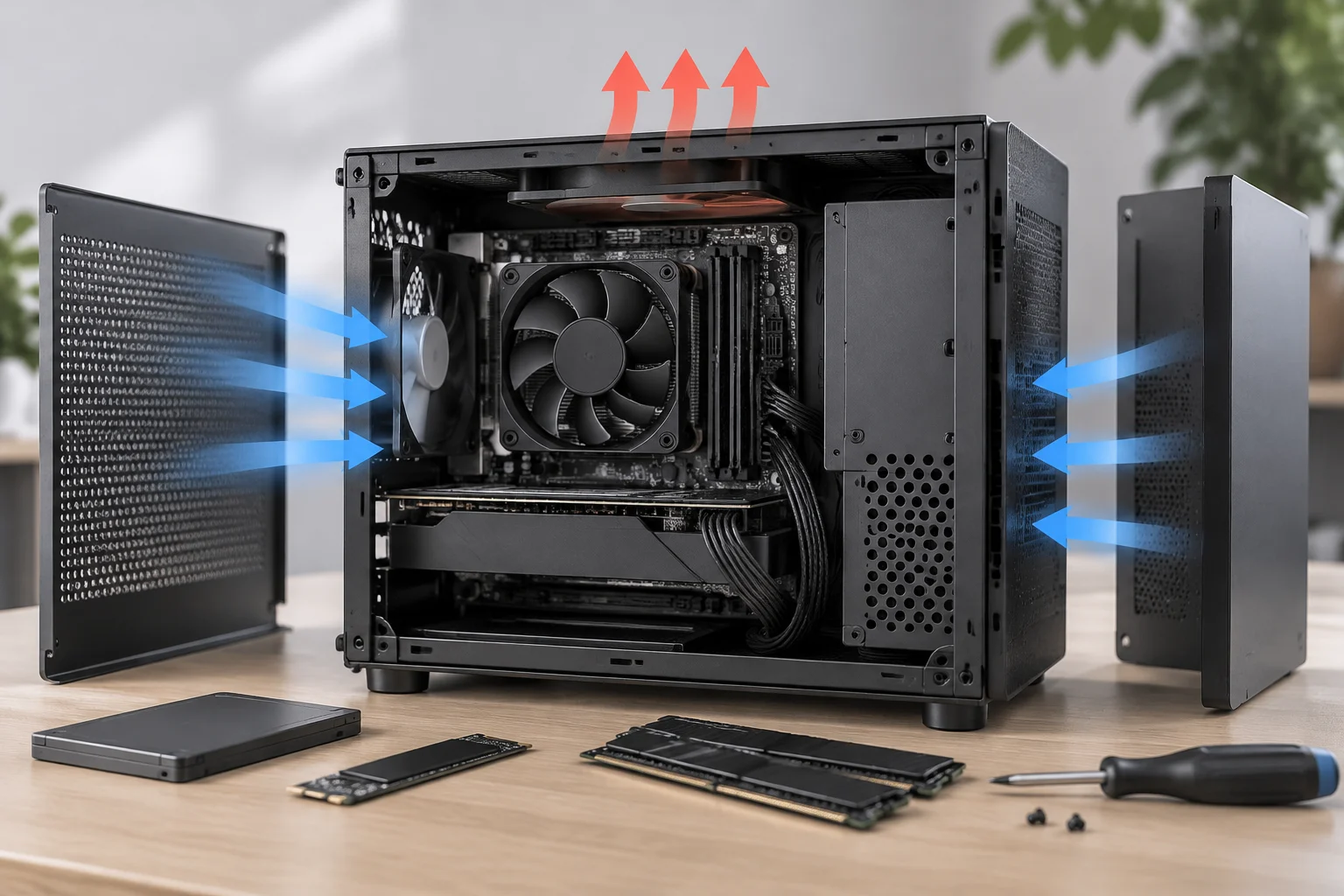
A verification method to use before buying
The most reliable check is done component by component and ends with the complete configuration. Gather the official product pages for the case, motherboard, processor, graphics card, power supply, and planned cooling system. Compare dimensions and form factors, then check connectors, slots, and electrical requirements that may affect installation. The pages cited in this guide let you verify specific examples, but they do not contain all the information needed to validate every possible combination.
A short checklist helps prevent confusing a configuration that works on paper with a system that has actually been tested:
- Physical compatibility: motherboard form factors, height and length limits, GPU thickness, and room for the power supply or radiator.
- Connections and expansion: slots, ports, power, and supported drives according to the motherboard and its manuals.
- Planned cooling: available positions and fan or cooler dimensions, without turning those figures into thermal promises.
- Maintenance: access to filters and components, and available disassembly instructions.
- Real-world performance: look for independent tests of the specific combination if temperatures, noise, or sustained workloads are decisive.
If a marketing specification is ambiguous, give priority to the product manual and official compatibility tables. Discrepancies between versions or variants also warrant confirmation: a product family name does not always identify every physical difference between models.
Conclusion: choose based on verified constraints
A compact PC can be a good choice when its dimensions meet a real need and its components are compatible. But size alone does not show that the system will perform worse or better, be noisier, or run hotter than a larger one. Supporting any such comparison requires controlled tests of identifiable configurations, not just product specifications.
The practical decision comes down to three questions: will each component fit; are there enough connections and space for planned upgrades; and are there independent tests of the behavior that matters? Official documentation can address the first two; the third requires measurements and clearly stated test conditions. A well-verified purchase reduces assembly surprises, but it does not replace a thermal and acoustic evaluation of the actual system.