This is not a product announcement: it is a buying decision
The documentation gathered for this research does not substantiate a recent manufacturer announcement or a regulatory change that would justify presenting a new development in connected cameras. It does, however, offer a practical starting point: decide what information the device will collect, where images will be kept and who will be able to access them. For that reason, this guide does not attribute new features to specific models or compare brands as though they had been tested.
The word privacy on a product page does not, by itself, explain how a product works. It may refer to a software option, a storage method or a general promise. To assess a camera, check each feature against documentation describing its actual behaviour: the manual, privacy policy, service terms and support page. If that information is unavailable or ambiguous, that is a relevant unknown when buying, not a confirmed feature.
The Spanish Data Protection Agency (AEPD) has published guidance on using video cameras in the homes of older people, with the aim of making care needs compatible with privacy. The existence of that guidance shows that domestic settings also require weighing surveillance needs against the privacy of the people concerned; it does not mean that any installation is appropriate merely because it is inside a home.
Find out where recordings end up
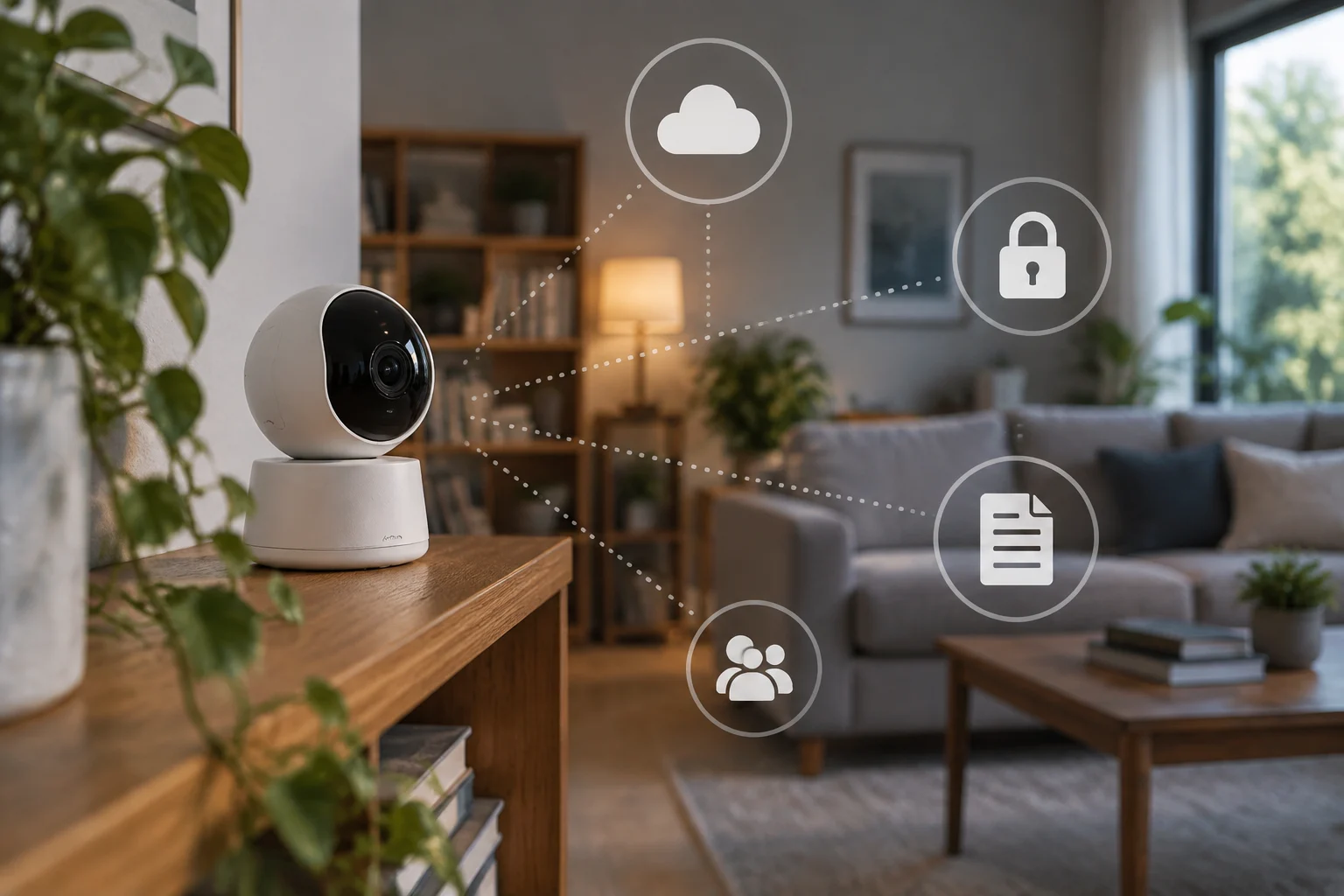
The first specific question is whether the camera stores video on a card or local device, sends it to a cloud service, or lets you choose between both options. These are not equivalent alternatives: they change reliance on the connection, how recordings can be accessed and which terms need checking. D-Link’s cloud recording offer, for example, documents that this type of service exists in its catalogue; on its own, it does not establish what a particular model keeps, for how long or with what controls.
Before buying, look for explicit answers to these questions in the documentation for the model and its associated service: Is recording continuous or triggered only by events? Where are videos stored? How long are they kept? What happens if the subscription ends? If there is no verifiable answer, do not assume that recordings will remain available, that they will be deleted after a particular period or that the camera will work in the same way without a connection.
Local storage does not automatically amount to complete privacy either. A card can be lost, damaged or accessed by someone with physical access to the device. Cloud storage, in turn, may make remote access easier, but you need to understand who provides the service and what terms govern the account. These are general considerations for evaluating the options, not claims about the security measures of any specific camera.
Distinguish controls from promises
Check whether the manufacturer explains how to pause the camera, disable the microphone, limit notifications or restrict who can view images. Do not assume those options exist simply because a product is described as smart or secure. A product page may list functions without explaining what they mean for video collection; the manual and support materials for the app should clarify how they work and what their limits are.
It is also worth looking at user management: whether individual accounts can be created, permissions withdrawn and the account protected with additional measures. The information should state whether those controls apply to the camera, the app or the online service. A useful control is one that is explained and can actually be exercised, not a marketing label that leaves it unclear what changes in practice.
Updates deserve a separate check. Look for a policy that explains how updates are delivered and how long support is expected to be provided, and see whether the manufacturer describes installation as automatic or manual. The research received does not document update policies for specific models; it would therefore be misleading to claim that a particular brand supports its cameras for a specific period. A lack of public information is itself a factor to consider when comparing products.
Location matters as much as the device
A home camera may capture family members, visitors, care workers or shared areas. Before installing one, decide which space needs to be covered and narrow the camera’s field of view to what is necessary. If the aim is to check an entrance, pointing the camera at other people’s spaces or shared areas could capture more than intended. The AEPD provides specific guidance on cameras in residential communities and a separate answer about cameras installed on a motorcycle to record journeys; these are different contexts, and guidance for one should not automatically be applied to the other.
In a home where an older person lives, there is an additional dimension: surveillance may address a care need, but it can also affect the privacy of the person living there. The AEPD’s guidance specifically addresses how to reconcile those two considerations. Before installing a camera, it is prudent to speak with the people affected, agree when the device will be used and avoid capturing spaces where recording is unnecessary. These are practical considerations, not an individual legal opinion.
Legality depends on the context of use, what is recorded and who manages the system. A camera inside a home, an installation in a residential community and a camera in a vehicle should not be treated as the same case. If the installation affects other people or shared areas, consult the relevant official guidance before putting it into operation; a product page is no substitute for that check.

A short checklist for comparing models
Use this list when reviewing a product page, manual or support response. If a detail is not documented, note it as unknown rather than filling the gap with an assumption:
- Storage: local, cloud-based or both; requirements and limits for each option.
- Retention: how long recordings are kept and the deletion procedure, if specified.
- Controls: pause, microphone, users with access and permission management.
- Support: how updates are delivered and the period published by the manufacturer.
- Home use: field of view, people affected and spaces that might be recorded.
A camera does not need to offer every feature imaginable. What matters is that the features you need are described precisely and that the service terms are acceptable for your situation. If you want remote access, for example, check what the connection and account require; if you prefer to limit data being sent elsewhere, confirm that local mode is genuinely available for the model, rather than only for other devices in the same product family.
What can be concluded, and what remains unverified
The available evidence supports a limited conclusion: cloud recording services are offered for cameras, and the AEPD has guidance on different video-surveillance scenarios. It does not establish that there has been a recent change in a camera’s privacy capabilities, nor does it allow a comparison of how specific products store, protect or update their videos. For that reason, this article does not present an alleged new development as news.
To make an informed choice, ask for specific information about the model and service, and check the rules for use against the relevant official guidance. If the manufacturer does not clarify where images are stored, who can view them or how recording can be stopped, do not take those answers for granted. It is better to treat such gaps as reasons to investigate further—or choose another option—than as minor details.
The sources gathered also do not make it possible to establish which camera is best or to recommend a brand. The decision will depend on the location, the people affected, the features actually documented and how much reliance on a connected service is acceptable. That limitation does not invalidate the guide: it defines what can be said without testing devices or having complete technical documentation.