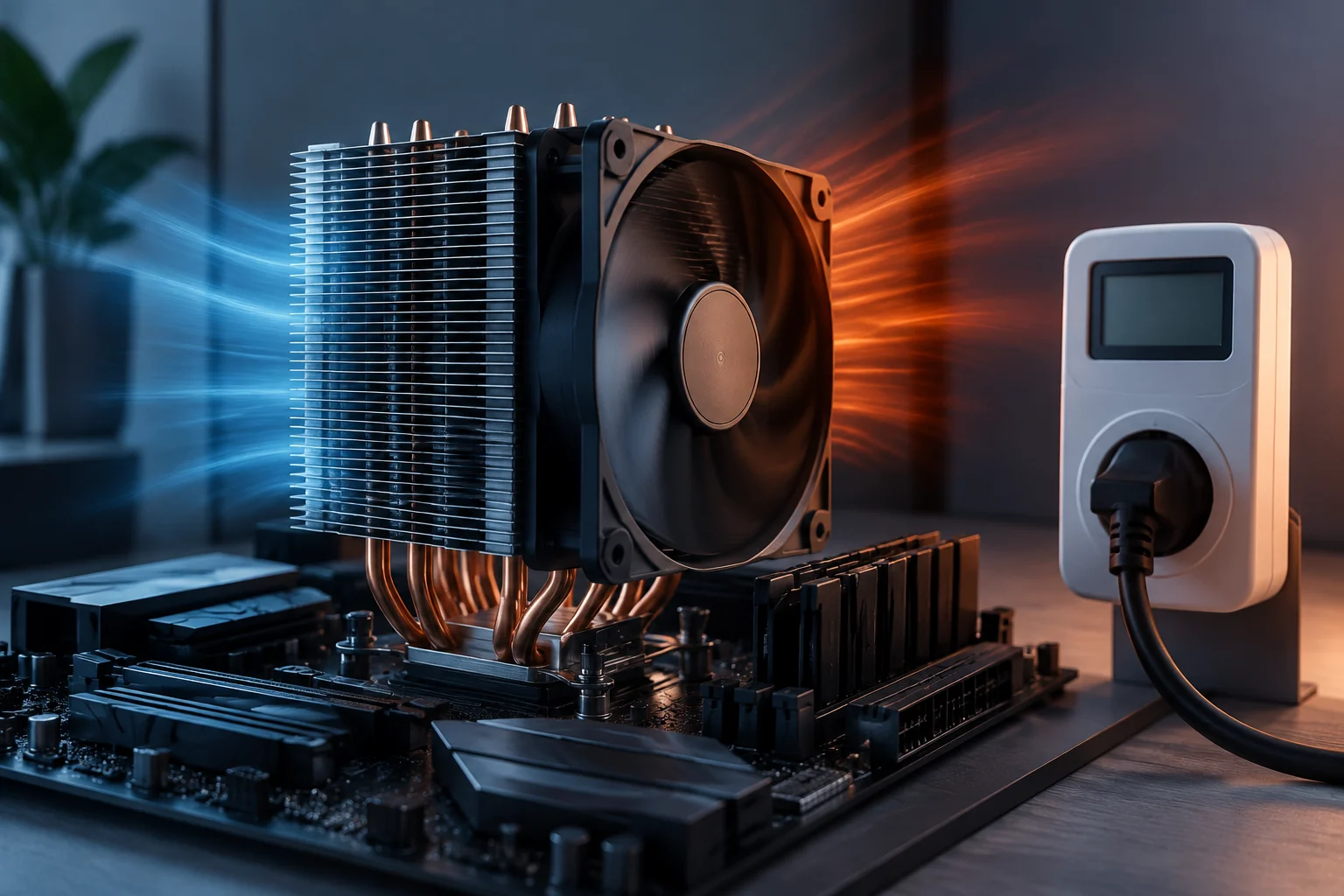
A power figure is not a universal reading
When comparing processors, a figure in watts can seem to offer a straightforward measure of how much each model will consume. But it may describe different things: a thermal design parameter, a configured power limit, or the result of a measurement under a particular workload. These values are not interchangeable, even though they are all expressed in watts. Sharing a unit makes figures easier to read, but does not mean they were defined for the same purpose or came from the same kind of observation.
TDP is especially easy to misinterpret. Intel presents it as a specification related to a processor’s thermal design, while warning that it is not necessarily equivalent to maximum power or actual consumption under every workload. The company also documents parameters such as base power and package power limits for specific processor families. Their precise meaning depends on the generation and the applicable datasheet. So, finding a figure expressed in watts is not enough: you also need to read the parameter’s name and the context in which the manufacturer defines it.
For someone planning a PC, the distinction matters in practical terms. A specification can help size cooling under the manufacturer’s assumptions, but it cannot, by itself, predict what a wall power meter will show, how much the system will consume in a game, or what temperature it will reach in a particular case. Each question needs additional information and may depend on different conditions. A specification provides guidance; it does not replace a measurement of the specific situation you want to understand.
TDP, base power and limits: terms depend on context
Terminology changes between manufacturers and generations. Intel documentation uses terms such as Processor Base Power, maximum turbo power and package power control, depending on the product family. You should not assume that a figure called TDP in an earlier generation is identical in definition or use to base power in a newer family. The fact that both are presented as power specifications does not remove this difference in context.
Power limits are operating conditions that can restrict how much power the processor package may consume over certain periods or under particular rules. Intel’s package power control documentation distinguishes several parameters, while datasheets for specific products give values associated with particular product lines and models. To interpret them, consult the documentation for the exact family rather than applying one general rule to every CPU. The product page identifies the model and parameter; the technical documentation helps explain how the parameter is applied.
Labels alone are not enough to compare Intel and AMD directly. Even when two manufacturers use similar terms, they may base them on different procedures, limits or assumptions. A useful comparison starts by identifying what each value measures, what its purpose is, and whether it represents a limit, a thermal condition or an observed measurement. Only then does it make sense to assess whether two figures are comparable; similar names alone do not prove that they are.
Workload and platform change the result
A CPU does not necessarily consume the same amount at idle, during a light task or under a sustained all-core workload. Consumption can also vary with the type of work: a rendering test, an everyday application and a game do not activate the processor in the same way. A measurement therefore describes only the situation that was tested; it is not a fixed attribute that applies to every use. Read the result alongside the workload that produced it, rather than treating it as a complete description of processor behaviour.
Motherboard configuration matters. A board may follow manufacturer-defined limits, apply its own settings or let the user change them. Cooling and temperature can also affect sustained frequency and, in turn, the power observed. As a result, a test result should not be attributed solely to the CPU model unless the system conditions are known. Two tests using the same processor but different configurations do not necessarily describe the same scenario.
It is also important to distinguish processor package power from the consumption of the entire computer. A reading taken at the wall includes other components and power-supply losses. By contrast, telemetry or software may report a specific part of the system and depends on the available signals and method used. These two measurements answer different questions. A package reading helps describe that component; a wall reading refers to the complete system under the measured conditions. They should not be presented as equivalent figures.
What an independent test should explain
A power result is easier to interpret when the publication identifies the exact processor model, motherboard, BIOS version and power settings. It should also identify the memory and cooling, and, if reporting whole-system consumption, relevant components such as the graphics card and power supply. Without this information, it is difficult to tell whether differences between results come from the processors or from the platforms. Configuration details are not a minor extra: they show which system produced the result and help readers judge how far it can be generalised.
The methodology should state what was measured and which tool was used. Processor package power reported by software is not the same as energy measured at the system’s electrical input. It is also useful to know the workload duration, whether the figure is instantaneous, average or peak, and whether the test was repeated. These details do not make a test representative of every use, but they do clarify what the result covers. Knowing what was measured prevents direct comparison between a CPU reading and one that includes the whole system.
An identifiable, repeatable workload helps readers compare results cautiously. If a publication tests several CPUs with the same application and configuration, comparisons within that test are generally more informative than comparing figures from separate tests. Even so, the result should not be presented as universal truth: it represents performance under the documented conditions. If the workload, equipment or method changes, what the figure can tell you changes too.
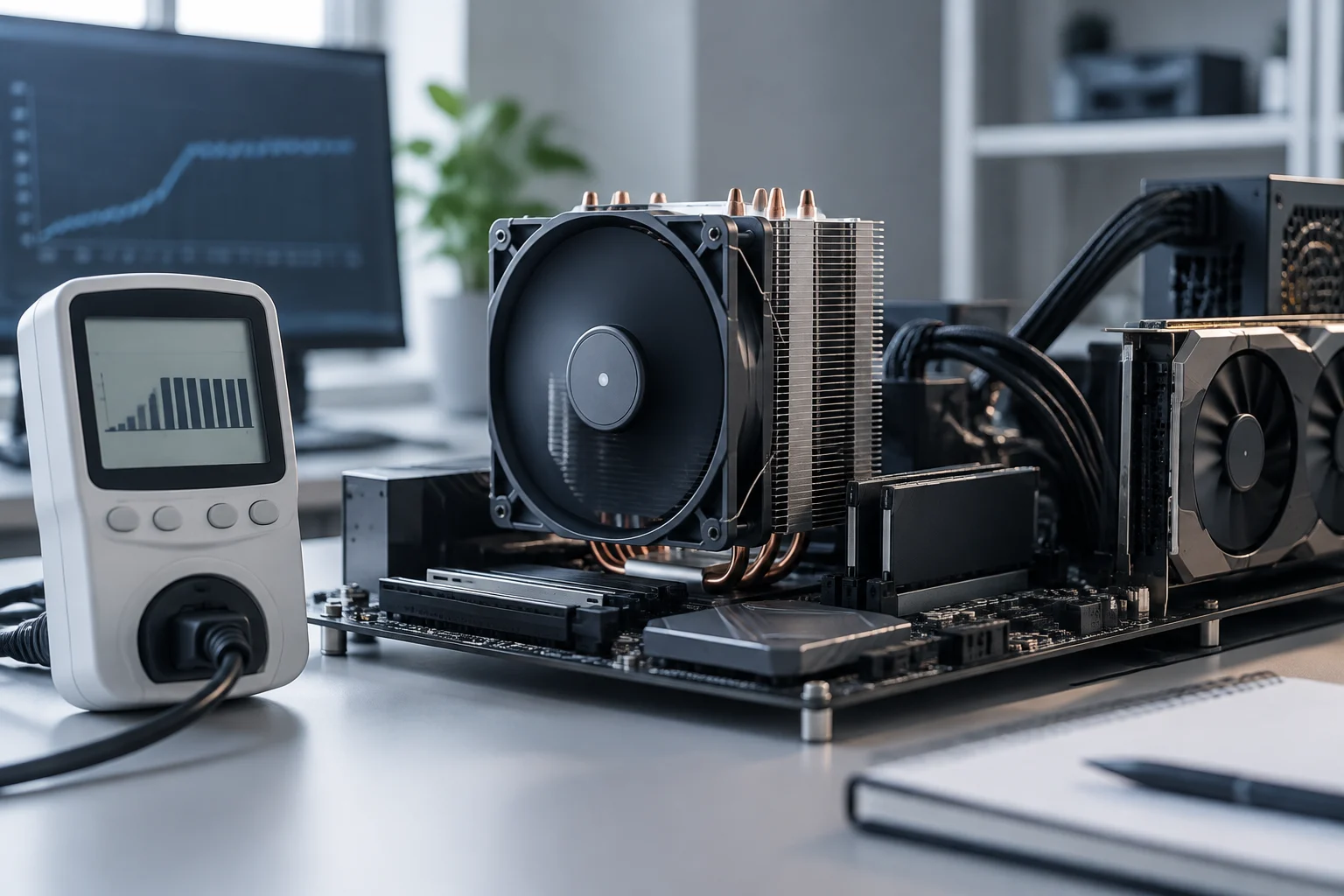
A practical guide to comparing processors
Before deciding, separate the questions instead of looking for a single number that answers them all. The right information depends on whether you want to plan cooling, estimate consumption during a particular activity, compare two models or calculate a cost. These goals are related, but not identical: one specification does not automatically answer every one of them.
- For cooling: check the thermal specification and official recommendations for the specific model; do not treat TDP as a guaranteed maximum power draw.
- For consumption during a real task: look for independent measurements using a workload similar to yours.
- For comparing models: prefer results obtained with the same methodology, and note whether package power or whole-PC consumption was measured.
- For estimating electricity cost: you need system consumption under your usage conditions and your local electricity price; TDP does not provide that estimate.
Also check whether the motherboard uses the intended power limits or whether the test enabled different settings. A performance score paired with measured consumption can help assess efficiency for that workload, but a ratio calculated from a single test does not prove that one processor is more efficient in every application. The result helps compare the performance and consumption observed in that particular test; to apply it to another use, consider whether the workload and configuration are relevant.
What you can—and cannot—conclude
Official specifications are the starting point for understanding manufacturer-defined terms and the intended conditions for their products. Independent tests add observations under specific workloads. The strongest interpretation combines both sources without confusing their roles: the datasheet explains the framework, while the measurement shows a result conditioned by the method and configuration. Neither source, on its own, answers every question about PC behaviour.
A power figure alone cannot tell you annual consumption, the electricity bill, temperature, noise or the performance of a complete computer. Those conclusions require additional data: usage patterns, system and cooling, configured limits, measurement method and, for cost, the electricity tariff. The power figure can form part of that assessment, but it does not provide all the information needed to complete it.
The fundamental limitation is not that specifications are useless, but that they answer different questions. Use them to narrow options and plan; then check transparent, comparable tests. If a publication does not clarify what was measured, with which workload and under what limits, treat its figure as incomplete information, not a definitive comparison. That preserves the value of specifications without assigning them conclusions that depend on a particular measurement or configuration.