A figure in watts does not answer every question
In a processor specification sheet, a figure expressed in watts can seem to offer a straightforward answer: how much power the CPU uses, or what kind of cooling it needs. In practice, however, it may describe a parameter defined by the manufacturer, an operating limit, or a reference thermal condition. Do not assume that all these values are equivalent measurements or that they describe a computer’s typical power draw.
The first useful distinction is between power specified for the CPU and power measured on a real system. The latter depends on the workload, how long it runs, motherboard settings, cooling, software and the measurement method. A reading taken at the wall also includes the computer’s other components; it is not an isolated measurement of the processor package. A CPU power figure does not directly tell you the energy used over the course of a task, either: when comparing efficiency, the work completed matters as well as instantaneous watts.
This distinction also helps avoid a common misunderstanding: watts and energy do not describe exactly the same thing when comparing tasks. Watts express power at a given moment or over an interval; energy consumption also depends on how long that power is maintained. An instantaneous reading therefore cannot establish which processor will complete a task using less total energy. You need to relate observed power to performance and test duration, rather than assume that one figure sums up all of these factors.
How to read Intel and AMD specifications
Terminology makes comparisons harder. For recent generations, Intel publishes terms such as Processor Base Power (PBP) and Maximum Turbo Power (MTP), while TDP may still appear in specifications and articles. AMD uses its own TDP designation and provides power controls in Ryzen Master. A shared name or unit does not prove that two figures were defined using the same procedure.
In Intel’s technical documents, the sections on package power control and thermal and power specifications explain the limits that apply to a particular product family. The company’s support guidance also describes TDP as a thermal specification, not a promise that a processor will always remain at that power under every workload. It is therefore worth checking the parameter’s exact name and the documentation for that generation instead of automatically applying an older definition to every model. Terminology can change, and a short specification listing may not, by itself, provide all the conditions needed to interpret a value.
For Intel processors, it is common to see a base power and a maximum turbo power. They are different reference points: the first should not be read as a universal ceiling, and the second does not mean that the processor will sustain that level without interruption. Actual behaviour depends on operating conditions and configured limits. Package control parameters such as PL1, PL2 and Tau, which appear in the documentation for some generations, describe power constraints and time windows; they are not a guaranteed power profile for every workload or motherboard. Read as a group, these parameters help explain why two tests can produce different results for the same model: they may use different limits or operating conditions. Comparing a power label alone is not enough; check the rest of the configuration stated in the test or manufacturer documentation.
What the figures mean for cooling and power use
For AMD, TDP and the power controls available in Ryzen Master belong to AMD’s own specification and tuning framework. The presence of CPU controls in that tool does not let you directly convert AMD TDP into Intel PBP or MTP. For a fair comparison, compare specific models and consult each manufacturer’s official documentation. If there is no shared definition and the conditions are not comparable, the correct conclusion is that the figures are not directly interchangeable. This avoids presenting two parameters as equivalent merely because they share a unit or have similar labels.
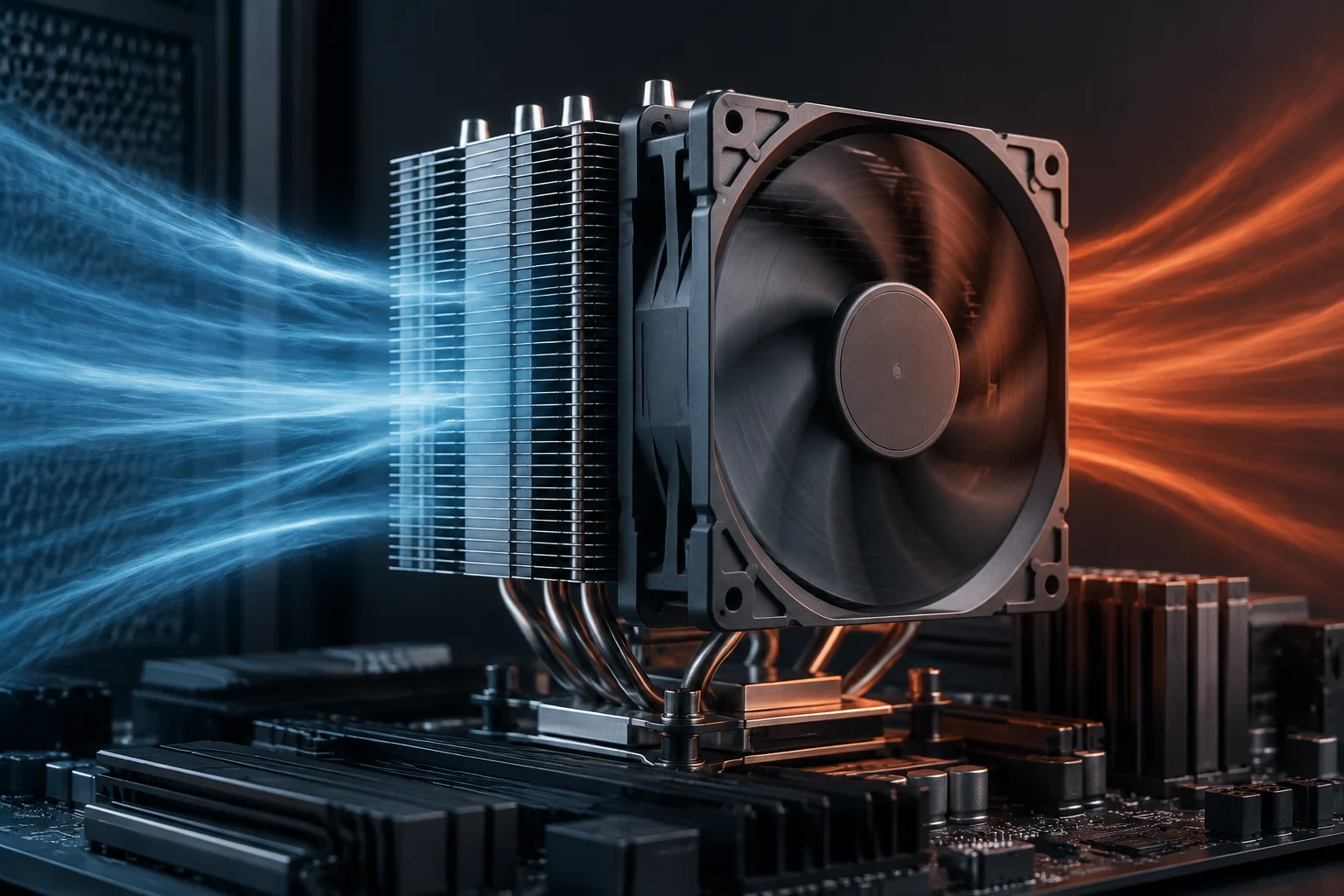
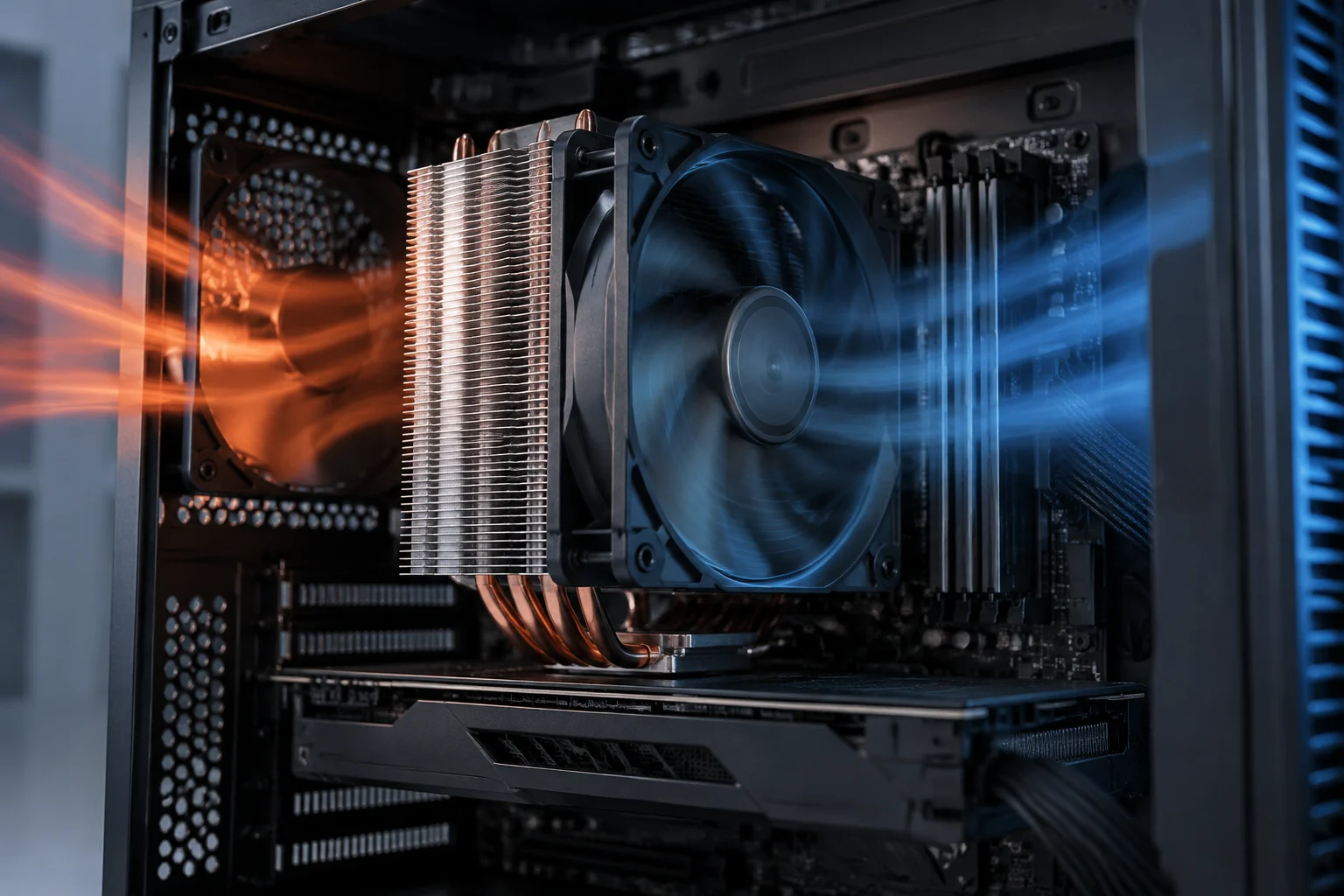
A power specification can be a useful starting point for understanding the intended thermal design, but it is not enough on its own to choose a cooler. The processor’s temperature depends on how heat moves from the chip to the cooler and how it is removed from the case. Ambient temperature, installation, thermal paste, airflow and acceptable noise levels also matter. The wattage provides guidance; it does not certify a temperature or noise level. The figure can help identify what to investigate, but it cannot replace an assessment of the cooling system as a whole and the conditions in which the computer will be used.
Nor is it correct simply to add the CPU and graphics card’s wattages to calculate the exact power drawn from the wall. The power supply, motherboard, memory, drives and other components add to system consumption, and power-supply efficiency affects the difference between what the components receive and what is drawn from the mains. A processor power specification does not describe the entire computer by itself. To find wall power, you need to measure the complete system under a defined workload. Interpret the result within that scope: it describes the tested system and applied load, not the CPU in isolation in every possible situation.
How to check the figures against independent tests
For sustained performance, both the limits and the system’s thermal capacity to maintain them matter. If the processor reaches a power or temperature constraint, it may adjust its frequencies; if a motherboard sets limits that differ from reference values, the result can change. That does not mean there is one correct behaviour for every motherboard: firmware, the manufacturer’s policy and the options selected by the PC builder are all part of the configuration that should be documented. When reading a test, distinguish the processor’s retail name from the specific conditions under which its result was obtained.
An independent test is more informative when it states which processor was tested, which motherboard and firmware were used, which power limits were active and what workload was run. It should also clarify whether it measured CPU package power using telemetry, power input to the motherboard, or the consumption of the entire system at the wall. These quantities are not interchangeable. A figure without a method or measurement point can suggest a level of precision that is not justified. If this information is missing, it is difficult to know which part of the system the figure represents and which other measurements it can reasonably be compared with.
Test duration changes the interpretation too. A short workload may capture a turbo burst; a long task better shows sustained behaviour under that test’s conditions. When comparing processors, check that the workload, duration and settings are equivalent, and that performance is reported alongside power. Watts alone do not tell you how much work was completed or how long it took. A useful comparison should let you relate the figures: what task was performed, how long it ran and what result it produced. If any of these elements changes, the power difference may not, by itself, explain the practical difference between the processors.
A practical checklist before comparing or buying
Treat each result as evidence about a particular configuration, not as an unchanging property of every computer using that processor. If a test does not report its configured limits, cooling or measurement method, use it as a rough indication rather than the sole basis for buying a power supply or cooler. The material consulted here does not include a set of comparable independent measurements, so this guide explains how to evaluate them but does not attribute test power figures to specific models.
Before deciding, identify the exact model and consult its official specification sheet. Record each power value’s name, definition and associated conditions separately. If a retailer lists only “TDP,” check whether the figure matches the manufacturer’s terminology or has been copied without context. Do not convert units or names to create an equivalence that the documentation does not establish. Keeping the terms as they appear in the documentation makes it easier to trace where each figure came from and what can be inferred from it.
Next, define your use case: gaming, long rendering jobs, compiling or another task can place different demands on a processor. Look for tests resembling that use and explaining the platform, settings and measurement point. For cooling, consider sustained behaviour, the case and acceptable noise; for electricity use, consult measurements of the whole system made using a stated method. If the motherboard manufacturer offers power profiles, note which one will be used. This lets you compare a specification sheet with a test without confusing published limits with results measured under a different configuration.
Checks and conclusion
A quick check can prevent the most common misunderstandings:
- Specification: Is the figure TDP, base power, maximum turbo power or another parameter?
- Conditions: Does the documentation limit its interpretation to a generation, configuration or time interval?
- Test: Are duration, workload, temperature and measurement point stated?
- Comparison: Is measured performance compared too, rather than watts alone?
- Cooling: Does the recommendation account for sustained use, the case and noise?
These questions are useful both when comparing two processors and when assessing a cooling recommendation. If the conditions are unknown, record that uncertainty instead of treating an isolated figure as a definitive conclusion.
The practical conclusion is simple: specifications help you get oriented and understand constraints, but they do not replace the model’s specification sheet or well-documented tests. TDP is not automatically synonymous with real-world power draw, wall power or a universal cooler recommendation. To make an informed choice, preserve the precise name of each parameter and compare like-for-like conditions. When definitions or conditions differ, state that limitation rather than presenting the comparison as an exact equivalence.