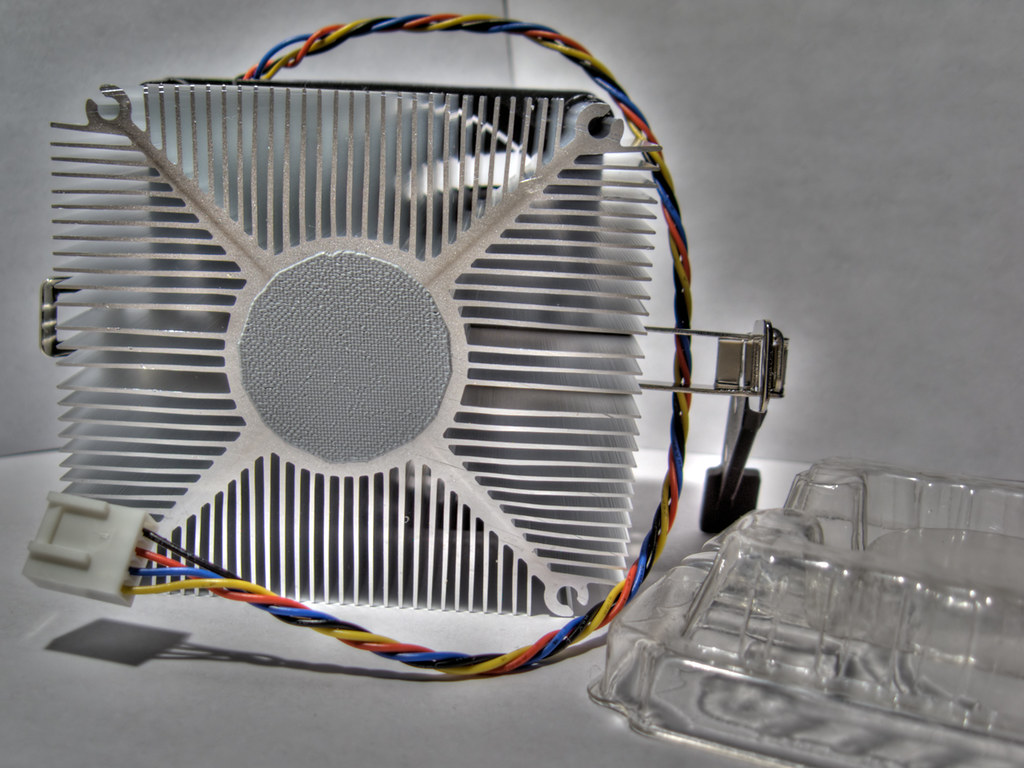
TDP: a thermal reference, not a universal power meter
TDP—Thermal Design Power—is often among the most prominent specifications listed for a processor. It is useful, but its name can be misleading: it should not automatically be read as the CPU’s maximum power consumption, or as a figure that lets you compare processors from different manufacturers without qualification. Each manufacturer defines and presents its specifications within its own technical framework.
For someone building a PC, the practical distinction matters. Electrical power delivered to the processor becomes heat, but operating conditions, configured limits and workload duration affect how much power it consumes and how much heat the system must dissipate. TDP alone does not describe all of these scenarios. It is one part of the thermal information, not a complete answer about the computer’s energy behaviour.
Intel explains TDP in the context of its processors and its own specifications; in recent generations, it also publishes separate concepts for base power and turbo power. AMD, meanwhile, uses metrics such as TDP and PPT in its platform documentation and communications. The fact that two product pages show a figure in watts does not guarantee that it represents exactly the same condition or can be used as a direct comparison. Reading the metric’s name and definition helps establish what each value describes before using it to make decisions.
Base power and turbo: why there is more than one figure
On some Intel product specifications, processor base power and maximum turbo power appear as separate specifications. The first characterises a reference point defined by Intel; the second indicates a power limit associated with turbo operation. They are not interchangeable, nor do they necessarily correspond to the consumption seen in every application or every PC: workload, motherboard configuration and thermal conditions affect the result.
Intel’s technical documentation for 13th- and 14th-generation Core processors separates thermal and power specifications, while documents for earlier generations describe mechanisms such as cTDP. For AMD, coverage of Ryzen 7000 distinguishes TDP from PPT and includes a clarification from the manufacturer about its power limits. The example shows why it is worth reading each platform’s definitions rather than assuming one abbreviation means the same thing as another. Having several figures does not mean one is universally more useful: that depends on the question being asked and the conditions each figure refers to.
It is unwise to carry a value over from one family or generation to another. Even within the same brand, the metric’s name, relevant table and conditions can change. The exact model’s specification sheet and platform documentation take precedence over a general rule such as “this many watts of TDP equals this many watts of consumption.” If the specifications distinguish between limits, preserve that distinction when comparing them and avoid reducing them to a single number.
Choosing a cooler: look beyond the printed number
The cooler must be compatible with the socket and motherboard, fit inside the case and be able to remove heat under the expected conditions. Alongside TDP, check whether the processor manufacturer recommends a particular thermal solution and what power specifications it lists for the model. If the documentation separates base power and turbo limits, both figures help explain why a CPU might create a greater thermal load than a single reference figure suggests. Simply matching two nominal values without considering what they describe is not enough.
The case completes the picture: maximum cooler height, available ventilation, ambient temperature and airflow direction all affect cooling capacity. A short burst of activity and a sustained task do not necessarily create the same thermal scenario. If power settings are changed in the BIOS, or a motherboard profile that alters limits is enabled, a recommendation intended for the standard configuration may no longer describe actual use. Cooling should be assessed in relation to the whole system and the configuration it will use, not as an isolated feature of the cooler.
A useful pre-purchase check is to cross-reference three sources: the processor’s official specifications, the cooler’s manual or compatibility page, and the case dimensions. Do not choose a cooler solely because its advertised wattage matches the TDP: those commercial figures may use different methodologies and do not replace compatibility checks or airflow assessment. Checking each element separately helps reveal physical constraints and conditions that a summary figure cannot show.
Sizing the power supply means calculating the whole system
The processor’s TDP does not, by itself, determine the power supply capacity required. The PSU powers the entire system: graphics card, processor, motherboard, memory, drives, fans and other devices. To estimate demand, check the graphics-card and CPU manufacturers’ recommendations, consider configured power limits and leave reasonable headroom for changes in load. Do not add TDP figures as though they were an exact measurement of the computer’s maximum power consumption. That sum does not, by itself, account for usage conditions or represent a direct measurement of the complete system.
The CPU specification establishes the processor’s reference framework; specifications for the remaining components complete the calculation. The PSU also needs the right connectors and suitable capacity for the expected conditions. If you plan to upgrade the graphics card or change power limits, size the supply with that future configuration in mind, rather than relying only on idle consumption or a light-use scenario. This way, the choice accounts for both current components and planned changes.
There is no universal conversion between TDP and recommended PSU capacity that works for every computer. Nor does a higher-capacity PSU automatically improve performance: it must be compatible and appropriate for the system. Selection should be based on the actual components, official specifications and configuration, not on a fixed multiple of TDP. Distinguishing the CPU’s needs from those of the entire computer avoids attributing to one figure a capability it does not have.
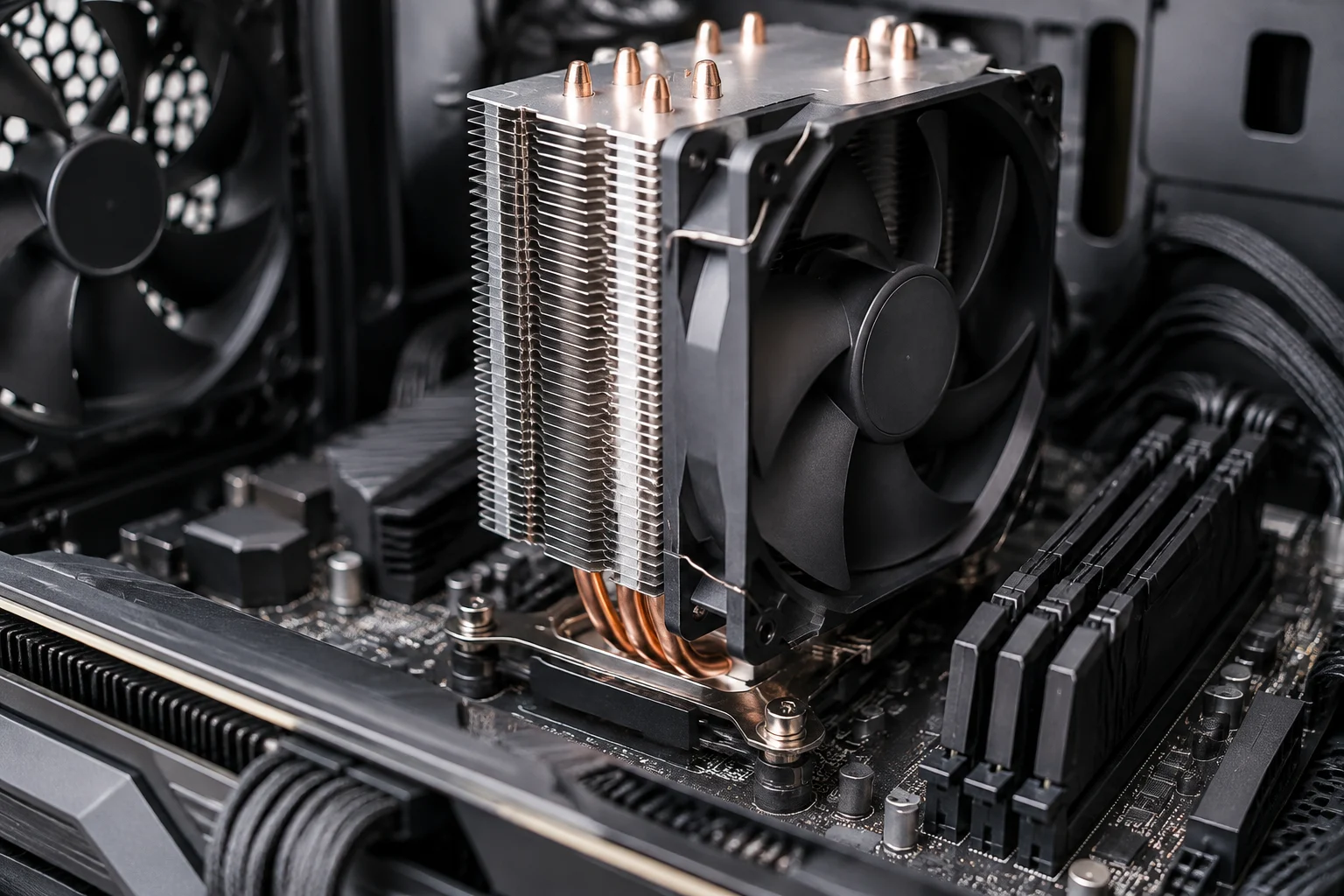
How to read specifications and reviews without mixing conditions
Official product pages are the starting point for identifying the specifications declared by the manufacturer. Intel ARK and product pages let you find data by model; platform technical documents provide context for power lines and limits. For AMD, look for the processor’s specification sheet and documentation specific to its platform. A product page does not always fully explain how each value is measured, so it may be necessary to consult the associated technical documentation as well. Using both sources helps separate a summary figure from the definitions needed to interpret it.
Independent reviews are complementary, not replacements. To interpret a power-consumption figure published by a media outlet, check whether it refers to the processor or the whole system, what workload was run, how long it lasted, and whether power was measured at the wall, on the motherboard or through software. These measurements answer different questions and should not be presented as equivalent. The sources collected for this guide do not provide a laboratory methodology comparable across models, so no table of measured consumption or ranking is included here. Without knowing the procedure and measurement point, an isolated figure can give a misleading impression of comparability.
It is also worth separating what is documented from what is inferred. A CPU having a maximum turbo power figure above its base power figure shows that distinct power references exist, but does not by itself predict consumption in every application. Without a test under stated conditions, any real-world power figure should be attributed to its context and not generalised to all systems. Caution when reading a measurement does not make it useless: it helps explain what the test observed and which conclusions cannot be extended beyond it.
Pre-purchase checklist
Before replacing cooling or the PSU, identify the processor’s complete model number and consult its official specifications. Note the different power specifications shown, without treating them as synonyms. Then check the motherboard manual and the limits applied by its default configuration: firmware options can change behaviour compared with reference values. This clarifies whether the configuration being used as a baseline matches the one the system will actually use.
For the cooler, check the socket, maximum height, interference with memory modules and case ventilation. For the PSU, list all components, the graphics card’s official recommendations and the connectors required. If the system will run sustained workloads or modified limits, account for that when assessing thermal and electrical headroom. It is worth completing these checks before buying, because matching wattage figures alone does not guarantee physical compatibility or suitability for the intended scenario.
In short, TDP is a useful starting reference, but it is not guaranteed maximum consumption or a formula for selecting all cooling and power components. The most reliable decision combines specifications for the exact model, power limits, manufacturer recommendations and the system’s real operating conditions. When information about a metric is missing, it is better to acknowledge that limitation than to replace it with an invented equivalence. That preserves TDP’s usefulness without asking it to support conclusions it cannot provide on its own.