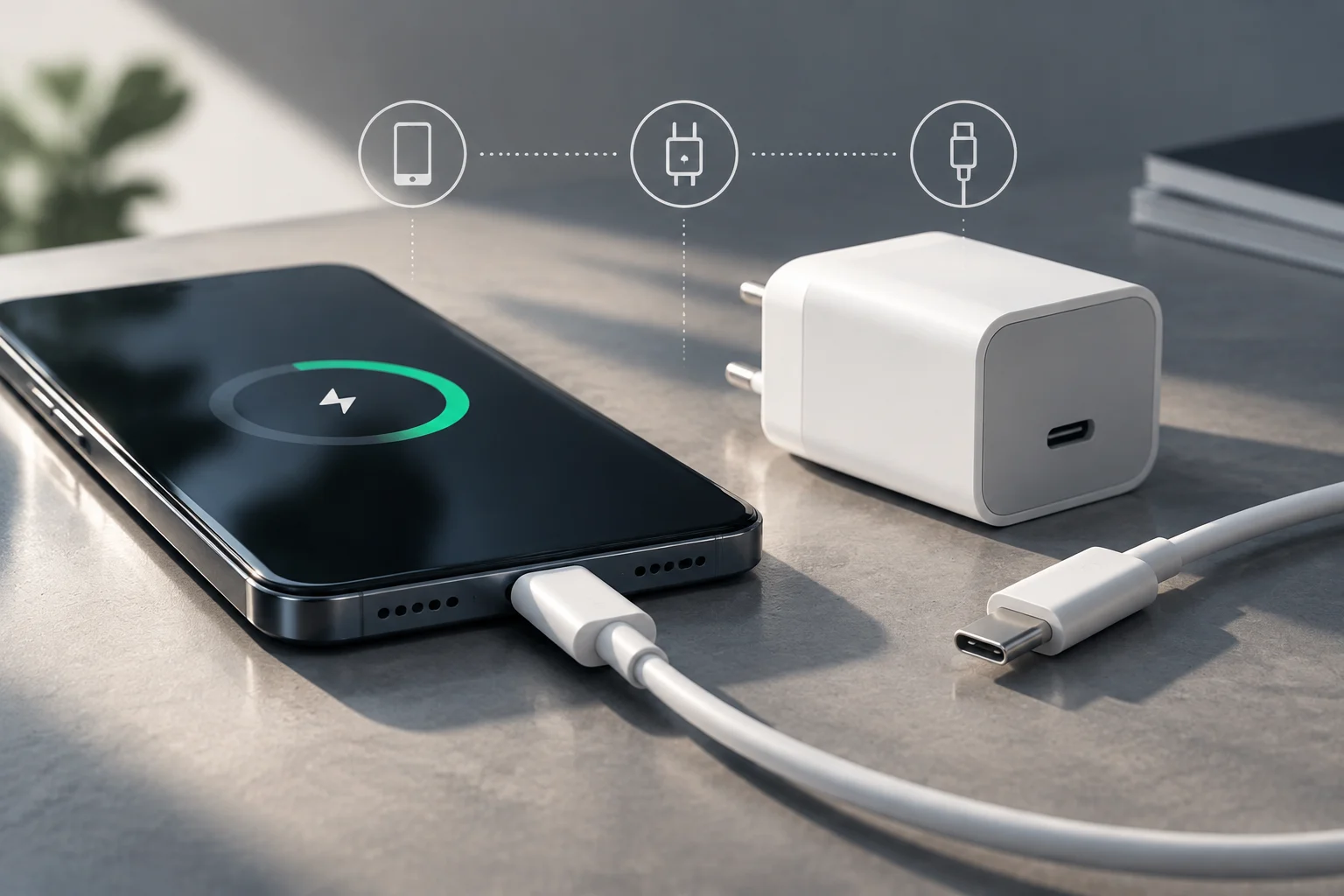
The number on the charger does not tell the whole story
The maximum power rating shown on an adapter describes the charger’s capacity; it is not a promise that every connected phone will receive that power throughout the charging process. To reach a particular charging speed, the phone must support it and the accessories must be compatible with the required charging conditions. Apple’s documentation, for example, organizes its recommendations according to iPhone type, adapter and connection rather than offering one figure that applies to every device. iPhone adapter guide.
It is therefore useful to distinguish between an accessory’s maximum power rating and the effective speed in a particular situation. The charger’s rating can help rule out adapters that are clearly inadequate, but it cannot, on its own, predict how long a phone will take to charge. Calculating or comparing charging times would require, among other details, the exact model, battery condition and measurements made under equivalent conditions. This article includes no comparative tests and does not attribute charging times to specific models.
Compatibility depends on several components
The charging chain consists of the phone, adapter and cable. If any one of them does not support the combination specified by the manufacturer, do not assume that the maximum speed advertised for another component will be reached. Apple’s guide to iPhone adapters helps users check which options it recommends for its phones; its documentation on the iPhone’s USB-C connector helps identify information specific to models with that port. These are useful references for starting with the device rather than choosing only by the label on the charger. iPhone adapters · Charging and connecting with USB-C.
The fact that both ends are USB-C does not, by itself, prove that the complete setup will deliver the same charging speed. The connector describes a connection type; to find out what each piece of equipment supports, consult its specifications. It is also important to distinguish an accessory’s ability to supply a given amount of power from the phone’s compatibility with that power. Apple’s documentation on its USB power adapters explains the power options for that brand, but it does not replace the instructions provided by another phone manufacturer. About Apple USB power adapters.
Temperature and use: factors that change the context
Charging does not happen in isolation: the phone may be in use, in a hot environment or running tasks that generate activity. A maximum power rating should therefore not be interpreted as a guaranteed, constant speed in every situation. Before blaming slow charging on a cable or adapter, check the manufacturer’s recommendations for the model and conditions of use. Apple’s official adapter guide and its documentation on USB-C charging provide information for Apple devices, but they do not justify extrapolating identical behavior to every phone. iPhone adapter guide · Charging and connecting with USB-C.
If the phone or adapter gets warm, there is no need to rely on figures found for other models to decide what to do: consult the manufacturer’s instructions, and do not describe a particular temperature as normal unless you have a source that applies to that device. A reliable comparison requires keeping the phone, battery level, accessories and conditions of use constant. Without those controls, an observed difference does not, by itself, prove that the charger caused it.
What to check before buying
Start by finding the phone’s exact model and reviewing its official documentation. Then identify the type of adapter and connection specified by the manufacturer, and check whether the required cable is included or must be purchased separately. For an iPhone, Apple publishes guides both on adapters and on USB-C connection and charging; for other devices, the appropriate reference is the support information provided by that brand. Recommendations from one ecosystem should not automatically be applied to another.
Before paying, review these points in the product listing and the manufacturer’s instructions:
- Phone: exact model and applicable charging recommendations.
- Adapter: power rating and compatibility specified by the phone manufacturer.
- Cable: connection type and any explicitly documented requirements.
- Setup: whether the specifications of all three components are compatible; a connector that fits is not enough.
Apple’s official information about its adapters is an example of product documentation; it does not certify third-party accessories or establish that all adapters with the same power rating are equivalent. iPhone adapters · Apple USB adapters.
What you can—and cannot—conclude
The practical conclusion is simple: a higher-power charger does not force a phone to charge faster. Compatibility depends on what the phone and accessories support as a complete setup, and the maximum rating printed on a charger is not the same as a guaranteed sustained speed. Apple’s support pages can help verify recommendations for Apple products; to confirm those for another phone, consult its manufacturer’s documentation. iPhone adapter guide · About Apple USB power adapters.
The sources consulted do not establish a universal ranking of chargers, compare charging times across brands or show that a particular protocol is compatible with every phone. No independent tests were conducted either. Reaching those conclusions would require identifying precise models and accessories, checking their specifications and measuring them using a common method. Until then, the safest approach is to check the device documentation before buying and treat any speed claim as dependent on the particular combination and conditions of use.