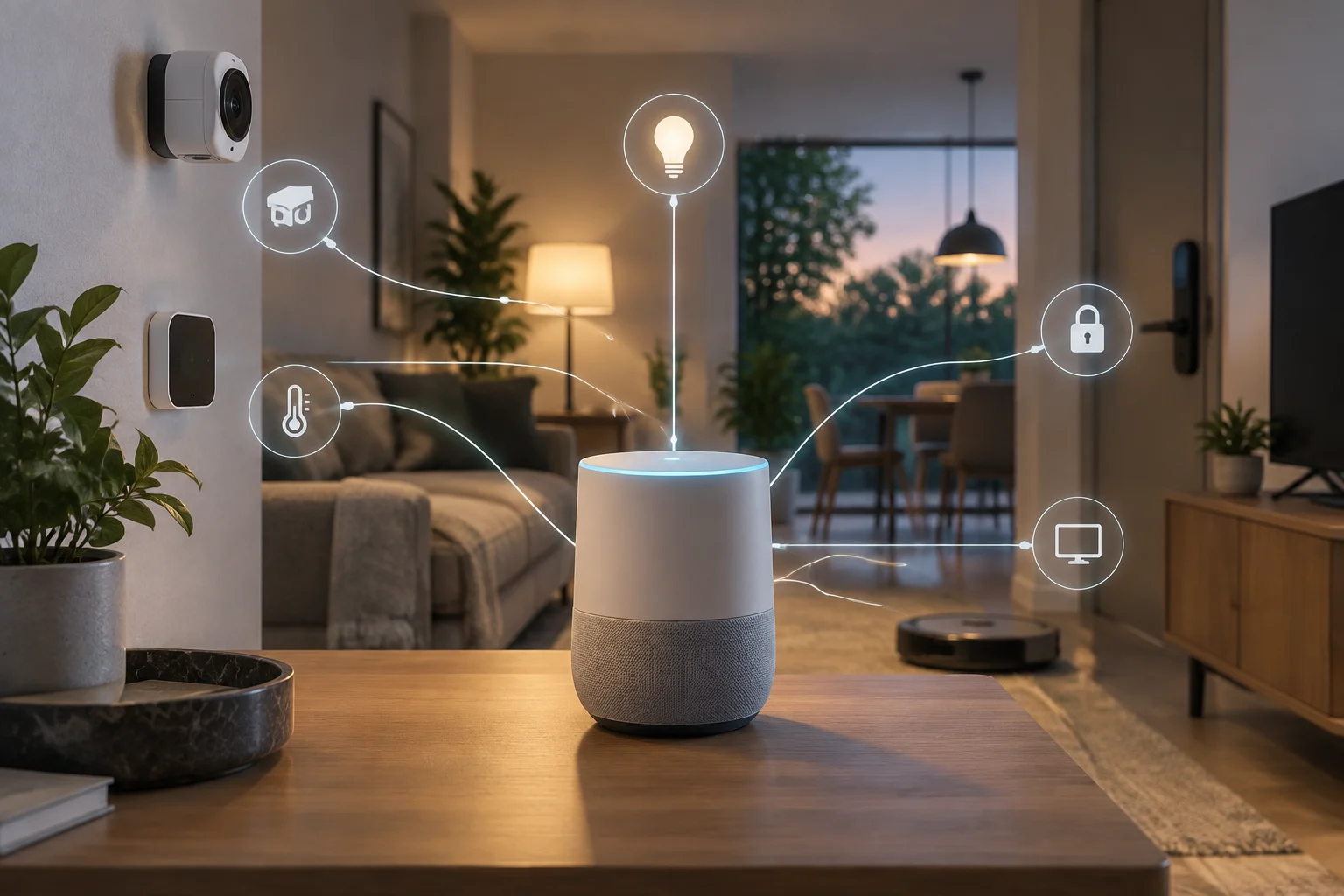
A gateway between Google Home and AI agents
Google Home MCP is an interface through which an AI agent can communicate with the home environment managed by Google Home. MCP stands for Model Context Protocol and describes the connection mechanism; it does not mean that any agent can access a home on its own. Google’s developer documentation presents a Home MCP server and lists tools for querying homes, resources and states, reviewing history, and carrying out actions. What can be verified is the existence of this interface and these documented operations, not a promise of universal compatibility.
The distinction matters because “agent” can refer to different programs, each with its own capabilities, permissions and configuration. The documentation reviewed does not support the conclusion that any model or application can connect automatically. The agent must be able to work with the server, and the connection must be configured; actual availability will also depend on the resources and actions Google Home exposes for the home in question. Home MCP is therefore best understood as a technical integration route, not a new device or a feature that is necessarily active for every account.
The operations listed in the documentation
Google’s published list includes five tools: list_homes, list_home_resources, list_home_states, list_home_history and run_home_actions. Their names describe a useful separation between discovering homes, listing resources, querying states, reviewing history and requesting actions. The documentation confirms these categories of operation, but the list alone does not show which specific device will appear in a given home or which commands will be available for it.
In practice, the difference between querying information and taking action is significant. Reading a state can tell an agent about a condition; carrying out an action can change the environment. However, the material available here does not adequately specify the full catalogue of device types, the valid actions for each category, their parameters or their exceptions. Nor does it establish that a lock, camera or any other specific piece of equipment is compatible. Hypothetical examples should not be treated as guaranteed capabilities: the actual scope must be checked against current documentation and the resources exposed in each installation.
Permissions: an issue that should not be assumed to be settled
Connecting software that can act in a home requires knowing which account grants access, which resources are covered by that access and what confirmation is required before a sensitive command. It is also important to know how the connection can be revoked and whether actions are recorded. These are evaluation criteria, not descriptions of confirmed controls: the information in the sources reviewed does not make it possible to detail Home MCP’s authorization flow, granular permissions or revocation mechanism.
Google provides reference pages and a user guide for Home MCP, but the available evidence is not enough to attribute a specific system of prior approval, device-level restrictions or special rules for sensitive operations to the integration. A human confirmation for every action should not be assumed, and neither should the opposite. Before enabling a connection, users should review the official guide and the configuration of the agent they intend to use. If they cannot identify which permissions are granted and how to withdraw them, it is prudent not to connect equipment whose remote control could have significant consequences.
Risks and limits of the evidence
An agent can misinterpret a request, receive misleading instructions or choose an unsuitable operation. When an integration supports both queries and execution, the relevant risk is not limited to the privacy of household data: it also includes the possibility that an action may happen without the context the user expected. This is a general security assessment for systems with access to devices, not the result of a Home MCP test. No independent technical audits, penetration tests or operational trials have been provided to measure the frequency or severity of such failures in this implementation.
The linked news coverage reports the announcement and places it in the context of agents that control Google Home devices. It helps illustrate interest in the launch, but it does not replace the technical reference for establishing which tools exist. The developer page, in turn, is a primary source for the interface Google documents, although it does not by itself answer every question about security, availability and compatibility. Without independent tests that can be located in the material reviewed, it is not possible to claim that the integration is absolutely safe or unsafe.
What can be concluded before connecting it
The strongest conclusion is limited: Google documents a Home MCP server with tools for querying home information and carrying out actions. This creates a route for a compatible agent to interact with Google Home, but it does not prove that all agents, devices or commands are supported. Nor does it by itself establish how connections are authorized or revoked. The technical list helps identify the operations exposed; it does not guarantee that they are available in the same way across all accounts or installations.
To assess the feature, users can check, in order, which agent supports the server, which resources appear in their home, which operations each resource allows, and what controls are available to grant and withdraw access. Particular caution is appropriate for any action that affects physical safety or privacy. Until the applicable documentation clearly explains permissions, confirmations and revocation, the responsible approach is to distinguish what Google lists as a capability from what remains unconfirmed about its specific operation.