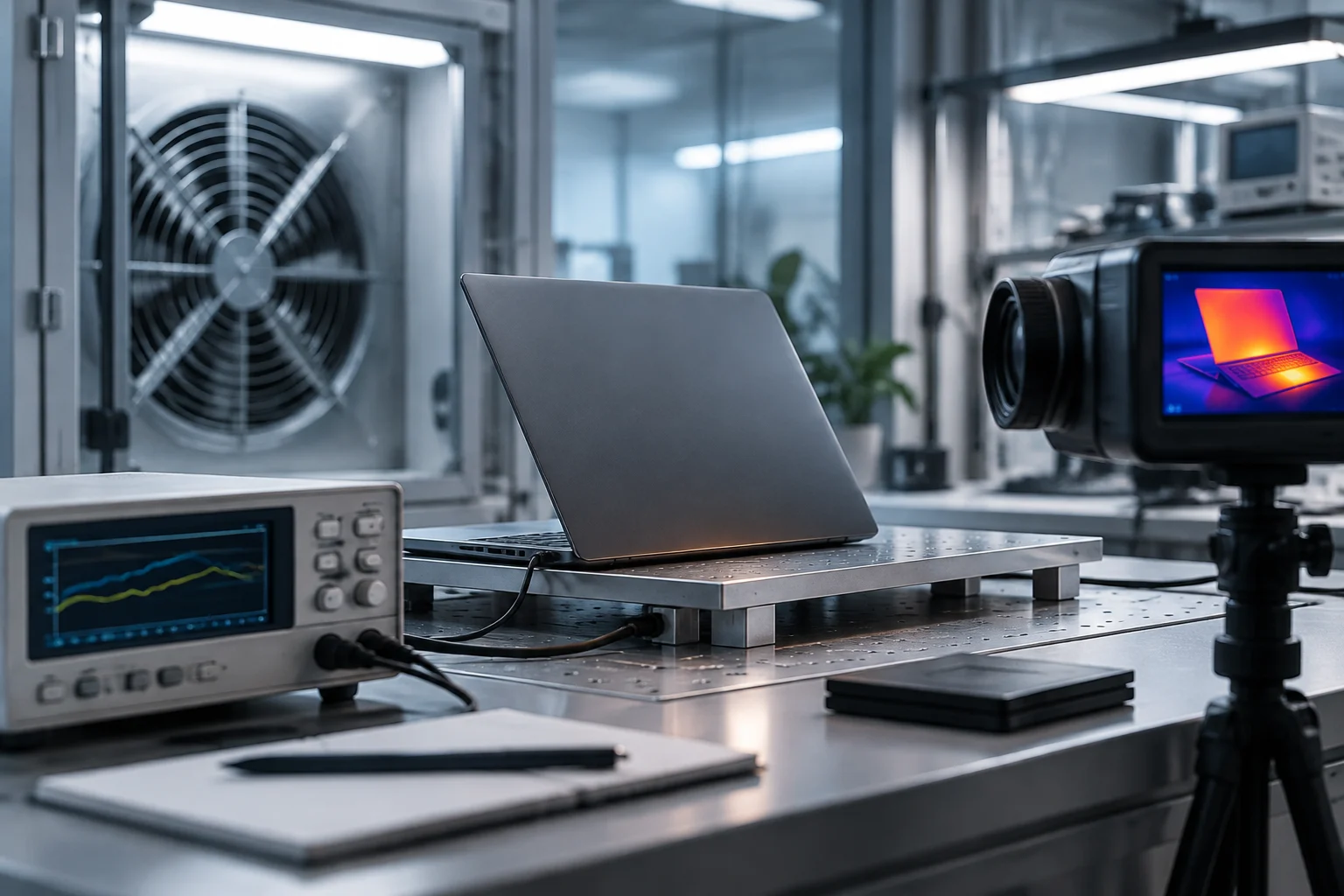
Specifications Guide, But Are Not a Battery Life Measurement
Comparing laptops by processor name or a single power figure can be misleading. The energy a device consumes depends on the whole system: screen, memory, storage, connectivity, cooling system, battery, and workload, in addition to the CPU and GPU. Therefore, a technical sheet is useful for formulating questions and ruling out unsuitable configurations, but it is not enough to deduce how long a charge will last.
The main distinction is between power and energy. Watts describe the rate of consumption at a given moment or under specific conditions; battery watt-hours describe how much energy can be stored. Battery life results from how power varies during use, not from a single processor figure. Browsing with moderate brightness, video editing, and gaming are scenarios with very different demands.
The practical consequence is simple: treat TDP as a processor design parameter, not as the constant consumption of the laptop. And read any battery life promise alongside the testing methodology: screen brightness, applications, wireless connection, power settings, and completion criteria. Without these conditions, two results in hours may not be comparable.
CPU and TDP: A Design Limit Does Not Describe the Whole Day
Intel and AMD technical sheets document parameters for each processor, including power ranges or thermal design values depending on the family and model. These data help understand the margin for performance and cooling, but the laptop manufacturer also decides how to configure the limits, how long to sustain power, and what thermal profile to apply. Therefore, even the same processor can behave differently in two devices.
TDP should not be directly translated into watts consumed from the battery. It is a metric associated with thermal design and specified conditions for the chip; it does not automatically include the panel, memory, voltage regulators, or system losses. A CPU capable of reaching high powers can remain in low-consumption states most of the time for light tasks; conversely, a sustained load can keep it active and increase consumption.
To compare configurations, look for the exact processor model and consult official documentation, but add three checks: the laptop's sustained power limit if published, battery life tests for the complete model, and performance tests under a comparable load. Do not infer efficiency per watt from the commercial name, generation, or maximum turbo figure alone. That conclusion requires measured performance and measured consumption under the same protocol, data that do not appear uniformly in product sheets.
Integrated and Dedicated GPU: Graphic Work Changes the Balance
The integrated GPU shares the platform and, in many designs, memory with the processor; a dedicated GPU adds a separate graphic component and may include its own memory. The second option allows higher performance in games, rendering, or compatible professional tasks, but adds energy demand when working and can affect cooling. It is incorrect to conclude that a laptop with a dedicated GPU always consumes more in any situation: the load, hybrid design, and whether the system activates that chip matter.
For office use, browsing, and video, a modern integrated GPU may be sufficient and avoids paying for graphic capacity that may not be used. However, total consumption in video playback may also depend on decoding blocks, drivers, the panel, and the manufacturer's configuration. GPU specifications explain capabilities; by themselves, they do not reveal how much the laptop consumes during a real session.
It is advisable to ask what scenario the figure being compared represents. A gaming test with the dedicated GPU active does not measure browsing battery life; a video playback result does not predict editing performance. Useful comparison maintains the same task, brightness, and power settings, and distinguishes between use with integrated graphics and use with the dedicated GPU. If the source does not publish these conditions, the result serves as a limited reference, not a universal guarantee.
Architecture and Efficiency: Caution with Cross-Brand Comparisons
Intel, AMD, and Apple describe their processors with their own metrics and configurations. Differences in architecture, manufacturing process, cores, accelerators, and power management can influence performance and consumption, but there is no common official figure to rank all families by efficiency for any laptop. Comparing a power value from one manufacturer with another without equalizing the method and the complete product can generate false precision.
The case of Apple illustrates why one must check the type of document. The provided technical support source deals with the energy consumption and thermal power of an iMac, not a comparable battery life table for laptops across brands. Similarly, a product note for a specific model may present announced features, but it does not replace an independent test with a transparent protocol. The sources available here do not offer a homogeneous comparison of Intel, AMD, and Apple laptops for 2026.
A rigorous way to proceed is to separate three levels of evidence: official chip specifications; specifications and certifications of the specific laptop; and independent tests of the complete device. The first two describe components and manufacturer statements. The third can approximate use, provided it details the method. An architecture is not, by itself, a battery life result: the chassis, battery, screen, and firmware mediate between the chip design and the final experience.

Certifications and Tests: What They Check and What They Leave Out
Certifications can provide a verification framework, but first one must identify what they certify. An efficiency label may refer to consumption measured under a specific procedure; an electrical safety or compliance certification is not equivalent to a battery life evaluation. Stirling Ultracold's certification page refers to laboratory refrigeration products, not laptops. It would not be pertinent to use it as evidence of laptop efficiency.
One must also avoid transferring norms from one market or product to another. QIMA's information on NOM certification deals with product categories and regulatory requirements in Mexico; it does not provide a comparative measurement of laptop consumption. The BOE document included in the research updates professional competence standards and also does not establish an energy consumption methodology for laptops. A source on certification is not automatically a source on efficiency.
When reviewing an independent test, check at least these points before using it to decide: which model and battery capacity were tested; what brightness and power profile were set; what tasks were executed; if the dedicated GPU was activated; what connections were maintained; and how the end of the test was defined. When an article only offers a figure in hours without describing the protocol, the conclusion must be limited to the published result and not extrapolated to another user or configuration.
A Data-Based Purchase Method Using Comparable Data
For a practical selection, start with the work the device will do and not with a generic processor ranking. If mobility is a priority, look for battery life results for the exact laptop under a task close to yours and contrast the battery capacity. If you need intensive graphics, accept that battery life under that load may differ greatly from an office test and value a measurement with the dedicated GPU active.
Then, contrast the processor sheet with the laptop's. Record the exact model, the documented power or range, and the graphic configuration; also note the screen size or resolution and the battery in Wh if the manufacturer publishes them. If a store presents only the chip family name, request the precise identifier: processor variations and configuration can change behavior and performance.
A checklist avoids turning partial data into certainties:
- Battery Life: result for the complete model and explicit testing protocol.
- Battery: capacity in Wh, without confusing it with promised hours of use.
- Processor: model number and official power documentation; TDP does not equal total consumption.
- Graphics: integrated or dedicated, and activation conditions in tests.
- Comparison: same type of task, settings, and test completion criteria.
The sources reviewed do not provide a uniform basis to proclaim which manufacturer offers the most efficient laptop of 2026. They do allow formulating a useful conclusion: the best pre-purchase estimate combines component documentation with reproducible tests of the complete device. If battery or protocol data are missing, uncertainty is not resolved with more decimals or a commercial label; it must be declared and weighted according to the intended use.