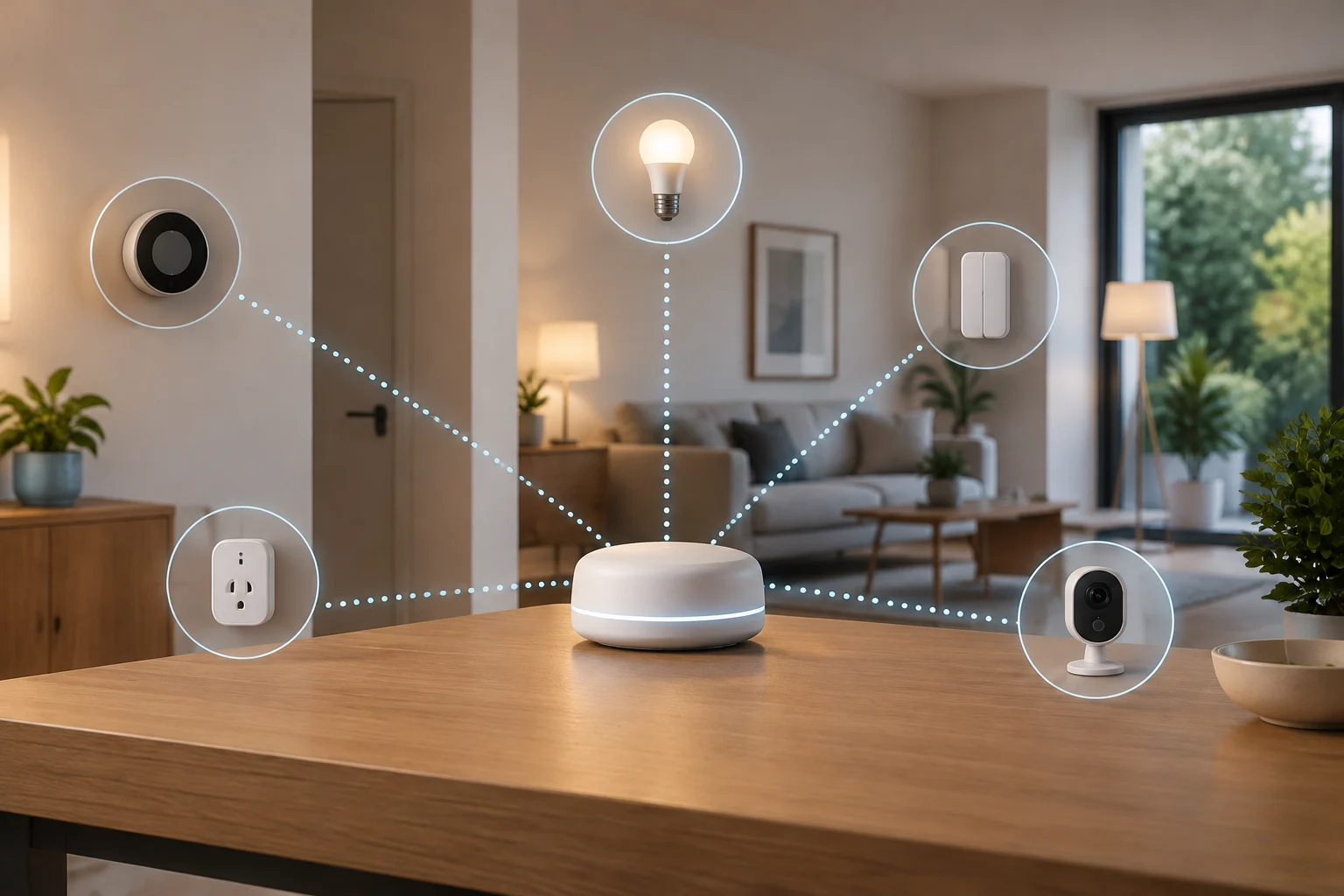
What Matter means—and what it does not guarantee
Matter is a connectivity standard for smart-home devices, driven by the Connectivity Standards Alliance (CSA). Its aim is to make it easier for products from different brands to communicate with compatible platforms. In practice, a product’s Matter certification is an indication of interoperability within the scope of that certification; it does not mean that every device will work with every phone, router, app, or automation feature. The CSA maintains a certified-product directory that lets you search by product, company, device type, or certification number. Source: CSA
The key phrase is compatibility between devices and platforms that implement Matter, not unlimited, universal compatibility. The product must correspond to a supported device type, and your home system must have a compatible controller that can add and manage it. In addition, the specific features available may depend on the product category and on the implementations provided by the platform and manufacturer. Keep those questions separate: “Can I add it?” and “Will I be able to use exactly the features I expect?”
For that reason, do not infer compatibility from a Wi-Fi connection, from a product being advertised as “smart,” or from another product by the same brand working with your system. Nor should you assume that a product with Thread connectivity is compatible with Matter: the concepts are related, but they are not interchangeable. Look for an explicit Matter statement on the page for the exact model and, when possible, confirm its certification in the CSA directory. An ambiguous seller description is no substitute for the manufacturer’s documentation.
Start by identifying your home controller
Before comparing plugs, sensors, or bulbs, identify which piece of equipment will act as the Matter controller in your home. It may be built into a home-platform device, but the product name alone is not enough: the documentation for that model must confirm Matter support and that it is up to date. A speaker, display, or hub in the same product family may have different capabilities, and the product may require initial setup in the platform’s app.
Also note which app and ecosystem you normally use—for example, the home app where you manage lights and automations. Check that platform’s official help information for its requirements for adding Matter accessories and the categories it supports. If you use more than one system, check separately that each can add the accessory: adding it to one platform does not, by itself, prove that it will be available in all the others.
Three controller checks
- Model and software: Confirm the controller’s precise name and whether it needs a particular software version.
- Network role: If the device communicates over Thread, check whether your setup includes the equipment or network function needed for that connection. Do not assume that every Wi-Fi router acts as a Thread Border Router.
- Platform and country: Review the ecosystem documentation for your market and the feature’s availability. A feature mentioned on an international page is not necessarily enabled in your region or for every model.
Compatibility is not simply a list of brands. What matters is the combination of accessory, device type and connection, specific controller, and software version. That is a practical inference from how support is structured: checking each element helps you avoid buying on the basis that two products merely have familiar names.
Read the product page with a specific checklist
First, look for an unambiguous product identification: full name, model number, and, if listed, Matter certification number. The packaging or product page should explicitly state that the model works with Matter. If a page groups several variants together, do not automatically assume that compatibility advertised for one applies to all of them. Check the manufacturer’s description for the version you actually plan to buy and compare the product with the CSA’s certified-product directory.
Next, check the device type and the actions it promises. A bulb may support turning on and off and dimming, while colour, special effects, or advanced scenes may depend on the manufacturer’s own app or an additional integration. A sensor may expose a measurement or status without every platform presenting the data in the same way. Certification should not be interpreted as a promise that every feature in the manufacturer’s app will appear in every ecosystem. Ask the seller or manufacturer whether the specific feature you want is accessible from the platform you already use.
Details to note before paying
| Detail | What to check | Why it matters |
|---|---|---|
| Model | Full reference for the variant | Avoids confusing different versions of one product |
| Matter | Explicit statement and, if available, certification listing | Helps confirm it is not merely a Wi-Fi or Bluetooth product |
| Device type | Category and stated features | Clarifies which controls or statuses the platform offers |
| Connection | Wi-Fi, Ethernet, or Thread, as specified | Lets you check your home-network requirements |
| Requirements | Any stated controller, app, update, or hub | Reveals conditions that a label does not summarize |
| Extra features | What depends on the manufacturer’s app or service | Reduces surprises about automations and controls |
This table is a checking guide, not a set of identical requirements for every product. Each category and connection may have different conditions. If the manufacturer does not clarify a feature that is essential to you, treat it as unconfirmed, not as an implied guarantee.
Matter, Wi-Fi, and Thread are not the same thing
Matter defines a common interoperability layer; the physical or network connection an accessory uses to communicate is a separate issue. Some Matter devices use Wi-Fi or Ethernet, while others use Thread. A Wi-Fi product does not become a Matter product just because it has Wi-Fi, and Thread alone does not prove that a product implements Matter. Read the two specifications separately: the interoperability standard and the connection technology.
Thread is a low-power network for compatible devices. If the accessory you choose uses Thread, check what home equipment it needs to join your network and whether your controller or setup provides that function. Do not confuse a Thread Border Router with a conventional internet router: the controller’s specifications and the manufacturer’s instructions are the relevant references. If the box mentions Bluetooth, check whether it is used only during setup or is the product’s everyday connection; do not assign it either role without documentation.
Some features may also remain tied to a brand’s app or service. That does not make Matter useless, but it does define what to expect from interoperability. If you care about measurement history, updates, lighting effects, scenes, or advanced automations, look up each feature in the documentation for both the product and the platform. Buy for the verified features you need, not for a generic promise of “integration.”
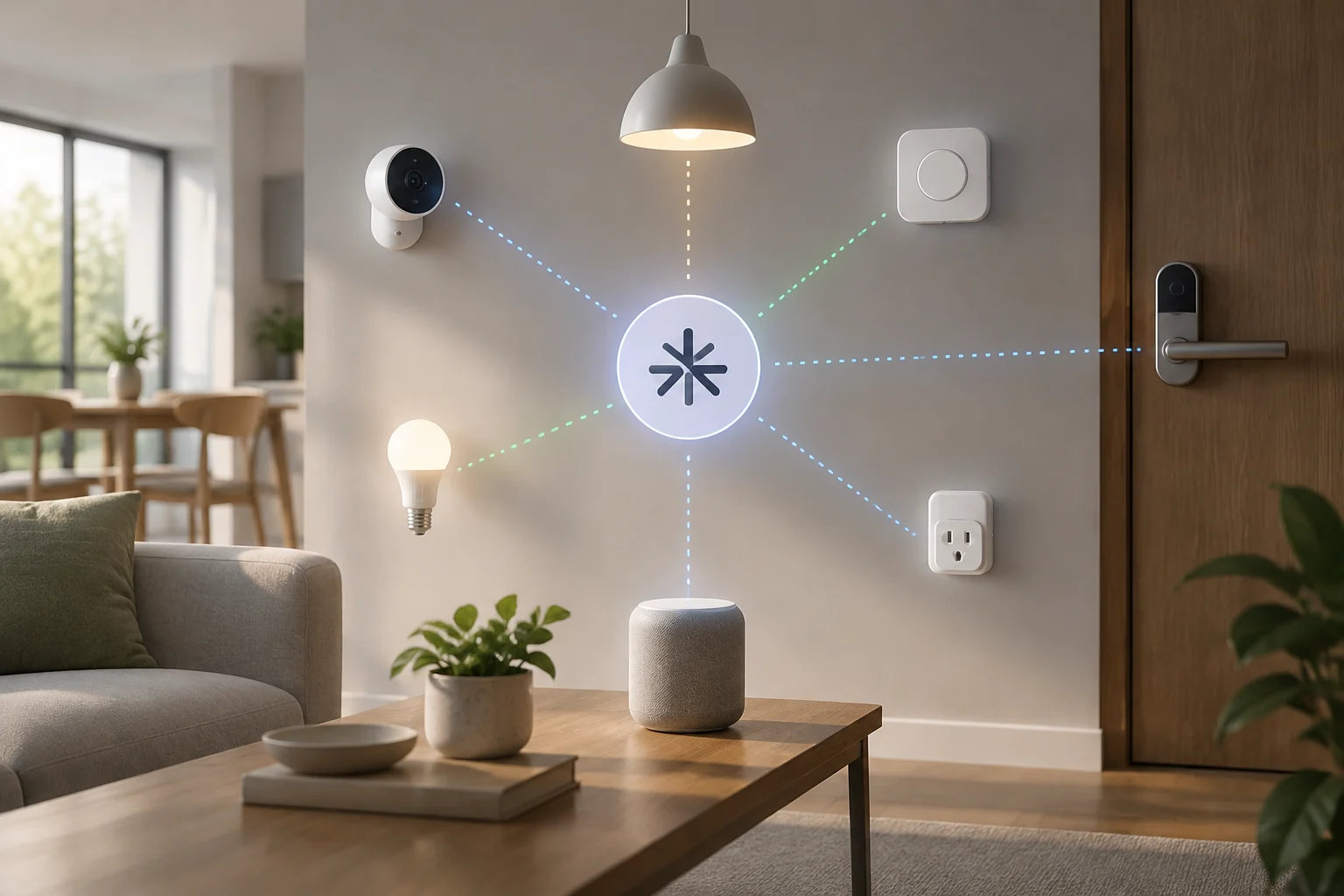
A useful check before completing your purchase
To compare two products without being swayed by the brand, follow the same order for each: identify the model; find the Matter statement; confirm the category and basic features; find out which connection technology it uses; check the required controller and other requirements; and verify which features depend on an additional app. The CSA directory is useful for checking certified products, although it does not replace the technical specifications or confirm that every specific feature will be available in your system.
Make a short list of needs, not aspirational features. For example, “I need to turn the plug on and off from the app I already use” is easier to verify than “I want it to be fully smart.” If the feature you need is critical, consult the platform’s official help and the manufacturer’s product page before paying. Save the product-page link and model reference: they will make it easier to resolve a discrepancy if the seller advertises a different variant.
As a final filter, confirm the market and physical requirements. For electrical products, plug shape, supported voltage, or installation requirements may vary by region. For products that rely on a controller or a particular network, make sure you have them available. Matter certification does not replace checks for electrical safety, regional compatibility, or installation requirements. There is no universal controller list here because compatible models and features change; check each manufacturer’s current documentation.
If you cannot add the device or it does not respond
A setup failure does not automatically prove that the product is incompatible. First check the basics recommended by the manufacturer or platform: the device is powered on and in pairing mode, the phone and controller are configured correctly, and the network meets the stated requirements. Also check that you are scanning the correct product’s setup code and are not trying to add a different variant from the one described in the documentation.
If the device was added but does not respond, check whether the problem concerns the accessory, controller, or connection. Apple’s guide for unresponsive HomeKit or Matter accessories, for example, provides troubleshooting steps for products used with the Home app. That information applies to the Apple environment; if you use another platform, consult that platform’s and the manufacturer’s support instead of assuming the steps are identical. Source: Apple
Recommended troubleshooting order
- Check power, distance, and network status according to the manufacturer’s instructions.
- Confirm that the controller and app are up to date and that the model is compatible with the platform.
- Check whether the product needs Thread, additional equipment, or its own initial setup.
- If it was paired before, consult the official instructions for resetting or transferring it; avoid a factory reset until you know which settings it will erase.
- If the problem continues, contact support with the model, software version, and error message; do not publish pairing codes.
The results may point to incorrect setup, a missing network requirement, a platform limitation, or a fault. Without knowing the specific model and system, it is not possible to identify a cause. The useful takeaway before buying remains simple: Matter reduces interoperability barriers, but a successful purchase depends on checking the model, controller, connection, and features you need.