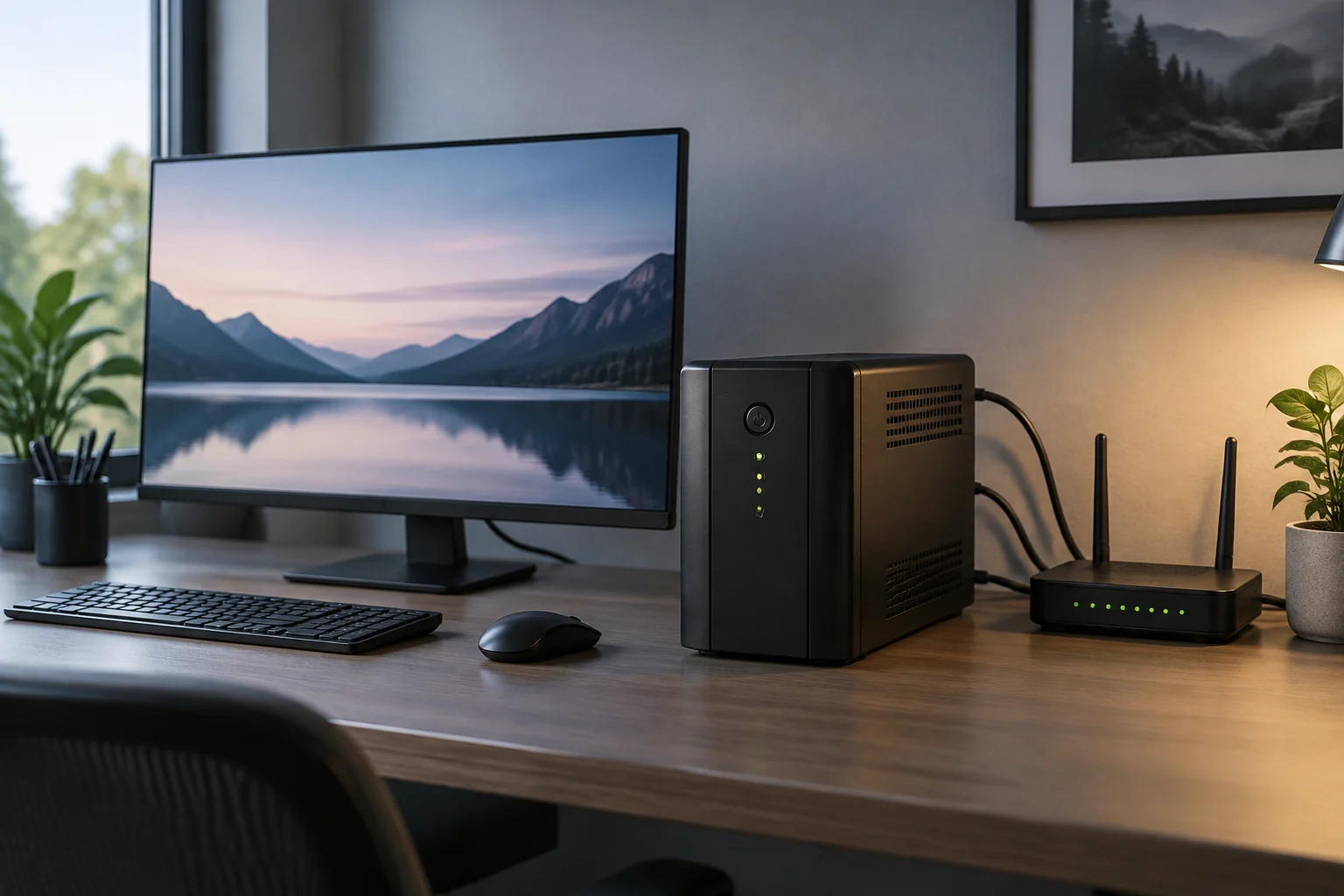
What a UPS does—and what not to take for granted
An uninterruptible power supply (UPS) can keep connected equipment powered for a limited time when the mains supply fails. Depending on the equipment and load, that window can give you time to save your work and shut down your computer properly, or keep network services running during a brief interruption. It is not the same as an indefinite electricity supply: when the battery is depleted, the backup ends. Actual runtime depends, among other things, on the connected load and conditions of use; it cannot be worked out from a product name or a large number printed on the box alone.
Start by defining what you need the UPS to do. If your priority is to stop a desktop computer from switching off abruptly, it may be enough to power the computer and allow an orderly shutdown. If you also want to keep your internet connection, consider the router and, where applicable, the fibre terminal or modem. A monitor can use a substantial amount of power and shorten backup time; you may not need to connect it to a battery-backed outlet to meet your main objective.
A UPS does not guarantee that interruptions will never occur, nor that a connected device will be protected against every electrical incident. Features depend on the design and model. Vertiv’s UPS selection guide frames the choice as a matter of power backup; the manufacturer’s data sheet for each unit is the reference for checking its specific features. Keep the function you want separate from what the product claims in its specifications.
Make an inventory before looking at capacity
Write down everything you intend to keep running and check its labels, manual or technical documentation for power consumption. Separate essential equipment from devices you can disconnect during an outage. A home setup might include a computer, router and fibre terminal; add a monitor only if you need to continue working with it. Do not add accessories out of habit: every connected load counts when sizing the UPS and can reduce the available runtime.
Labels do not always express power consumption in the same context in which the equipment will be used. For example, the maximum power shown on a computer power supply does not necessarily mean that the computer will draw that amount continuously. If in doubt, consult the equipment manufacturer’s specifications or measure consumption with an appropriate instrument. Do not turn an estimate into a guarantee: load can vary with usage, components and system condition.
Before buying, prepare your own table of what you know and what still needs to be checked. Record power in watts where available, the voltage and plug type for each device, and whether you want it to keep running on battery or only need it connected to a protected outlet. Physical outlet compatibility and electrical capacity are separate checks.
VA and watts: two figures that do not mean the same thing
A UPS data sheet may list both volt-amperes (VA) and watts (W). VA expresses apparent power; watts express active power. They are not interchangeable units, and a model may have a W limit below its VA rating. When choosing, make sure the planned load stays within both limits, not just the more prominent number in the product name.
Add the active power of the equipment you have decided to connect and compare the result with the unit’s wattage limit. Then check the VA limit as well as the manufacturer’s conditions. If consumption is not stated in watts, do not assume an exact conversion without the necessary information: power factor affects the relationship between the two quantities. The practical approach is to find the appropriate consumption figure in the equipment documentation or ask its manufacturer.
There is no universal capacity rule that can be applied without knowing the devices and the UPS model. A product advertised as 750 VA, for example, is not fully described by that figure alone: you also need to check its W rating, outlets and how battery backup is allocated. APC’s data sheet for the Back-UPS BX750MI-GR identifies it as 750 VA and 230 V, but that information alone cannot tell you how long a particular computer connected to it will run.
Outlets, battery and management: check the whole setup
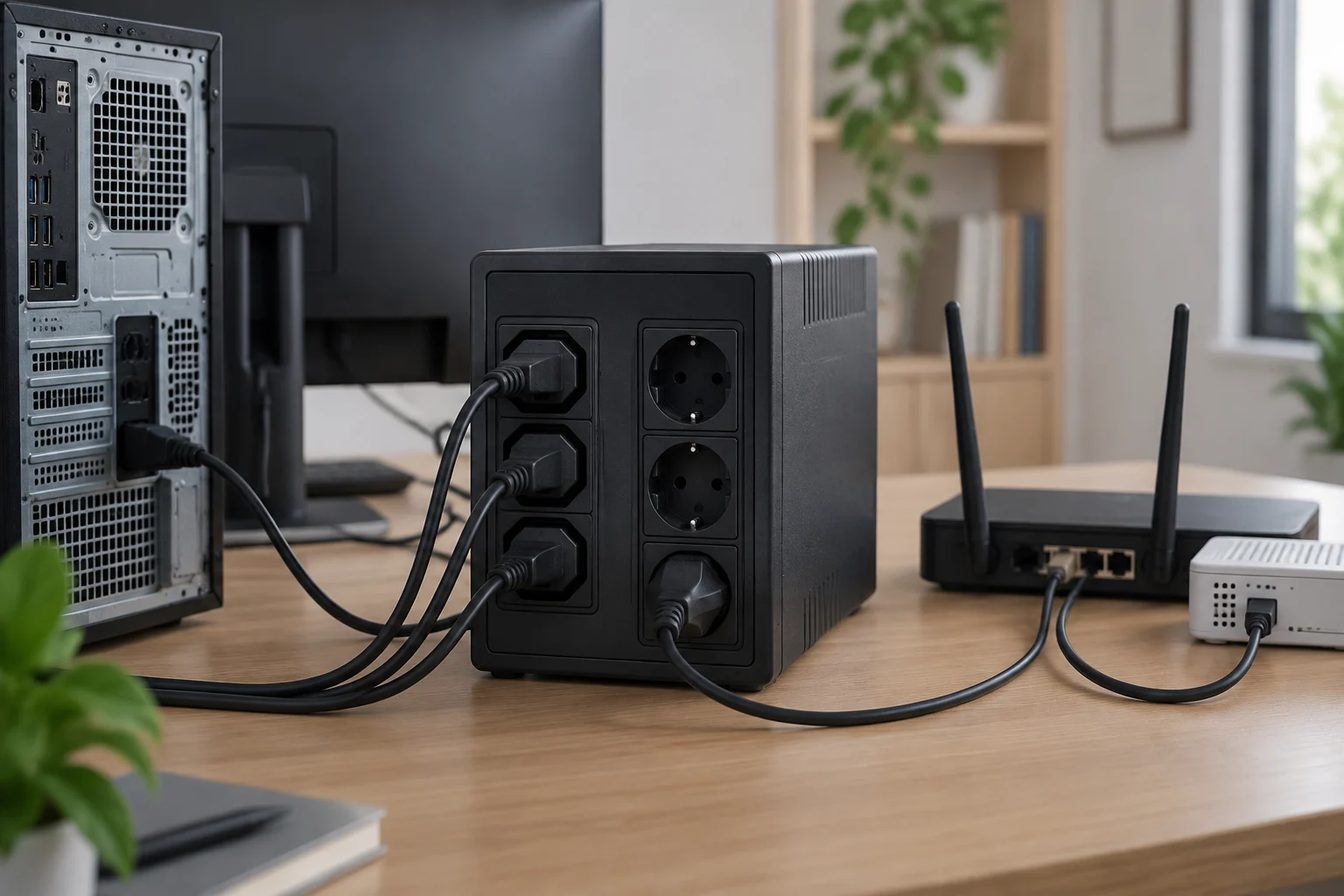
Count the outlets that provide battery backup and check which plug format they accept. Do not assume that every visible outlet has the same function: a data sheet may distinguish battery-backed outlets from surge-protected outlets without battery backup, or describe the configuration in another way. Check the manual to see what each outlet is for and whether it works with your devices’ cables. Do not try to overcome incompatibility with adapters or power strips without checking the manufacturer’s safety instructions.
The battery is a consumable. Before buying, find out whether the manufacturer expects users to replace it, which replacement part is suitable for the exact model, and what procedure it recommends. Do not infer replaceability, expected service life or warranty terms from the brand or the appearance of another UPS in the same family: check the manual and the policy that applies in your market.
Also look at alarms and communication options. Some models may include audible alerts, indicators, or a connection to a computer and management software, but these features are not universal. If you need automatic shutdown, check that the UPS, operating system and software are compatible and that the required connection is included. The presence of a USB port alone does not prove that automatic shutdown will work with every computer.
Runtime: a figure shaped by the load
Published runtime is meaningful only when considered alongside the load for which it is stated. Look in the documentation for a table or curve linking backup time to power in W, and establish whether the figure applies to a specific load or a reference scenario. Do not compare figures from different models directly if they were measured or calculated under different loads. And do not interpret maximum runtime as the time you will get with all your equipment connected.
If the manufacturer does not provide an estimate for your load, the data sheet alone cannot support a reliable calculation. Rated capacity, battery condition, actual load and operating conditions all affect the result. These variables also explain why a theoretical estimate is not the same as testing the complete setup that will be installed at home. If you need a particular shutdown window, check documented runtime for a comparable load and leave a margin; do not buy based on a promise of minutes without context.
A manufacturer may offer sizing tools or runtime curves. Use them only after entering a realistic load and confirming that they apply to the correct model number and variant. If you cannot find a curve, ask the seller or manufacturer for verifiable information before deciding. You cannot make up for missing information by adding VA figures or assuming that two devices with the same nominal capacity will run for the same time.
Backup, electrical protection and installation
Battery backup and surge protection are power-related functions, but they should not be treated as synonyms. Check what protection the manufacturer specifies for each outlet and the conditions under which it applies. The information provided for this guide does not allow us to claim that all UPS units offer the same level of protection or that a UPS removes every risk to connected equipment.
Install the unit according to the manual, allowing suitable ventilation and clearance, and observe its load and connection limits. Do not connect devices that the manufacturer excludes, such as equipment with incompatible electrical requirements. Also consult the instructions for charging the battery, interpreting alarms and maintaining the UPS. If you notice damage, an unusual smell, abnormal heat or persistent warnings, follow the manufacturer’s safety procedure and do not attempt an improvised repair.
APC’s BX750MI-GR model illustrates why it is important to read beyond the product name: the manufacturer’s page identifies it as a 750 VA, 230 V unit with four Schuko outlets. These details let you begin checking the outlet format and nominal capacity; they do not, by themselves, establish either the wattage limit or runtime for a particular setup. Verify those points in the detailed documentation for the exact model.
Final checklist for comparing models
Before completing your purchase, compare every candidate against the same inventory. Check the full part number, variant and sales market: products with similar names may have different outlets, voltages or features. The official data sheet and manual should match the model offered by the seller; if they do not, do not treat specifications for a near-identical variant as valid for your model.
Use this list to avoid the most common mix-ups:
- Which devices need to stay powered, and what is their consumption in W?
- Does the load stay within the UPS limits in both W and VA?
- How many outlets provide battery backup, and which plugs do they use?
- Is there a runtime estimate for a comparable load?
- Can the battery be replaced, and which replacement is compatible?
- Does the management software and connection work with your computer and operating system?
- Does the manual explain installation, alarms, maintenance and the stated protection?
If a decisive detail is missing, request documentation before buying rather than filling the gap with an assumption. The right choice is not the unit with the biggest number: it is one that can support the intended load, physically connect the necessary devices and provide backup suited to your goal. Capacity, outlets and runtime are separate checks; a sound decision comes from verifying all three for the same model.