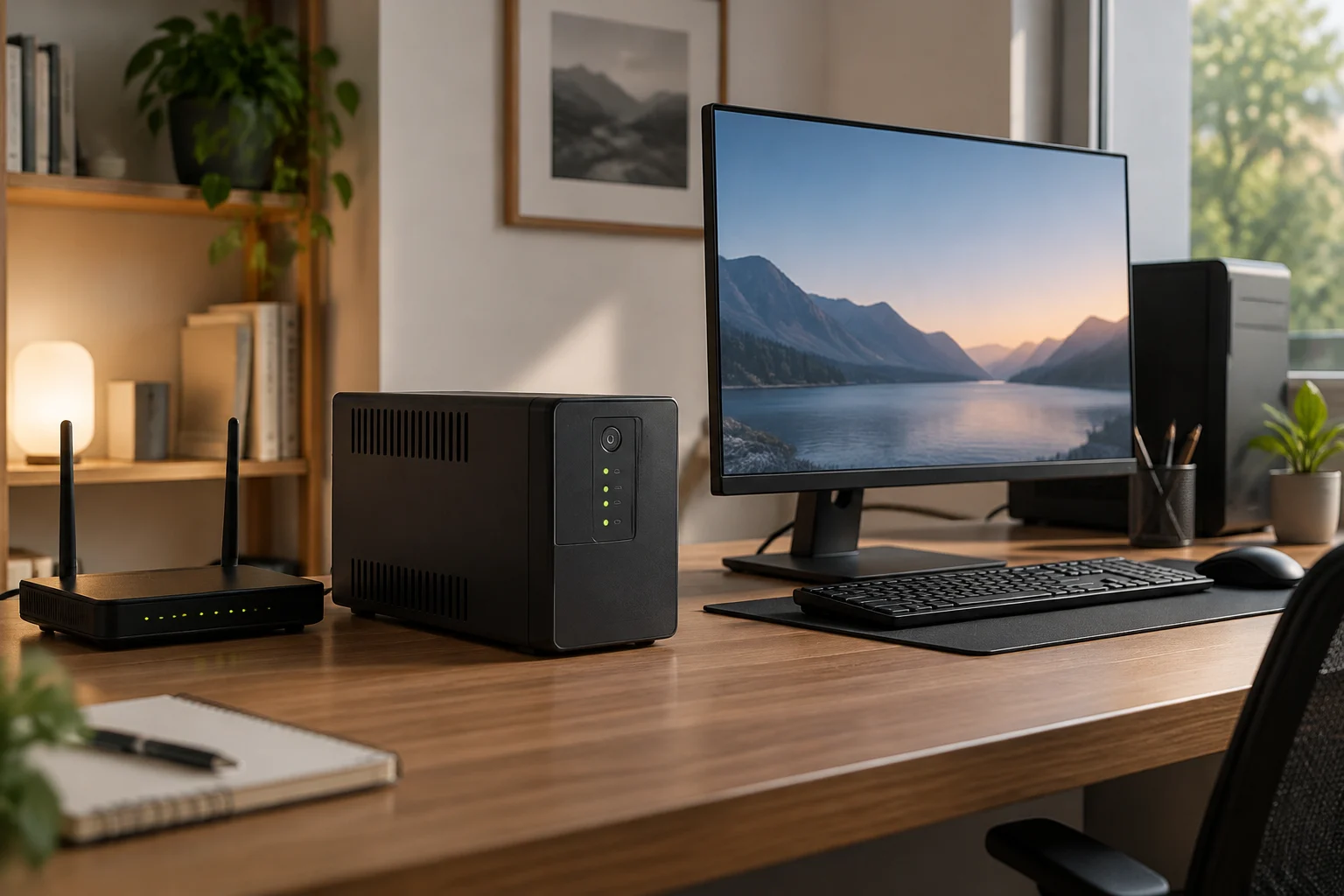
Which equipment do I want to keep running, and for how long?
Choosing a UPS starts with a practical question: what needs to keep working when the power goes out? Keeping a router running for a few minutes to preserve your connection is not the same as supporting a desktop computer, a monitor and several peripherals while you save files and shut down the system. The greater the connected load and the longer you want backup power to last, the more important it is to check the capacity and runtime the manufacturer specifies for that scenario. A high power rating on its own does not tell you how long the battery will last.
Make a list of the essential equipment and distinguish between continuity and convenience. A router or modem may be a priority if you need to stay connected; a monitor may help you finish a work session; a printer, speakers or charger may not need backup power. Connect only the equipment you genuinely need to back up, and check the manual to see which outlets are battery-backed: some UPS outlet groups provide only surge protection and will not keep equipment running during an outage.
Also define what “enough runtime” means for you. It might be the time needed to save your work and shut down a computer, or a longer window for keeping low-power equipment running. Do not turn that requirement into a generic promise of a certain number of minutes: runtime depends on the actual load, the battery and the equipment’s conditions. UPS buying guides recommend starting with the devices and load you want to protect, rather than relying on a single figure on the box. Vertiv: UPS buying guide
How do I calculate the load, and what do watts and volt-amperes mean?
Gather the power consumption figures for every device you want to connect. Look for the input power on its label or in its documentation; if it is given in watts, add the values for the equipment that will operate at the same time. That total is a starting point, but it does not replace checking compatibility with the UPS’s capacity. If a device’s manufacturer gives only current in amperes and voltage, do not assume their product is exactly the active power in watts: in AC circuits, the power factor also matters.
UPS systems usually specify capacity in volt-amperes (VA) and watts (W). These are related quantities, but they are not interchangeable: VA express apparent power, while watts represent active power. The relationship between them depends on the load’s power factor. Therefore, a UPS advertised with a particular VA rating cannot necessarily supply that same figure in watts. Before buying, verify that both the load in watts and the required apparent power fall within the limits published for the model.
For a sensible comparison, check the maximum wattage and do not rely on VA alone. Leave headroom above the expected load, especially if you do not know the simultaneous power draw precisely or if you connect equipment whose behaviour changes during use. There is no universal percentage that works in every case: follow the manufacturer’s recommendations and avoid operating close to the limit. Do not connect high-demand equipment—for example, heating appliances—without confirming that the UPS is designed for that load. Its rated capacity does not make it a suitable power source for every household appliance. Vertiv: how to select a UPS
How should I compare the runtime stated by each manufacturer?
Runtime is not a fixed property of a UPS: it changes according to the amount of connected load. The same unit may run a router for longer than a desktop computer and monitor together. To compare models, look for a manufacturer’s runtime table or curve and find the figure for a wattage close to yours. If the documentation gives a figure without specifying the load and conditions, do not treat it as a reliable prediction for your installation.
Compare figures under equivalent conditions: a similar load, the same measurement basis and, when specified, a comparable battery configuration. A unit with external batteries or additional modules is not comparable with a basic configuration. It also matters whether the figure applies to a new, fully charged battery; ageing and operating conditions can reduce available runtime. Manufacturers’ published estimates are useful for planning, but they are not the same as a test carried out with your equipment at home.
A useful way to turn the figure into a decision is to ask what you want to do during an outage. If you only need time to save and shut down, a short runtime at your computer’s load may be enough. If you want to keep a router running, assess that need separately and confirm that the UPS can back up all the selected equipment simultaneously. Do not extrapolate runtime linearly: doubling the load does not necessarily cut the minutes exactly in half, because battery discharge and the electronics may behave non-linearly. The model’s specification sheet and its specific curves are the right reference. Vertiv: UPS buying guide
Which topology is suitable, and what features should I check?
UPS guides commonly distinguish three topologies: standby, line-interactive and double-conversion (online). They differ, among other things, in how they manage normal power and the transition when a power event occurs. There is no topology that is universally best for every home: the choice depends on the connected equipment, mains power quality, the level of protection you want and your budget. A marketing name is no substitute for a technical specification; check what protection the model actually provides against voltage variations and outages.
You should also check the connections. Count how many outlets you need and verify which provide battery backup and which offer only electrical protection. If you want to connect a router and a computer, check that the plugs are compatible and that the wiring does not require adapters the manufacturer advises against. Also consider the available space, ventilation, the noise level stated in the documentation and the location: do not hide a UPS in an unventilated place if its instructions require airflow.
A USB connection and shutdown software can be valuable for a computer. It is not enough for the UPS to have a port: confirm that your operating system and the software support communication, and that automatic shutdown can be configured as you need. This feature can help shut down the computer when runtime is nearly exhausted, but it does not guarantee that every application will save its work correctly. Power backup and orderly shutdown are related, but distinct, functions. If you also want to protect a network line, check whether the unit has dedicated connections and whether they are compatible with the type of cable and service you use. Vertiv: types of UPS technologies
What should I know about the battery and limits on use?
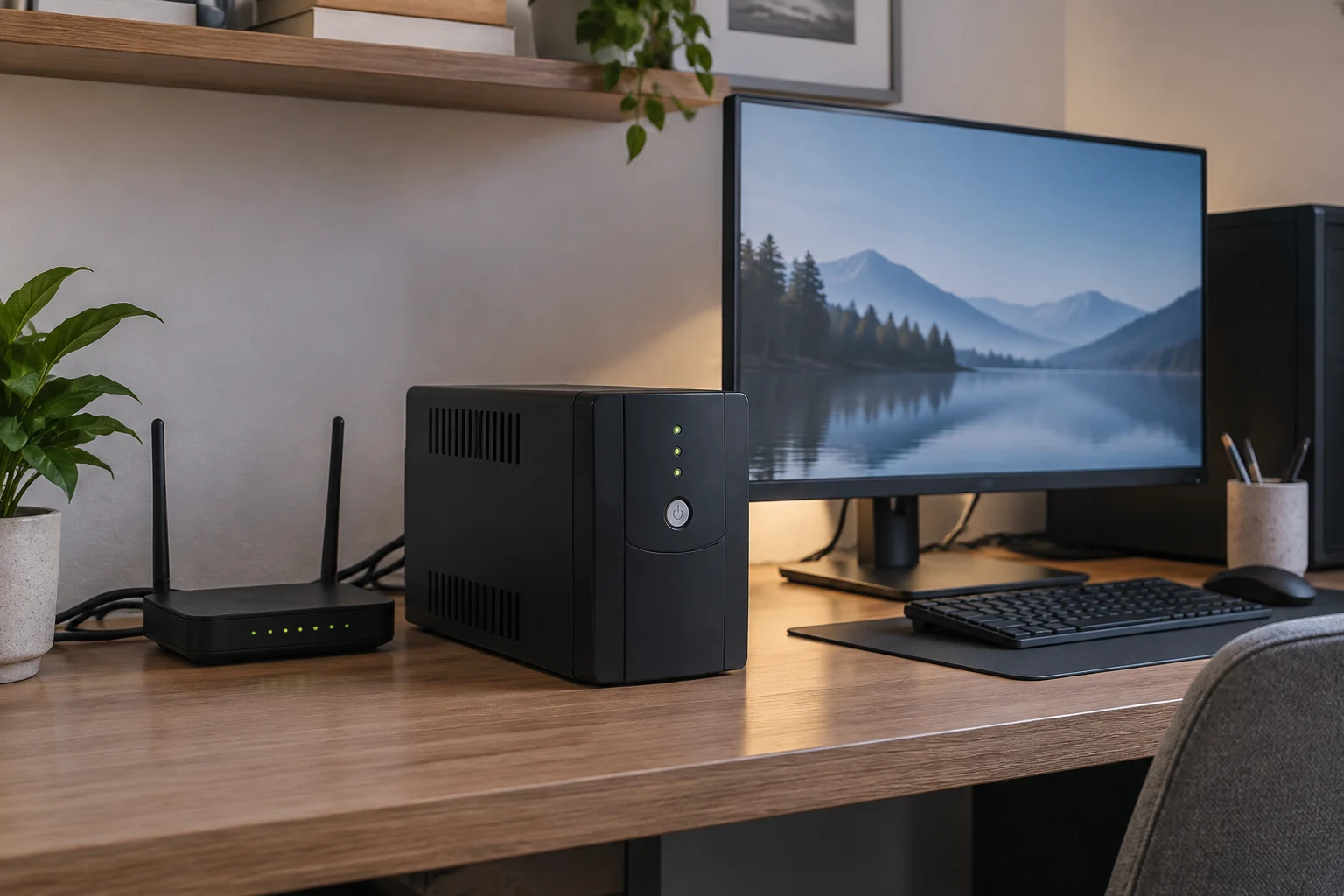
The battery is a component that may need replacing during the UPS’s lifetime. Before buying, check whether the manufacturer says it is replaceable, which replacement part fits the model and whether replacement is intended for the user or requires assistance. Do not assume that a battery with a similar appearance is compatible: check the exact part number, maintenance documentation and warranty terms. If no clear procedure is published, contact official support before opening the unit.
Batteries lose capacity over time, and their lifespan can depend on operating conditions. Do not treat a generic lifespan figure as a guarantee that they will retain their original runtime for the same period in every home. Vertiv describes benefits and features of lithium-ion technology in UPS systems, but conclusions about a particular model depend on its design and specifications. Therefore, compare battery chemistry only alongside product-specific information, replacement-part availability, warranty terms and maintenance costs. Vertiv: lithium-ion technology in UPS systems
A home UPS does not replace safe electrical installation or solve every power-supply problem. Do not overload it, operate it outside its stated environmental conditions or handle internal components unless the manual allows it. If you have questions about grounding, the circuit, available power or a fixed installation, seek advice from a qualified professional. These precautions are especially important if the intended use goes beyond backing up a computer or small electronic equipment. This guide does not replace the manufacturer’s manual or an assessment of the installation.
Final checklist before buying
Before comparing offers, confirm that every model meets the same set of requirements. A striking label or a higher VA rating is not enough if the available watts, battery-backed outlets or runtime at your load are unsuitable. Give priority to the specification sheet and manual for the exact model; general pages explain concepts, but do not verify the features of a particular unit.
Checklist:
- Identify the equipment that must stay on and add up its simultaneous load in W.
- Check both the W limits and the UPS’s VA ratings.
- Look for the stated runtime at a load close to the one you expect.
- Count the battery-backed outlets and distinguish them from outlets with surge protection only.
- Check USB options, software and compatibility with your computer.
- Confirm whether the battery is replaceable, how to obtain a replacement and what the warranty covers.
- Review the manufacturer’s installation, ventilation and use instructions.
A final comparison can be brief: note the load you need to support, how long you want backup to last, the essential connections and the maintenance you are willing to accept. Rule out models whose documentation does not let you verify these points. If two options still seem similar, prioritise clear official information, support availability and suitability for your equipment over a runtime promise that is not tied to a stated load. The right choice is the one with documentation showing that it can cover your specific scenario, not necessarily the one displaying the highest number.