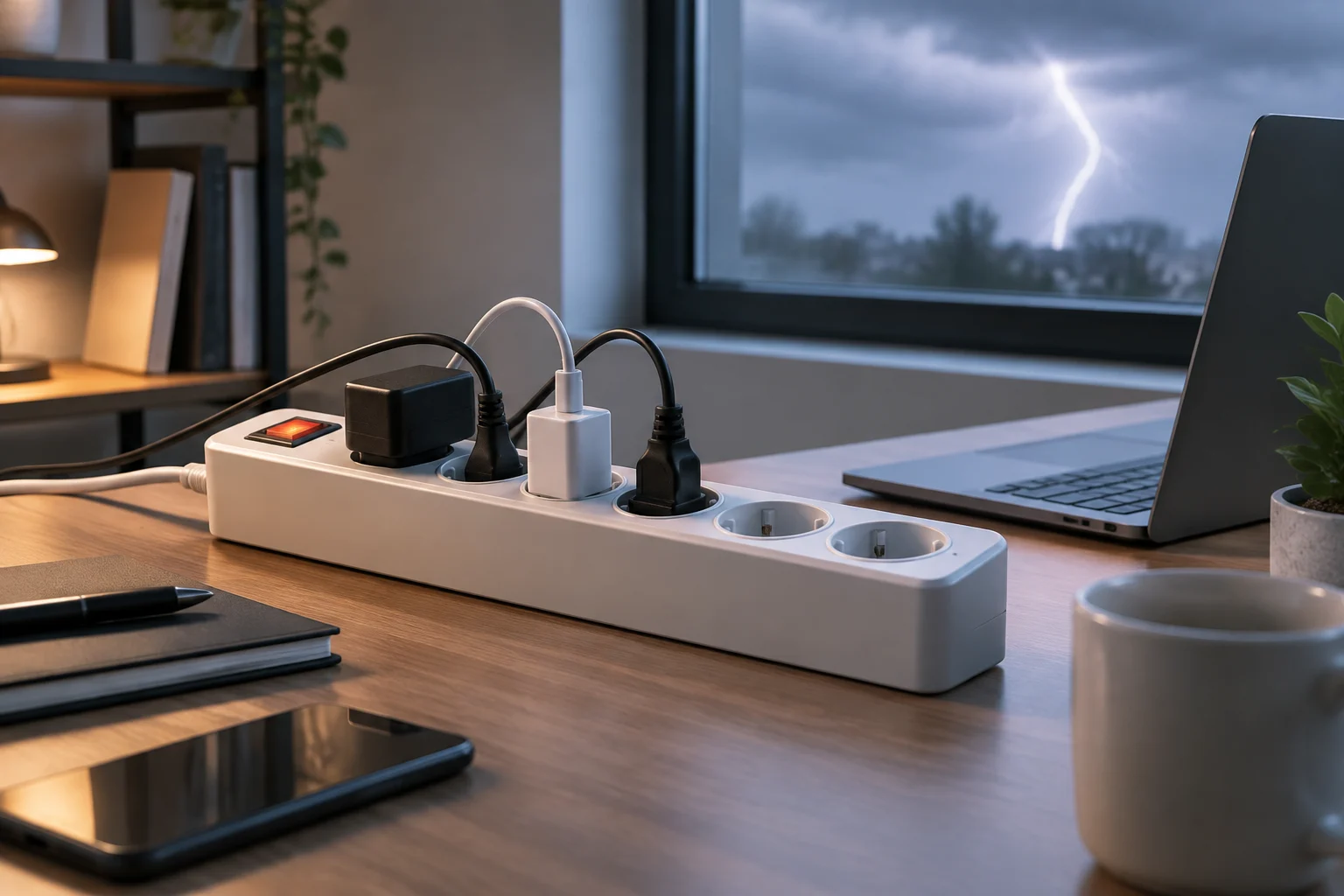
Protection, power distribution and battery backup are not the same thing
A power strip lets you connect several devices to a wall outlet. That alone does not mean it provides surge protection: the number of sockets describes power distribution, not how the product responds to electrical disturbances. When comparing models, first identify the function the product claims to provide and the documentation supporting that claim. Do not infer protection from its appearance, marketing name or the presence of a switch.
It helps to distinguish from the outset three concepts that often appear together in product descriptions: having several outlets, having a protection function, and having a backup battery. One feature does not prove the others. For example, a product that lets you connect more devices tells you nothing about how it responds to an electrical disturbance, and a switch merely describes one component of the product, not its protection performance.
A product sold as a surge protector includes a protection function that should be described in its specifications. Even so, the label is not a guarantee that every connected device will survive every incident. In practice, it is important to understand the conditions of use, the stated limits, and the instructions for replacement or inspection. If the product information does not make clear what the device does, the sensible response is not to assume capabilities: look for the manual or choose a product with verifiable information.
A UPS meets a different need
An uninterruptible power supply (UPS) is worth considering when you need to keep equipment powered temporarily during an outage, rather than simply connect several devices. Do not treat “surge protection,” “power strip” and “battery backup” as synonyms. Check the documentation to see whether the specific model has a battery and what loads it supports; do not assume that every product called a UPS handles every electrical risk in the same way.
Start with the consequence you want to avoid. If the problem is a lack of outlets, a suitable power strip may be enough; if you are concerned about a surge, look for an explicitly documented protection function. If you need a computer to keep running during an outage so you can save your work or shut it down properly, assess a UPS with stated capacity and runtime for that load. Each function requires its own evidence: a protection statement does not demonstrate runtime, and a battery does not automatically make the equipment a guarantee against every incident.
To make that assessment, think about the equipment you want to keep on and the task it needs to complete during the interruption. The stated capacity and runtime should correspond to the intended load; it is not enough for the product to include a battery. Consult the model’s conditions and limits instead of extrapolating the performance of one UPS to another or assuming that they all provide the same backup time.
What to check in the product information and documentation
Start with the manufacturer, exact model and market for which the product is sold. The same general product name may cover different variants, so verify that the manual matches the model in front of you. Check the rated voltage and current, maximum power if specified, number and type of outlets, cable length, and installation conditions. These details describe compatibility and operating limits, but on their own they do not prove how effective the protection is.
Checking the exact model helps avoid mixing information about products that merely look alike or share a product-family name. Compare the product information with the manual and make sure the variant, outlets and electrical details match. If you find incomplete or contradictory information, do not resolve it by assuming that your version has the features of another: request the correct documentation or compare a model whose information is clear.
For surge protection, look for a specific technical explanation in the product information or manual: what protection the manufacturer claims, under what conditions it applies, and whether there are status or replacement indicators. Do not turn an isolated figure into a conclusion about quality: without context, a method or supporting documentation, it does not allow reliable comparison between two products. Also check the scope of any certification mentioned and who issued it. The IEC publishes standards in the 61643 series, including IEC 61643-01:2024 and IEC 61643-31:2018, but the existence of a standard does not prove that a particular model was tested or certified to it. A reference to a standard can help identify a technical framework, but it does not replace product-specific evidence or, on its own, clarify the performance the manufacturer claims for that model. The product information should therefore let you connect the cited information to the specific device being offered for sale. Also consider whether it explains the conditions under which the protection applies; an isolated mention without that context leaves important questions unanswered.
Quick checklist
- Identify the exact manufacturer, model and variant; keep or consult the corresponding manual.
- Check voltage, current or maximum power and the requirements of the market where it will be used.
- Find the description of the protection and any stated conditions or limits.
- Check which standard or certification is cited and whether the documentation links it to the specific product.
- Look for the manufacturer’s instructions about status, replacement, installation and use with other adapters.
Limits matter as much as the stated protection
Surge protection should not be interpreted as a promise of immunity to every electrical event. A buying guide can help narrow down products, but it does not replace the manufacturer’s stated conditions or a professional assessment when the installation has a recurring problem. Do not claim that a power strip protects against lightning, prevents all damage or keeps equipment running unless the documentation demonstrates that for the case in question.
In other words, a protection claim must be read within its stated scope. It is not reasonable to extend it to situations the manufacturer does not specify or turn it into a universal guarantee for all connected devices. If you are concerned about a recurring installation problem, comparing accessories will not identify its cause; advice from a qualified professional may be more relevant than relying on a general marketing claim.
It also matters what happens when the device no longer provides its intended protection. Some product information may explain a status indicator or a replacement procedure; other information may not. If you cannot check the protector’s condition, do not invent a replacement interval or assume it is still working simply because the power strip continues to supply electricity. Check the manual and the manufacturer’s instructions. Product recall alerts, such as those recorded by Electrical Safety First for specific items, are another reason to look up the exact model rather than rely only on a generic description or reviews of similar products. An alert for a specific item does not automatically describe every product in the category: use it to check whether the model you are considering matches the one identified in the notice. A generic name or similar appearance is not enough to confirm a match.

Electrical load, condition and connection method
Protection does not allow you to exceed the electrical capacity. Add up the loads of the devices you plan to connect and compare the total with the limits of the power strip and wall outlet, using the values on labels or in manuals. If you do not know how to interpret an appliance’s rated power, do not assume that all loads are equivalent: seek qualified advice. The number of outlets indicates how many connectors are available, not how much power the whole setup can handle.
To apply this approach, gather the specifications for the devices you want to connect and also check the information for the power strip and outlet. The comparison should take account of the combined loads, not just each device individually. If a necessary figure is missing or you do not know how to relate the values, avoid estimating by eye: qualified advice can help resolve the question without assuming a limit that is not stated in the documentation.
Follow the manufacturer’s instructions for positioning and connecting the power strip. Do not daisy-chain power strips or adapters unless the applicable instructions expressly allow it; avoid using damaged cables or casings, and disconnect the product if it shows unusual signs. Electrical Safety First publishes specific advice on socket overloading and the use of extension leads, cable reels and adapters, reminding users that adding connections does not remove the installation’s limits. The number of connected accessories does not change the capacity stated for the product and outlet. If the instructions do not authorize a particular connection method, do not assume it is acceptable just because the plugs physically fit.
Checks before use
- Read the current or power limit stated on the product and in its manual.
- Consider the load of all connected devices, not only that of the most powerful one.
- Do not use the product if its cable, plug or casing is damaged.
- Keep the installation in line with the instructions; if you have questions about the outlet or load, consult a qualified person.
How to compare models without buying promises
Compare the documentation and suitability for your needs first; then consider the number of outlets, cable length and other practical features. The information about protection should be clear enough to show what function is being offered and what limits the manufacturer acknowledges. If the main claim is ambiguous, or the product information does not identify the model and its conditions, do not treat it as verified. Do not use the price, a striking figure or the word “premium” as substitutes for evidence.
This order helps distinguish essential requirements from practical preferences. The number of outlets and cable length can help you choose between models that already meet your needs, but they do not explain the protection function by themselves. First confirm that the product is suitable for the intended load and use, and that its documentation explains its claims; then compare the convenience features that matter to you.
Before buying, ask yourself: do I need more outlets, documented protection or battery backup? What load do I expect, and what is the rated limit? Can I consult the manual for the exact model? Does the cited certification have a scope and a relationship to this product that I can confirm? Do I know what to check if a fault indicator appears? If an essential answer is missing, compare another option or ask the seller for documentation. These questions also help organize the comparison: they reveal whether a decisive detail is missing before secondary features or promotional wording sway your choice. There is no need to interpret a figure out of context; simply check whether the documentation explains how it relates to the model and its operating limits.
The practical conclusion is simple: choose a power strip for the demonstrable function and the load it can handle, not for the number of outlets or a general promise of safety. If you need continuity during an outage, consider a UPS as a separate category. And if the installation has an irregularity, replacing the power strip may not address the cause: a qualified inspection may be more appropriate than adding accessories.