What a meter can—and cannot—reveal
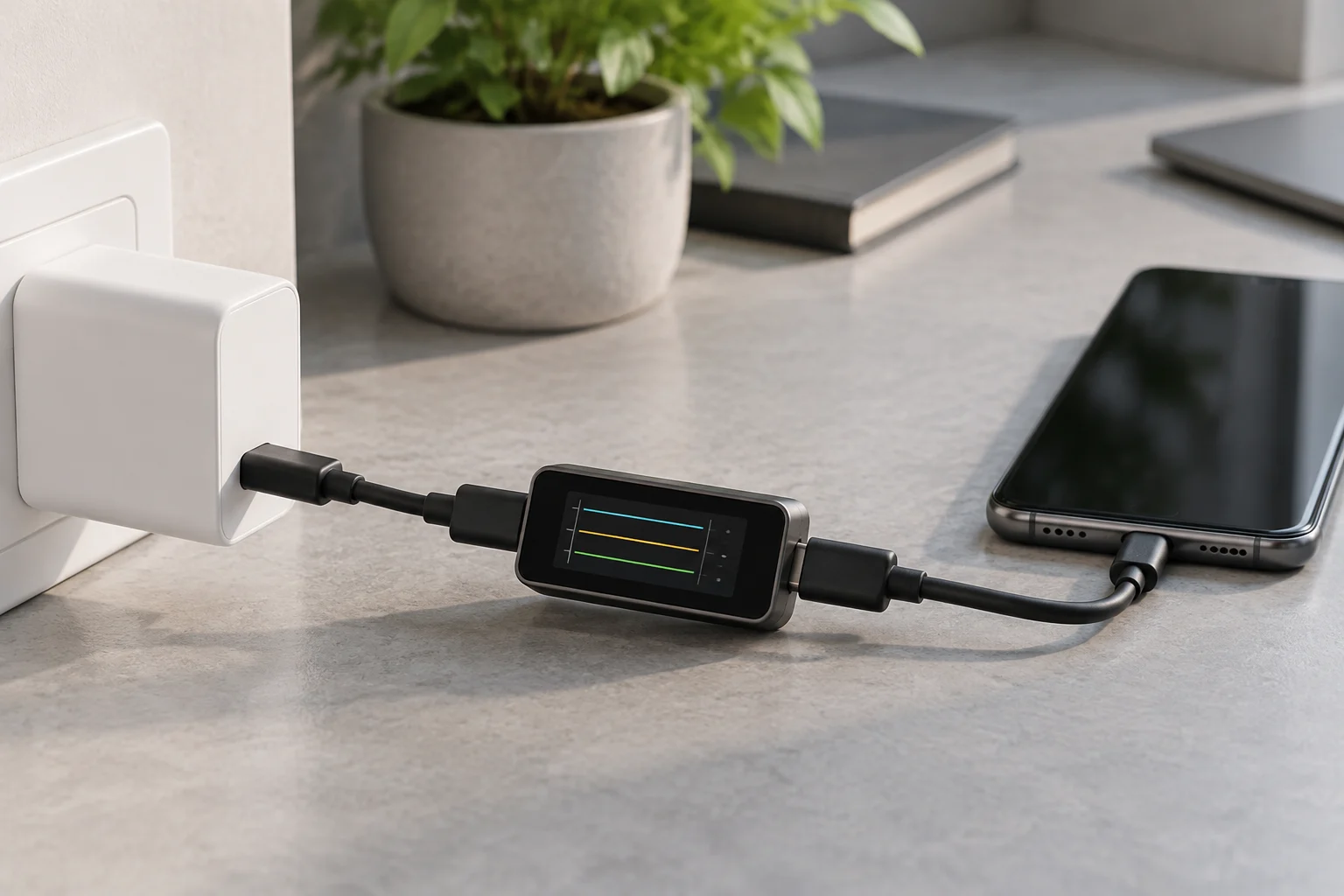
A USB-C meter is inserted into a connection to display electrical information about the power supply, usually voltage, current and power. Depending on the model, it may also show power-negotiation information, accumulate readings or log changes. It is an observation tool: it helps describe what is happening at a particular point in the connection, but it does not automatically identify a component as defective.
If a phone or laptop charges more slowly than expected, a reading can help compare setups—for example, the same device with a different charger or cable. However, the observed figure depends on the battery’s state of charge, the device’s activity, its temperature and its power management. A low value at a particular moment therefore does not prove that the adapter is unable to supply more power; the device may simply not be requesting it then. The meter is most useful for comparisons under controlled conditions, not for finding an isolated figure that supposedly describes an entire charging session.
Some causes are also beyond what the accessory measures: a dirty or worn port, a degraded battery, a software limitation or a thermal problem. Manufacturers recommend checking basic aspects of the charger and device before attributing an issue to one component. Apple’s guidance for a Mac, for instance, includes checking the connection and adapter; Google’s Pixel help includes checks of the phone and its charging. A meter complements those steps; it does not replace them.
Understanding voltage, current and power
Voltage, expressed in volts (V), and current, expressed in amperes (A), describe different aspects of the electrical supply. Power is expressed in watts (W) and, in a straightforward continuous reading, is related to the product of voltage and current. Some meters calculate and display it directly. Check the manual to see which quantities the meter reports, where it detects them and at what resolution; a display with more decimal places does not by itself guarantee a more accurate measurement.
A reading is not the same as the maximum power a charger could provide. With USB Power Delivery, compatible devices negotiate power, so the amount delivered can change during a session and depends on what the device accepts and requests. USB-IF maintains specific documentation on USB Power Delivery and USB Type-C. This distinction matters when comparing products: a charger’s advertised maximum power does not mean the connected device continuously consumes that amount, nor that every cable-and-device combination can use it.
Battery charging is not a constant line either. It can vary with charge percentage, the tasks the device is running and its temperature. Apple’s support documents on iPhone and Apple Watch charging speeds provide product-specific context; they should not be treated as a universal rule for other brands. For a useful comparison, record the approximate battery percentage, the time since connection, whether the device is in use and the general conditions. A momentary reading describes that instant and setup, not the behaviour of an entire session.
Features worth comparing before you buy
Start with physical and electrical compatibility, not the number of icons on the display. The meter must fit the connection you want to check and support the required direction of use. Check whether it has suitable USB-C input and output ports, or whether the manufacturer specifies a particular arrangement. An accessory that physically fits is not necessarily appropriate for every combination of device, charger, cable and protocol. USB-IF documentation on Type-C connectors and cables is useful for understanding that connector type and capabilities are related, but not interchangeable, considerations.
Next, verify exactly what the manufacturer claims about protocols and capabilities. Look for specific references to USB Power Delivery and, where relevant, any additional functions you need. Distinguish between displaying an electrical reading and decoding negotiation information: a model may do one without doing the other. Its permitted voltage, current and power ranges also matter; do not buy based only on a promotional figure without understanding what that figure refers to.
Finally, decide whether you need analysis features or simply a readable display. Data logging can make longer comparisons easier; a real-time reading may be enough for a basic check. Review the clarity of units, display refresh, instructions, warranty and safety conditions stated by the manufacturer. No specific model recommendation can be made here: the sources consulted do not document particular commercial meters or allow their accuracy to be compared. Choose verifiable features that answer a specific question, rather than paying for functions whose scope is not explained.
A simple, repeatable procedure
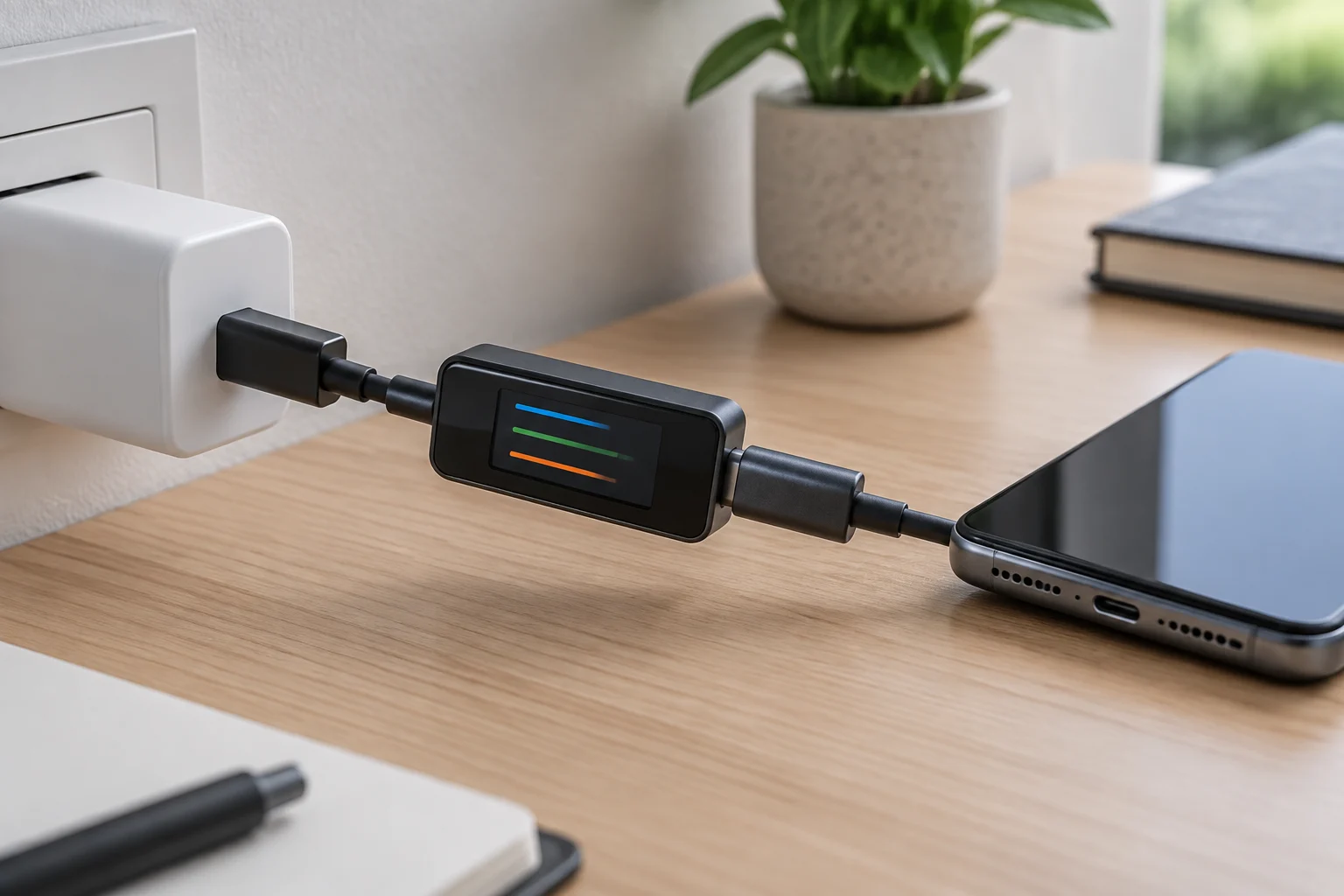
The most useful comparison changes one variable at a time. Start with the charger and cable normally used, and note the device, its approximate battery level and whether it is in use. Insert the meter as instructed. Observe the reading after a stable interval and record voltage, current and power if shown. There is no need to chase a maximum figure: what matters is recording the conditions accompanying each observation and whether the reading changes when one component is changed.
Next, keep the charger and device the same, but replace the cable with another one known to work and suitable for the intended use. Repeat the observation under conditions that are as similar as possible. Then, if a compatible alternative is available, compare a different adapter. Avoid hurried, repeated unplugging and reconnecting: allow the device to establish charging, and note whether the reading remains stable or changes. For an intermittent issue, logging may be more informative than watching the display for a few seconds.
A practical sequence is: baseline, cable change, charger change and repeat. If changing one component consistently alters the result across several checks, that is a clue; it is not conclusive proof of a fault. Before repeating the test, check that the device recognises charging and that the meter is correctly oriented and connected. If the meter’s instructions do not explain the connection or use with a particular combination, do not improvise: limit the test to configurations expressly supported.
Limits, compatibility and precautions
A meter placed in the path observes conditions at its connection point; it does not necessarily measure what is happening inside the battery or identify a loss anywhere along the chain. Nor does it prove that a cable meets a certification, that a charger is safe or that the device negotiates every possible function correctly. USB-IF publishes compliance documentation for connectors and cable assemblies, along with information about its compliance programme. A normal reading does not replace a safety or compliance assessment.
Inserting the accessory also adds another element to the connection. If the meter does not support the power level, protocols or configuration being used, the test may no longer represent normal operation. That is why it is important to consult the model’s documentation for limits, compatibility and orientation. Do not use the accessory to force modes, short contacts or open or modify chargers. If unusual heating, an odour, visible damage or repeated disconnections occur, stop the test and contact qualified technical support.
Slow charging does not automatically indicate a faulty adapter. The device may limit input because of temperature, battery condition or activity; manufacturers such as Apple and Google also describe their own diagnostic procedures for their devices. First inspect the port and cable, try an appropriate power outlet and follow the manufacturer’s support instructions. This guide contains no independent measurements of meter models and no product accuracy or safety testing. It offers a method, not a device ranking.
Checklist and choosing for your use
Before buying, turn the problem into a question you can check. If you only want to see voltage, current and power in a typical USB-C connection, a unit with a clear display and documented compatibility may be enough. If you want to investigate negotiation changes or intermittent behaviour, prioritise a manual that describes those functions and a meter that can log data. For laptop use, expressly confirm the power limits and compatibility for the intended setup; do not assume every USB-C meter supports high-power charging.
Check these points in the specifications and manual, not just in the product name:
- Connector type and layout, and the permitted connection direction.
- Protocols the manufacturer says the meter measures or displays.
- Voltage, current and power limits, with clearly stated units.
- Whether it logs data or only displays readings on screen.
- Instructions for use with the intended device, cable and charger.
- The manufacturer’s warranty, safety conditions and support.
If the accessory does not document an important point, treat it as unknown. The absence of a statement does not prove a function is impossible, but it does not give you grounds to rely on that function either. Likewise, a compatibility label does not by itself tell you how accurate the readings are: that would require verifiable specifications or independent comparative tests, which are not part of the information available for this guide.
How to interpret results without overdiagnosing
A meter is most useful when results are treated as clues in a sequence. If the same setup gives similar readings in repeated tests, but changing the cable consistently changes the behaviour, it is worth inspecting that cable and confirming the result with another compatible device. If readings barely change when components are swapped, the cause may lie with the device, its settings or the charging conditions. The meter alone proves none of these possibilities.
Write down what you observe and compare it with the charging power specified by the device manufacturer and its official recommendations. Avoid directly comparing two sessions with very different battery levels, temperatures or usage. If the problem persists with known-good compatible accessories, contact the manufacturer or a repair service. At that point, an external observation may help guide the discussion, but it does not replace internal diagnostic tools.
The buying decision comes down to three criteria: the meter must match the actual connection you will test, document the quantities or protocols you need, and have limits suitable for the intended use without forcing the setup. If you cannot identify which question it would answer, you probably do not need extra features. An orderly measurement reduces guesswork; it does not turn an electrical reading into a verdict on the health of the entire charging chain.