The Matter label is a starting point, not a complete guarantee
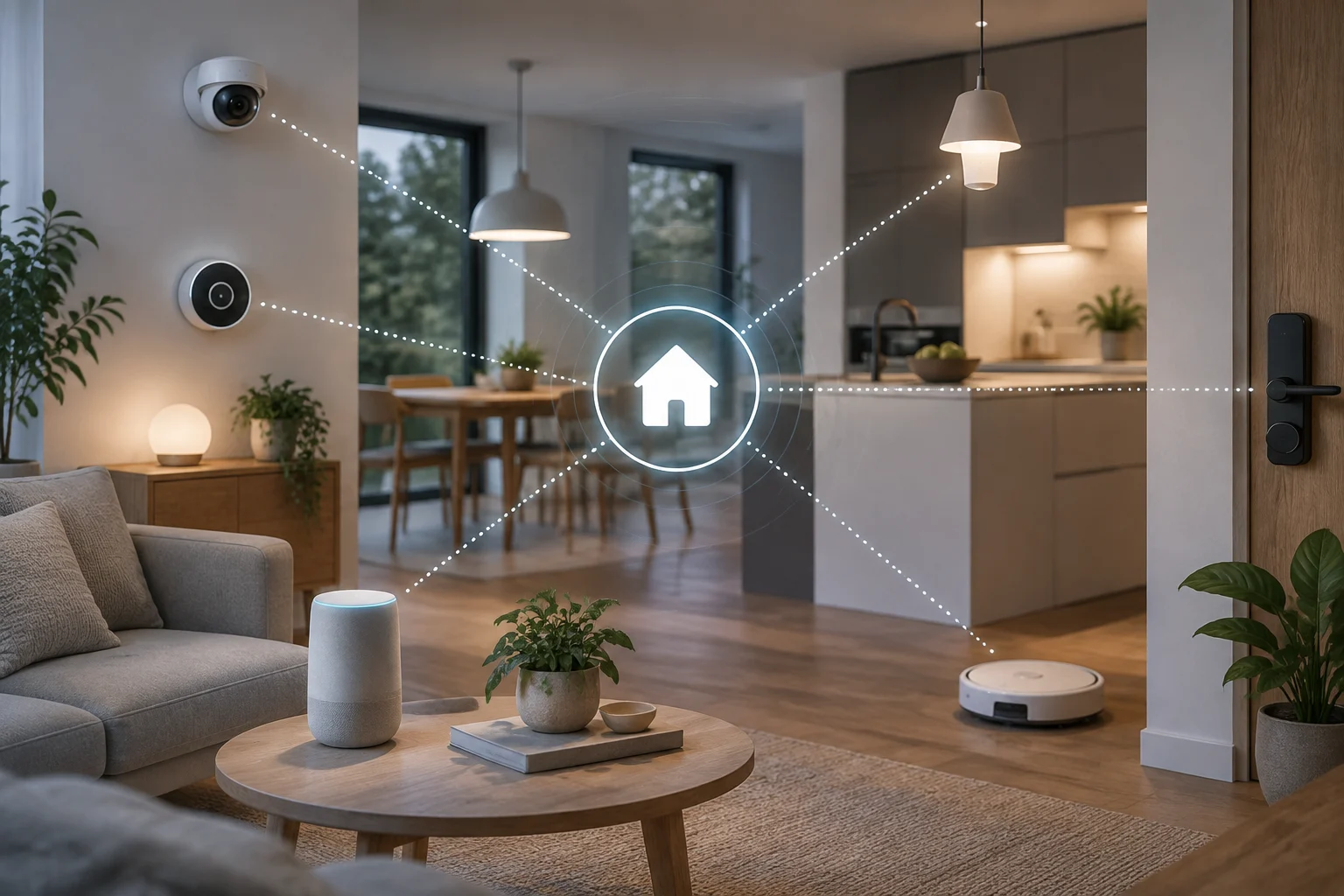
Matter is a standard that allows compatible home devices to communicate with platforms from different companies. Its purpose is to reduce a familiar barrier in connected homes: the requirement to use only a particular brand’s app or system. But interpreting “Matter compatible” to mean “works the same in every home and with every feature” goes beyond what the label establishes. Compatibility indicates that a product implements capabilities covered by the standard; by itself, it does not show that every platform exposes those capabilities in the same way.
That distinction matters when you shop. A device may be added to more than one ecosystem, while the actual experience—available controls, automations, alerts, or advanced settings—depends on what both the product and the chosen platform support. The Connectivity Standards Alliance (CSA), which maintains Matter, describes the standard and its device categories; each platform’s documentation sets out what it supports in its own environment. The useful unit of comparison is not just the product, but the combination of product, feature, and ecosystem.
It helps to separate three questions: Does this exact model have Matter certification or declared Matter compatibility? Which device type and functions does its implementation cover? And does the platform where you want to use it document support for that device type? Answering only the first question leaves the other two unresolved. Before paying, look for information about the specific model number, not merely a general brand page or a mention of Matter on the packaging.
Check each platform’s device categories and features
Ecosystems publish their own documentation to define the scope of their support. Google provides specific instructions for setting up, managing, and controlling Matter-compatible devices in Google Home. Amazon documents Matter device categories and the clusters supported by Alexa. These lists can help reveal differences between platforms, but they should not be read as a promise of functional equivalence: each platform provider describes what its implementation offers, not necessarily everything another platform allows.
A practical, model-by-model comparison
Write down the category identified by the manufacturer—for example, lighting, plug, or sensor—and look for that category in the current documentation for the platform you intend to use. Then check whether the device’s product information mentions the features you actually need. If you want to dim a light, knowing that it is a Matter light is not enough: confirm that the model supports dimming and that the chosen platform provides that control. If you need alerts or measurements, also check which data and events are exposed rather than inferring them from the device category.
Basic compatibility is not the same as a uniform inventory of features. One ecosystem may offer general controls and leave particular settings to the manufacturer’s app; another may support a different combination. It is not reasonable to conclude that a feature is present or absent just because the Matter logo appears on the product. When the documentation does not clearly list a feature, treat it as unconfirmed and ask the manufacturer before buying, especially if that feature is essential.
Hubs, controllers, and setup: identify what your combination requires
Adding a device may depend on a compatible Matter controller, a phone with suitable software, or other network components. Requirements are not universal: they vary with the product, platform, and connection technology in use. Google, for example, provides instructions for preparing a home and setting up Matter devices, while Apple publishes troubleshooting steps for accessories that cannot be added to the Home app. These guides are useful precisely because they show that setup may require checking specific conditions, not just scanning a code.
Before buying, consult the requirements listed by the device manufacturer and the ecosystem’s official help. Check whether you need a compatible controller or hub, whether the phone and app meet the requirements, and whether the connection depends on Thread, Wi-Fi, or another stated technology. Do not assume that equipment controlling accessories from one family—for example, Zigbee—automatically works as a Matter controller: these are different technologies, and the equipment’s exact role must be documented.
The recommended sequence is straightforward: identify your primary platform, confirm its network and controller requirements, and then verify the setup procedure for the specific model. If you intend to share the accessory across several ecosystems, look for explicit instructions on adding it to more than one and check any documented limits. A hub in your home is not necessarily the right hub for every feature or every protocol.
Local control and the cloud: do not infer more than the standard says
The possibility that communication takes place on the home network does not, by itself, settle which external services a system uses. Distinguish communication between accessories from remote access, notifications, voice control, and account- or app-based features. One feature may work differently from another; behavior also depends on the device implementation and ecosystem. It is therefore not accurate to claim that every Matter system is completely local or never needs an internet connection.
To assess cloud dependence, look for specific statements from the manufacturer and platform: which controls keep working if the internet goes down, what requires an account, which features need remote access, and whether automations run locally. Setup or troubleshooting documentation may clarify connectivity requirements, but it is not always a complete policy covering every feature. If the sources do not answer a question, the responsible conclusion is that the consulted evidence does not document it—not that the feature is local or cloud-dependent.
Local control does not automatically mean absolute privacy, uninterrupted operation, or independence from all servers. Likewise, needing a connection during setup does not prove that every later command depends on the cloud. Treat each feature as a separate question and ask for a specific answer when the manufacturer’s policy does not explain the case that matters to you. For a critical installation, such as an alarm or lock, also check the fallback procedure for network failures; do not infer security characteristics from Matter compatibility.
Updates and maintenance: compatibility can have conditions
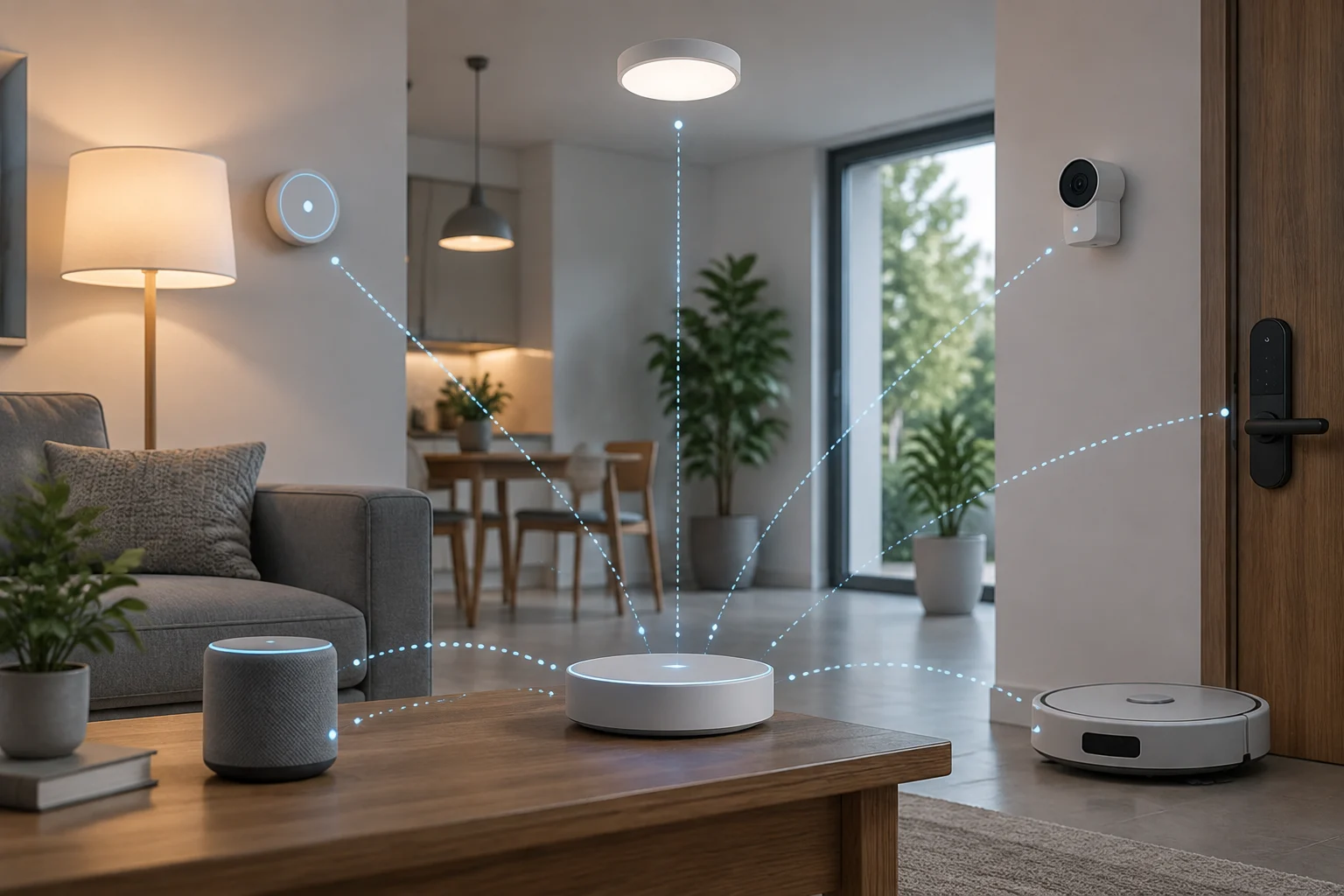
A shared standard does not remove the need to keep software up to date. The platform, device, and, in some cases, home controller may each have version requirements or their own update procedures. Apple support pages about accessories that cannot be added or stop responding illustrate that practical troubleshooting involves more than the product label: setup, accessory availability, and environmental conditions can all matter. These are support guides, not a guarantee that every problem has one solution across all manufacturers.
When assessing long-term support, look for the device manufacturer’s update policy, firmware installation instructions, and a current support channel. Find out whether the product can be updated through its own app and whether that adds an account or connectivity requirement. The absence of a publicly stated end-of-support date does not prove indefinite maintenance; nor does it justify saying the product will stop working soon. That is a limit of the available information, not a prediction.
In homes with several systems, keep the exact model reference and installed software version, and note which ecosystems it was set up in. This information makes it easier to find relevant instructions if an update changes the experience or a fault appears. If you rely on a particular feature, review the manufacturer’s and platform’s official documentation regularly. Do not assume that a list checked at the time of purchase will describe current support forever.
A pre-purchase checklist for a mixed-ecosystem home
An informed purchase draws on complementary sources: the product page identifies what the manufacturer sells, the platform documentation clarifies what the ecosystem supports, and the CSA explains the standard’s general scope. None of these sources replaces the others. Pages can change, and a guide written for a particular region or version may not describe every combination available in other markets. Record the exact model and consult information that applies to your country and devices.
Quick checks
- Confirm that the exact model—not just the product family—declares Matter support, and check which device category it implements.
- Find that category in the documentation for every platform you want to use and verify the specific features you need.
- Review controller, hub, network, phone, app, and software-version requirements; distinguish Matter from other technologies such as Thread or Zigbee.
- If you want to add the accessory to more than one ecosystem, check the procedure and any limits explicitly documented.
- Ask which features require internet access, an account, or the manufacturer’s app, and which remain operational offline, if the documentation is unclear.
- Check the update method, available support, and warranty conditions before relying on the device for an important task.
The final decision may be simple: if the device provides the feature you need in your primary ecosystem, the requirements are acceptable, and the manufacturer documents the support you value, Matter interoperability may make an installation less tied to a single brand. If the central feature does not appear in the official guides, consider it unconfirmed. Matter helps you compare and connect; it does not replace checking each combination or make platforms interchangeable.