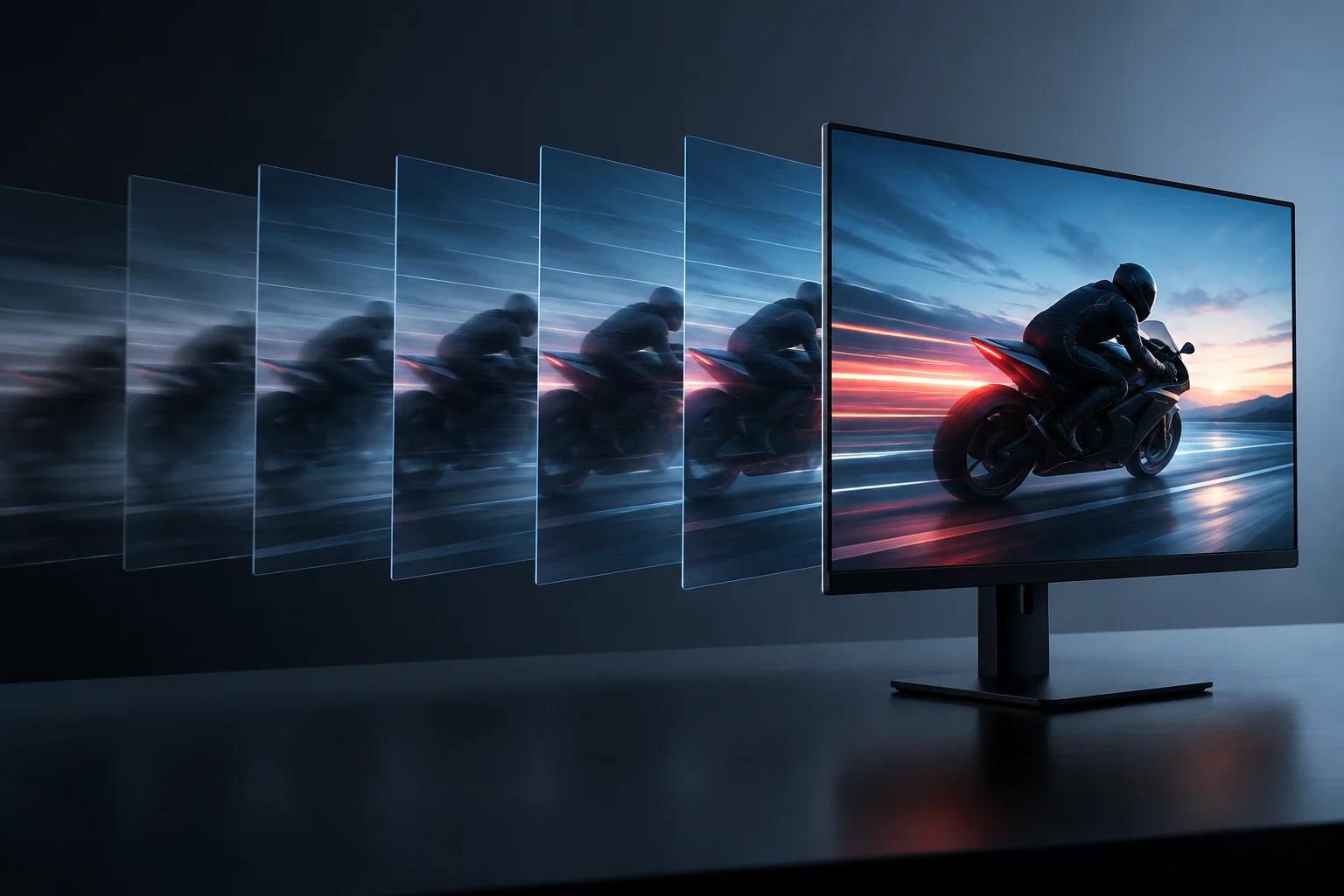
Three figures, three different questions
When comparing monitors, you may see figures such as 144 Hz, a 48–144 Hz VRR range, or a 1 ms response time. These are not three ways of measuring the same quality. Refresh rate describes how many times per second the image can be updated; Variable Refresh Rate (VRR) allows the update rate to adjust to the source’s frame delivery; and response time refers to pixels transitioning between states. One figure cannot replace the others, and none of them alone sums up motion quality.
This distinction matters because a specification sheet often displays striking numbers without making clear which method, picture mode or conditions they refer to. A monitor can have a high maximum refresh rate and still show visible trails caused by pixel transitions. It may also support VRR, but only over a certain range or through particular inputs. Read each specification as an answer to a specific question, not as a general performance guarantee. When two numbers look comparable, first check whether they refer to the same kind of operation and the same conditions; otherwise, the comparison may be misleading.
What refresh rate means
Refresh rate, expressed in hertz (Hz), indicates how many image updates the display can perform per second in a given mode. In practical terms, a higher rate allows more updates to be presented over the same interval and can make motion appear smoother, provided the source supplies suitable content. It is not the same as the number of frames the computer generates: the display and graphics card are different parts of the chain.
That is why the advertised Hz figure does not tell you by itself how many frames a game produces, nor does it guarantee that every resolution and connection can reach the maximum. The available mode depends on the combination of monitor, source, configuration and video link. Before buying, consult the documentation for both devices to check supported resolutions and refresh rates, and verify which input you intend to use. A maximum figure may apply to a particular mode rather than to every mode the monitor offers.
It is also important to distinguish fixed from variable refresh. In a fixed-rate setup, the display refreshes at a selected pace even when frame delivery fluctuates. If the two rates do not line up, synchronization defects or visual irregularities can occur. The Hz number helps you understand the refresh ceiling, but it does not by itself describe synchronization or how cleanly pixels transition. So, treat refresh rate as one part of the picture: it describes update capacity, not every element that determines whether motion looks consistent.
VRR: synchronization within a range
VRR allows the display’s refresh rate to vary so that it can keep pace with frame delivery from a compatible source. HDMI explains that this feature can help reduce tearing and judder when a source delivers images at variable rates. VESA, meanwhile, runs an Adaptive-Sync compliance program for displays and describes performance requirements for variable refresh. These technologies and programs relate to synchronization, but their names and certifications should not be treated as interchangeable without checking the relevant documentation.
A range such as 48–144 Hz expresses the published limits for a VRR mode; it does not mean that the function covers every refresh rate outside those limits. Effective compatibility depends on the monitor, source and connection all supporting the relevant mode, and on that mode being enabled in the settings. The presence of “VRR” on a box does not by itself prove that it will work with every console, graphics card, port or resolution. Check the monitor manufacturer’s instructions and the requirements of the source device.
To assess compatibility, look in specifications or manuals for the inputs that support VRR, the stated range, the resolutions associated with that range, and whether an option must be enabled in the monitor menu or system settings. If a device has several ports, do not assume they all provide the same features. A certification can provide shared evaluation criteria, but it does not remove the need to confirm that the specific devices will work together. The practical question is not merely whether both products mention VRR, but whether their supported modes and connection match.
Response time and trails
Response time describes how long pixels take to change between levels or states. It is normally expressed in milliseconds, but the value depends on which transition is measured and what criterion is used. A small figure may seem easy to compare; without knowing the method, however, it cannot establish that every transition is equally fast or that there will be no overshoot or artifacts. It is not another way of expressing hertz: a display can refresh many times per second and still have slow pixel transitions.
Independent tests can reveal aspects that an advertised figure does not summarize. RTINGS describes its motion and response tests, including evaluations of transitions and blur. When comparing results, check which picture modes or settings were used, which metric is reported, and whether the data comes from the same method. A laboratory measurement should not automatically be mixed with a manufacturer’s number if their definitions and conditions do not match.
Input lag is not synonymous with response time, either. Input lag refers to the delay between an input signal or action and its appearance on screen; response time concerns pixel transitions. A review may measure both, but they answer different questions. For gaming, for example, it is more informative to consult specific response and input-lag tests than to infer either from the maximum Hz figure or an advertised response time. Look at what was actually measured, under which settings, and by what procedure before drawing conclusions about how responsive a monitor will feel.

How to interpret figures and certifications
Read each specification in context. If a sheet advertises “1 ms,” check whether that refers to a particular transition, a strobing mode, or another procedure described by the manufacturer. If it claims a maximum refresh rate, confirm the resolution and input to which that figure applies. If it advertises VRR, look for the range and compatible modes. The fairest comparison is between data defined in similar ways and verifiable in documentation or published tests. A number without its definition leaves important questions unanswered.
Standards and certification programs can help organize information, but they do not make all certified products identical. VESA explains that its Adaptive-Sync program applies tests to evaluate aspects of variable-refresh display performance. That is different from an isolated specification-sheet figure: a certification has its own criteria, while a commercial number may depend on a particular method. Check which standard or label is cited and exactly what it covers instead of assuming it certifies every feature of the monitor.
A practical summary is: Hz answers how many updates per second a mode supports; VRR indicates whether the rate can vary to follow the source, and within what limits; response time in ms reports pixel transitions according to a method; and input lag requires a separate measurement. If the method is not defined, treat the number as incomplete information, not proof that the monitor will be fast or free of artifacts in every situation. Each metric is useful when interpreted for what it measures, but none should be asked to stand in for all the others.
Checklist before choosing
Before deciding, gather information about the monitor and the equipment you plan to connect. You do not need to chase the biggest number in every category: the goal is to confirm that the modes you need are available and understand what evidence supports the claims. A short checklist helps avoid confusing a theoretical maximum with compatibility or measured performance:
- Resolution and refresh rate: confirm that the monitor supports the desired mode through the intended input and that the source can send that signal.
- VRR: check source and display compatibility, operating range, supported inputs, and settings that need to be enabled.
- Response: identify what the millisecond figure means and look for independent tests with an explained methodology.
- Input lag and artifacts: consult separate measurements of input lag, trails and overshoot; do not infer them from Hz.
- Use conditions: consider whether your priority is motion in games, general work or a mix, and compare equivalent modes.
Official documentation is useful for confirming declared limits and compatibility; standards explain the requirements of a feature or certification; and independent tests provide measurements under a particular protocol. Each source answers a different question. A review does not necessarily represent every setting, unit or possible configuration, so read its results alongside the published method rather than as a universal guarantee. That limitation is normal and does not undermine the value of comparing tests conducted using clear criteria. Taken together, these sources give you a more reliable picture than any single headline figure.