What it means to watch a video via streaming
With streaming, the player receives data while the content is playing instead of waiting for the entire file to download. For viewers, this means playback can start sooner; technically, it means playback depends on enough data continuing to arrive to keep the video moving. This general definition does not mean every service uses the same architecture: formats, apps, servers and delivery rules vary.
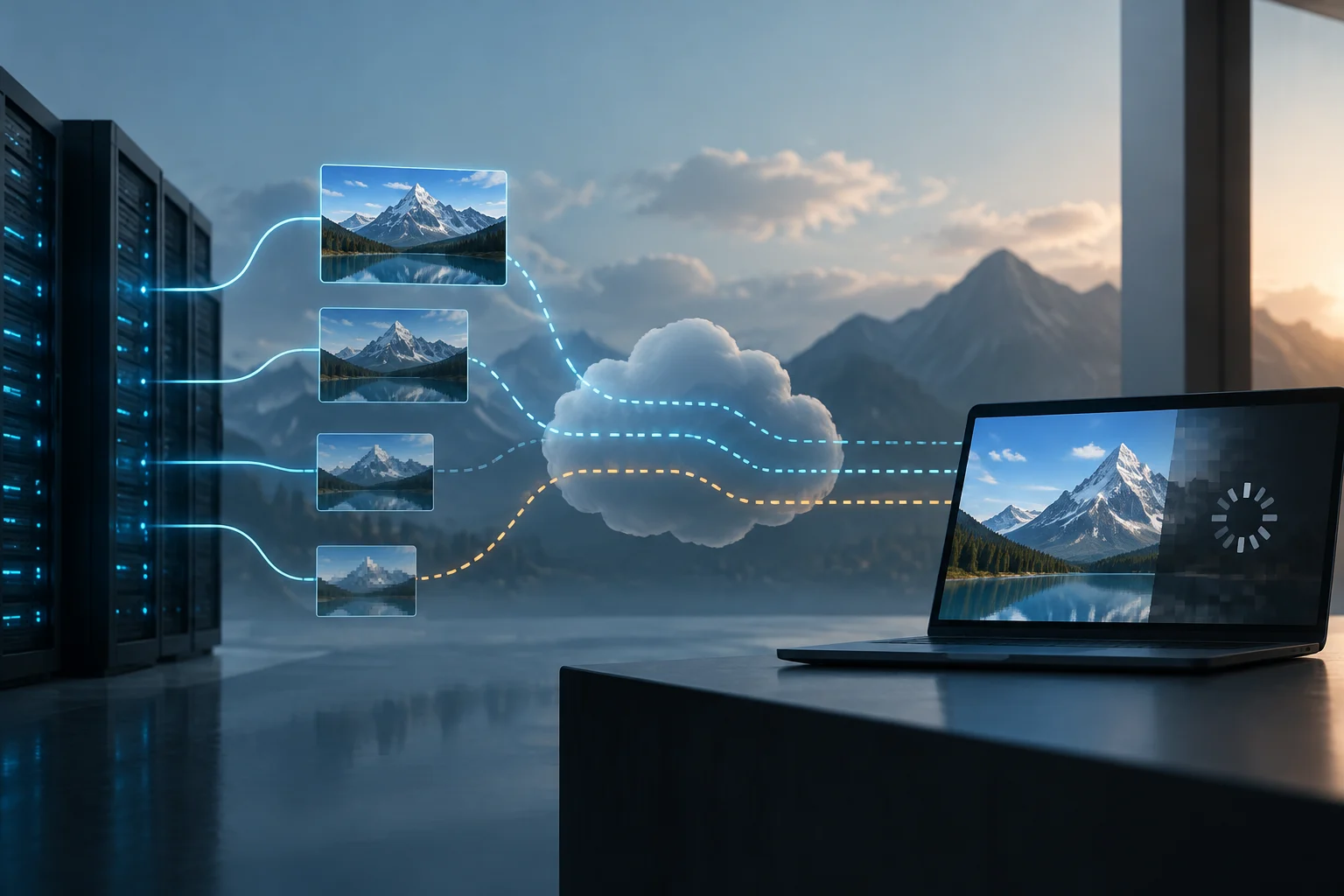
With a conventional download, a file is usually obtained as an identifiable unit, although playback may sometimes begin before the download finishes. In adaptive streaming, by contrast, content is generally prepared in segments and in several representations, for example at different resolutions or bitrates. The player requests those segments as playback progresses. This does not mean the service continuously transforms every image: it usually selects among versions encoded in advance. Apple describes HLS as a system for distributing video and audio using ordinary web servers and content delivery networks.
How quality is adjusted during playback
A representation is an encoded version of the same content with its own characteristics, such as resolution and bitrate. The manifest or playlist tells the player which options are available and how to locate the segments. The player estimates which option it can sustain and requests the next segment; if conditions change, it may choose another. The decision does not necessarily happen for every segment, nor does it follow one universal algorithm.
The logic is commonly called adaptive bitrate (ABR). A higher-bitrate version can preserve more detail, but it requires more data to arrive per unit of time. A lower-quality version can serve as a temporary way to maintain continuity when available capacity falls. The app and service determine which quality levels they provide and how they are encoded; as a result, two platforms may respond differently on the same device and connection. Mux’s technical explanation describes quality selection and the role of different versions.
HLS and MPEG-DASH: similar functions, different specifications
HLS, or HTTP Live Streaming, is Apple’s documented adaptive streaming technology. Its authoring specification for Apple devices sets out guidance for preparing content compatible with those environments. The format also supports playlists containing variants and segments, which the client uses to organize playback. Apple’s documentation is a reference for HLS, but it does not mean every service using HLS has identical settings or results.
MPEG-DASH is a standard for adaptive video delivery over HTTP maintained within the MPEG ecosystem. It shares with HLS the general idea of presenting options and segments that the player retrieves as playback advances, but it is not another name for HLS: these are separate specifications, with their own formats and implementation requirements. Compatibility depends on the service, app and device; mentioning one of the standards does not prove that a particular platform uses it in all its apps. MPEG’s page summarizes MPEG-DASH as a standard. Apple publishes technical documentation for HLS and CMAF.
Bandwidth, buffer, latency and device
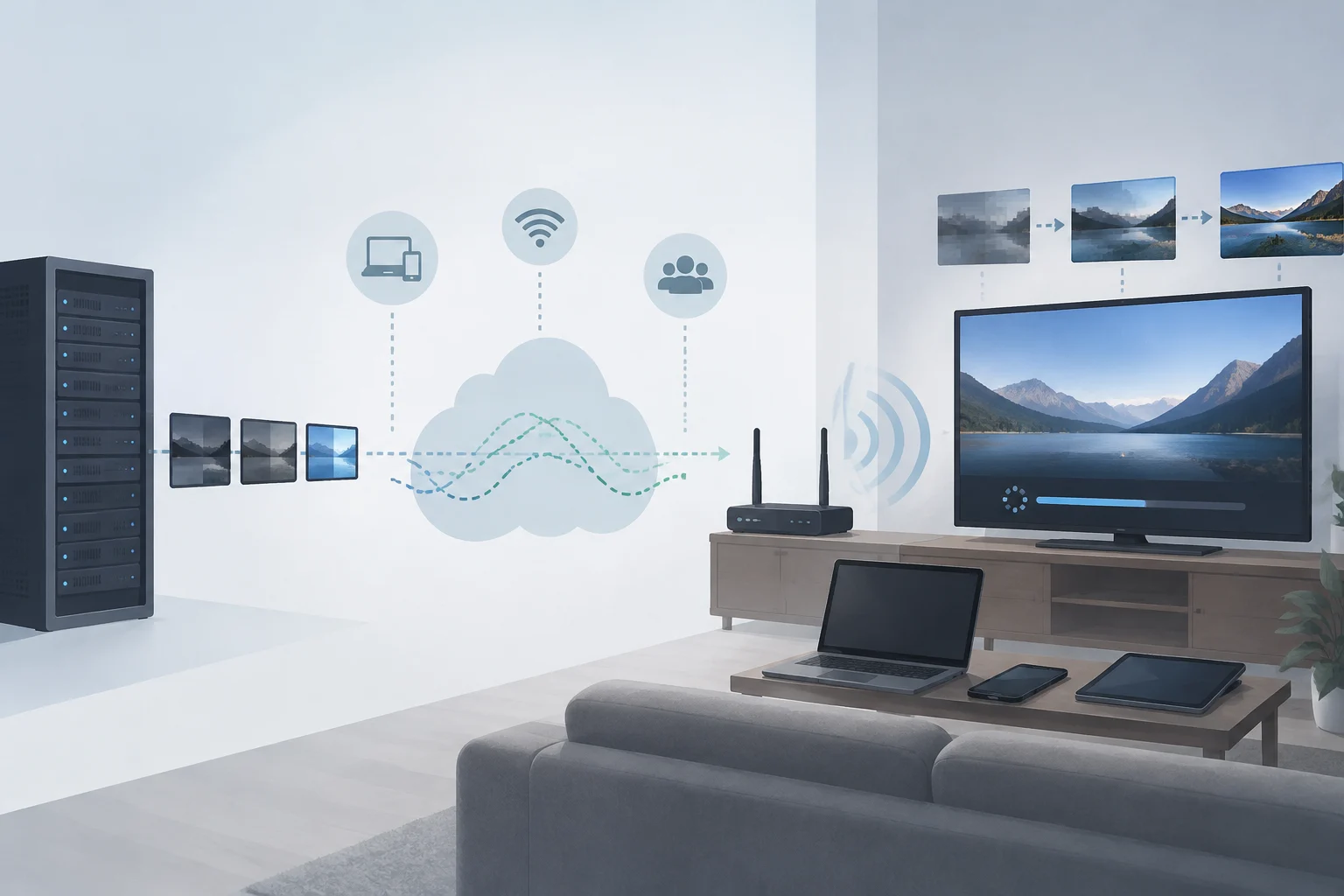
The connection matters because segments must arrive quickly enough for the player to keep playback going. What matters is not only the maximum speed advertised for an internet plan, but also the capacity available to video at that moment and how it fluctuates. Other devices, wireless interference, congestion or routes to the service can affect that capacity. A single speed test can provide a useful indication, but it does not necessarily reproduce video delivery conditions or connection quality over the entire session.
The buffer is a reserve of data that has already arrived but has not yet been played. If data arrives faster than it is consumed, the buffer can grow; if incoming data falls below the playback rate and the reserve runs out, playback pauses while it recovers. Increasing the buffer can help with brief fluctuations, but it can also increase initial wait time or delay live content. Latency, meanwhile, is the delay between the source and playback; it is not the same as resolution or bitrate.
The device also imposes limits: the player must be able to decode the selected codec and quality, and the screen affects how much detail can be seen. An older device or outdated app may have incompatibilities or faults; that does not establish that either is the cause of every pause. Network, server, app and decoding capability are distinct factors, even though their symptoms can overlap. Apple’s HLS documents describe authoring and playback requirements for its devices, not a universal diagnosis for every interruption.
What symptoms indicate—and what they do not prove
An image that becomes less sharp while playback continues is consistent with a switch to a lower-quality representation. It is a clue, not proof that the internet provider is having a problem: the player may switch because of temporary fluctuations, its selection policy or the options available in the content. If quality remains low, a manual setting, the service plan or limitations of the original source may also play a role.
A pause followed by resumed playback may correspond to an exhausted buffer, but by itself it does not identify where the problem originated. An app error, service interruption or compatibility issue are also possible. If it happens only on one television and not on another device, that narrows the comparison, but does not automatically prove the television is faulty: the connection, app, network route and requested quality may differ.
It is useful to separate observation from explanation. “The resolution dropped” describes something perceptible; “the router is the cause” is a hypothesis that needs further checks. You cannot infer the exact bitrate, available bandwidth or server status by looking at the screen alone. Some content also comes from a low-resolution source, scenes with a lot of movement make compression artifacts more visible, and screens scale images in different ways.
Simple checks before attributing the cause
When investigating an issue, the most useful approach is to change one condition at a time and note whether the pattern changes. These checks do not replace the service’s internal logs, but they can help distinguish a general incident from one limited to a particular device or connection:
- Check whether the pause occurs in several videos or only one title, and whether it happens again at the same time.
- Try the same content on another device and, if possible, on the same connection.
- Compare Wi-Fi with a wired connection or move the device closer to the access point; avoid changing several things at once.
- Check whether the app offers automatic or manual quality selection, and switch back to automatic to see whether behavior changes.
- Restart the app and check for an available update. Note the error message, time and device before contacting support.
If other devices also lose their connection at that time, it makes sense to check the local network and contact the internet provider; even so, coincidence alone does not identify the exact point of failure. If only one app fails, check its status and the service’s support guidance. If only one device fails, comparing its updates and connection, and trying playback in another app, can narrow down the investigation without replacing a technical assessment. The aim is to gather comparable clues, not to declare a diagnosis based on a single test.