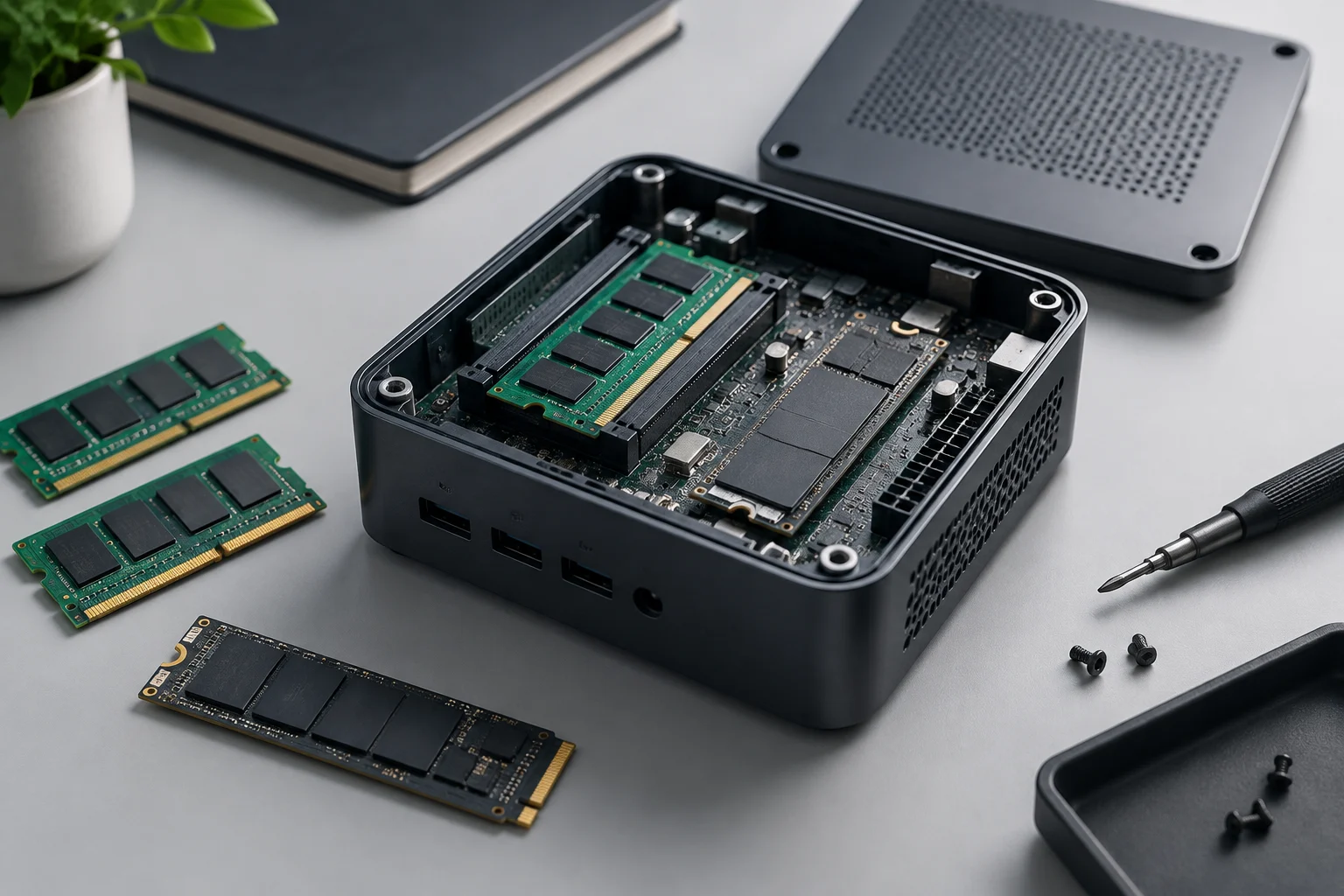
Upgradeability depends on the model, not the category
A mini PC may be a compact box with replaceable components, a system with soldered memory, or a combination of the two. That is why labels such as “Ryzen mini PC” or “Intel N100 system” are not enough to determine whether it can be upgraded: they describe a platform or processor, not the specific construction chosen by each manufacturer. The useful question is which components the exact model supports and what configuration is documented for the market where it is sold.
This distinction matters for office work, development and long-term home use. Being able to add memory or replace an SSD can extend a computer’s practical lifespan, but the label “upgradeable” does not mean that everything can be changed. The processor is usually part of the motherboard, and internal space limits the available options. Treat RAM and storage as two separate decisions rather than inferring one from the other.
There is also a challenge when researching and buying: retail listings often mix configurations, family names and regional versions. The sources available for this guide do not provide a sufficiently consistent comparison across several current mini PCs, nor do they support broad claims about the 2026 range. The method therefore focuses on how to verify a specific system, rather than assigning capabilities to an entire generation.
RAM: distinguish replaceable modules from soldered memory
To check memory, look for an explicit description of the RAM type, number of slots and maximum supported capacity in the manufacturer’s specifications. “Installed memory” only tells you how much comes with that configuration; “maximum supported” should refer to the specific model. If the documentation says there are SO-DIMM slots, that is a clear sign that the modules can be replaced, although you still need to confirm how many slots are occupied and which modules are compatible.
By contrast, a reference to LPDDR5 does not, on its own, prove that the memory is soldered: memory type and mounting method are separate questions. Look for unambiguous terms such as “onboard” or “soldered”, or an official table identifying modules and sockets. If the documentation lists only a fixed capacity and publishes no slot information, do not assume that an upgrade is possible: check the manufacturer’s maintenance manual or support resources before buying.
A practical check should settle three points: whether there are accessible slots, the total supported capacity, and which module combinations are allowed. Finding a higher-capacity memory module in a shop is not enough: the limit may depend on the motherboard, BIOS, processor and channel configuration. A third-party compatibility tool can be a useful guide, but confirmation should match the exact model or machine number.
Storage: count connectors and check the form factor
With SSDs, the question is not simply “Does it have M.2?” but how many drives it can hold and which interface each position uses. A specification sheet may list an M.2 SSD slot and mention a 2.5-inch bay elsewhere; it may also describe a single shared connector or a setup that differs by variant. Look for an internal diagram, installation guide or official specification list, and check whether the slot is free or already occupied by the included drive.
Do not confuse M.2 with NVMe. M.2 is a physical form factor; an M.2 SSD can use different interfaces to communicate. Before choosing a drive, check whether the manufacturer specifies PCIe/NVMe or SATA, which lengths are supported and whether there are capacity restrictions. If the system documents only one slot, an upgrade may mean replacing the existing SSD, not adding another. A second drive requires a second physical connection and compatible space; it cannot be inferred from the size of the case.
Descriptions of adapters found in shops or videos do not prove that a mini PC supports a particular internal upgrade. An adapter does not create a slot or guarantee electrical, mechanical or boot compatibility. If the manufacturer does not document a second position, treat it as unavailable unless the service manual or an official support response confirms otherwise.
Cooling, power and the limits of an upgrade
A part fitting physically does not mean the system can use it without problems. Thermal design, airflow, power delivery and firmware decisions all affect performance under load. In a small computer, a modification that increases power demand or heat may not be viable, even if the processor or memory is advertised with an abstract maximum figure. Processor specifications alone do not describe the limits configured by the computer manufacturer.
Do not extrapolate the processor’s TDP to the system’s total power consumption or upgrade capacity. Sustained power and load limits can vary between devices with the same chip, and a measurement from another model does not verify yours. For a purchase, it matters more that the documentation identifies compatible components and operating conditions than that an isolated figure has been quoted in a discussion or unrelated test.
If you upgrade storage or RAM, prioritize components within the published specifications and check whether opening the system affects the warranty under the policy that applies in your market. There is no need to change cooling or power delivery for a standard upgrade supported by the manufacturer; do pause if a proposed change requires modifying the system beyond documented procedures.
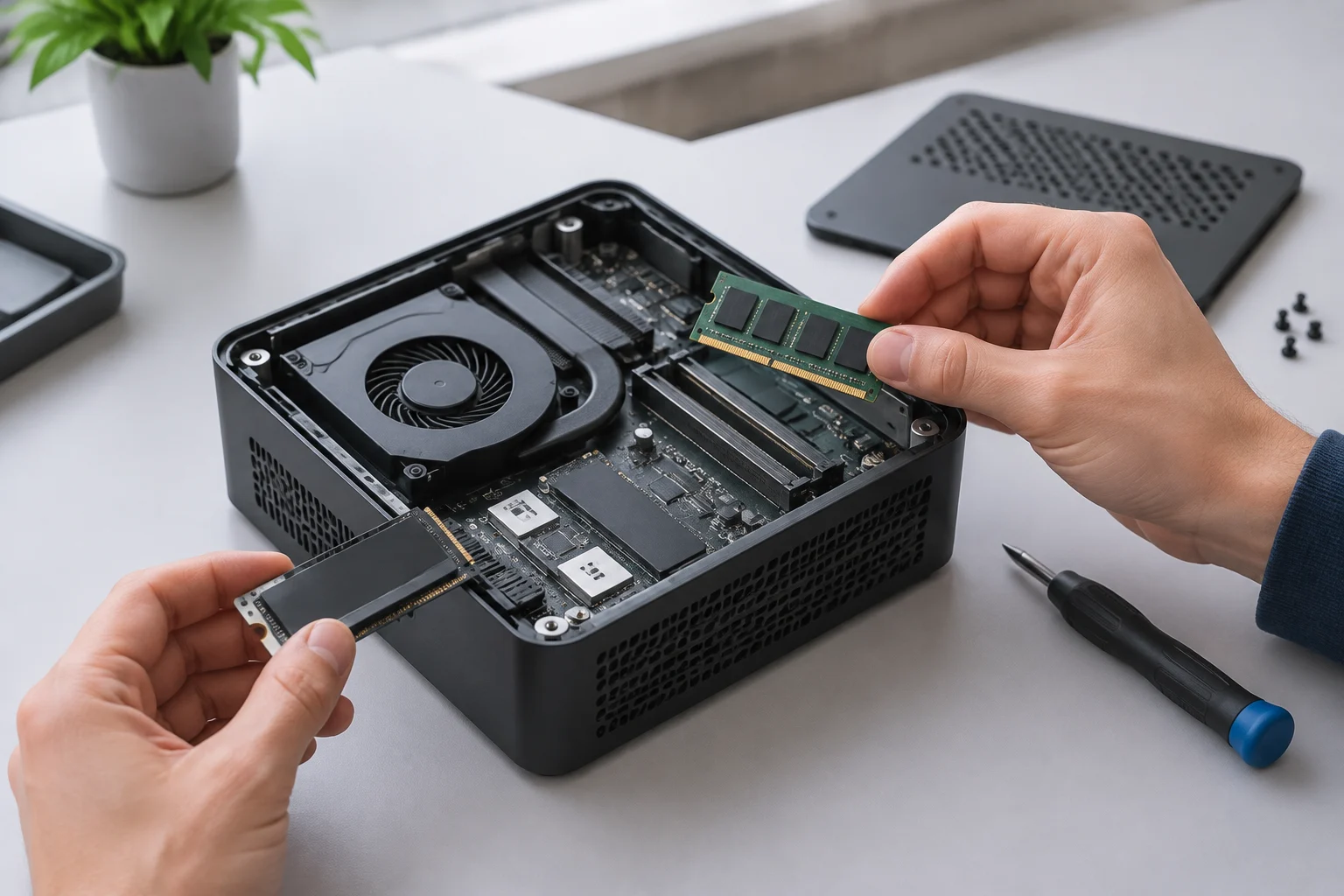
A verification method before you pay
Start with the complete product identifier: model, variant, part number or regional code. A family page may group systems with different motherboards and configurations. For example, a GEEKOM official page identifies the IT12 as a mini PC family; that reference must not be used to assign its capabilities to other models from the brand. Lenovo documentation and third-party compatibility pages must also match the exact model, not merely a similar series.
Next, compare the retail page with a technical source from the manufacturer: a detailed specification sheet, user manual, maintenance guide or support page. CSL publishes a mini PC category, but a general catalogue is not a substitute for the specifications of a particular unit. If the page lists only the factory configuration, look for documentation that describes slots, form factors and maximum supported capacities. A GEEKOM upgrade guide can help explain the topic, but it does not replace model-specific documentation for the system being considered.
Before completing the purchase, check these items and save the references you consulted:
- RAM: type, number of sockets, maximum capacity and permitted modules.
- SSD: number of slots or bays, interface, compatible form factor and length.
- Configuration: which components are installed and which positions are free.
- Service: access procedure, warranty terms and local support.
- Identity: confirm that each document applies to the variant and region on offer.
If an essential detail is missing, the prudent choice is to request written confirmation from the manufacturer or assume that the upgrade is not guaranteed.
Choose with headroom, not by paying for a promise
When choosing a system that can last, separate what you need now from what you might want to change later. If your planned use requires more memory, buying a sufficiently equipped configuration from the outset avoids relying on an unconfirmed upgrade. For storage, consider whether you need extra internal capacity or whether an external drive can meet your needs without opening the system. Each option involves trade-offs in convenience, performance and ease of maintenance.
A good specification sheet should let you answer without guesswork: what can be replaced, what can be added and what the official limit is. Upgradeability is a documented property of the model, not an implied promise of the mini PC form factor. And a maximum figure does not mean universal compatibility: follow the conditions specified for the motherboard, memory and storage drive.
The final rule is simple: compare exact references and consider something upgradeable only when an applicable technical source supports that conclusion. When evidence is missing, state the uncertainty instead of filling the gap with details from a similar product family, a shop listing or a video about another system. That helps avoid buying on the basis of a lifespan expectation the specific product may not meet.