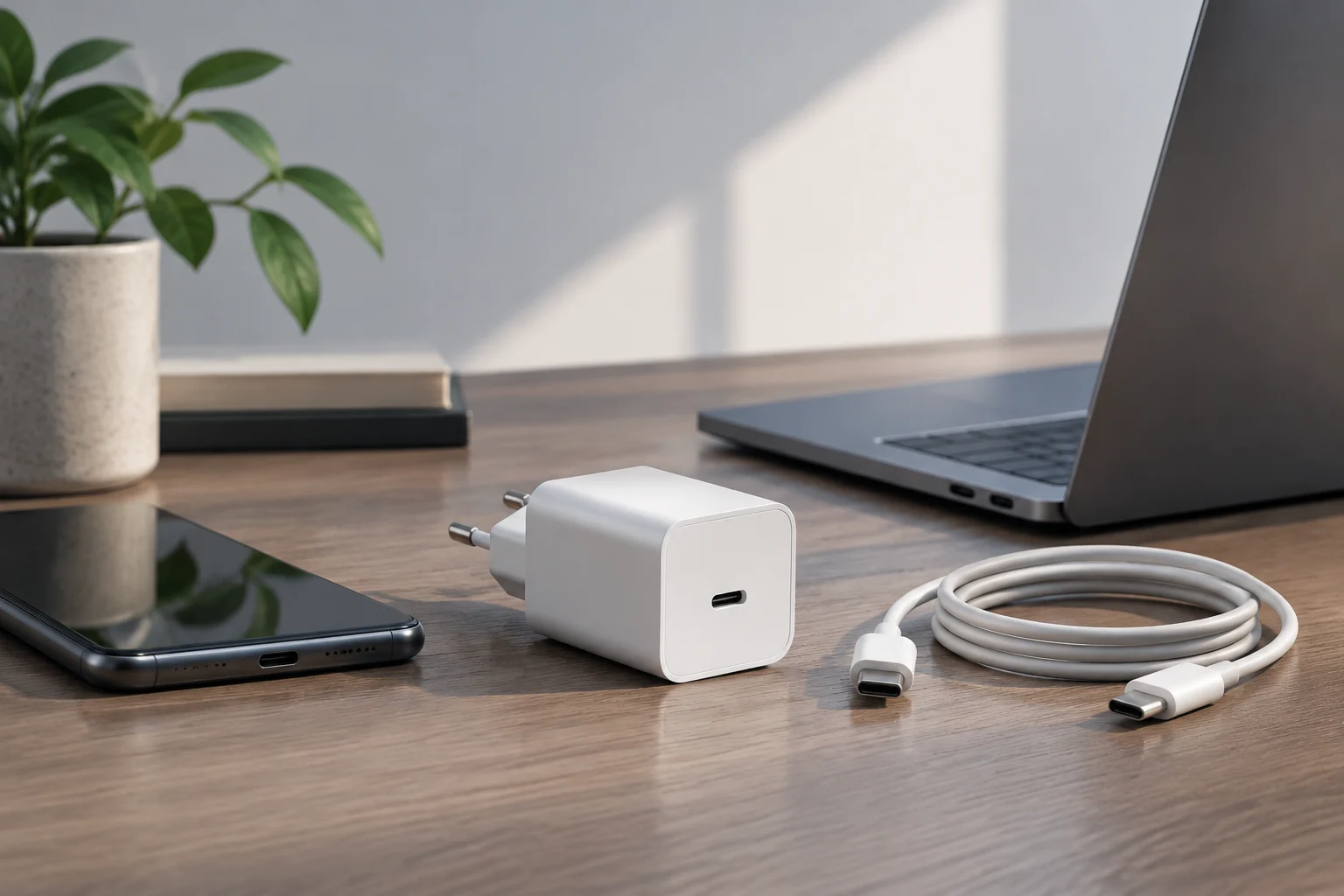
USB-C alone does not define charging
USB-C is the common name for a reversible connector, but it is not enough to tell you how much power a charger can deliver or which charging modes it supports. Three distinct elements matter when making a purchase: the physical connector, the protocol used by the power source and device to negotiate charging, and the electrical capabilities of the charger, device, and cable. USB-IF documentation treats connectors and cables separately from USB Power Delivery, a distinction that helps prevent the plug’s shape from being mistaken for a guarantee of performance. (USB-IF: cables and connectors; USB Power Delivery).
Power is usually expressed in watts (W), but the prominent figure on the box may refer to the maximum output of one port under specific conditions, not the power available from every port or when they are used at the same time. Fast charging also requires the protocol supported by the device to match one offered by the power source. That is why a USB-C port and a high wattage figure do not, on their own, prove compatibility. (USB-IF: USB Power Delivery; contextual explanation: ACT Connectivity).
It is also useful to distinguish a common standard from the commercial names used for other fast-charging technologies. Protocol guides explain that advertised functions depend on agreement between charger and device; you should not assume that any two USB-C products will reach the highest speed advertised. For a specific purchasing decision, the device and charger manufacturers’ specifications are more useful than a generic list of protocols. (USB-IF: USB Power Delivery; secondary guide: IMIA, USB-C protocols).
Start with your device’s specifications
First, look up the exact model of your phone, tablet, or computer on the manufacturer’s website or in its official manual. The relevant information is its maximum input power, supported charging protocols, and any requirements for the adapter or cable. If the manufacturer only recommends a charger without giving input specifications, do not infer that the device can accept all the power a more powerful source can provide: the source’s rating is its maximum capability, not an instruction to force that power into the device. (USB-IF: USB Power Delivery; compatibility guide: IMIA).
Next, check the charger’s specifications. See whether it lists USB Power Delivery (USB PD), which profiles or levels it offers on each output, and whether the advertised power applies to one individual port. A compatibility guide from an accessory maker may help explain the terminology, but it does not replace the tables and warnings for the exact model or the device manufacturer’s information. If the charger only says “fast charging” without identifying the protocol and output, there is not enough information to confirm that it will provide the expected speed. (USB-IF: USB Power Delivery; secondary guide: IMIA).
Compatibility may still be possible even if the maximum speed is not reached: the device and power source may share a lower-power mode. That does not make it possible to predict a specific charging time, which also depends on battery condition, temperature, use while charging, and the manufacturer’s power-management decisions. Treat maximum speed as a compatibility condition to verify, not as a promise of consistent performance.
Read the power rating for each port and how it is shared
For a charger with several outputs, distinguish the adapter’s total power from the power available through each port. A specification may give the maximum for one output when used alone and describe a different behavior when two or more devices are connected. If the table does not explain the combinations or power allocation, you cannot conclude that every port will retain its maximum output simultaneously. Multip port charger guides also recommend checking the distribution, but the published specifications for the exact model should resolve the question. (Secondary guide: Joybuy, multiport USB-C chargers).
Before buying, compare your actual usage with the available figures. If you plan to charge a laptop and a phone at the same time, explicitly check which output each device receives and how much power remains for the second device in that combination. The nominal sum of the ports does not always match the advertised total power; nor should you assume that a particular port will keep a given output when the others are occupied. The power-sharing table matters just as much as the total wattage.
A practical check is to look for three things in the specifications: the maximum total power, the individual power available from each port, and the simultaneous combinations described by the manufacturer. If only the total is listed and there is no breakdown, treat the information as incomplete when deciding whether to charge several devices. Do not fill in the gaps with calculations based on the number of connectors: internal limits and power-sharing rules differ from model to model.
The cable is part of the system too
A compatible charger and device may not deliver the expected performance if the cable is not specified for that use. Check whether the charger or device manufacturer lists requirements for the cable’s power, current, or other characteristics. In particular, do not confuse a cable that physically fits with one whose electrical capacity is documented for the charging level you want. USB-IF provides information about cables and connectors, and its documentation helps distinguish connector type from cable capabilities. (USB-IF: cables and connectors).
For higher-power charging, look for an explicit capability statement in the cable’s specifications and compare it with the requirements published by the charger and device manufacturers. Do not assume all USB-C cables are equivalent, or that a cable included with one product will necessarily work for every combination of charger and computer. If the manufacturer does not publish the relevant information, maximum compatibility remains unverified. (USB-IF: cables and connectors; secondary guide: ACT Connectivity).
Certification can provide a verifiable signal, but check the specific product rather than relying on a logo or marketing phrase. Compare the claims with USB-IF resources and the exact model identifier: a general page about the standard does not automatically certify every accessory sold under a similar brand or name. The connector, protocol, and cable require separate checks. (USB-IF: cables and connectors; USB Power Delivery).
How to check commercial claims
Start by confirming that the page you are consulting corresponds to the exact variant and market where you plan to buy. A product family name can cover versions with different power ratings, plugs, or port configurations; a specification sheet from another country or a photo of the box is not enough to assign its specifications to every version. Note the model number or product reference, then compare that identifier with the one on the official specification page.
Next, compare sales language with verifiable information: the named protocol, electrical output per port, shared power, and cable requirements. USB-IF documents USB Power Delivery and provides resources on cables and connectors; these are references for understanding the technical framework, but compatibility between two specific products still depends on the specifications of both. (USB-IF: USB Power Delivery; cables and connectors).
If a retailer or review makes a claim that does not appear in the manufacturer’s specifications, use it as a lead for further research, not as a substitute for primary documentation. An independent guide can explain concepts or point out differences, but it cannot by itself demonstrate that an exact variant supports a particular power level. Keep three conclusions separate: what the manufacturer claims, what follows from comparing the specifications, and what remains unconfirmed.
Checklist before you pay
Before buying, gather the exact references for your device and charger, then complete this checklist using published specifications. If you cannot answer one of the essential questions, consider maximum-speed compatibility unconfirmed. You do not necessarily have to rule out the product, but you should adjust your expectations or ask the manufacturer for clarification.
- What maximum input power and which protocols does the device manufacturer specify?
- Does the charger offer a protocol in common with the device and detail output per port?
- Does it state what happens when two or more ports are connected at once?
- Is the cable specified for the intended power level and use?
- Does the documentation apply to the exact model, variant, and market?
A sensible decision is not to choose the highest wattage number, but to buy a source that meets verified needs and clearly describes how it works. For one phone, a simpler adapter may be enough if it meets the phone’s requirements; for a laptop or several devices, power sharing and the cable can be decisive. When the specifications do not provide this information, the rigorous answer is “unconfirmed,” not an invented performance figure.