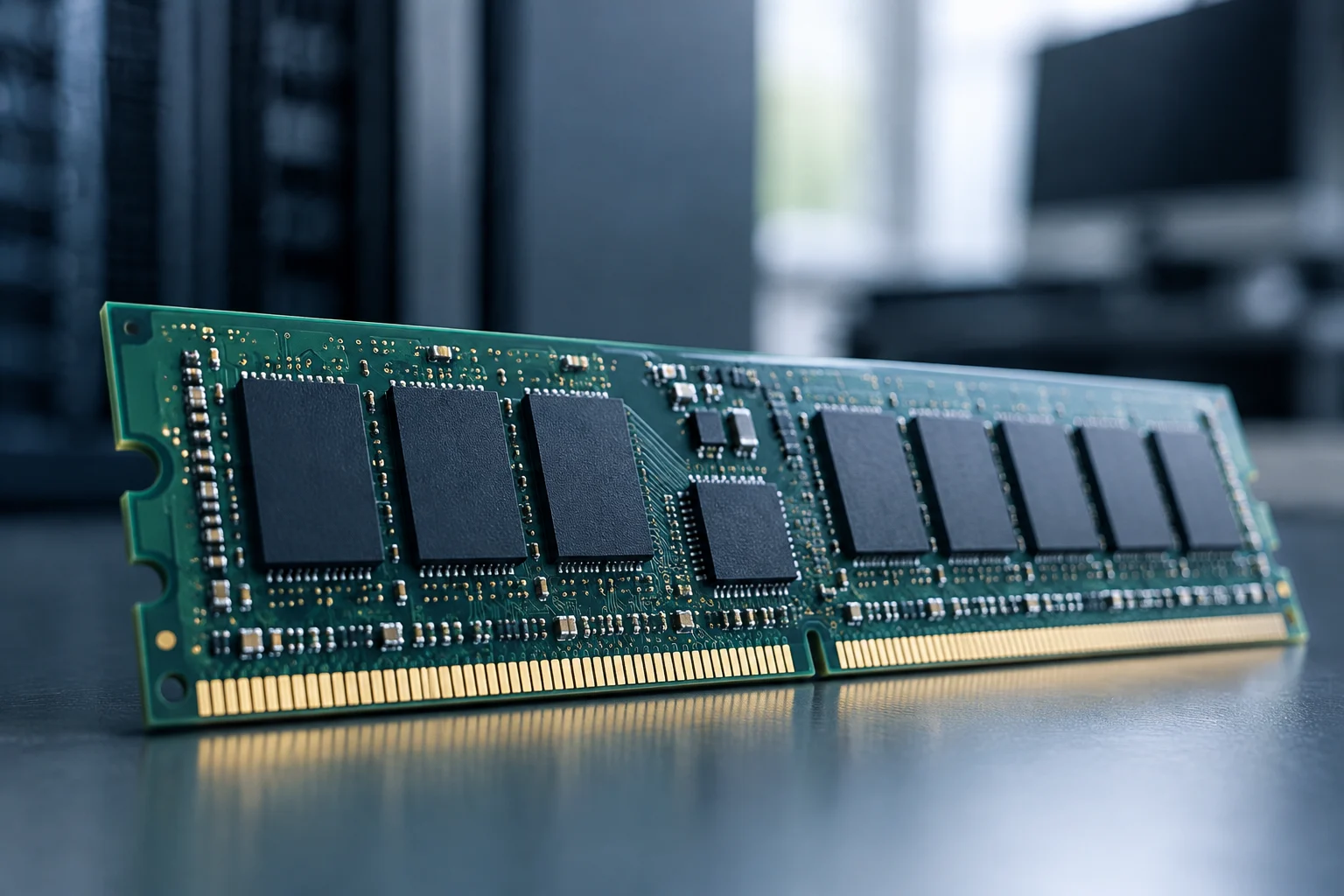
What ECC provides—and what it does not promise
ECC stands for Error-Correcting Code. It is a method for detecting and, depending on the design, correcting errors in data that passes through or is temporarily stored in memory. In practical terms, memory adds redundant information that the controller can use to identify inconsistencies. Its purpose is not to make the computer calculate faster, but to reduce the risk that certain memory errors go unnoticed during processing. The specific function depends on the platform: “ECC” does not, by itself, describe one identical capability in every system.
It is important to distinguish detecting an error from correcting one. An implementation may correct some errors and report others without being able to repair them; the available mechanisms and the system’s response vary. ECC should therefore not be understood as a guarantee that every kind of data corruption will be corrected, nor as a substitute for backups, storage redundancy, application-level protection, or integrity checks. Its scope is tied to the errors that the memory design and controller are capable of handling.
The comparison is not simply “ECC, therefore more performance.” The primary purpose of error correction is data integrity, not higher access speed or greater installed capacity. Cost, supported frequency, and other characteristics depend on the particular module and platform, so it would be inaccurate to claim that all ECC modules are slower or more expensive to the same degree. The useful question is whether a specific system can use the protection and whether that protection matters for its workload. ECC is a specific reliability feature, not a broad category that, by itself, predicts a computer’s performance or overall quality.
Compatibility is a chain, not a label
A module fitting into a slot does not prove that the computer will operate with ECC. Several parts must work together: the processor’s memory controller, the motherboard and its firmware, the type of module, and the supported configuration. If any one of them does not provide or enable the feature, the system might run without correction, be limited to a different mode, or fail to boot with that combination. Electrical and physical compatibility are necessary, but they are not sufficient.
Start by identifying the exact processor, not just its product family. Check its official specifications and look explicitly for ECC memory support; Intel provides guidance on finding this information in its product specifications. Then review the motherboard manual and its validated memory list. The board documentation should clarify which module types it supports, how many can be installed, and which configurations are valid. The processor specification alone does not certify the motherboard’s implementation.
The module type also matters. Do not confuse ECC with registered memory (RDIMM), unbuffered memory (UDIMM), reduced-buffer memory, or other variants. These are separate properties, and a platform may support some combinations while excluding others. Check the full memory technology name, form factor, per-module capacity, and slot-population restrictions. If a generic sales page conflicts with the manufacturer’s manual, give priority to the documentation for the exact model. Do not infer full compatibility from a single checkbox or label: each component can impose different conditions.
How to verify compatibility before buying
Write down the exact processor and motherboard identifiers, along with the motherboard revision if the manufacturer distinguishes revisions. Look for the ECC support field in the processor’s official specification, but do not treat a general statement about a product family as confirmation for every model in it. Intel documents a way to find this information on each processor’s specifications page; for processors from other manufacturers, consult the equivalent page and platform documentation.
Next, review the motherboard manual and its qualified-module list. Look for precise terms such as ECC, non-ECC, unbuffered, or registered, and check whether ECC mode is supported with the processor you plan to install. A compatibility list may be a selection of modules that were tested, rather than a complete catalogue of everything that works. Even so, it can reduce uncertainty and reveal capacity, organization, or module-count restrictions.
Before placing an order, confirm the module’s full part number rather than relying on a short store description. Compare capacity, form factor, memory type, ECC status and, where applicable, registration or buffering, speed, and voltage against the official specifications. If the seller does not provide a part number or combines attributes from several variants, ask for clarification. No prices or model recommendations are included here: these change with the market, and the cited sources do not provide a specific commercial part with verifiable price and availability. Written confirmation of the exact part numbers also makes it easier to resolve questions with the manufacturer or seller before installing the memory.
When ECC may make sense
ECC is worth considering when a workstation performs long-running or error-sensitive processes and the organization wants to reduce a particular class of memory risk. It may be relevant, for example, for calculation tasks, services, or workflows in which a silently altered result would be costly to detect or reproduce. That relevance does not let us quantify how much the risk is reduced in a real workload: the outcome depends on the hardware, environment, software, and operating policy.
For a home computer or a workstation dedicated to tasks where an error would have a low cost, sufficient capacity, compatibility, and general stability may take priority. This does not mean that systems without ECC are necessarily unreliable, or that ECC makes other safeguards unnecessary. For a professional decision, compare the total cost of a compatible platform and memory with the impact of an error, recovery time, and safeguards already in place, rather than treating ECC as a universal mark of quality.
Nor does this protection cover every component or every cause of data loss. Memory ECC does not correct software errors, storage failures, corruption during a transfer outside the protected scope, or physical problems that exceed its correction capability. It also does not guarantee that an application will detect an incorrect result. ECC is a specific mitigation layer; the sensible approach is to include it in a broader reliability strategy, not to substitute it for one. Its value therefore depends on the potential cost of an error and on the protections already being used, not just on the name of the task.
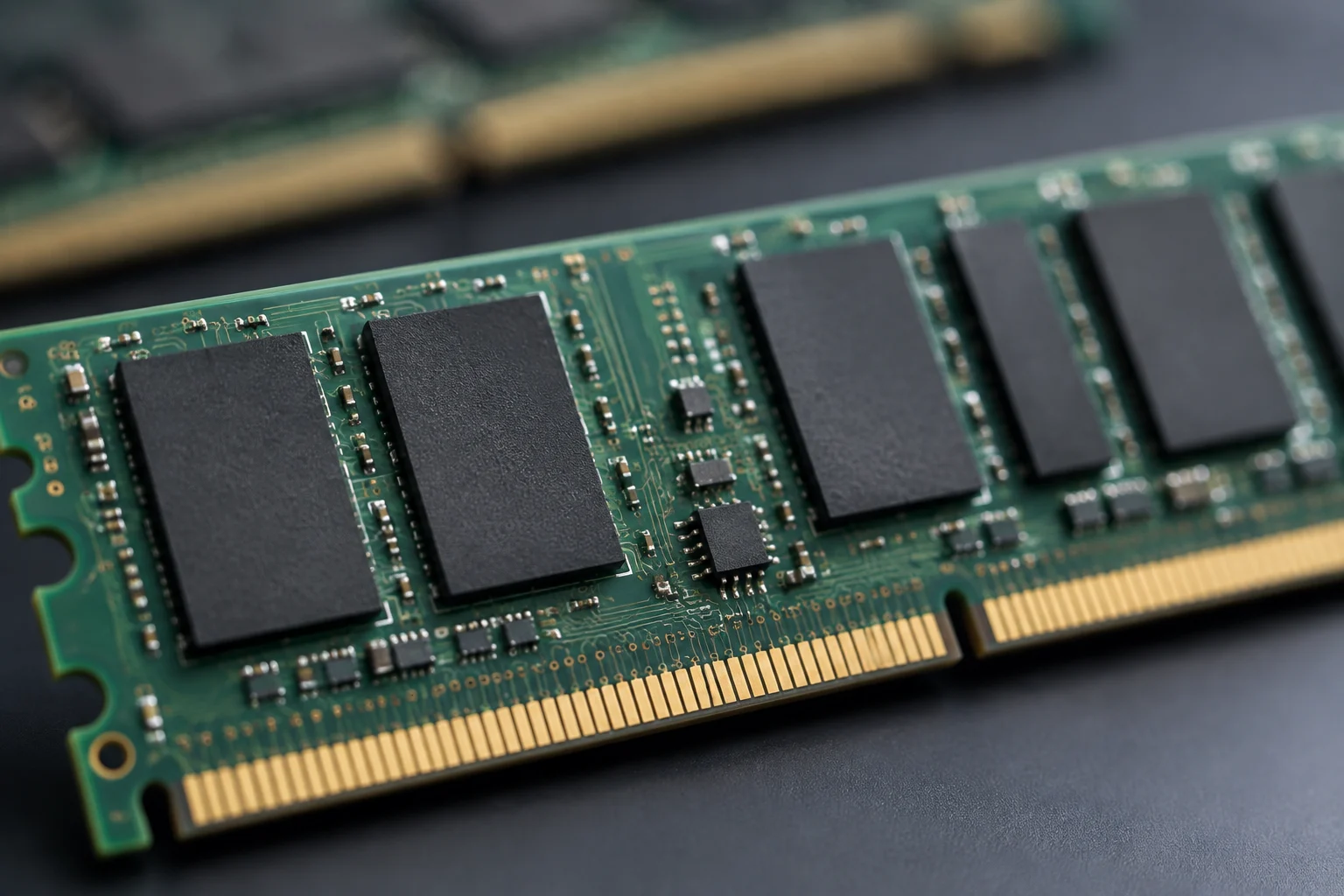
Cost, performance, and a balanced comparison
Conventional memory may be the more practical choice if the available platform does not support ECC, or if the workload does not justify paying for an ECC-capable platform. There is little point in buying modules labelled ECC in the hope of enabling a feature that the processor, motherboard, or firmware does not support. Conversely, if a system is designed for ECC and the workload values data integrity, comparing only module prices leaves out the cost of an interruption, repeated work, or investigating a failure.
Compare equivalent configurations: the same usable capacity, number of modules, and parameters supported by the processor. Price and availability vary by country, retailer, and date; they should not be turned into a fixed rule such as “ECC always costs more.” Nor can we conclude that ECC improves or reduces speed on every platform. Specifications state maximum capabilities and supported modes, but final behaviour belongs to a particular configuration.
A simple decision matrix can help. First: does the exact platform combination enable ECC? Second: would the workload benefit from reducing undetected memory errors? Third: are the cost and restrictions of that platform acceptable compared with the alternative? If the answer to the first question is no, the purchase will not provide the intended feature. If it is yes but the potential impact is irrelevant to the use case, the investment may not be a priority. If both answers are yes, ECC is a reasonable option, not a total guarantee. The comparison is clearer when the technical ability to enable ECC is separated from the economic decision to include it.
Confirm that it is active and understand its limits
Physical installation does not confirm that ECC is working. Check the firmware settings and consult the motherboard and operating-system documentation to find out which indicator or log applies. How status is exposed varies across platforms and systems; there is no universal instruction that applies to all of them. If the firmware offers an ECC-related option, verify that it is enabled, but do not assume that its presence alone confirms the processor and modules are operating in the expected mode.
After booting, use diagnostic tools documented for the platform and look for ECC status and, when reported, correctable or uncorrectable events. Distinguish between “ECC modules installed,” “compatible controller,” and “correction active”: these are related, but not equivalent, conditions. If a tool does not report ECC, that does not automatically prove the computer lacks it; the system may simply not expose the data. Cross-check the result against the manual, firmware, and manufacturer support. Keeping a record of which checks were performed and with which tool can help interpret results later, without treating one reading as definitive proof.
The final decision should rely on documentation for specific models, not a general rule about DDR or the fact that a module fits the slot. ECC can reduce certain memory errors if the complete platform implements it and has it enabled. It does not, by itself, show that a computer is faster, completely reliable, or immune to corruption. For anyone building or upgrading a workstation, the safest order is to define the need, confirm processor and motherboard compatibility, choose the exact module, and then verify its operating status. The practical conclusion is conditional: ECC adds value when the platform supports it and reducing that specific risk matters for the intended use.